> ## Documentation Index
> Fetch the complete documentation index at: https://notes.kodekloud.com/llms.txt
> Use this file to discover all available pages before exploring further.
# Problem Statement Meeting with Dasher Team
> This article examines DevOps prerequisites for Dasher Technology and demonstrates how GitHub Actions can streamline their CI/CD workflow.
This article examines the DevOps prerequisites of Dasher Technology and demonstrates how GitHub Actions can streamline their CI/CD workflow.
Dasher Technology offers a platform that integrates data, applications, and devices across on-premises environments. Their R\&D team is exploring cloud migration and containerization, starting with a Node.js project before extending to Java and Python applications. To spearhead this, they formed a DevOps team led by Alice, whose mission is to design and implement a best-practice CI/CD pipeline on a multi-cloud infrastructure using Docker and Kubernetes.
## Current State and Challenges
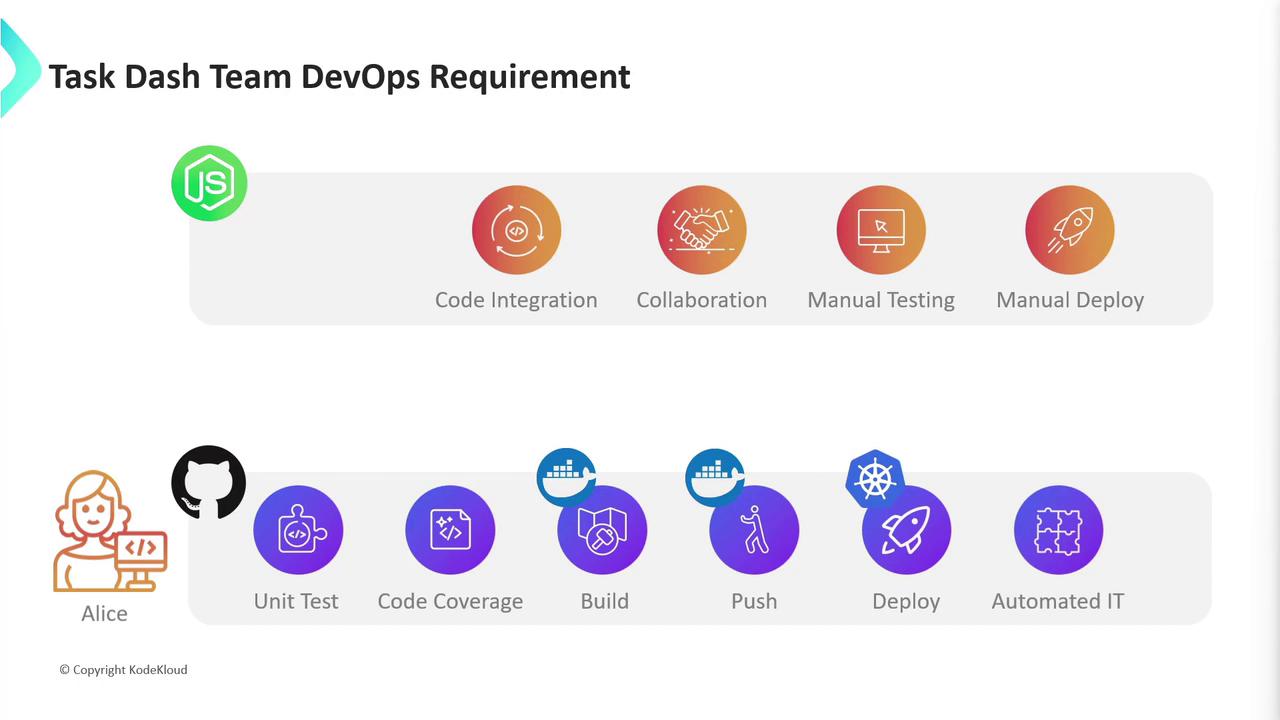
Alice’s assessment uncovered several critical gaps in the existing Node.js project:
* No version control system in place
* Developers work in isolation with manual code integration
* Slow, error-prone testing and infrequent merges
* Manual deployments across development, staging, and production
Without version control and automation, release risk is high and collaboration suffers.
## Defining the CI/CD Pipeline
To address these challenges, Alice defined a CI/CD pipeline with these stages:
1. Adopt GitHub for version control and team collaboration
2. Automate unit tests and measure code coverage
3. Build and push Docker images
4. Deploy the application to Kubernetes
5. Run automated integration tests
## Evaluating CI/CD Tools
The market offers many CI/CD solutions:
| Tool | Pros | Cons |
| --------- | ---------------------------------------------- | ---------------------------------------- |
| Jenkins | Extensible, self-hosted, large plugin library | Manual maintenance, steep learning curve |
| Travis CI | Easy cloud setup, GitHub integration | Limited concurrency in open-source tier |
| CircleCI | Fast workflows, SSH debugging | Usage-based pricing |
| Spinnaker | Kubernetes-centric, advanced deployment models | Complex configuration |
| Bamboo | Tight Jira integration | License costs |
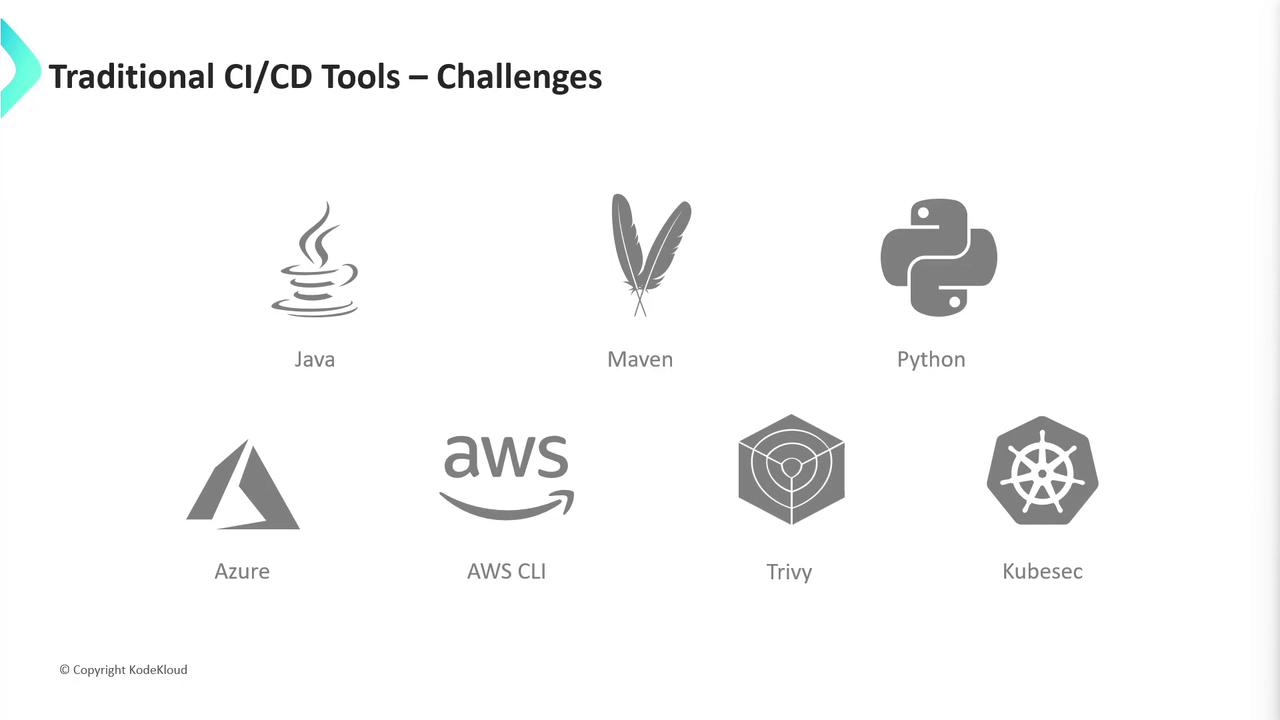
These tools require provisioning servers, installing dependencies, and ongoing management. As projects multiply (Java, Python, AWS, Azure), manual overhead grows:
## Jenkins Setup: Manual Steps
If choosing Jenkins, the initial setup includes:
| Step | Description |
| ---- | ----------------------------------------------------- |
| 1 | Provision VM with CPU, memory, and disk |
| 2 | Install Java JDK |
| 3 | Configure firewall rules |
| 4 | Install Jenkins and required plugins |
| 5 | Install Node.js, npm (multiple versions) |
| 6 | Install Docker for image builds |
| 7 | Install `kubectl`, Helm, and other Kubernetes clients |
| 8 | Add CLIs for integration testing and reporting |
As the ecosystem expands, you may also need Maven, Python, AWS CLI, Trivy, KubeSec, and other DevSecOps tools.
## Why GitHub Actions?
Alice needed a solution that:
* Requires minimal setup and no separate infrastructure
* Lets the team focus on pipeline development, not server management
* Scales automatically across multiple languages and clouds
After evaluation, GitHub Actions emerged as the best fit. In the next sections, we will:
* Initialize the GitHub repository for Node.js
* Configure workflows for testing and code coverage
* Build and publish Docker images
* Deploy to Kubernetes using `kubectl` and Helm
* Automate end-to-end integration tests
## Links and References
* [GitHub Actions Documentation](https://docs.github.com/actions)
* [Docker Hub](https://hub.docker.com/)
* [Kubernetes Basics](https://kubernetes.io/docs/concepts/overview/what-is-kubernetes/)
* [Trivy: Container Image Security Scanner](https://github.com/aquasecurity/trivy)
* [Helm Charts](https://helm.sh/docs/topics/charts/)