> ## Documentation Index
> Fetch the complete documentation index at: https://notes.kodekloud.com/llms.txt
> Use this file to discover all available pages before exploring further.
# Demo Script Console
> The Jenkins Script Console allows administrators to execute Groovy scripts for debugging, configuration, and maintenance tasks on the Jenkins instance.
## Introduction
The Jenkins Script Console enables administrators to execute Groovy scripts directly on the controller or any connected agent. This powerful interface is ideal for debugging, configuration, and maintenance tasks.
The Script Console provides unrestricted control over your Jenkins instance. Only trusted users with **admin** privileges should have access.
## Accessing the Script Console
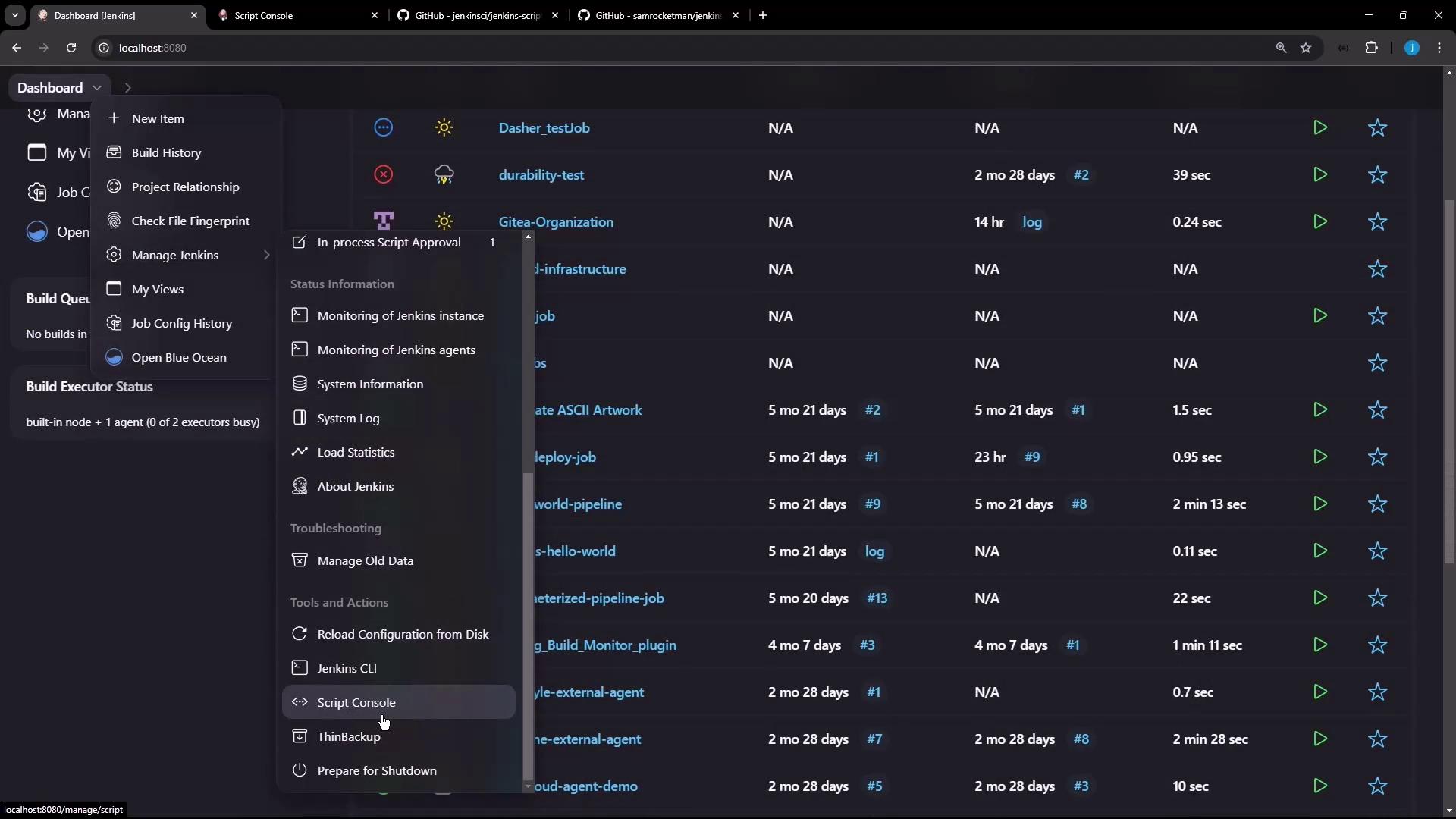
You can open the Script Console in two ways:
1. From the Jenkins dashboard:
* Go to **Manage Jenkins** → **Script Console**.
2. From **Manage Nodes**:
* Select the **Built-In Node** and click **Script Console**.
***
## Basic Groovy Scripts
Most common Jenkins classes are pre-imported, so you can start scripting immediately:
| Script | Description |
| ------------------------------------------------------------------------ | ---------------------------------------- |
| `println Jenkins.instance.pluginManager.plugins` | List all installed plugins |
| `println System.getenv("PATH")`
`println "uname -a".execute().text` | Show environment variables & system info |
```groovy theme={null}
// List installed plugins
println Jenkins.instance.pluginManager.plugins
```
```groovy theme={null}
// Inspect environment & system info
println System.getenv("PATH")
println "uname -a".execute().text
```
***
## Printing the Jenkins Version
Explicitly import the `Jenkins` class to fetch the current version:
```groovy theme={null}
import jenkins.model.Jenkins
def jenkinsVersion = Jenkins.instance.version
println "Jenkins Version: ${jenkinsVersion}"
```
***
## Retrieving Job Details
This script iterates through all jobs and prints key attributes:
```groovy theme={null}
import jenkins.model.Jenkins
def jobs = Jenkins.instance.getAllItems()
jobs.each { job ->
println "##########################################"
println "Job Full Name: ${job.fullName}"
println "Job Name: ${job.name}"
println "Job URL: ${job.absoluteUrl}"
println "Last Build #: ${job.lastBuild?.number}"
println "Job Class: ${job.getClass().name}"
println "##########################################"
}
```
| Property | Description |
| ------------------- | ------------------------------------------- |
| `fullName` | Folder path + job name |
| `name` | Job’s own name |
| `absoluteUrl` | Direct URL to the job |
| `lastBuild?.number` | Number of the last build (nullable) |
| `getClass().name` | Job type (e.g., FreeStyleProject, Workflow) |
***
## Leveraging Community Scripts
### jenkinsci/jenkins-scripts
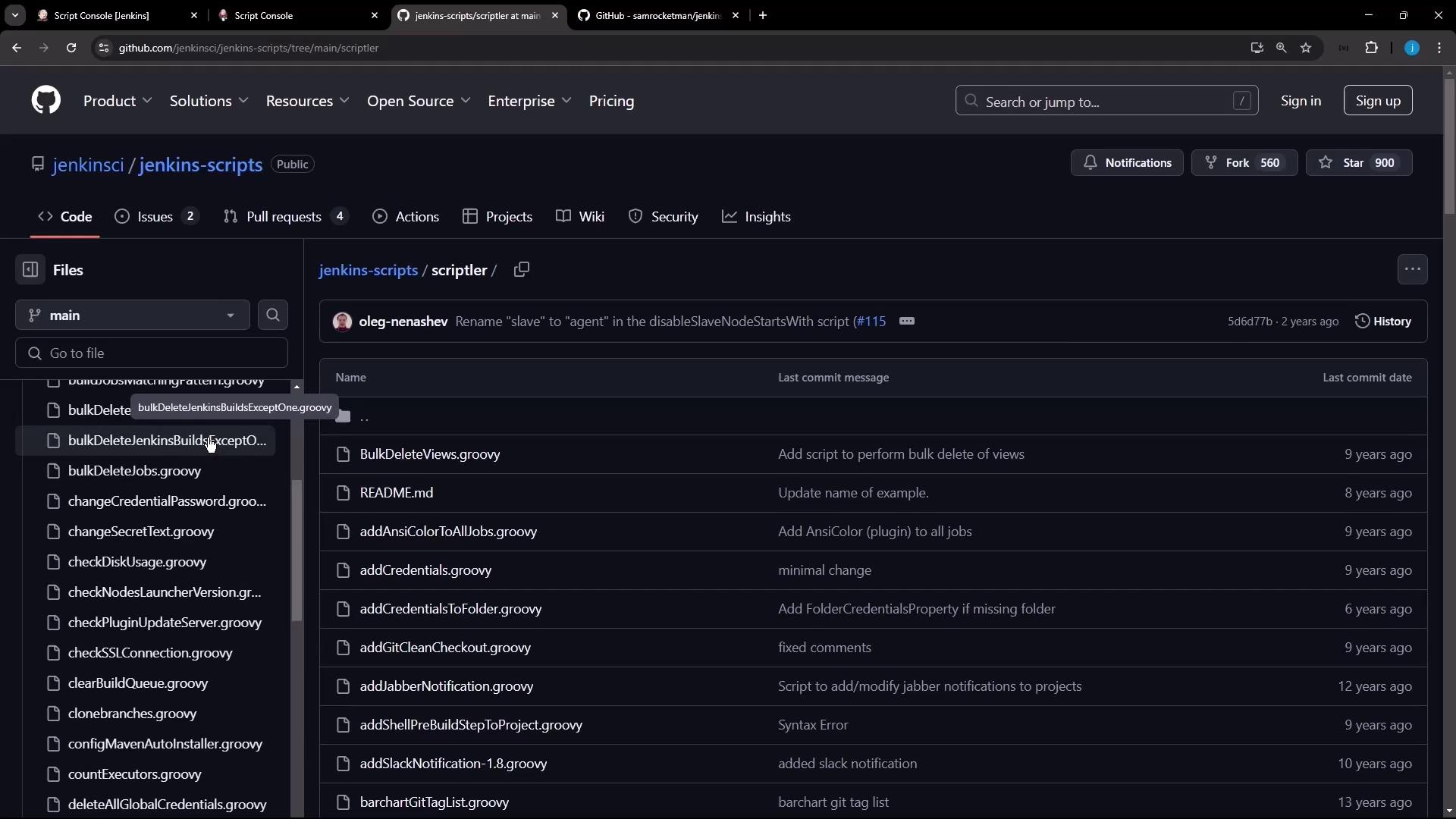
The [jenkinsci/jenkins-scripts](https://github.com/jenkinsci/jenkins-scripts) repository provides numerous utilities. For example, count executors on each node:
```groovy theme={null}
import jenkins.model.Jenkins
println "All Nodes - executor count:"
Jenkins.instance.computers.eachWithIndex { node, idx ->
println "[${idx+1}] ${node.displayName}: ${node.numExecutors}"
}
println "\nTotal nodes: ${Jenkins.instance.computers.size()}"
println "Total executors: ${Jenkins.instance.computers.sum { it.numExecutors }}"
```
*Output example:*
```text theme={null}
[1] Built-In Node: 2
[2] ubuntu-agent: 1
Total nodes: 2
Total executors: 3
```
### samrocketman/jenkins-script-console-scripts
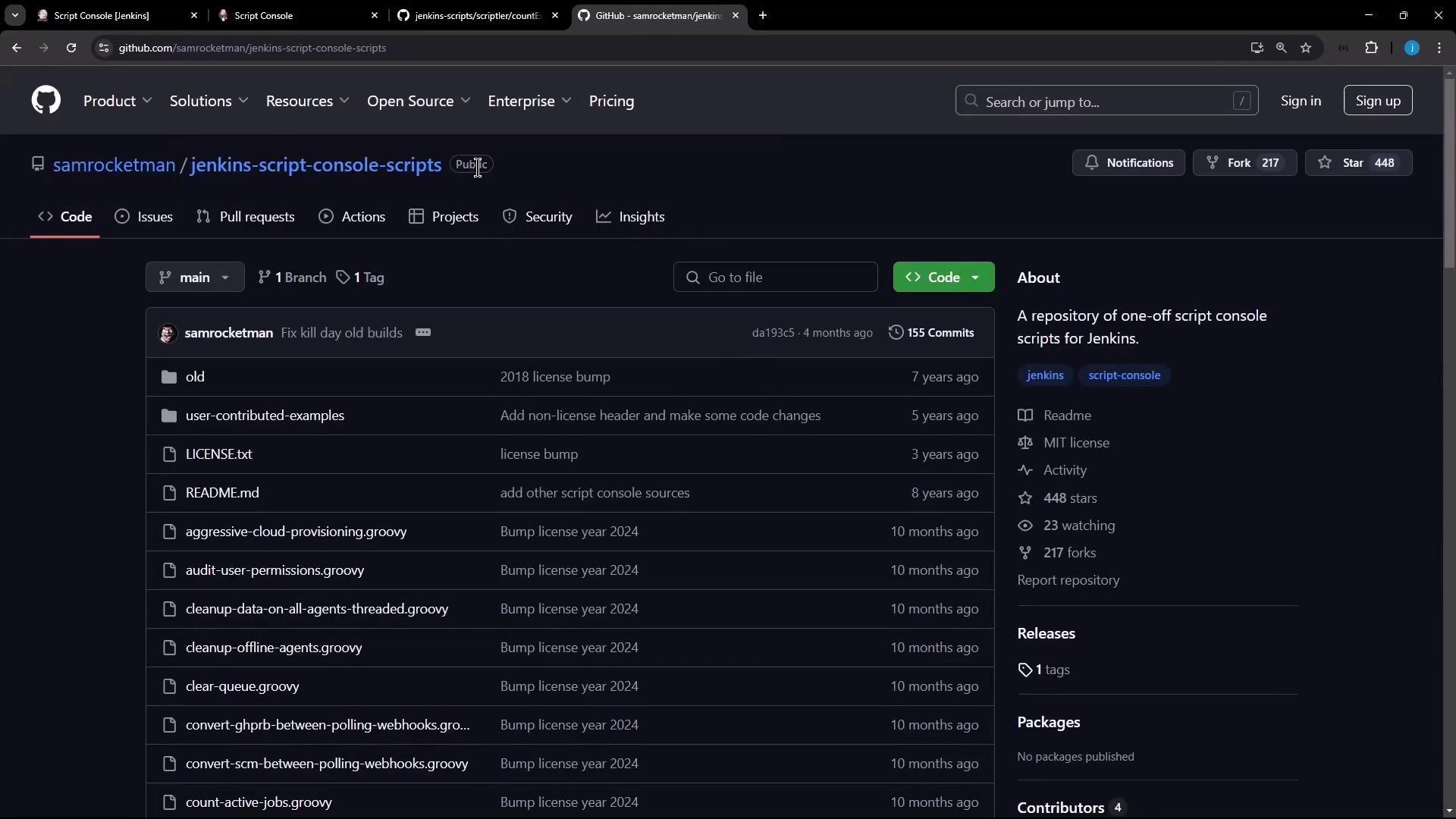
Another valuable collection is [samrocketman/jenkins-script-console-scripts](https://github.com/samrocketman/jenkins-script-console-scripts). The **Jenkins stats** script gathers metrics on jobs, users, builds, and more:
```groovy theme={null}
// Print Jenkins statistics (assumes variables are defined)
println "GitHub Orgs: ${organizations}"
println "GitHub Projects: ${projects}"
println "Jenkins Jobs: ${count}"
println "Jobs w/ Builds: ${jobs_with_builds}"
println "Users: ${total_users}"
println "Global Builds: ${global_total_builds}"
println "Pull Requests: ${total_pull_requests}"
println "Tag Releases: ${total_tag_releases}"
println "Projects by Type:"
count_by_type.each { type, num -> println " ${type}: ${num}" }
null
```
Always review third-party scripts before executing to ensure they’re safe and free of malicious code.
***
## Disabling the Jenkins CLI
To disable CLI access (both TCP and `/cli` URL), run the following Groovy script:
```groovy theme={null}
import hudson.remoting.AgentProtocol
import jenkins.model.Jenkins
import hudson.model.RootAction
def changed = false
// Remove CLI protocols over TCP
def protocols = AgentProtocol.all()
protocols.findAll { it.name.contains("CLI") }.each {
protocols.remove(it)
changed = true
}
// Remove CLI actions from /cli URL
def removeCliActions = { list ->
list.findAll { it.class.name.contains("CLIAction") }.each {
list.remove(it)
changed = true
}
}
removeCliActions(Jenkins.instance.getExtensionList(RootAction))
println changed ? "CLI access disabled." : "No CLI protocols found."
null
```
***
## Conclusion
The Script Console is a powerful Jenkins feature for automation, diagnostics, and configuration. Always proceed with caution and restrict console access to trusted administrators.
***
## Links and References
* [Jenkins Official Documentation](https://www.jenkins.io/doc/)
* [Groovy Language Documentation](http://groovy-lang.org/documentation.html)
* [jenkinsci/jenkins-scripts](https://github.com/jenkinsci/jenkins-scripts)
* [samrocketman/jenkins-script-console-scripts](https://github.com/samrocketman/jenkins-script-console-scripts)