> ## Documentation Index
> Fetch the complete documentation index at: https://notes.kodekloud.com/llms.txt
> Use this file to discover all available pages before exploring further.
# DemoGroovy Sandbox and In process Script Approval Part 1
> This guide explores Jenkins Groovy Sandbox and In-Process Script Approval for securing untrusted Groovy code execution.
In this guide, we explore how Jenkins protects its controller from untrusted Groovy code using the **Groovy Sandbox** and the **In-Process Script Approval** mechanism. You’ll learn how to verify the Script Security plugin, configure sandboxed pipelines, handle approval errors, and authorize scripts for production use.
## 1. Understanding the Groovy Sandbox
Jenkins executes user-provided Groovy scripts inside a restricted environment known as the **Groovy Sandbox**. This sandbox limits available APIs and prevents potentially harmful operations without administrator approval.
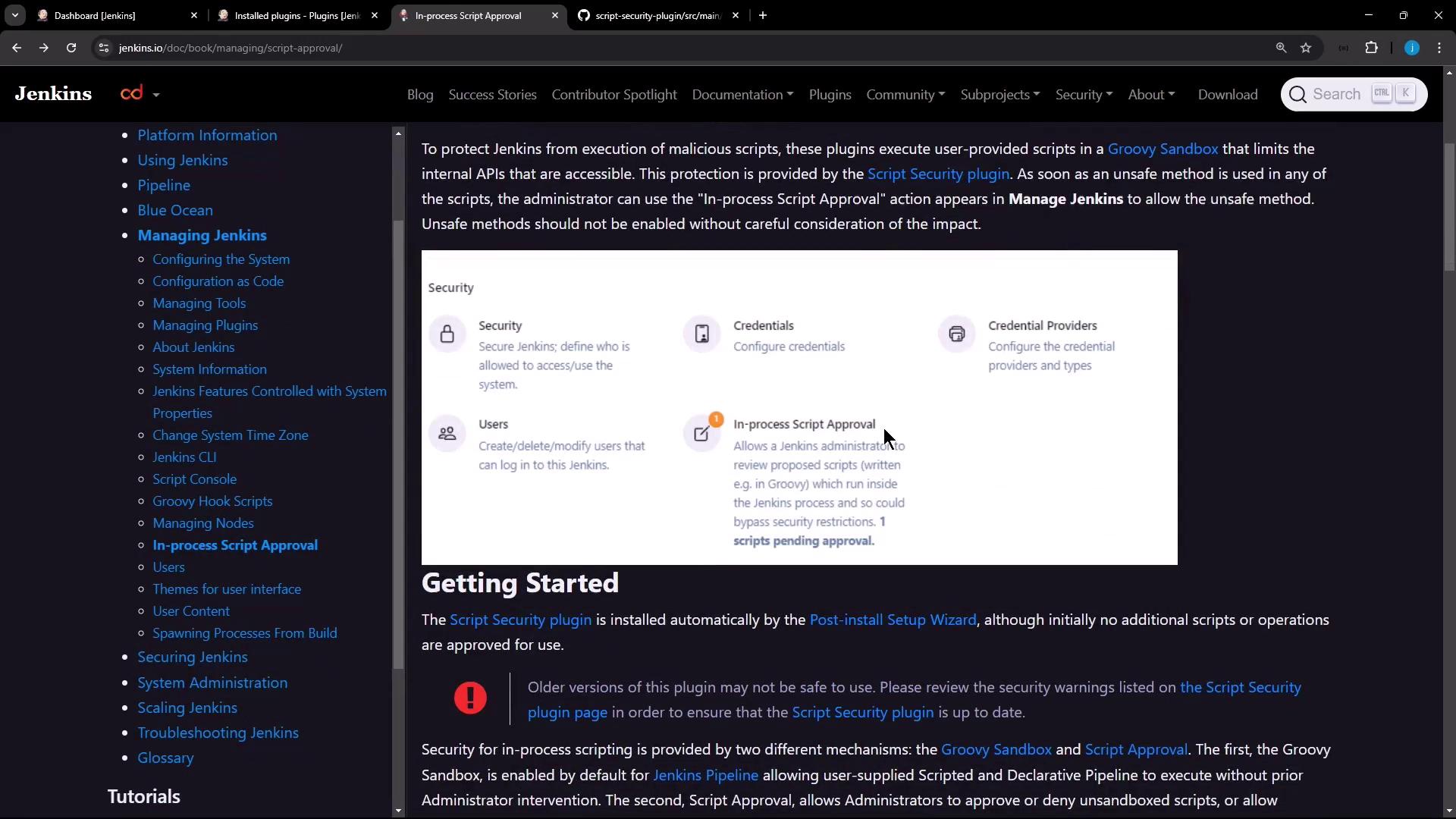
The **Script Security** plugin enforces two layers of protection:
* **Groovy Sandbox**\
Runs scripted and declarative pipelines by default, restricting unapproved methods and classes.
* **In-Process Script Approval**\
Queues any script usage that requires extra permissions. Administrators can review and approve or deny these requests.
## 2. Verifying the Script Security Plugin
Ensure the Script Security plugin is installed and up to date:
1. Navigate to **Manage Jenkins** → **Manage Plugins**.
2. Select the **Installed** tab.
3. Look for **Script Security** in the list.
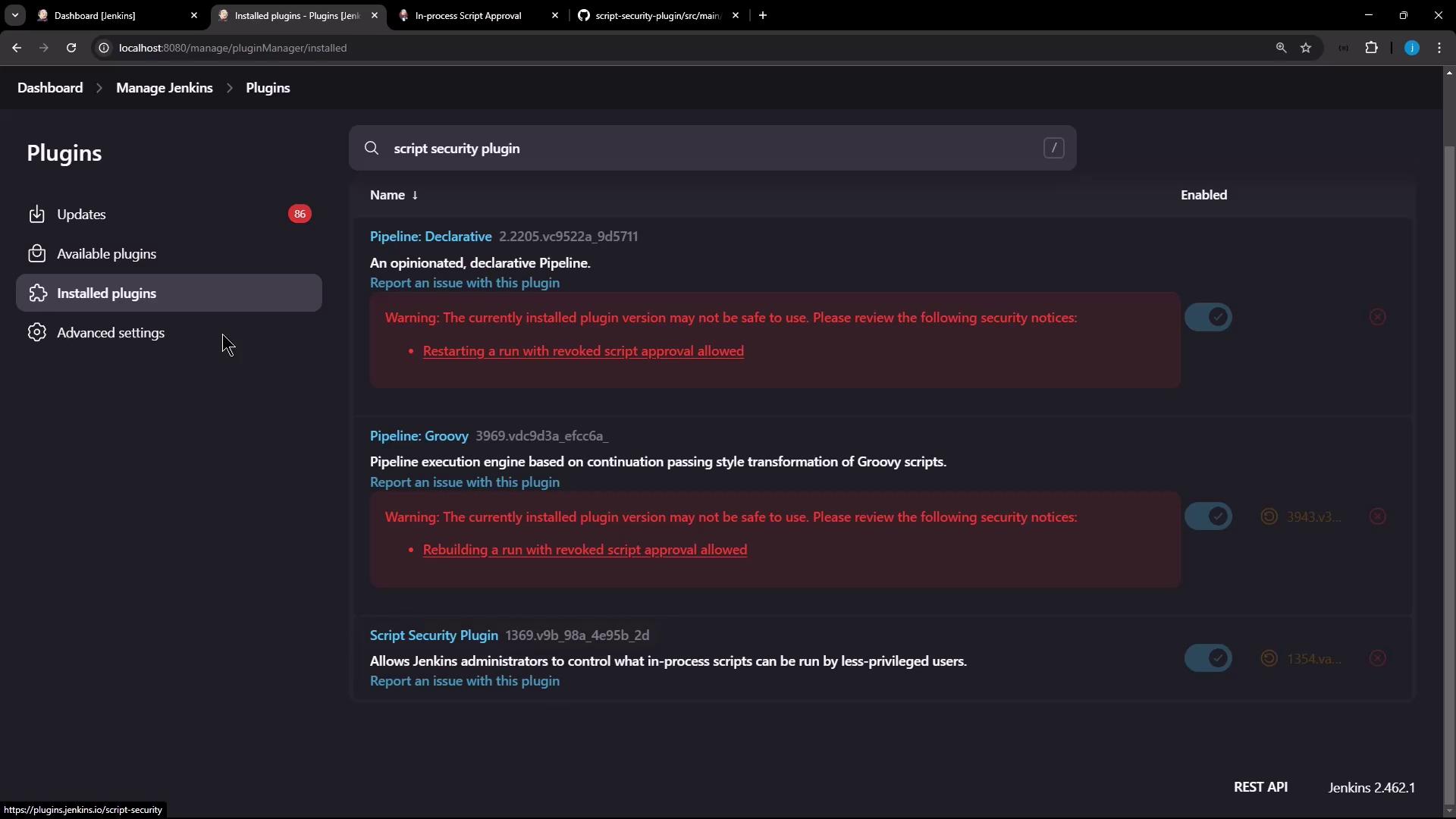
Keeping the Script Security plugin updated reduces your exposure to known vulnerabilities.
## 3. Creating a Declarative Pipeline (Sandbox Enabled)
Let’s create a new pipeline job with sandboxing:
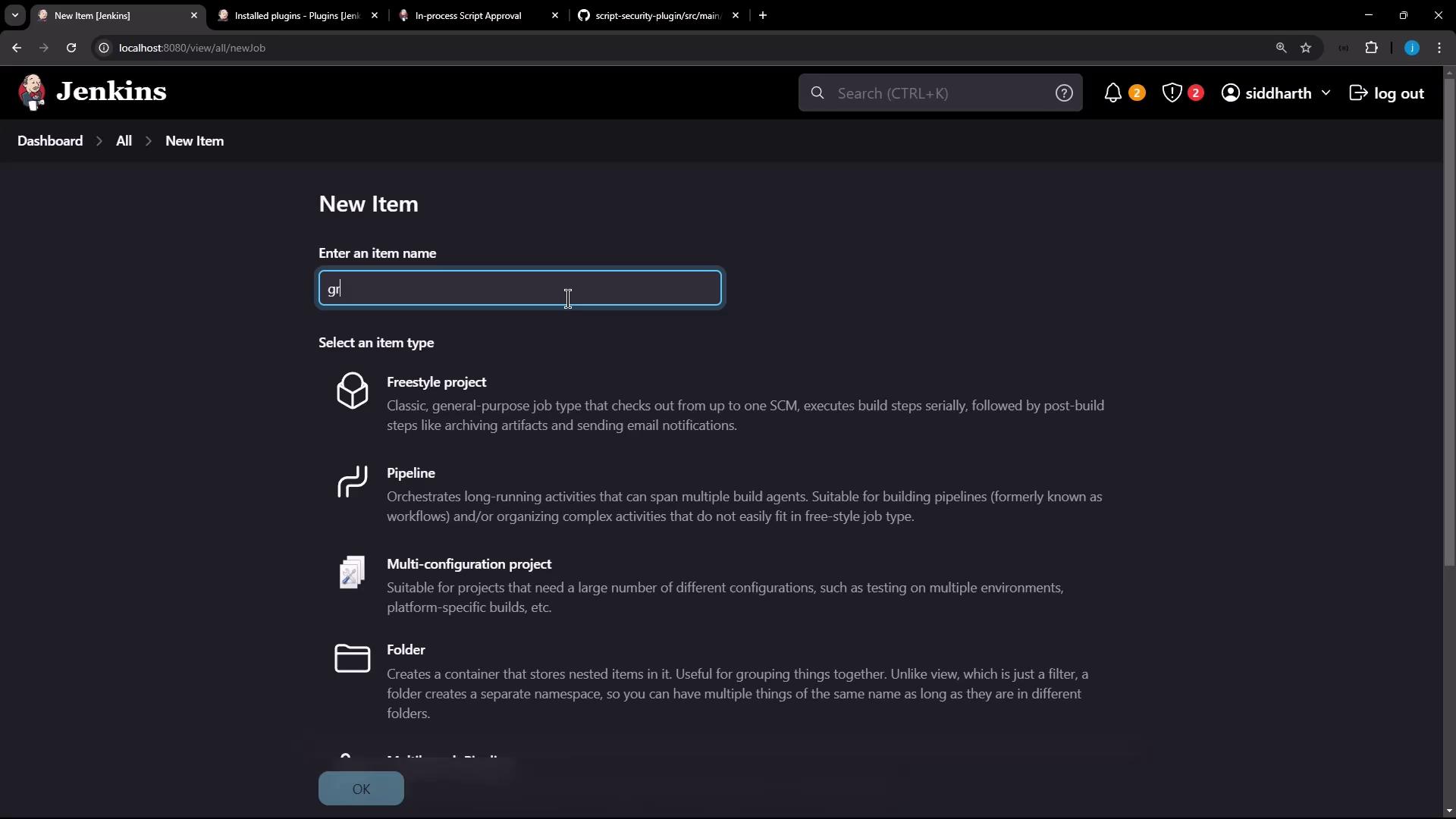
1. Go to **New Item**, enter a name (e.g., **Groovy Sandbox Test**), and select **Pipeline**.
2. In the Pipeline section, paste the following script. The **Use Groovy Sandbox** checkbox is enabled by default.
```groovy theme={null}
pipeline {
agent any
stages {
stage('Topic') {
steps {
echo 'Exploring Groovy Sandbox'
}
}
}
}
```
After saving, the job dashboard looks like this:
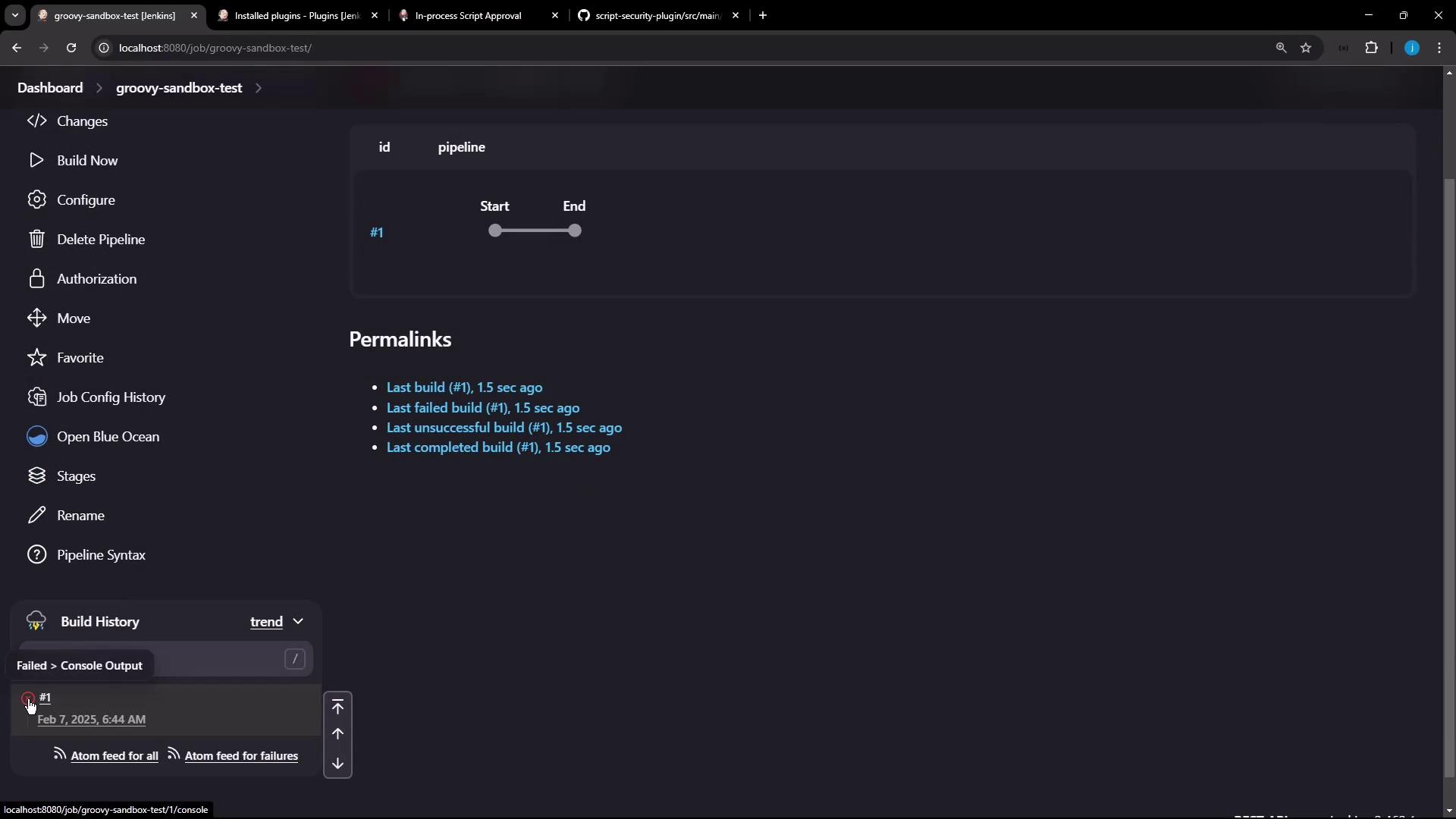
Run the build to confirm it completes without errors.
## 4. Disabling the Sandbox and Handling Approval Errors
When you disable the sandbox, Jenkins will block any unapproved methods:
1. Edit the pipeline job, uncheck **Use Groovy Sandbox**, and save.
2. Run the build again.
```text theme={null}
scriptsecurity.scripts.UnapprovedUsageException: script not yet approved for use
at hudson.plugins.scriptsecurity.scripts.ScriptApproval.usings(ScriptApproval.java:695)
at org.jenkinsci.plugins.scriptsecurity.scripts.ScriptApproval.lookup(ScriptApproval.java:137)
...
Caused: error in script due to build being non-Successfully
```
Disabling the sandbox without prior approvals will cause builds to fail. Only trusted pipelines should run outside the sandbox.
## 5. Approving Scripts In-Process
To authorize the pending script:
1. Go to **Manage Jenkins** → **In-Process Script Approval**.
2. Review the pending signature(s), submitter, and the job name.
3. Click **Approve** for each entry.
Once approved, rerun the **Groovy Sandbox Test** job.
## 6. Verifying a Successful Build
After approval, the pipeline runs without sandbox restrictions:
```text theme={null}
Started by user siddharth
[Pipelines] Start of Pipeline
[Pipelines] node
Running on Jenkins in /var/lib/jenkins/workspace/groovy-sandbox-test
[Pipelines] {
[Pipelines] stage (Topic)
[Pipelines] echo Exploring Groovy Sandbox
Exploring Groovy Sandbox
[Pipelines] }
[Pipelines] End of Pipeline
[Gitea] do not publish assets due to source being no GiteaSCMSource
Finished: SUCCESS
```
## 7. Updating Scripts and Re-Approval
Any change that introduces new method calls or signatures requires re-approval:
```groovy theme={null}
pipeline {
agent any
stages {
stage('Topic') {
steps {
echo 'Exploring Groovy Sandbox!!!!!!!!'
}
}
}
}
```
1. Edit the script and save.
2. Approve the new signature under **In-Process Script Approval**.
3. Rebuild the job to confirm success.
## 8. Summary and Best Practices
* Always run user-provided scripts within the **Groovy Sandbox** unless absolutely necessary.
* Use **In-Process Script Approval** to review new or unsafe method calls.
* Enforce sandboxing globally via [script-security configuration](https://plugins.jenkins.io/script-security/) to prevent unauthorized toggling.
That completes the basics of securing Jenkins pipelines with the Groovy Sandbox and In-Process Script Approval. You’re now equipped to manage and authorize Groovy scripts safely.