> ## Documentation Index
> Fetch the complete documentation index at: https://notes.kodekloud.com/llms.txt
> Use this file to discover all available pages before exploring further.
# Groovy Sandbox and In process Script Approval
> This guide explains Jenkins Groovy sandbox security and managing in-process script approvals, covering default behavior, unapproved methods, UI workflows, and best practices.
In this guide, you’ll learn how Jenkins enforces Groovy sandbox security and how to manage in-process script approvals. We cover default sandbox behavior, unapproved method handling, UI workflows, sandbox disabling, and best practices.
## Default Sandbox Execution in Pipelines
By default, Jenkins runs pipeline Groovy code inside a restricted sandbox provided by the [Script Security Plugin](https://plugins.jenkins.io/script-security/). This prevents unauthorized operations on the controller.
```groovy theme={null}
pipeline {
agent any
stages {
stage('Topic-1') {
steps {
echo 'Groovy Sandbox'
}
}
stage('Topic-2') {
steps {
echo 'In-process Script Approval'
}
}
}
}
```
## How the Groovy Sandbox Works
* Jenkins checks every method call and field access against an approved allow list.
* Unapproved calls halt the script with an exception.
* Signatures awaiting approval appear under **Manage Jenkins ▶ In-process Script Approval**.
## Demonstration: Unapproved Static Method
Attempting to call a method like `Hudson.getInstance()` triggers a failure because it’s not on the allow list:
```groovy theme={null}
pipeline {
agent any
stages {
stage('Get Hudson Instance') {
steps {
script {
def hudson = hudson.model.Hudson.getInstance()
println "Hudson Instance: ${hudson}"
}
}
}
}
}
```
The build stops with an `UnapprovedUsageException`:
```text theme={null}
Started by user siddharth
org.jenkinsci.plugins.scriptsecurity.scripts.UnapprovedUsageException: script not yet approved for use
at org.jenkinsci.plugins.scriptsecurity.scripts.ScriptApproval.using(ScriptApproval.java:695)
…
Finished: FAILURE
```
No further stages execute until an administrator approves the signature.
## In-Process Script Approval UI
When a script fails due to an unapproved signature, it’s listed in **Manage Jenkins ▶ In-process Script Approval**. Administrators can:
| Action | Description |
| --------------------------------- | ------------------------------------------------------------------------- |
| Approve | Add the signature globally, allowing all pipelines to use it immediately. |
| Deny | Block the signature permanently and prevent future attempts. |
| Approve assuming permission check | Allow only if the executing user has appropriate Jenkins permissions. |
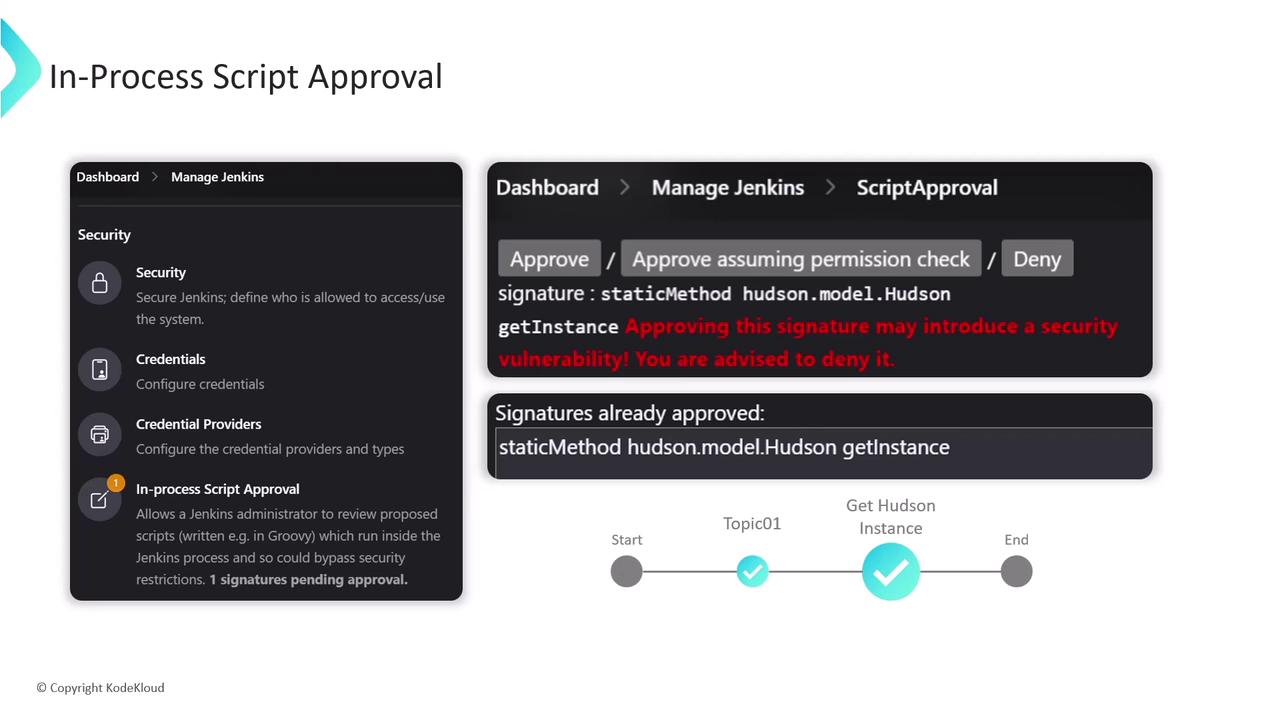
Once approved, any pipeline invoking the signature will succeed until it’s removed from the allow list.
## Disabling the Sandbox in Pipeline Configuration
* Unchecking **Use Groovy Sandbox** means only administrators can run the pipeline without further approvals.
* Non-admins see a prompt indicating that a Jenkins administrator must authorize the script.
* Administrators can approve scripts directly from the job’s configuration page.
Disabling the sandbox exposes your Jenkins controller to unverified code. Only disable if absolutely necessary and you fully trust all pipeline sources.
## Best Practices for Groovy Sandbox
1. Prefer **Scripted Pipelines** when advanced Groovy features are required.
2. Keep the sandbox enabled to minimize security risks.
3. Approve only read-only methods (e.g., getters). Avoid allowlisting any operations that change persisted state (e.g., `execute`, setters).
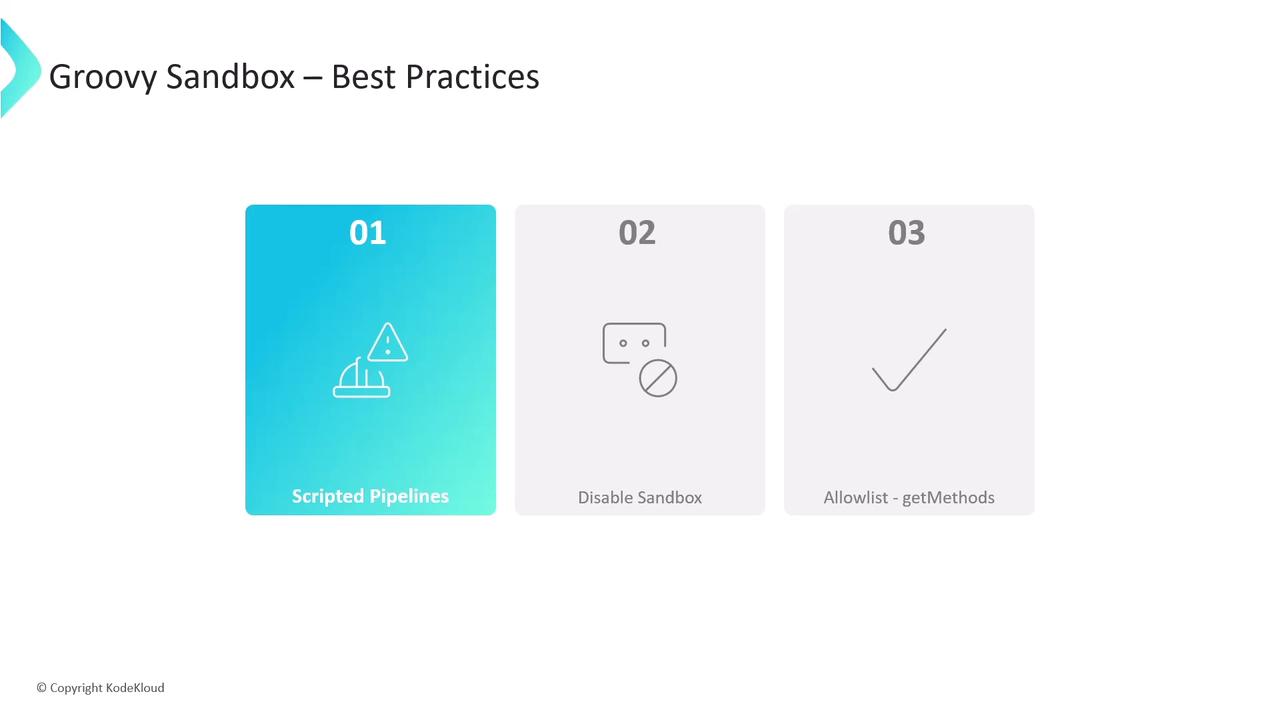
Write and test your pipeline incrementally—each unapproved call surfaces in the Script Approval UI for review.
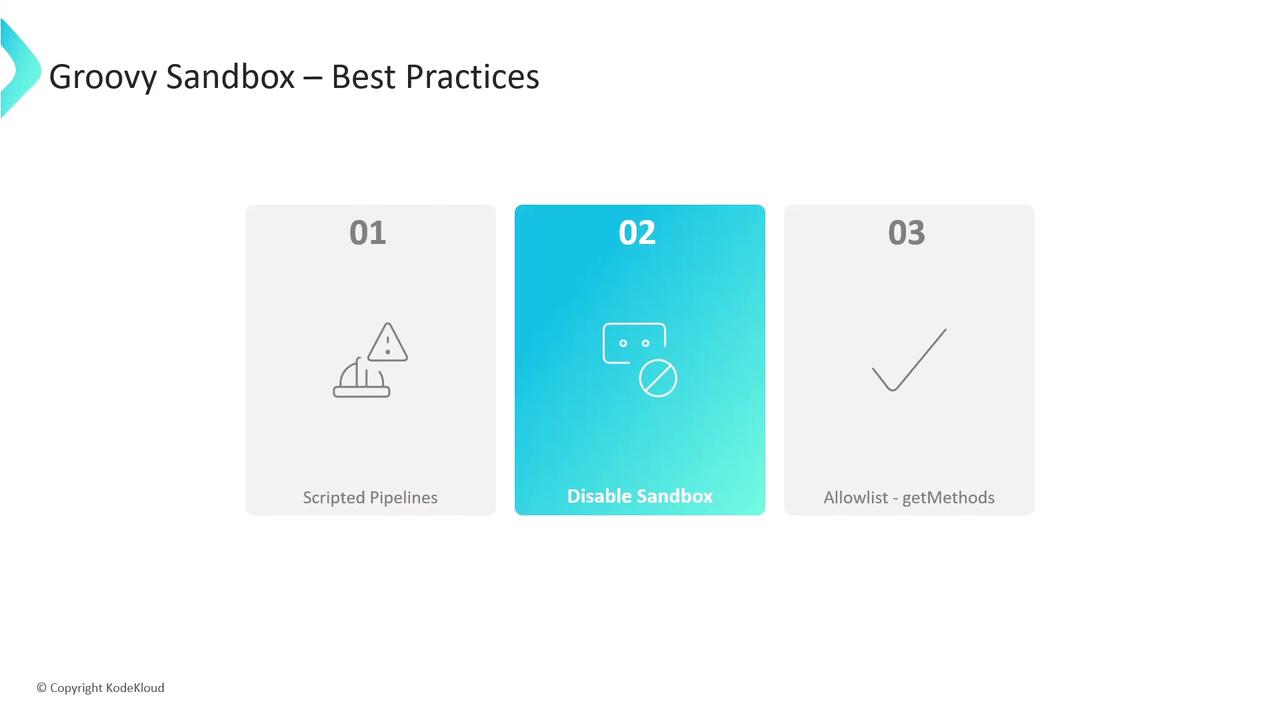
Most safe signatures start with `get`. Steer clear of methods that modify external systems or internal state.
## References
* [Jenkins Pipeline Syntax](https://www.jenkins.io/doc/book/pipeline/syntax/)
* [Script Security Plugin](https://plugins.jenkins.io/script-security/)
* [Managing Jenkins: Script Approval](https://www.jenkins.io/doc/book/managing/script-approval/)