> ## Documentation Index
> Fetch the complete documentation index at: https://notes.kodekloud.com/llms.txt
> Use this file to discover all available pages before exploring further.
# Demo Controller Failure Pipeline Project
> This guide demonstrates modifying a Jenkins Pipeline to handle controller failures and resume from checkpoints.
A controller restart typically disrupts Freestyle jobs, but Jenkins Pipelines are checkpointed and can resume after a reboot. In this guide, you’ll modify a simple “Hello World” Pipeline to include a long-running loop, then simulate a controller failure mid-build and observe Jenkins resume from the last checkpoint.
## Prerequisites
| Component | Requirement |
| ----------------- | ----------------------------------------------------------------------------------- |
| Jenkins | 2.x with the [Pipeline Plugin](https://www.jenkins.io/doc/book/pipeline/) installed |
| Maven | “M3” configured under **Manage Jenkins > Global Tool Configuration** |
| GitHub Repository | Contains your `Jenkinsfile` and sample code |
| SSH Access | To start/stop the Jenkins controller service |
Ensure your Jenkins controller has sufficient permissions to stop and start the service via `systemctl`.
***
## 1. Add a Long-Running Loop to the Pipeline
Open your Pipeline’s `Jenkinsfile` and locate the **Unit Test** stage. Here’s the original Declarative Pipeline:
```groovy theme={null}
pipeline {
agent any
tools {
maven 'M3'
}
stages {
stage('Echo Version') {
steps {
sh 'echo Print Maven Version'
sh 'mvn -version'
}
}
stage('Build') {
steps {
sh 'mvn clean package -DskipTests=true'
}
}
stage('Unit Test') {
steps {
sh 'mvn test'
}
}
}
}
```
### 1.1 Why a Direct Loop Fails
If you insert a Groovy `for` loop directly under `steps`, Declarative syntax rejects it:
```groovy theme={null}
stage('Unit Test') {
steps {
// This will error out
for (int i = 0; i < 60; i++) {
echo "${i + 1}"
sleep 1
}
sh 'mvn test'
}
}
```
### 1.2 Wrapping the Loop in a `script` Block
Correct the syntax by enclosing the loop inside a `script {}` step:
```groovy theme={null}
pipeline {
agent any
tools {
maven 'M3'
}
stages {
stage('Echo Version') {
steps {
sh 'echo Print Maven Version'
sh 'mvn -version'
}
}
stage('Build') {
steps {
sh 'mvn clean package -DskipTests=true'
}
}
stage('Unit Test') {
steps {
script {
for (int i = 0; i < 60; i++) {
echo "${i + 1}"
sleep 1
}
}
sh 'mvn test'
}
}
}
}
```
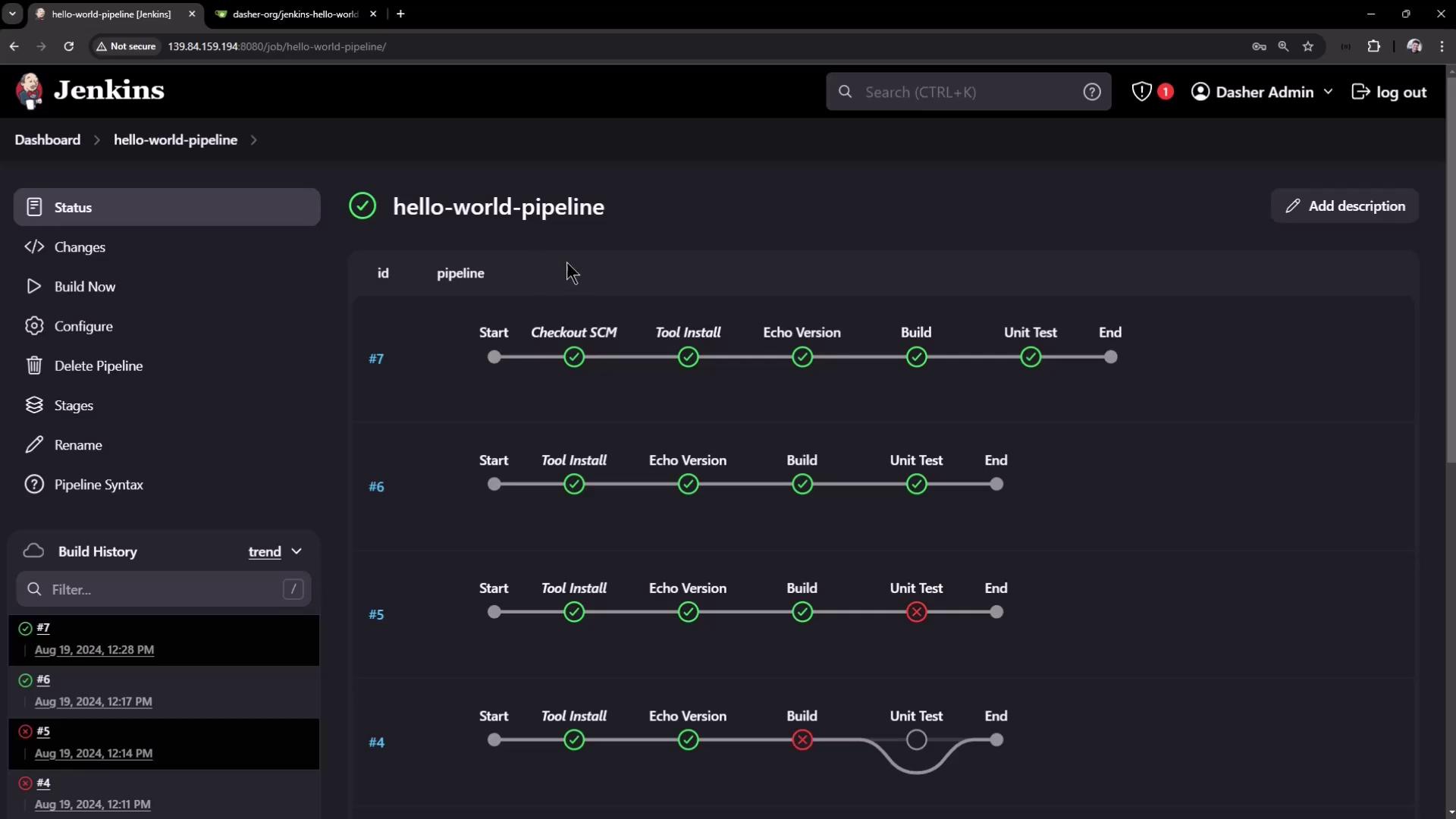
Commit and push to `main`, then trigger the build in Jenkins.
***
## 2. Trigger the Build and Observe the Loop
In **Pipeline Steps**, you’ll see logs like:
```plaintext theme={null}
[Pipeline] script
[Pipeline] { (Unit Test)
[Pipeline] echo
1
[Pipeline] sleep
Sleeping for 1 sec
...
[Pipeline] echo
15
[Pipeline] sleep
Sleeping for 1 sec
```
Allow the loop to run to around **step 37** before interrupting the controller.
***
## 3. Stop the Jenkins Controller Mid-Loop
SSH into your Jenkins controller and halt the service:
```bash theme={null}
sudo systemctl stop jenkins
sudo systemctl status jenkins
```
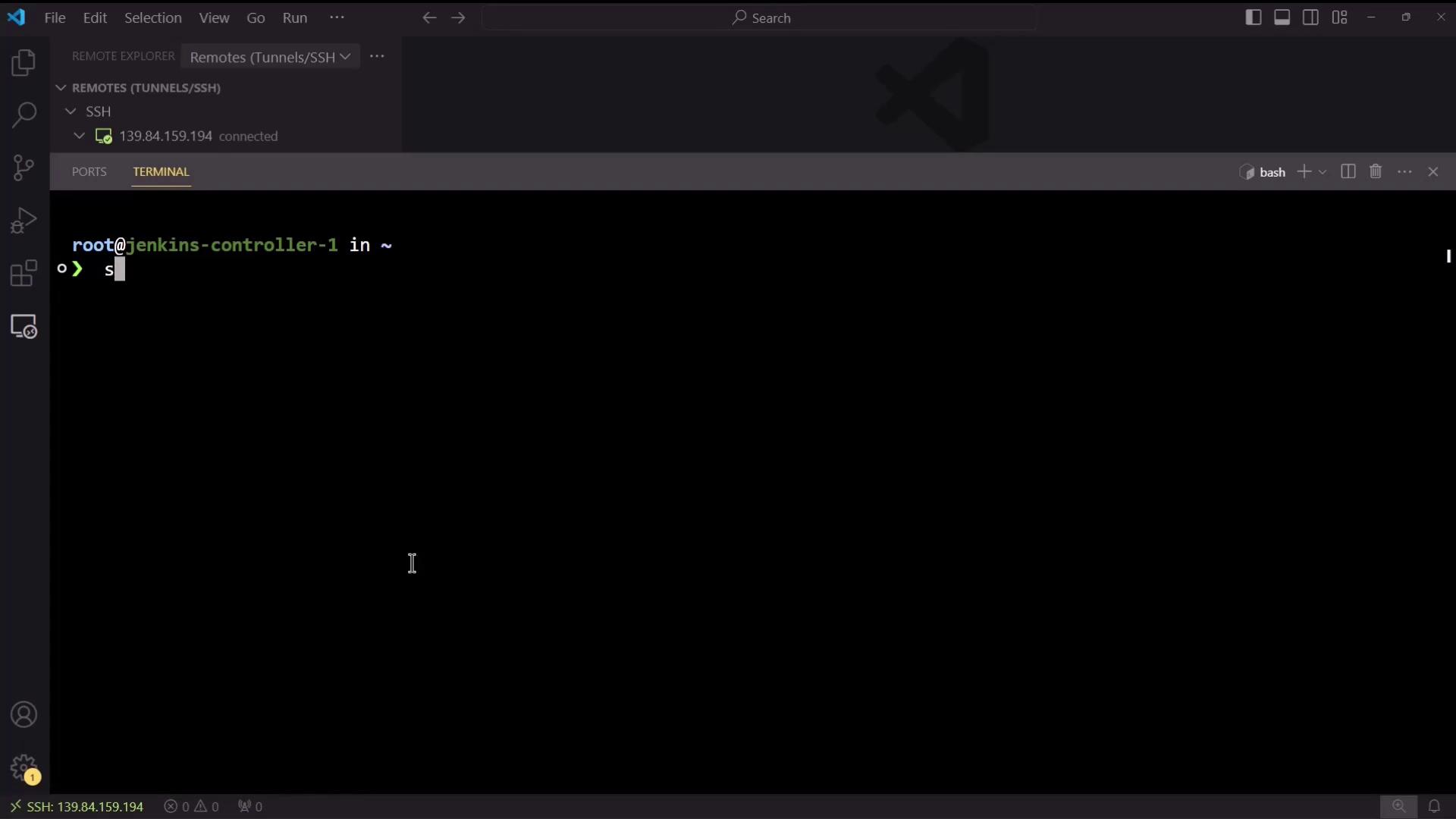
The Pipeline log will freeze at the last echo (e.g., **38**).
***
## 4. Restart Jenkins and Refresh the Console
Bring Jenkins back online:
```bash theme={null}
sudo systemctl restart jenkins
```
After a few seconds, refresh the **Console Output** for your running job:
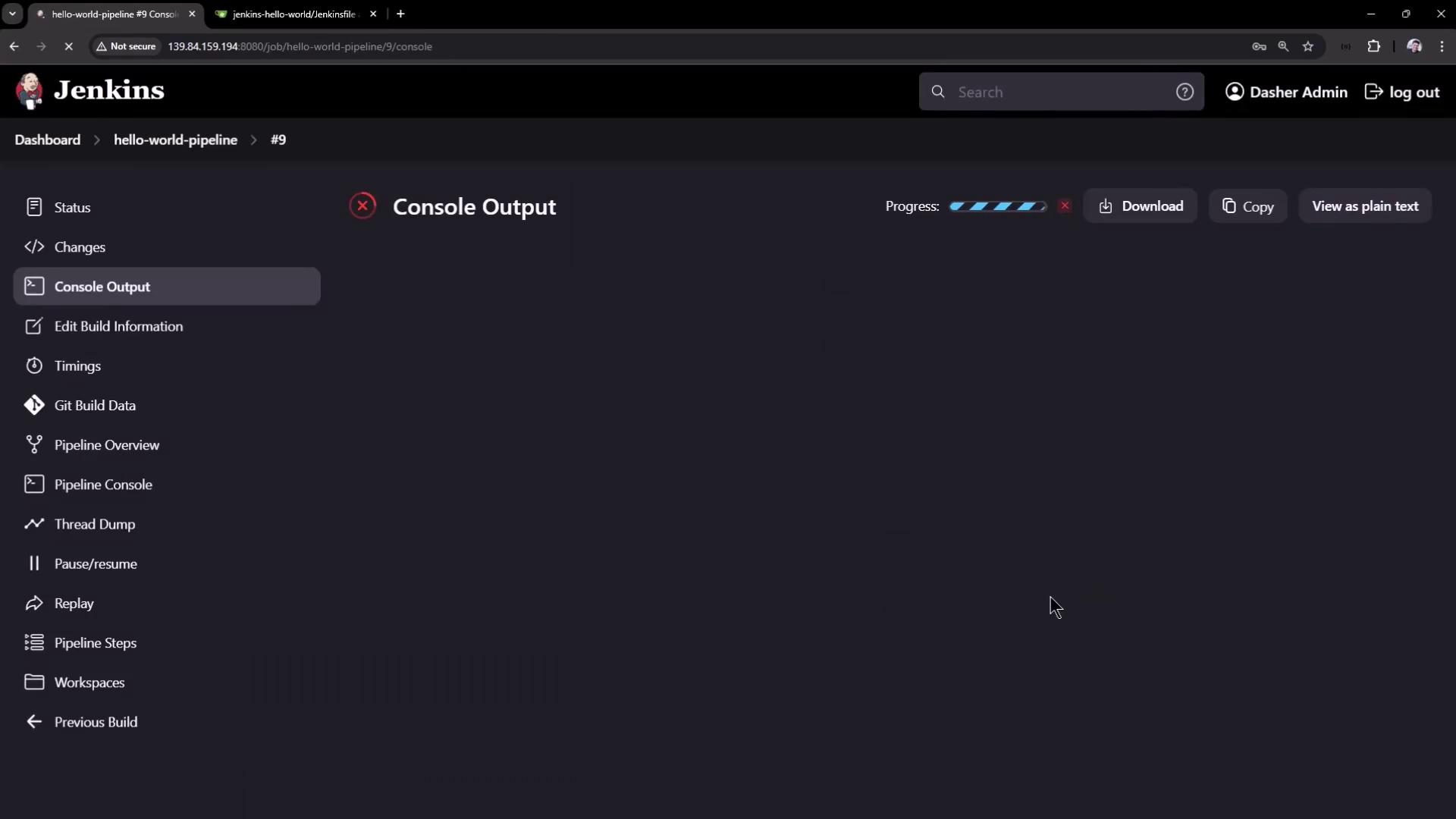
You should see Jenkins resume:
```plaintext theme={null}
Resuming build at Mon Aug 19 18:00:22 UTC 2024 after Jenkins restart
No need to sleep any longer
Ready to run at Mon Aug 19 18:00:23 UTC 2024
[Pipeline] sleep
Sleeping for 1 sec
[Pipeline] echo
39
...
[Pipeline] echo
60
[Pipeline] sleep
Sleeping for 1 sec
[Pipeline] sh
+ mvn test
[INFO] --- surefire:3.2.5:test (default-test) @ hello-demo ---
```
The build continues from the last checkpoint and completes successfully.
***
## 5. Disabling Resume After Controller Restart
By default, Pipelines pick up after a restart. To enforce an abort-on-restart policy:
1. In Jenkins, select **Configure** on your Pipeline project.
2. Under **Build Triggers**, check **Do not allow the pipeline to resume if the controller restarts**.
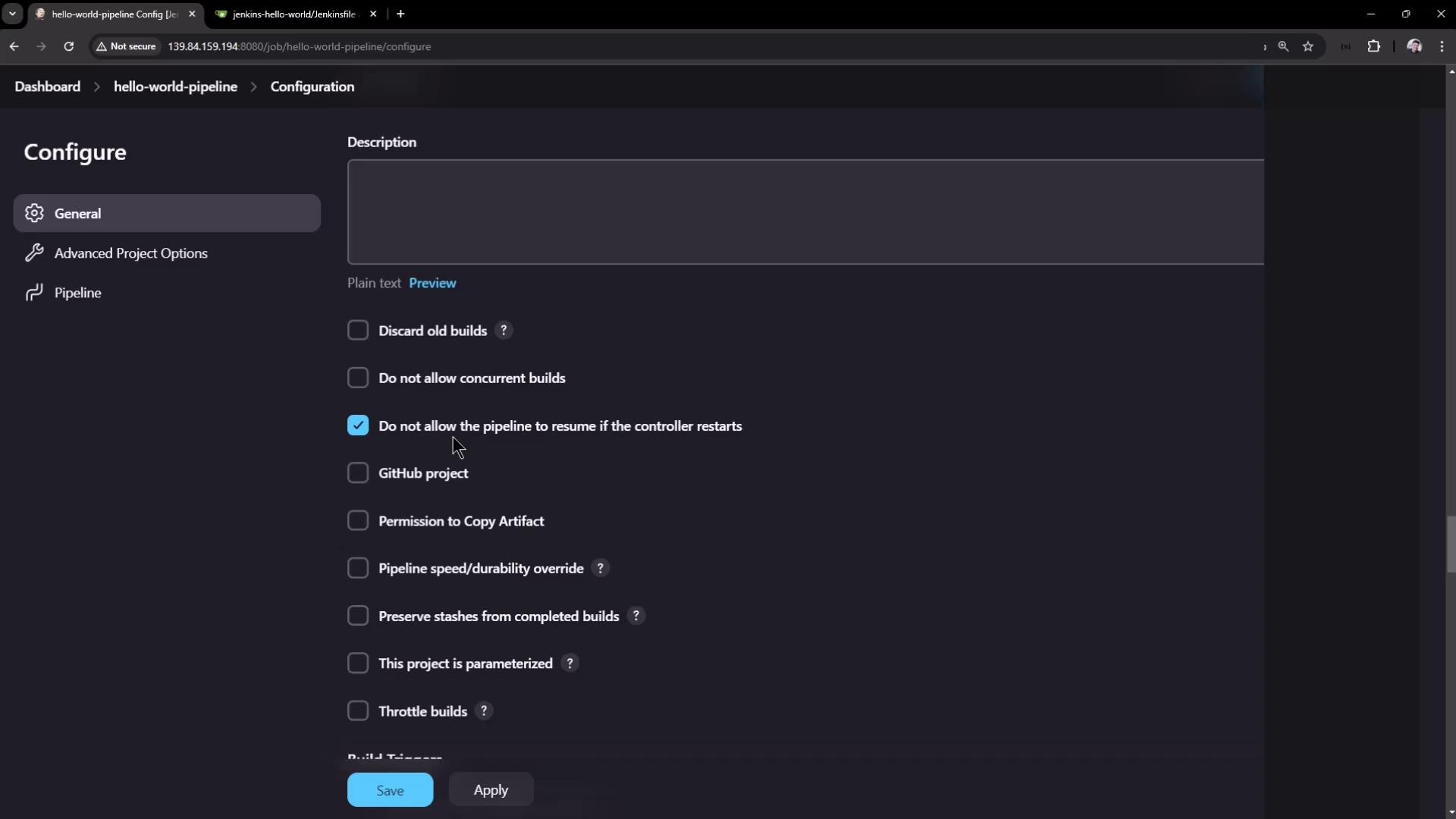
Disabling resume will abort any in-progress Pipeline if the controller restarts. Use this only when you need a strict abort-on-restart policy.
***
## Conclusion
Jenkins Pipelines are designed for resilience. By checkpointing the pipeline state, Jenkins can survive controller restarts and resume where it left off. Use this feature for long-running stages, or disable it when an immediate abort is required on controller failure.
***
## References
* [Jenkins Pipeline Syntax](https://www.jenkins.io/doc/book/pipeline/syntax/)
* [Declarative Pipeline](https://www.jenkins.io/doc/book/pipeline/syntax/#declarative-pipeline)
* [Pipeline: Groovy](https://www.jenkins.io/doc/book/pipeline/groovy/)