> ## Documentation Index
> Fetch the complete documentation index at: https://notes.kodekloud.com/llms.txt
> Use this file to discover all available pages before exploring further.
# Pipeline and Jenkinsfile
> Jenkins Pipeline automates CI/CD workflows using code, enabling version-controlled, reusable, and maintainable pipelines through a Jenkinsfile.
Jenkins Pipeline enables you to automate complex Continuous Integration (CI) and Continuous Deployment (CD) workflows using code. By defining your build, test, and deploy steps in a `Jenkinsfile`, you gain version-controlled, reusable, and maintainable pipelines.
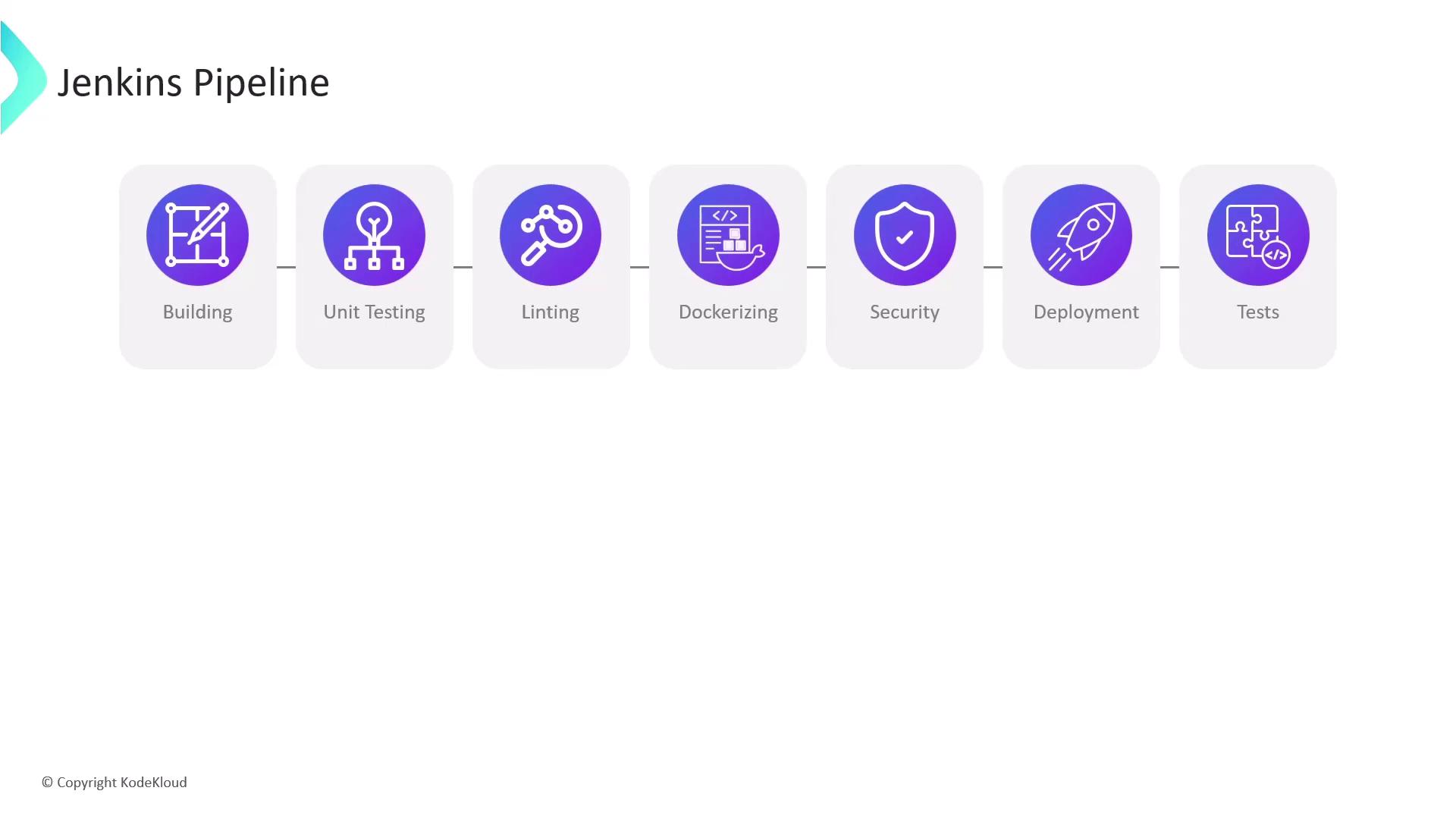
Breaking down your workflow into stages—like Build, Test, Lint, Dockerize, Security Scan, Deploy, and Post-deploy Tests—helps you:
* Achieve clear separation of concerns
* Easily spot failures and bottlenecks
* Parallelize independent tasks (e.g., linting alongside unit tests)
Storing your pipeline stages in code lets you audit history, perform code reviews, and roll back changes through Git.
## 1. Writing Your Jenkinsfile
A `Jenkinsfile` is a Groovy-based script that describes your pipeline. There are two syntaxes:
```groovy theme={null}
pipeline {
agent any
stages {
stage('Build') {
steps {
sh 'mvn clean package'
}
}
stage('Unit Test') {
steps {
sh 'mvn test'
}
}
stage('Dockerize') {
steps {
sh 'docker build -t myapp:${BUILD_NUMBER} .'
sh 'docker push myapp:${BUILD_NUMBER}'
}
}
stage('Deploy') {
steps {
sh 'kubectl apply -f deployment.yaml'
}
}
}
}
```
Key elements:
| Directive | Purpose |
| --------------- | ----------------------------------------------- |
| `pipeline` | Top-level block defining the entire pipeline |
| `agent any` | Executes stages on any available Jenkins agent |
| `stages` | Container for all `stage` directives |
| `stage('Name')` | Logical grouping of related `steps` |
| `steps` | Actual shell, script, or plugin commands to run |
## 2. Declarative vs. Scripted Pipelines
Jenkins supports two pipeline styles. Choose **Declarative** for simplicity or **Scripted** for advanced use cases.
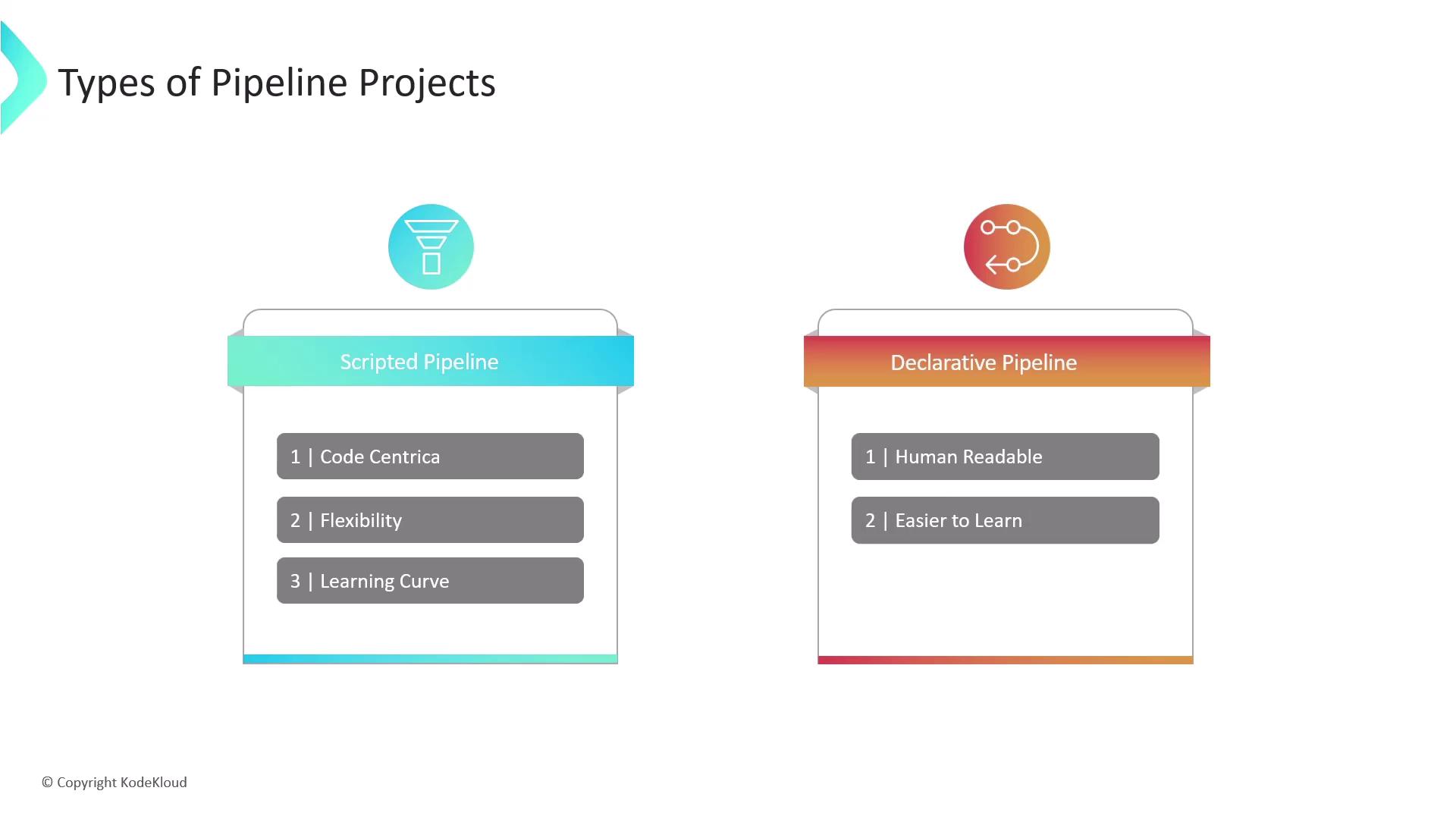
| Feature | Declarative Pipeline | Scripted Pipeline |
| -------------- | ------------------------------------ | ---------------------------------------- |
| Syntax | Opinionated, YAML-like structure | Unrestricted Groovy code |
| Readability | High—designed for easy understanding | Lower—requires Groovy/programming skills |
| Flexibility | Supports standard workflows | Full control with dynamic stages |
| Error Handling | Built-in `post` conditions | Custom try/catch logic |
| Learning Curve | Gentle—ideal for most teams | Steeper—suited to experienced developers |
## 3. Pipeline vs. Freestyle Projects
Freestyle jobs are configured via the Jenkins UI, while Pipeline projects use code. Pipelines offer far greater power, versioning, and resilience.
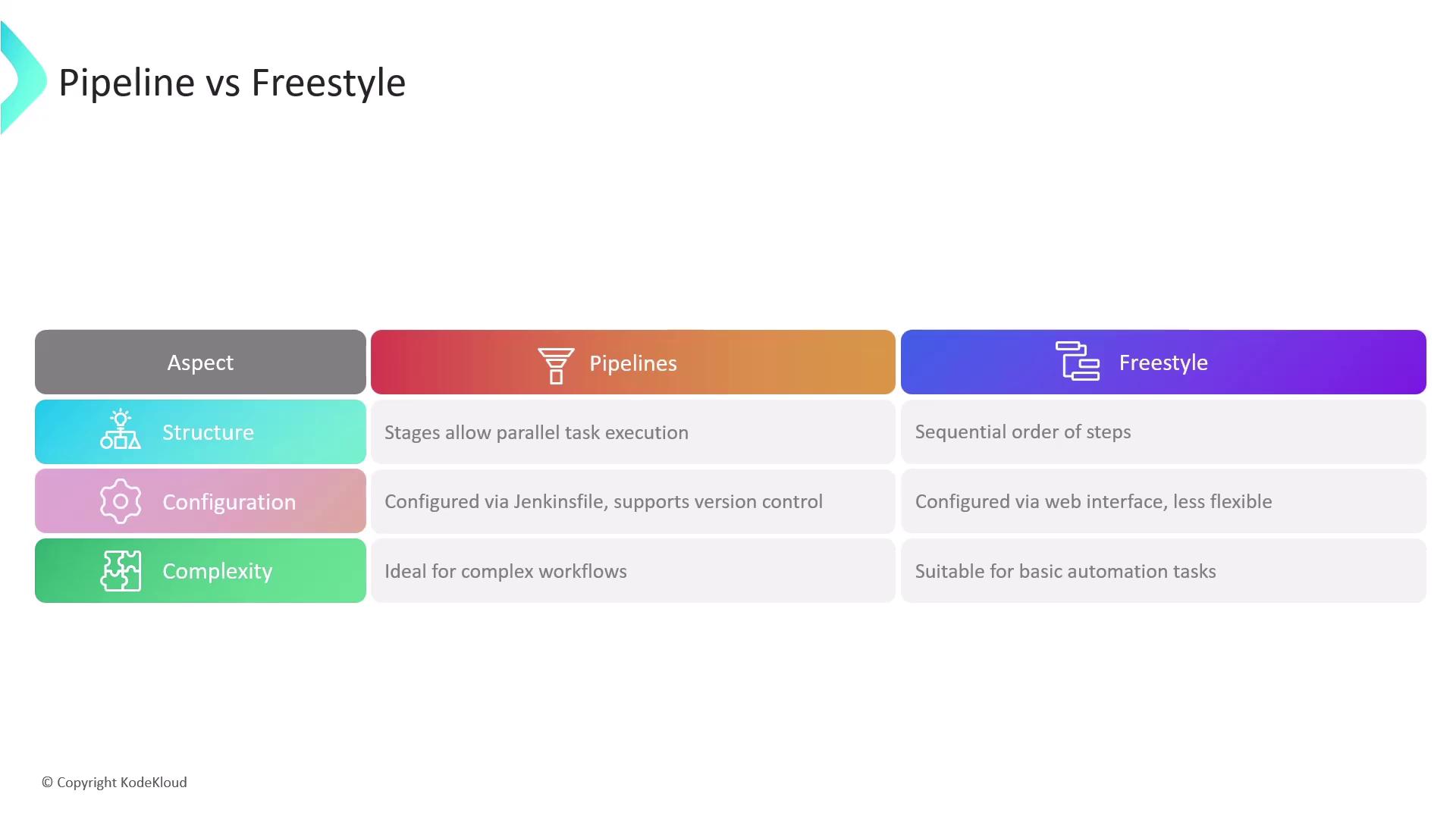
| Aspect | Pipeline Projects | Freestyle Projects |
| ------------- | --------------------------------------------------- | ---------------------------------- |
| Structure | Stage-based, supports parallel execution | Sequential build steps |
| Configuration | `Jenkinsfile` in source control (Git, SVN) | Job DSL or manual UI configuration |
| Resilience | Resumes after controller restart | Restarts lost progress |
| Scalability | Complex workflows, shared libraries, reusable steps | Limited by UI plugins |
Avoid using Freestyle jobs for multi-stage pipelines or complex branching logic. Migrating to Declarative Pipelines reduces job sprawl and improves traceability.
## 4. Key Benefits of Jenkins Pipelines
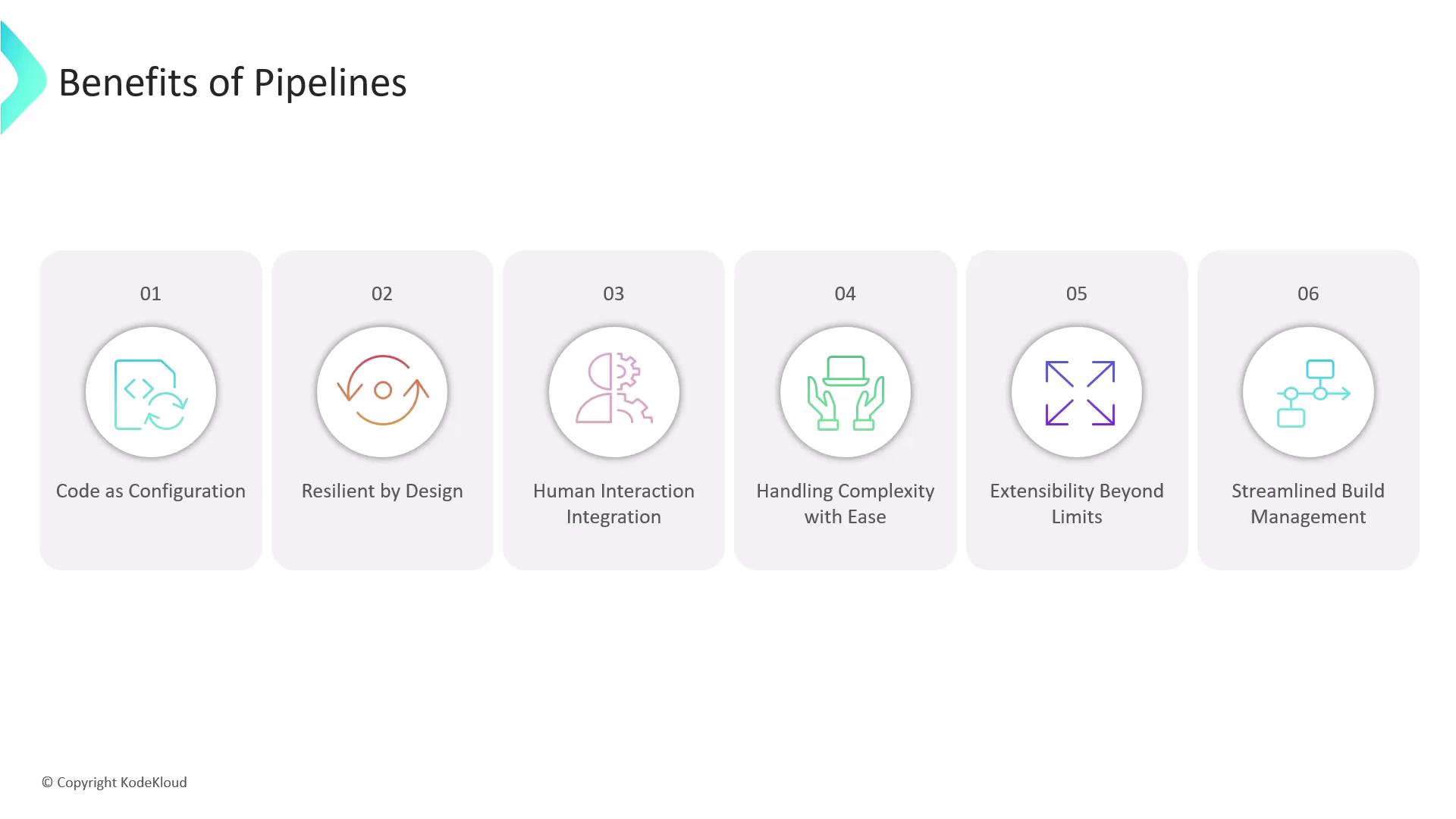
1. **Code as Configuration**\
Version your `Jenkinsfile` alongside application code for audit trails and collaborative editing.
2. **Resilience by Design**\
Pipelines automatically resume after Jenkins controller restarts, preserving workflow state.
3. **Human Interaction**\
Pause for manual approvals, input parameters, or interactive prompts.
4. **Advanced Workflow Control**\
Use forks, joins, loops, and parallel stages to orchestrate complex CI/CD flows.
5. **Extensibility**\
Leverage plugins or Shared Libraries to add custom pipeline steps.
6. **Unified Job Management**\
Combine multiple build and deploy steps into a single Pipeline job, reducing maintenance overhead.
## Links and References
* [Jenkins Pipeline Syntax](https://www.jenkins.io/doc/book/pipeline/syntax/)
* [Declarative Pipeline Documentation](https://www.jenkins.io/doc/book/pipeline/syntax/#declarative-pipeline)
* [Scripted Pipeline Overview](https://www.jenkins.io/doc/book/pipeline/scripted/)
* [Official Jenkins GitHub Repository](https://github.com/jenkinsci/jenkins)
* [Jenkins Shared Libraries](https://www.jenkins.io/doc/book/pipeline/shared-libraries/)