> ## Documentation Index
> Fetch the complete documentation index at: https://notes.kodekloud.com/llms.txt
> Use this file to discover all available pages before exploring further.
# Jenkins Installation Options
> Explore prerequisites, installation methods, and configuration details for quickly setting up Jenkins for teams of any size.
Dive into the prerequisites, installation methods, and configuration details to get Jenkins up and running quickly. Whether you’re a small team or an enterprise, this guide covers everything from hardware sizing to backing up your Jenkins data.
## System Requirements
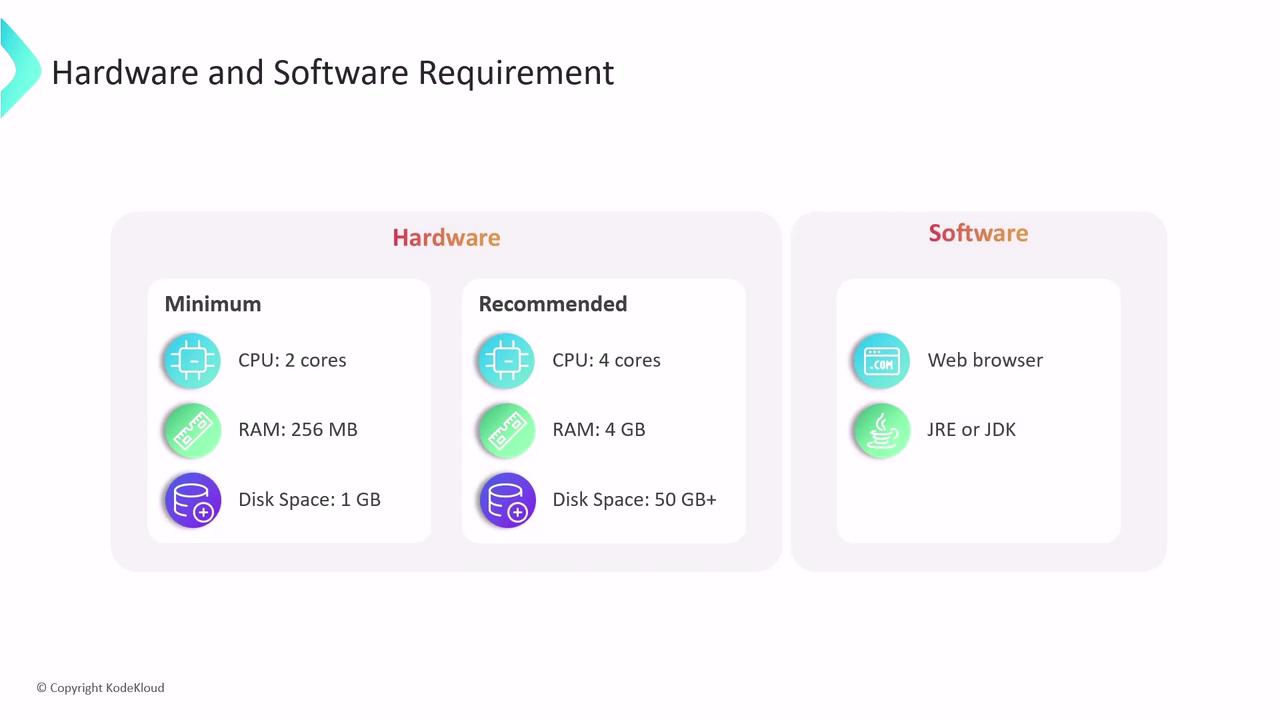
Determine the right hardware based on your pipeline complexity and concurrent job count.
| Requirement Type | Minimum | Recommended (Small Teams) |
| ---------------- | ------- | ------------------------- |
| CPU | 2 cores | 4 cores |
| RAM | 256 MB | 4 GB |
| Disk Space | 1 GB | 50 GB |
You also need:
* **Java Runtime Environment (JRE)** to run Jenkins
* **Java Development Kit (JDK)** for plugin development and troubleshooting
* A modern **web browser** for the Jenkins UI
Installing the JDK in production enables advanced plugin development, debugging, and better compatibility.
## Installation Methods
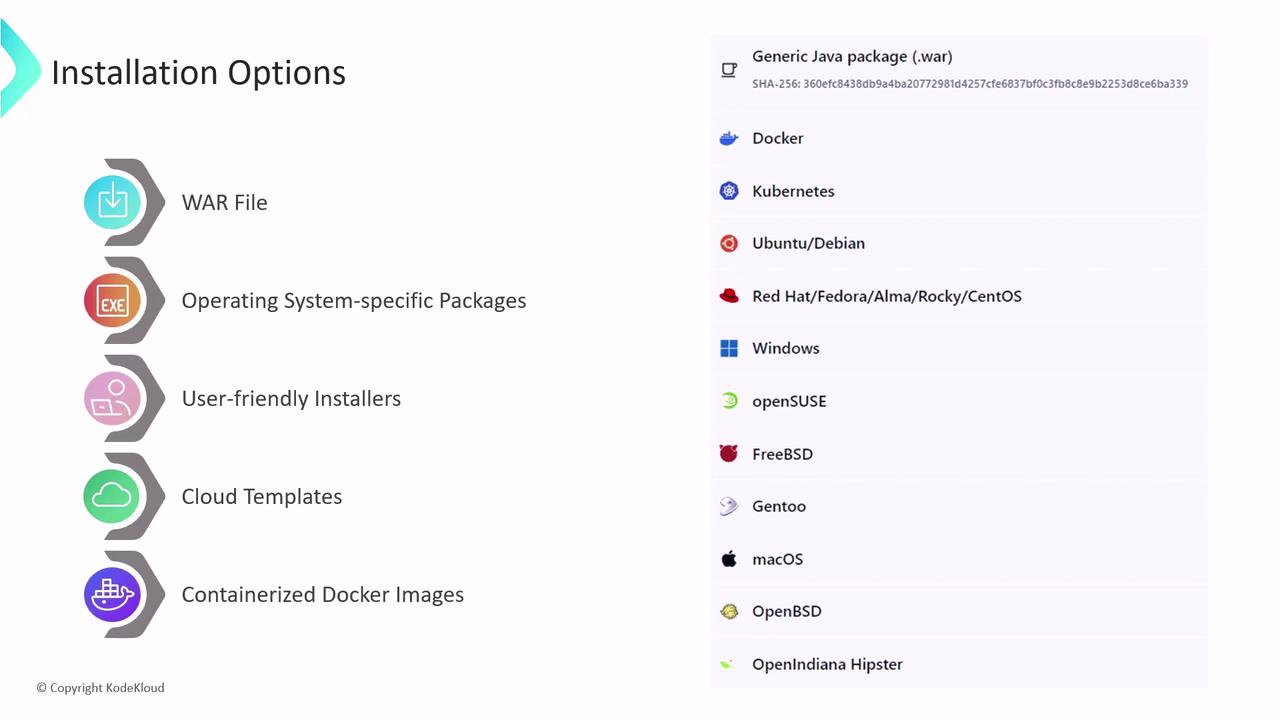
Choose the approach that best fits your environment and team skills:
1. **Generic WAR File**\
Download the standalone `jenkins.war` and launch:
```bash theme={null}
java -jar jenkins.war
```
Works on any OS with a supported Java version.
2. **OS-Specific Packages**\
Use native packages for Debian, Ubuntu, CentOS, Red Hat, and others.
```bash theme={null}
# Example for Debian/Ubuntu
sudo apt update
sudo apt install jenkins
```
Packages manage dependencies and integrate with system services.
3. **Graphical Installer**\
Available on Windows and macOS. Follows a simple wizard to set up Jenkins without command-line steps.
4. **Cloud Templates**\
Leverage preconfigured templates or managed services for rapid provisioning:
* [AWS Quick Start for Jenkins][aws-jenkins]
* [Azure DevOps Jenkins Solution][azure-jenkins]
* [Jenkins on Google Cloud][gcp-jenkins]
5. **Docker Container**\
Run Jenkins in a container for isolated, reproducible environments:
```bash theme={null}
docker run -d -p 8080:8080 -p 50000:50000 \
--name jenkins lts jenkins/jenkins:lts
```
## Locating and Managing JENKINS\_HOME
All jobs, plugins, configurations, build logs, artifacts, and metadata reside in **JENKINS\_HOME**.
| Installation Method | Default JENKINS\_HOME |
| ----------------------- | --------------------- |
| WAR File | `~/.jenkins` |
| Linux Package (DEB/RPM) | `/var/lib/jenkins` |
Inspect the directory on Linux:
```bash theme={null}
tree /var/lib/jenkins
```
To customize the location, export the `JENKINS_HOME` environment variable before starting Jenkins:
```bash theme={null}
export JENKINS_HOME=/custom/path/to/jenkins_home
java -jar jenkins.war
```
Backing up `JENKINS_HOME` is critical. Losing this directory will result in loss of all Jenkins configurations, plugins, and build history.
## Links and References
* [Jenkins Documentation](https://www.jenkins.io/doc/)
* [Java Downloads](https://www.oracle.com/java/technologies/javase-downloads.html)
* [AWS Quick Start for Jenkins][aws-jenkins]
* [Azure DevOps Jenkins Solution][azure-jenkins]
* [Jenkins on Google Cloud][gcp-jenkins]
[aws-jenkins]: https://aws.amazon.com/quickstart/architecture/jenkins/
[azure-jenkins]: https://azure.microsoft.com/en-us/solutions/devops/jenkins/
[gcp-jenkins]: https://cloud.google.com/solutions/jenkins-on-google-cloud