> ## Documentation Index
> Fetch the complete documentation index at: https://notes.kodekloud.com/llms.txt
> Use this file to discover all available pages before exploring further.
# Types of Jenkins Projects
> This article describes various types of Jenkins projects used to automate build, test, and deployment workflows.
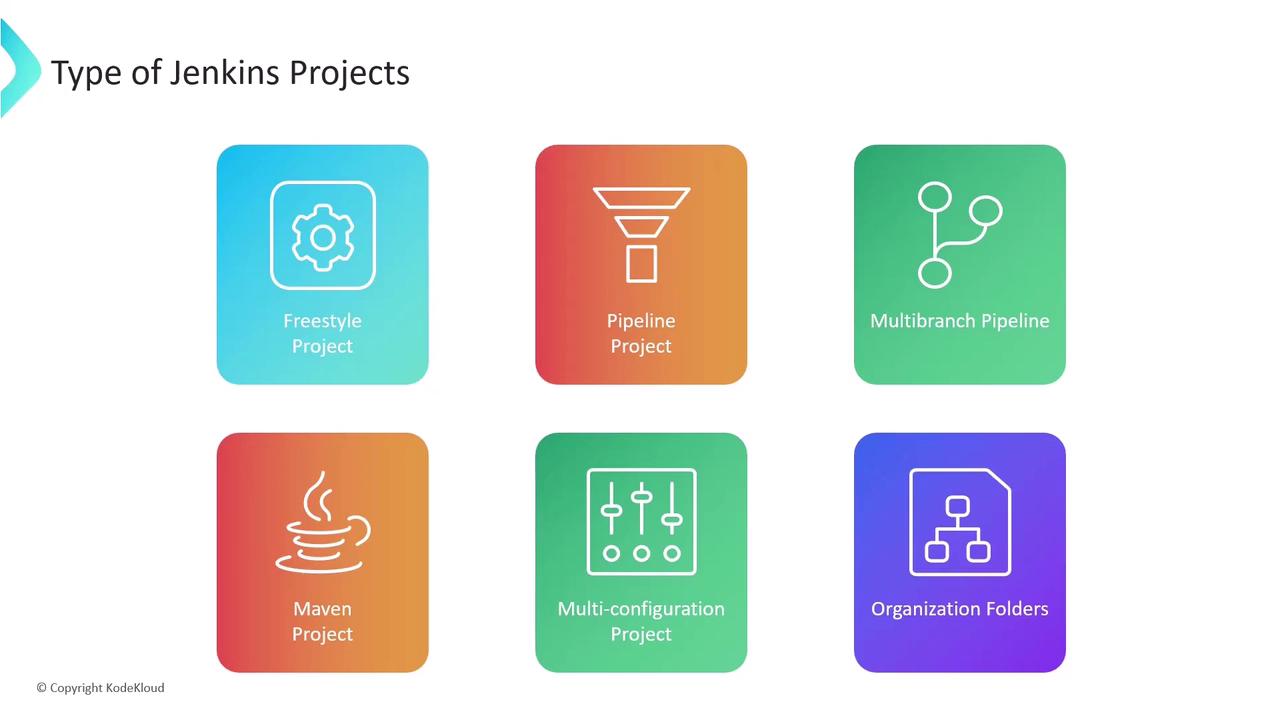
Jenkins offers several project types—often called jobs—to automate build, test, and deployment workflows. The core project types available in a standard Jenkins installation (plus installed plugins) include:
| Project Type | Description | Best Use Case |
| --------------------------- | ----------------------------------------------- | ------------------------------------------- |
| Freestyle Project | UI-driven configuration with build steps | Simple or one-off tasks |
| Pipeline Project | Declarative or scripted pipeline as code | Complex CI/CD workflows |
| Multibranch Pipeline | Automatic branch discovery and pipelines | GitFlow or feature-branch automation |
| Maven Project | Native Maven integration | Java projects managed by `pom.xml` |
| Multi-configuration Project | Matrix builds across multiple axes | Testing on different platforms/environments |
| Organization Folders | Scan and manage multiple repositories in an org | Large-scale, repo-per-project teams |
***
## Freestyle Project
A **Freestyle Project** is the most straightforward Jenkins job. You define each step through the Jenkins UI—from source checkout to testing, building artifacts, and deploying. While it’s quick to set up, it can become hard to maintain as your pipeline grows in complexity.
### Typical Workflow
1. **Checkout code** from your version control system
2. **Run unit tests** and report results
3. **Build a Docker image** and push it to your registry
4. **Deploy** the application to a target environment
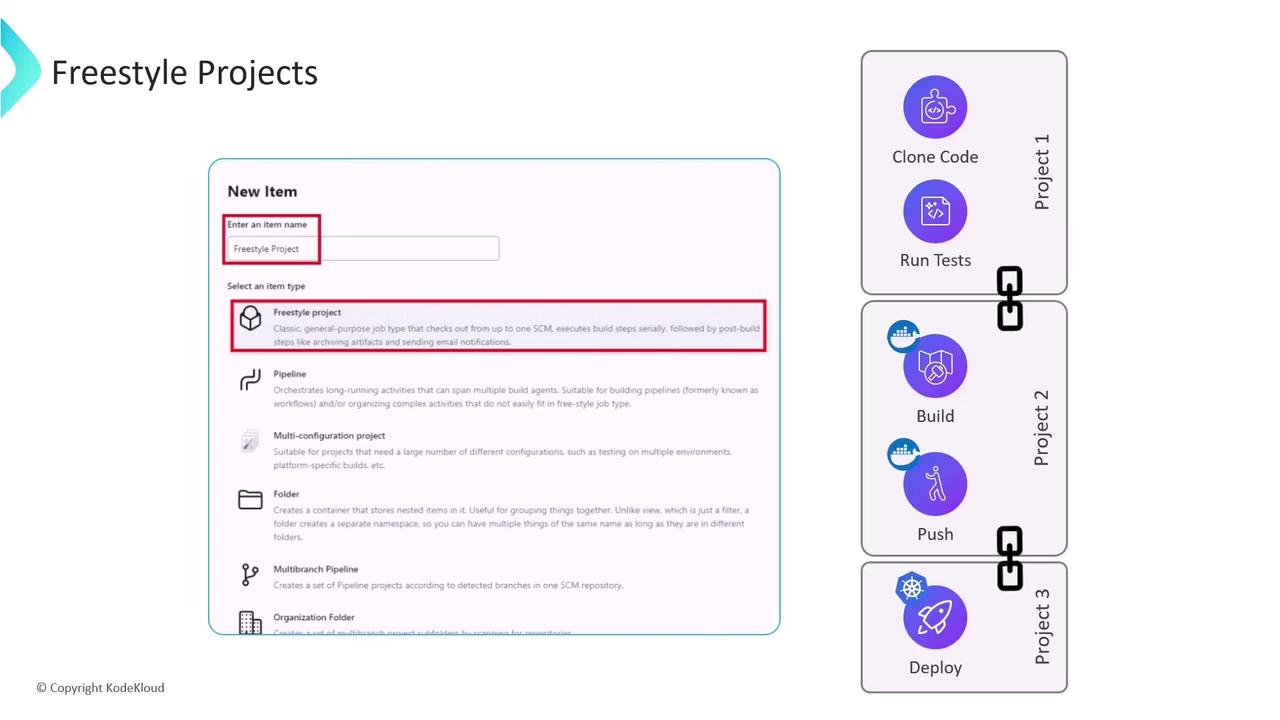
Freestyle projects store configuration in the Jenkins UI rather than as code. This can make versioning, sharing, and automated updates challenging.
## Limitations of Freestyle Projects
Even though Freestyle Projects are easy to get started with, they have several drawbacks for modern CI/CD:
* Linear workflow only (no built-in parallelism)
* Configuration not stored in source control
* Hard to manage and reuse across teams
* Lacks conditional stages and advanced features
* Cannot automatically resume after controller failure

Because of these constraints, teams often choose Pipeline or Multibranch Pipeline projects, which define workflows as code and support branching strategies, parallelism, and better error recovery.