> ## Documentation Index
> Fetch the complete documentation index at: https://notes.kodekloud.com/llms.txt
> Use this file to discover all available pages before exploring further.
# Demo DAST and Manual Input
> This guide extends a Jenkins pipeline with manual approval and Dynamic Application Security Testing using OWASP ZAP.
In this guide, we’ll extend our Jenkins pipeline with two new stages:
1. A **manual approval** checkpoint after deploying the app via GitOps (Argo CD sync).
2. A **Dynamic Application Security Testing (DAST)** step using OWASP ZAP.
## What Is DAST?
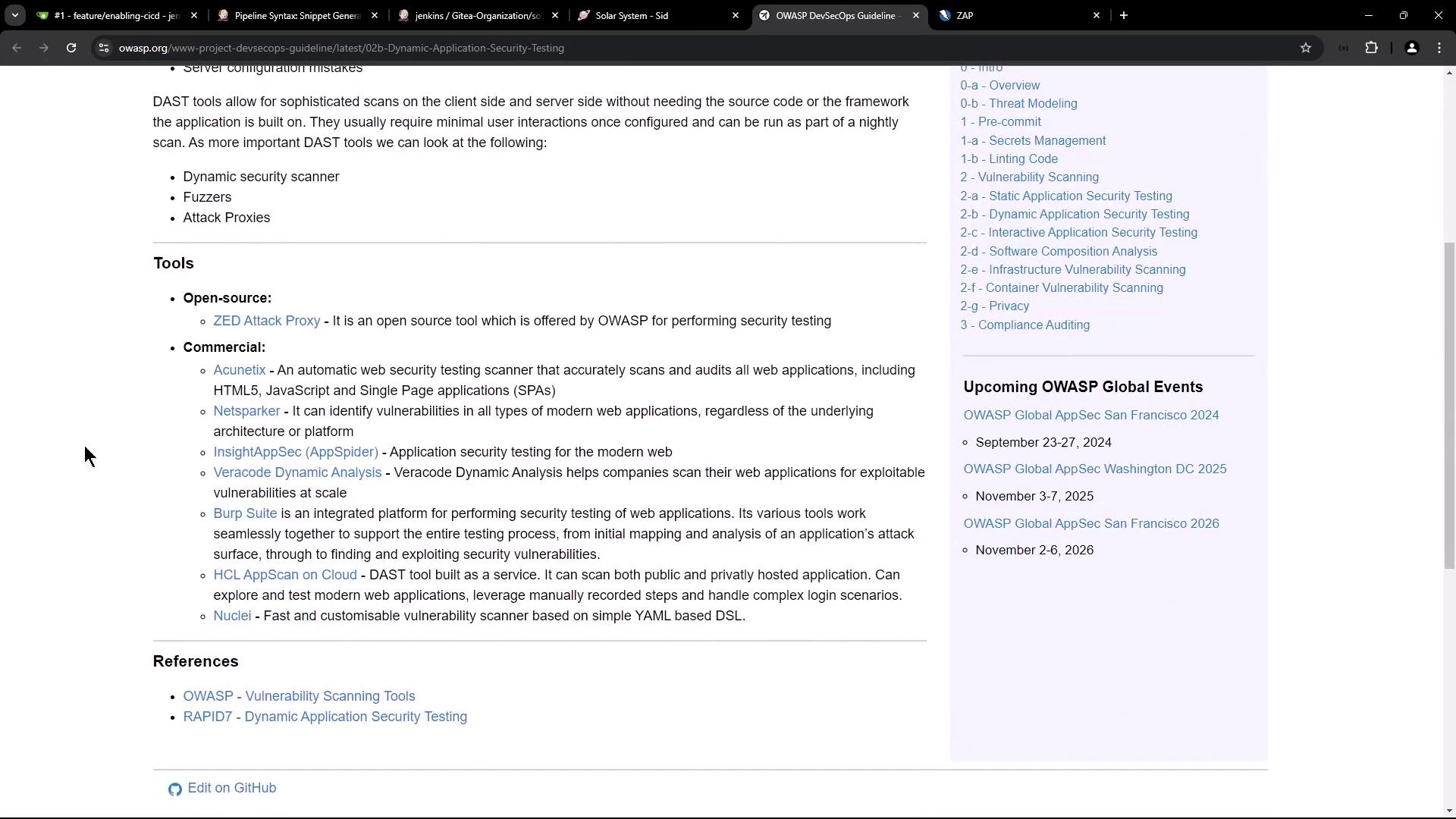
Dynamic Application Security Testing (DAST) probes a live application for vulnerabilities like SQL injection and XSS. Instead of scanning source code (SAST), DAST injects malicious payloads at runtime to uncover weaknesses in a running service.
## OWASP Zed Attack Proxy (ZAP)
OWASP ZAP is an open-source, community-driven web application scanner. It supports passive, active, and API scans.
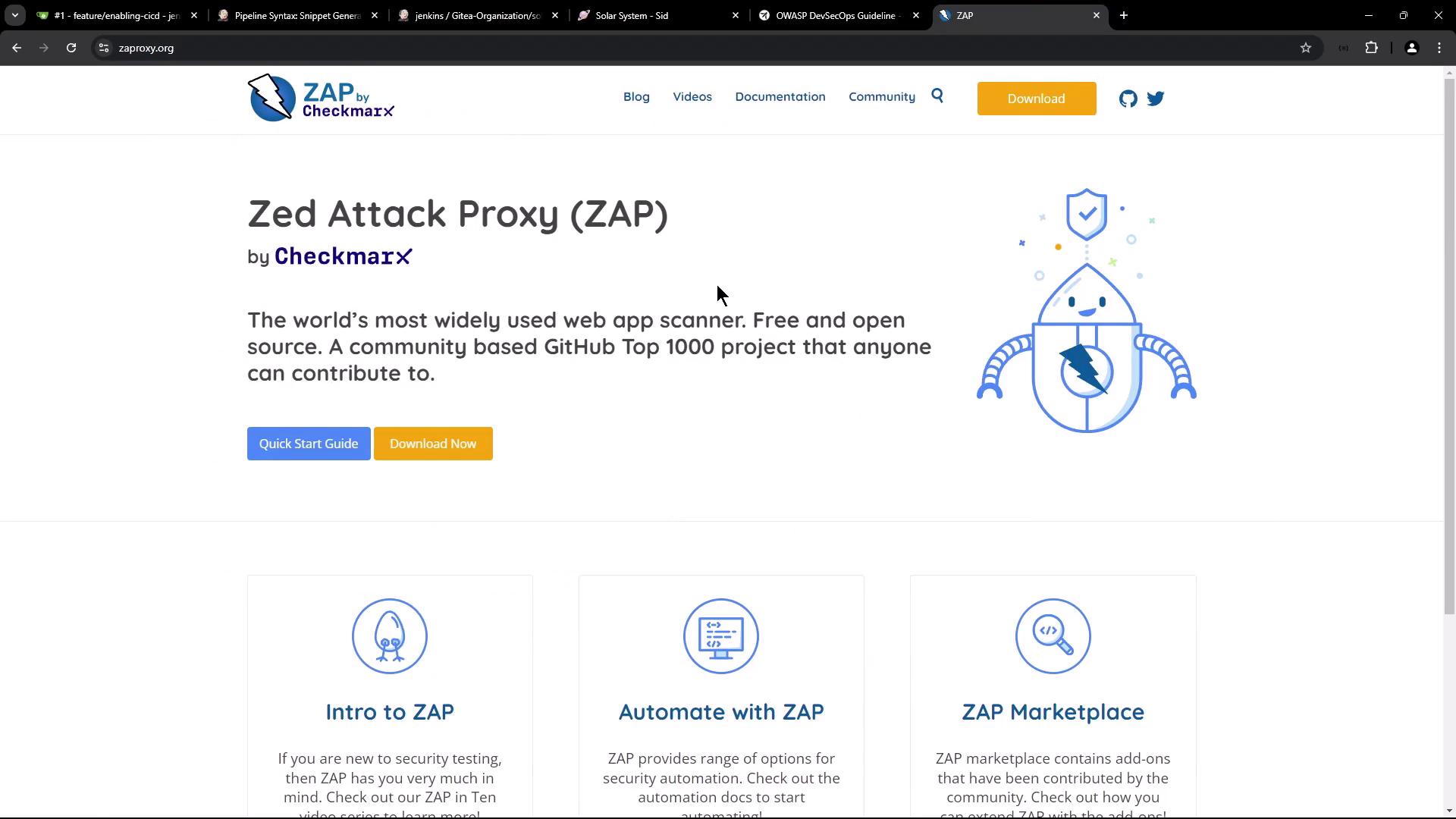
### ZAP Scan Modes
| Mode | Description |
| -------- | ------------------------------------------------- |
| Baseline | Time-boxed passive scan |
| Full | AJAX Spider + active + passive scans |
| API | Scans OpenAPI/GraphQL/SOAP endpoints (our choice) |
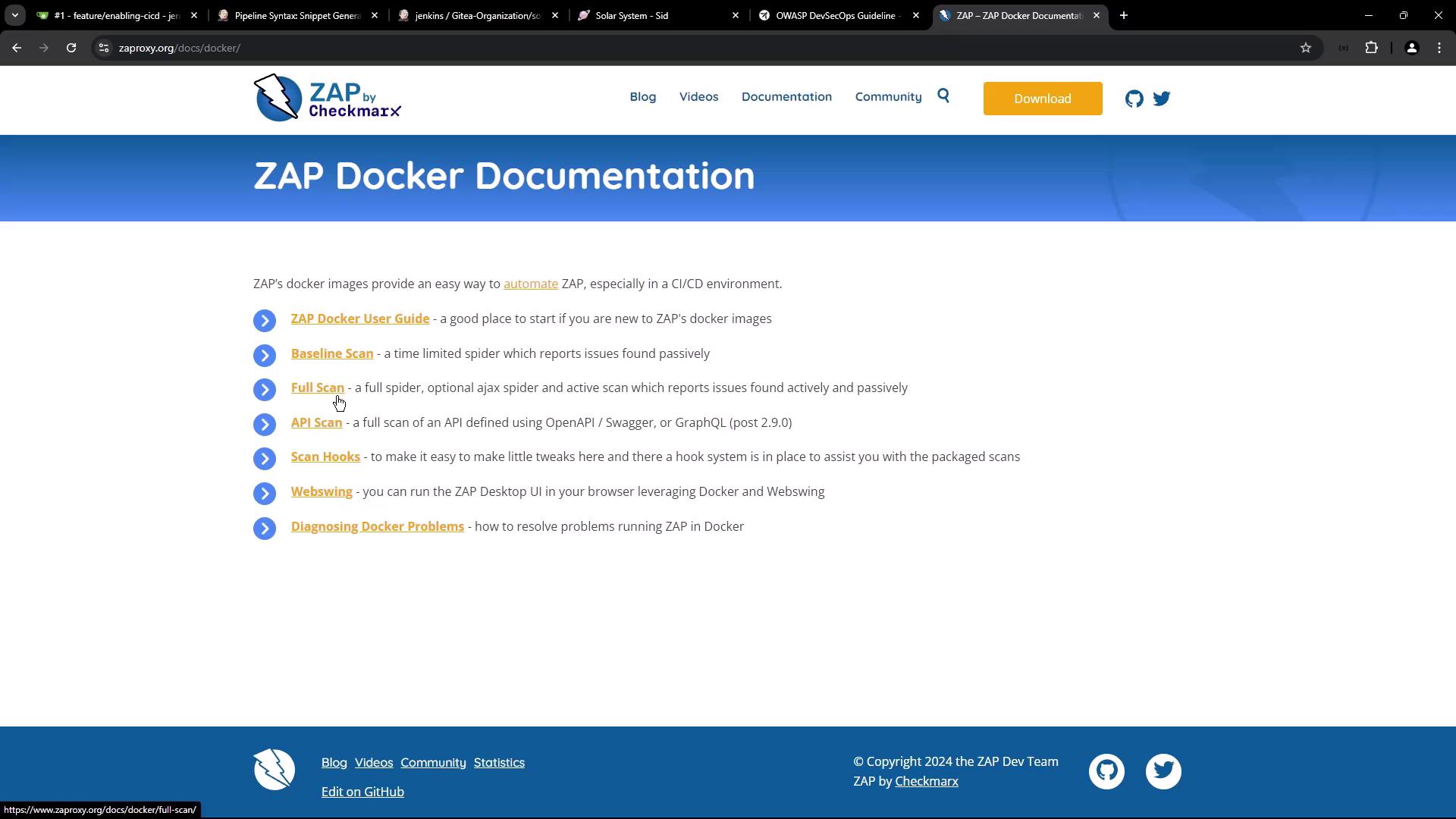
We’ll run the **API scan** against our service’s OpenAPI definition.
## zap-api-scan.py Usage
Install or use the Docker image `ghcr.io/zaproxy/zaproxy` to invoke `zap-api-scan.py`:
```bash theme={null}
zap-api-scan.py -t -f [options]
```
Key options:
```text theme={null}
-t API spec URL/file (OpenAPI, SOAP) or GraphQL endpoint
-f openapi | soap | graphql
-r Full HTML report
-w Markdown report
-J JSON report
-x XML report
-c Custom INFO/IGNORE/FAIL rules
-g Generate default config (WARN by default)
-a Include alpha passive scan rules
-d Debug output
-P Proxy listen port
-D Delay (s) before passive scan
-I Treat default rules as INFO
-l Ignore warnings (post 2.9.0)
```
For full details, see the [OWASP ZAP documentation](https://www.zaproxy.org/docs/).
## Integrating with Jenkins
Add the following stages to your `Jenkinsfile`:
| Stage | Purpose | Trigger |
| ---------------- | ------------------------------------ | -------------- |
| App Deployed? | Manual approval after Argo CD sync | PR branch |
| DAST – OWASP ZAP | Run ZAP API scan on deployed service | After approval |
### 1. App Deployed? (Manual Approval)
This stage pauses the pipeline until an operator merges your PR and syncs Argo CD.
```groovy theme={null}
stage('App Deployed?') {
when {
branch 'PR*'
}
steps {
timeout(time: 1, unit: 'DAYS') {
input message: 'Has the PR been merged and Argo CD synced?',
ok: 'Yes, proceed with DAST'
}
}
}
```
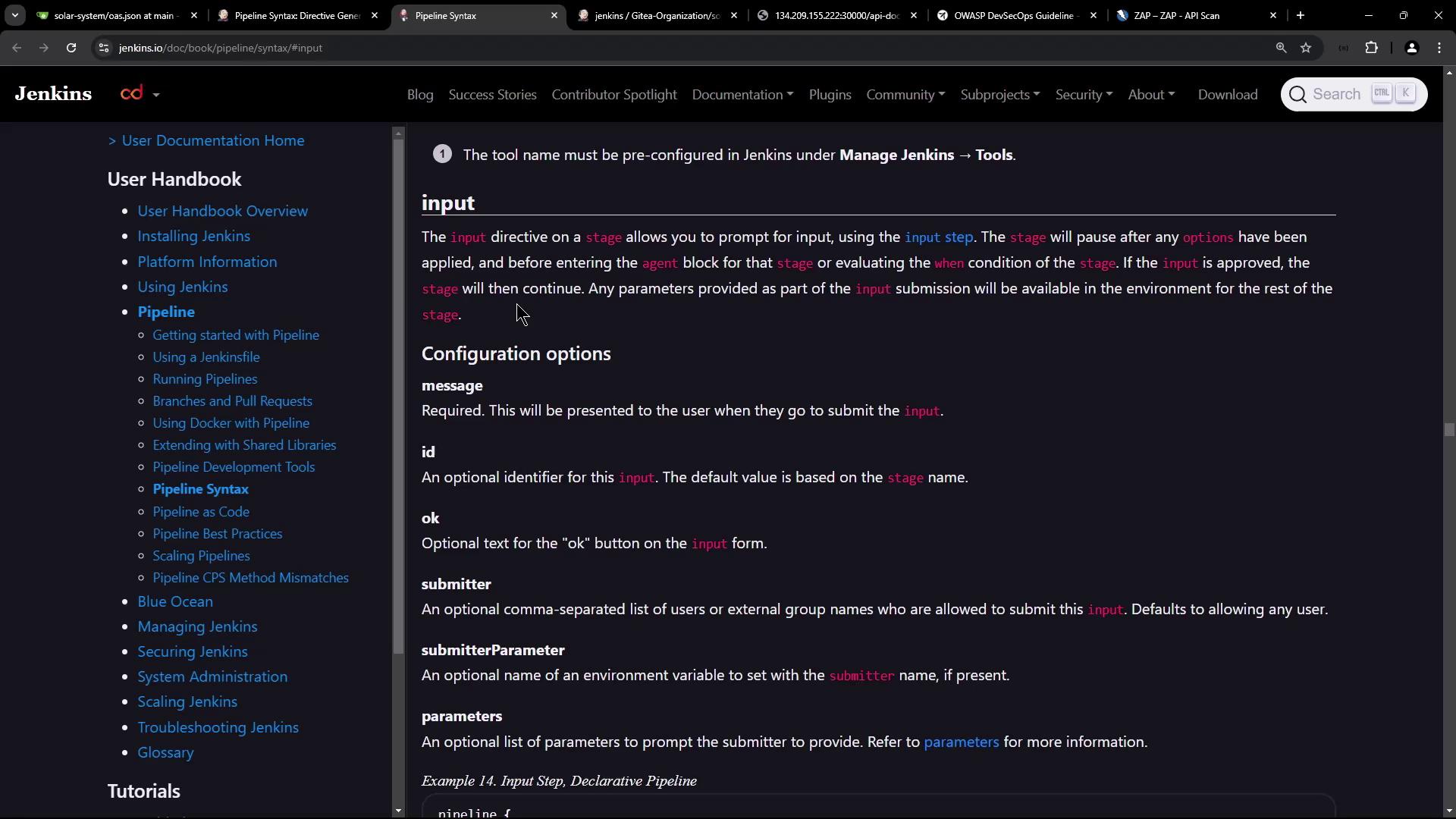
The `input` step blocks the pipeline until a user clicks **Proceed** or the timeout expires.
### 2. DAST – OWASP ZAP
Once approved, execute ZAP against your live API:
```groovy theme={null}
stage('DAST - OWASP ZAP') {
when {
branch 'PR*'
}
steps {
sh '''
chmod 777 $(pwd)
docker run -v $(pwd):/zap/wrk/:rw \
ghcr.io/zaproxy/zaproxy zap-api-scan.py \
-t http://:30000/api/docs/ \
-f openapi \
-r zap_report.html \
-w zap_report.md \
-J zap_report.json \
-x zap_report.xml
'''
}
}
```
#### Sample OpenAPI Definition
Our service exposes `/api/docs/` with this minimal spec:
```json theme={null}
{
"openapi": "3.0.0",
"info": { "title": "Solar System API", "version": "1.0" },
"paths": {
"/": {
"get": {
"responses": { "200": { "description": "", "content": { "text/plain": { "schema": { "type": "string", "example": "Example" } } } } }
}
},
"/live": {
"get": {
"responses": { "200": { "description": "", "content": { "text/plain": { "schema": { "type": "string", "example": "Example" } } } } }
}
}
}
}
```
## Running the Pipeline
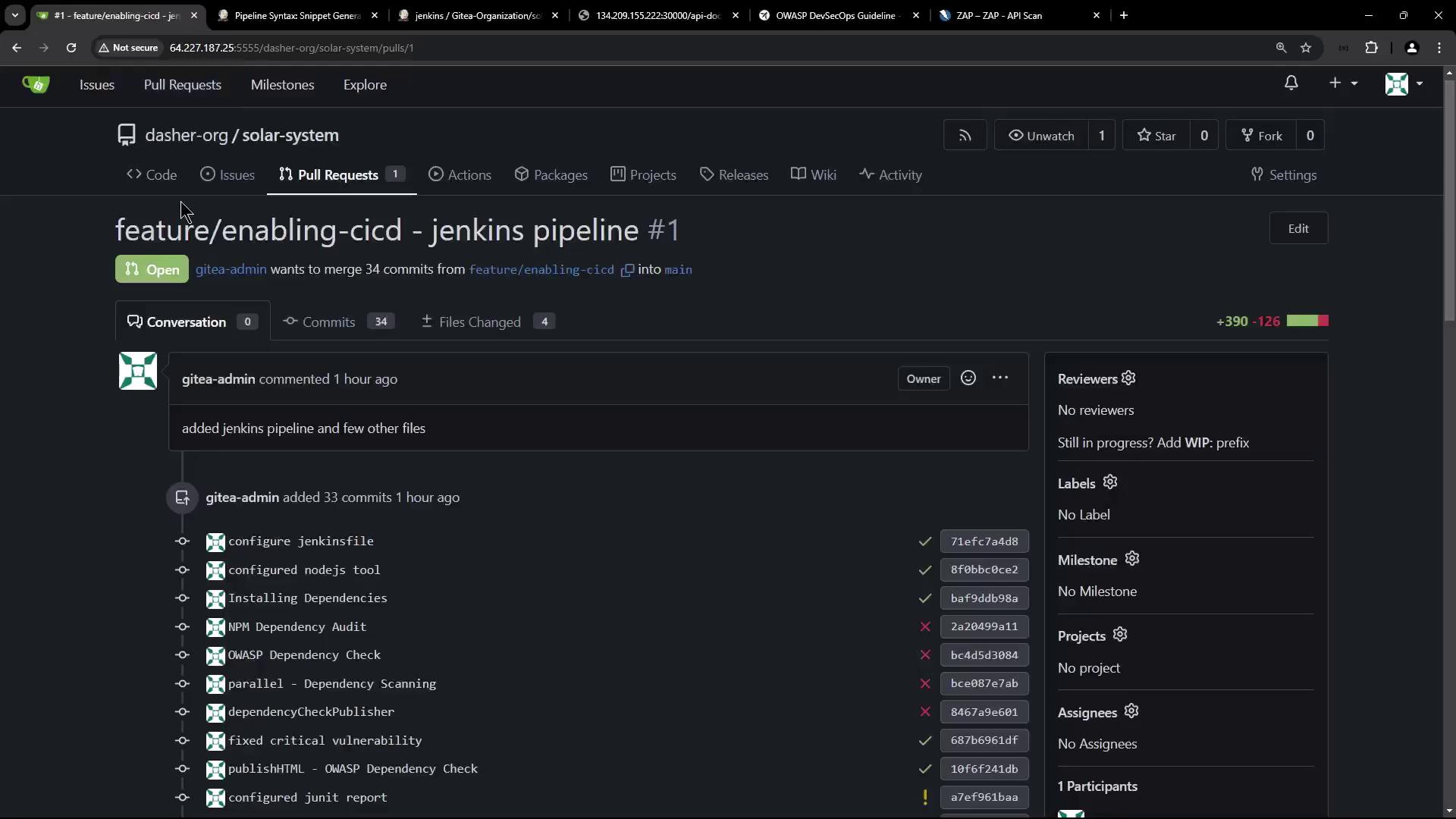
1. Commit your `Jenkinsfile` changes and open a PR.
2. Jenkins triggers a new build:
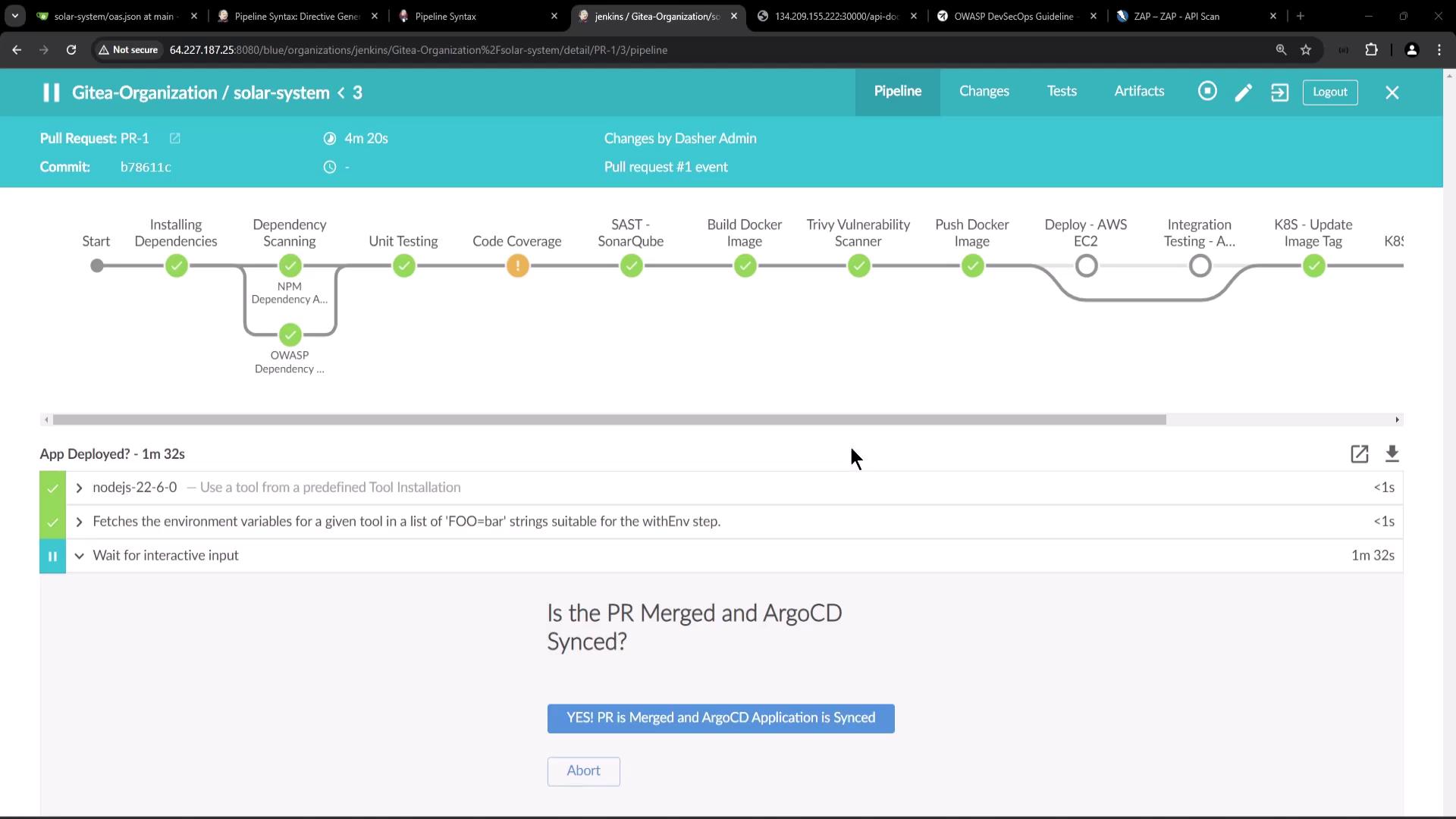
3. **App Deployed?** waits for merge and Argo CD sync.
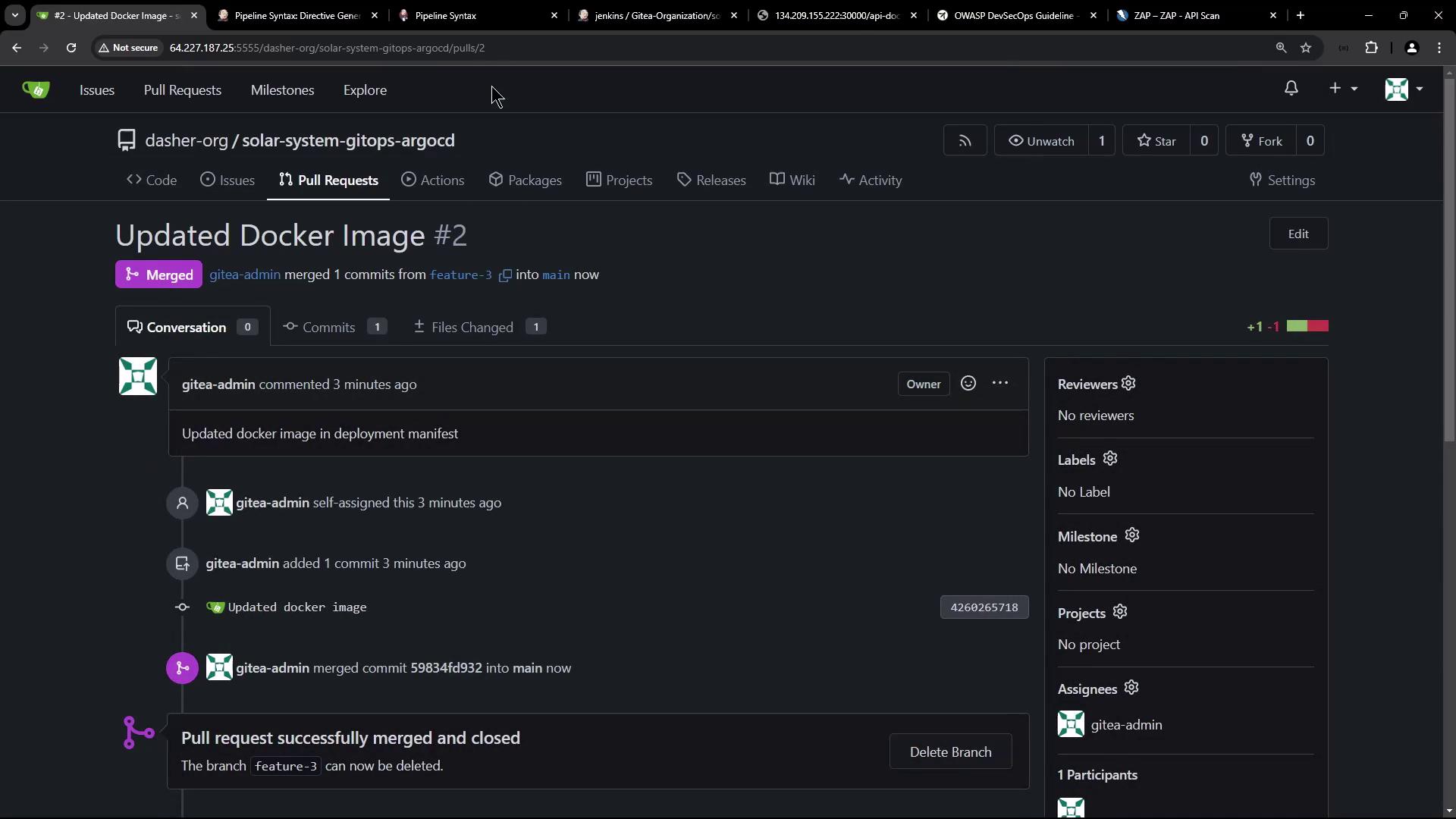
4. Merge the PR:
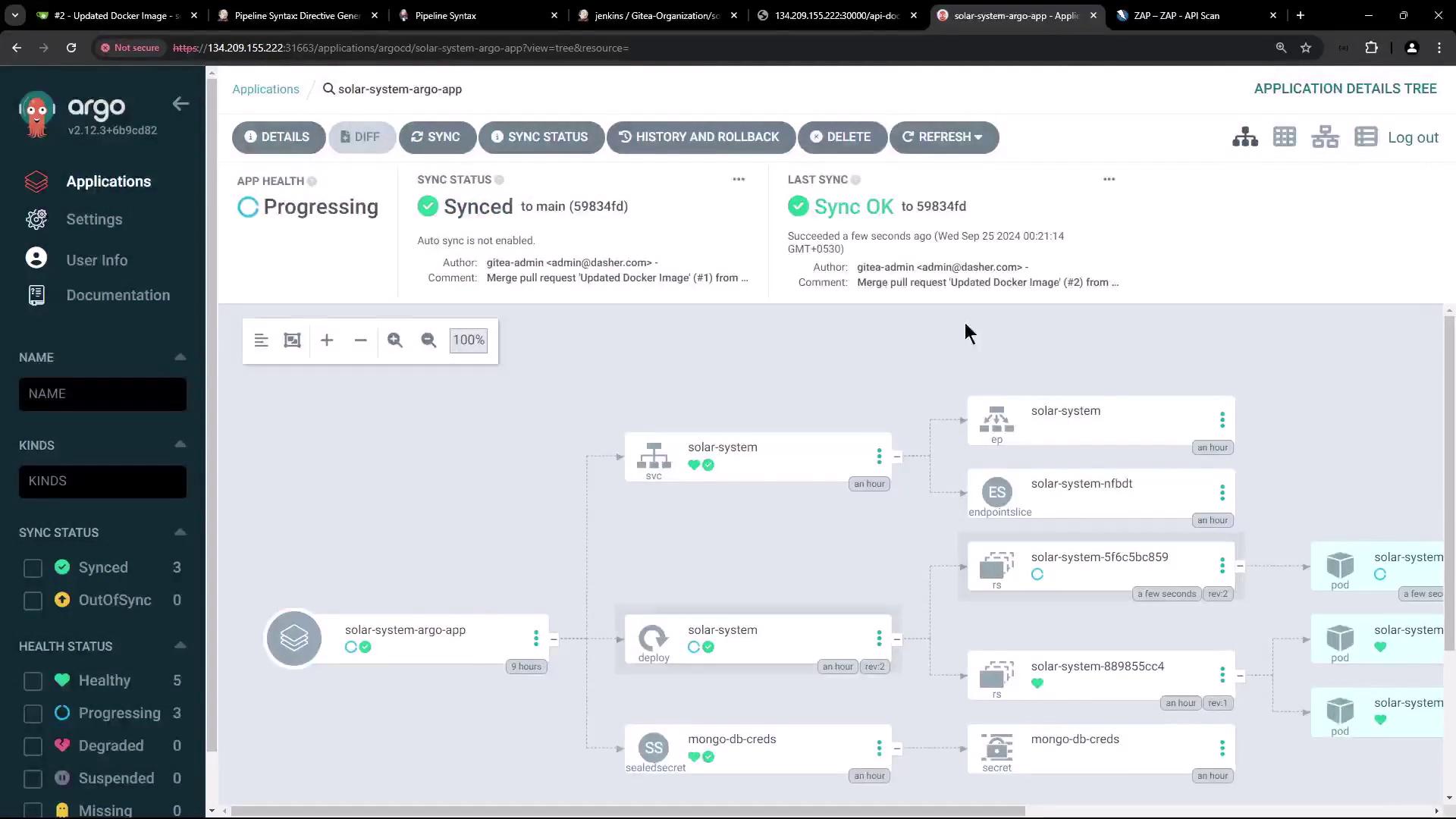
5. Sync your app in Argo CD:
```bash theme={null}
kubectl -n solar-system get pods
# Example:
# NAME READY STATUS RESTARTS AGE
# solar-system-5f66cbc859-wdlwp 1/1 Running 0 27s
# solar-system-5f66cbc859-wrs24 1/1 Running 0 21s
```
6. Approve and let the pipeline proceed to the **DAST** stage. ZAP will scan and generate reports.
If ZAP detects critical issues or unexpected content types, it exits with a non-zero code, causing the stage (and pipeline) to fail. Adjust your `-c` config or handle alerts as needed.
## References
* [Dynamic Application Security Testing (DAST)](https://owasp.org/www-community/DAST)
* [OWASP ZAP Docs](https://www.zaproxy.org/docs/)
* [Jenkins Pipeline Syntax: input](https://www.jenkins.io/doc/book/pipeline/syntax/#input)
* [GitOps Overview](https://www.gitops.tech/)
* [Argo CD Docs](https://argo-cd.readthedocs.io/)