> ## Documentation Index
> Fetch the complete documentation index at: https://notes.kodekloud.com/llms.txt
> Use this file to discover all available pages before exploring further.
# Demo Using Options Directive
> Learn to use the options directive in Jenkins Declarative Pipelines for features like timestamps, retries, and build concurrency control.
In this lesson, you’ll learn how to leverage the `options` directive to fine-tune your Jenkins Declarative Pipeline. You can apply options globally (pipeline level) or locally (per stage), enabling features like timestamps, retries, and build concurrency control.
## Inspecting Available Options
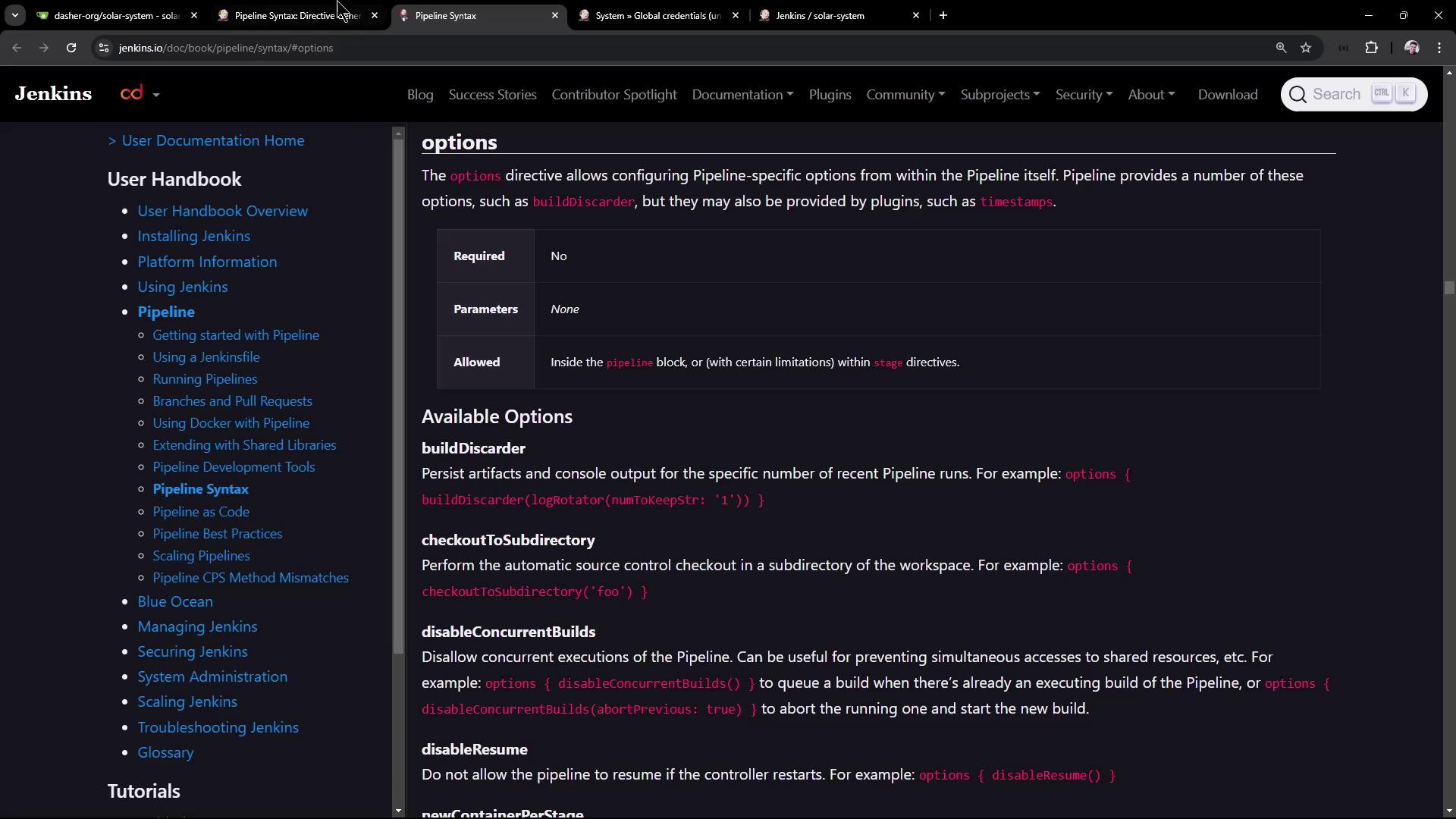
Before configuring your pipeline, explore all supported options in the official Jenkins Pipeline Syntax documentation.
Refer to the [Pipeline Syntax documentation](https://www.jenkins.io/doc/book/pipeline/syntax/) for an up-to-date list of directives you can use.
## Adding Timestamps to a Stage
Including timestamps in your console log helps you measure step durations and troubleshoot performance issues. To enable timestamps for a specific stage:
```groovy theme={null}
pipeline {
agent any
stages {
stage('Install Dependencies') {
options {
timestamps()
}
steps {
sh 'npm install --no-audit'
}
}
}
}
```
## Retrying a Stage on Failure
When interacting with external systems (e.g., databases or APIs), transient failures can occur. Use `retry(count)` to automatically rerun the stage upon failure:
```groovy theme={null}
pipeline {
agent any
stages {
stage('Unit Testing') {
options {
retry(2)
}
steps {
withCredentials([usernamePassword(
credentialsId: 'mongo-db-credentials',
passwordVariable: 'MONGO'
)]) {
sh 'npm test'
}
}
post {
always {
junit allowEmptyResults: true,
testResults: 'test-results.xml'
}
}
}
}
}
```
If your `MONGO_URI` is missing, Jenkins reports:
```plaintext theme={null}
MongooseError: The `uri` parameter to `openUri()` must be a string, got `undefined`.
```
With `retry(2)`, Jenkins will attempt the stage up to two additional times before failing.
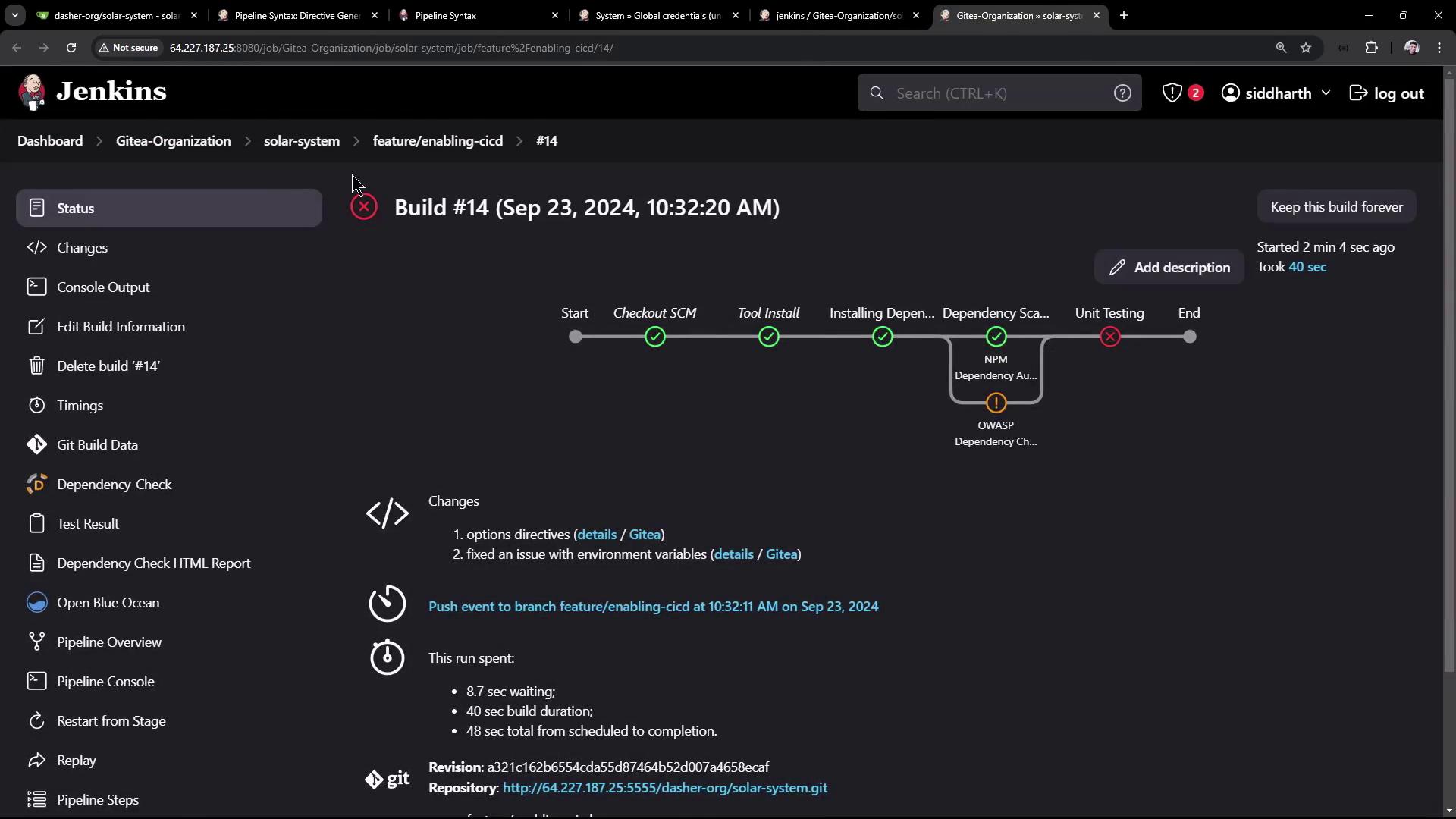
You can track retry attempts in the console output.
## Disabling Resume and Concurrent Builds
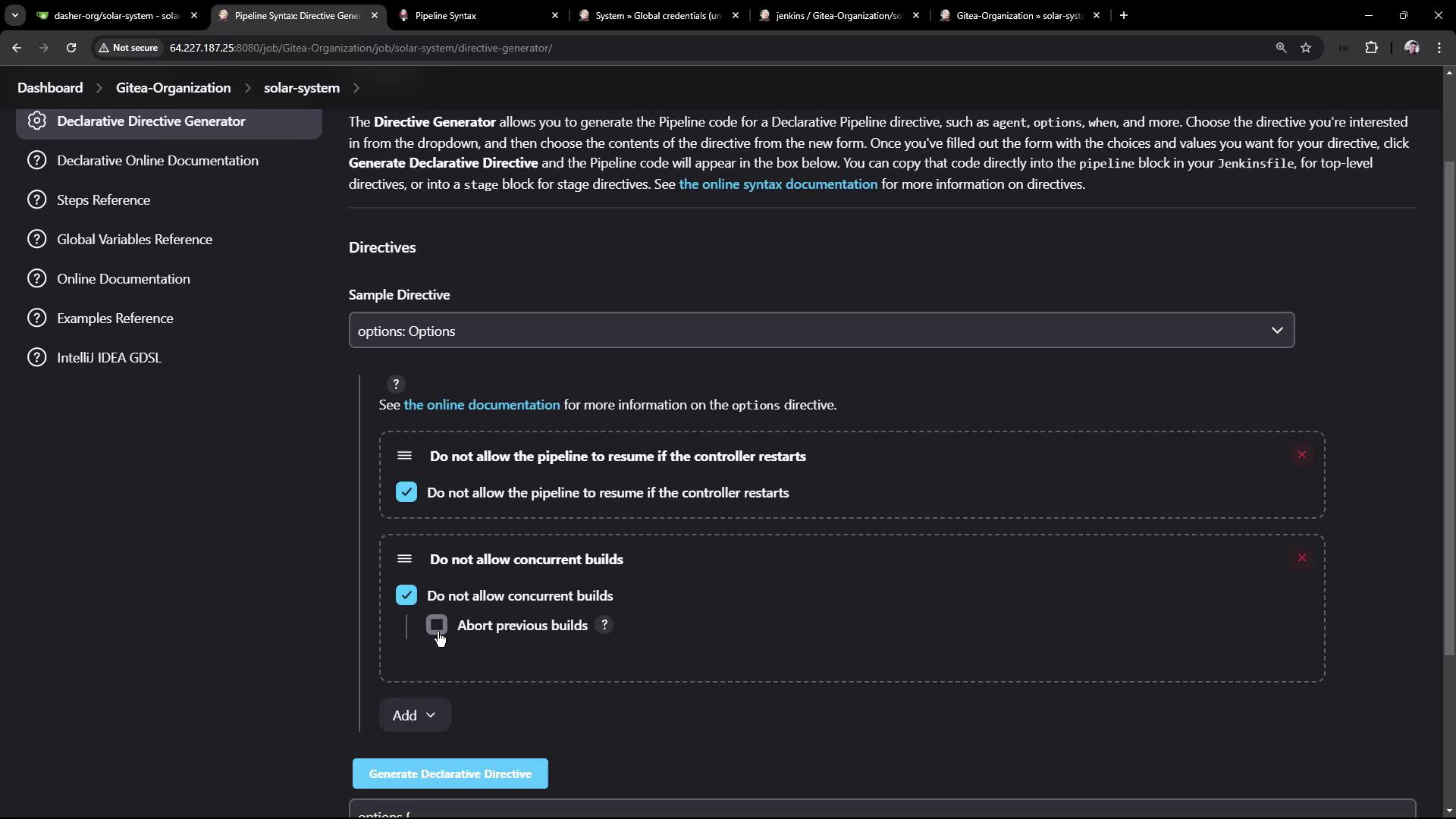
At the pipeline level, you can:
* Prevent resume after a restart using `disableResume()`.
* Abort previous builds when a new one starts using `disableConcurrentBuilds(abortPrevious: true)`.
```groovy theme={null}
pipeline {
agent any
environment {
MONGO_URI = "mongodb+srv://supercluster.d83jj.mongodb.net/superData"
}
options {
disableResume()
disableConcurrentBuilds(abortPrevious: true)
}
stages {
stage('Install Dependencies') {
options { timestamps() }
steps {
sh 'sleep 100s'
sh 'npm install --no-audit'
}
}
stage('Dependency Scanning') {
steps {
// Security and license checks go here
}
}
stage('Unit Testing') {
options { retry(2) }
steps {
withCredentials([usernamePassword(
credentialsId: 'mongo-db-credentials',
usernameVariable: 'MONGO_USERNAME',
passwordVariable: 'MONGO_PASSWORD'
)]) {
sh 'npm test'
}
}
post {
always {
junit allowEmptyResults: true,
testResults: 'test-results.xml'
}
}
}
}
}
```
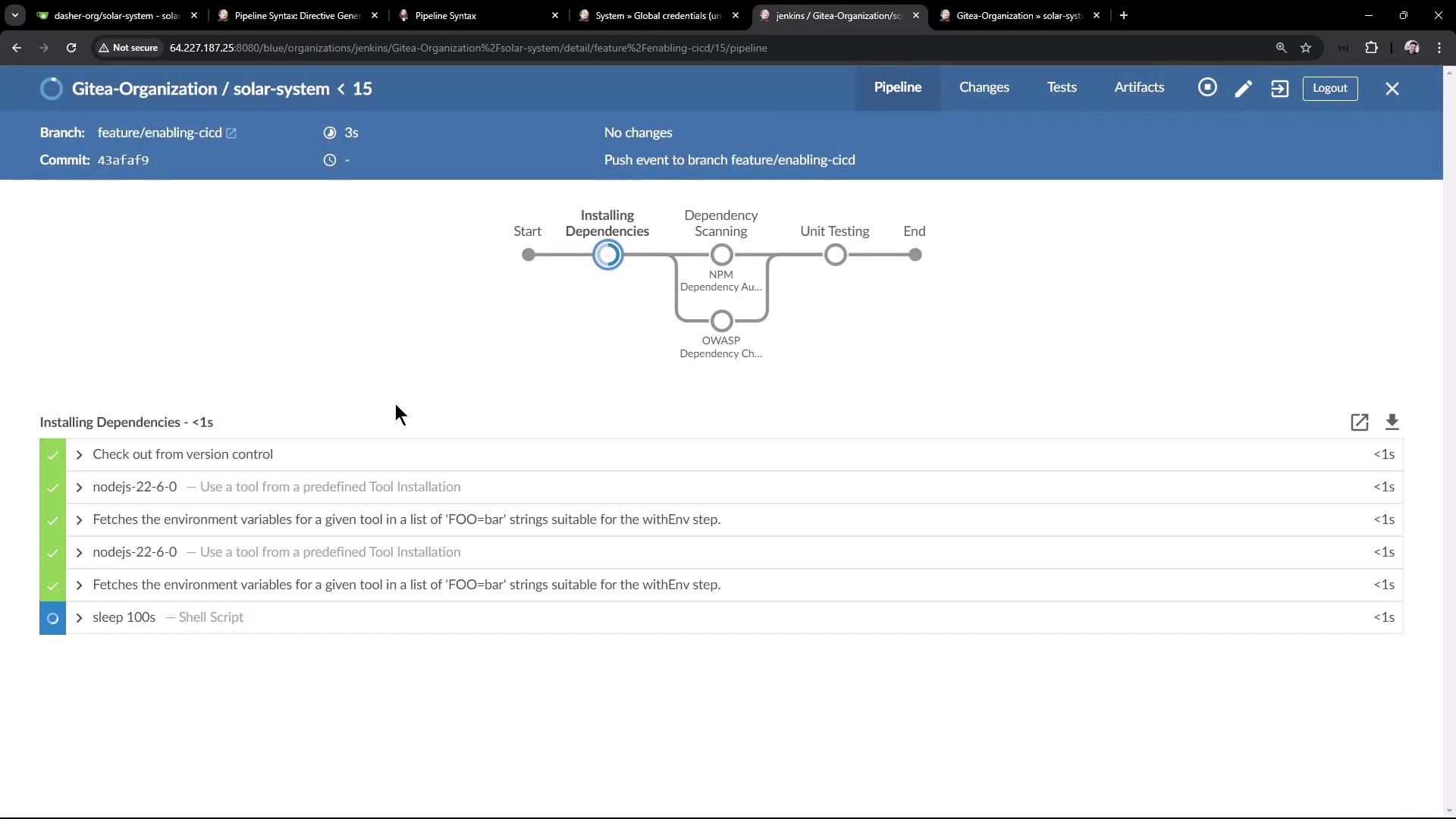
When a new build is triggered during the `sleep 100s` step, the previous build is aborted:
```bash theme={null}
16:06:57 + sleep 100s
16:07:25 Sending interrupt signal to process
Superseded by #16
16:07:29 Terminated: script returned exit code 143
```
Using `disableResume()` will remove the ability to resume pipeline execution after a Jenkins restart. Use it only if you have idempotent stages or external state management.
## Summary of Pipeline Options
| Option | Scope | Description | Example |
| ------------------------------ | -------- | ------------------------------------------------------------------- | ---------------------------------------------------------- |
| `timestamps()` | Stage | Prefixes each log line with a timestamp. | `options { timestamps() }` |
| `retry(count)` | Stage | Retries a failing stage up to `count` times. | `options { retry(2) }` |
| `disableResume()` | Pipeline | Disables pipeline continuation after a Jenkins restart. | `options { disableResume() }` |
| `disableConcurrentBuilds(...)` | Pipeline | Prevents concurrent runs; can abort previous builds when triggered. | `options { disableConcurrentBuilds(abortPrevious: true) }` |
## Links and References
* [Jenkins Declarative Pipeline Syntax](https://www.jenkins.io/doc/book/pipeline/syntax/)
* [Pipeline Options Reference](https://www.jenkins.io/doc/book/pipeline/shared-libraries/#options)
* [Jenkins Credentials Management](https://www.jenkins.io/doc/book/using/using-credentials/)
Explore these resources to discover more ways to customize your Jenkins pipelines and streamline your CI/CD workflows.