> ## Documentation Index
> Fetch the complete documentation index at: https://notes.kodekloud.com/llms.txt
> Use this file to discover all available pages before exploring further.
# Common Transformers
> Learn to use Kustomize transformers for modifying Kubernetes configurations, focusing on common transformations for consistent resource management.
In this lesson, you will learn how to use Kustomize transformers to modify Kubernetes configurations. Kustomize supports several built-in transformers, and you can also create custom ones. Here, we focus on a subgroup known as Common Transformers.
Imagine you have multiple YAML files such as deployment.yaml and service.yaml. You might want to apply a common configuration—for example, adding a label like "org: KodeKloud" or appending "-dev" to resource names—across all these files. Manually updating each file in a production environment isn’t scalable or efficient. Kustomize transformers offer a systematic way to make consistent changes across all resources.
Below are the original Kubernetes resource examples:
```yaml theme={null}
apiVersion: apps/v1
kind: Deployment
metadata:
name: api-deployment
spec:
replicas: 1
selector:
matchLabels:
component: api
template:
metadata:
labels:
component: api
spec:
containers:
- name: nginx
image: nginx
```
```yaml theme={null}
apiVersion: v1
kind: Service
metadata:
name: db-service
spec:
selector:
component: db-depl
ports:
- protocol: "TCP"
port: 27017
targetPort: 27017
type: LoadBalancer
```
After applying Kustomize transformations, the resources might look like this:
```yaml theme={null}
apiVersion: apps/v1
kind: Deployment
metadata:
name: api-deployment-dev
spec:
replicas: 1
selector:
matchLabels:
component: api
org: KodeKloud
template:
metadata:
labels:
component: api
org: KodeKloud
spec:
containers:
- name: nginx
image: nginx
```
```yaml theme={null}
apiVersion: v1
kind: Service
metadata:
labels:
org: KodeKloud
name: api-service-dev
spec:
selector:
component: api
ports:
- protocol: "TCP"
port: 80
targetPort: 3000
type: LoadBalancer
```
Kustomize transformers are essential for ensuring that your Kubernetes configurations remain consistent and manageable across various environments.
***
## Common Transformation Methods
Below is an overview of common transformations available in Kustomize for managing Kubernetes resources:
### 1. Common Label Transformation
This transformer automatically adds the specified labels to all Kubernetes resources. You can define the labels in your `kustomization.yaml` file as shown below:
```yaml theme={null}
commonLabels:
org: KodeKloud
```
For example, a transformed Service resource would appear as:
```yaml theme={null}
apiVersion: v1
kind: Service
metadata:
labels:
org: KodeKloud
name: api-service
spec:
ports:
- port: 80
protocol: TCP
targetPort: 3000
selector:
component: api
type: LoadBalancer
```
***
### 2. Namespace Transformation
The namespace transformer assigns all Kubernetes resources to a specified namespace. By specifying the namespace in your `kustomization.yaml`, all resources will be modified accordingly. For example:
```yaml theme={null}
namespace: lab
```
After this transformation, a Service resource might look like:
```yaml theme={null}
apiVersion: v1
kind: Service
metadata:
annotations:
branch: master
labels:
org: KodeKloud
name: api-service
namespace: lab
spec:
ports:
- port: 80
protocol: TCP
targetPort: 3000
selector:
component: api
org: KodeKloud
type: LoadBalancer
```
When applying namespace transformations, ensure that the specified namespace exists in your cluster to avoid deployment issues.
***
### 3. Name Prefix and Suffix Transformation
This transformer enables you to systematically add a prefix or suffix to resource names. For instance, to prepend "KodeKloud-" and append "-dev" to each resource name, include the following in your `kustomization.yaml`:
```yaml theme={null}
namePrefix: KodeKloud-
nameSuffix: -dev
```
After applying this configuration, a Service resource would be renamed to "KodeKloud-api-service-dev":
```yaml theme={null}
apiVersion: v1
kind: Service
metadata:
name: KodeKloud-api-service-dev
spec:
ports:
- port: 80
protocol: TCP
targetPort: 3000
selector:
component: api
type: LoadBalancer
```
***
### 4. Common Annotation Transformation
If you need to add specific annotations to all resources, use the common annotations transformer. By setting the annotations in your `kustomization.yaml`, each resource will automatically include them. For example:
```yaml theme={null}
commonAnnotations:
branch: master
```
This transformation results in a Service resource similar to:
```yaml theme={null}
apiVersion: v1
kind: Service
metadata:
annotations:
branch: master
labels:
org: KodeKloud
name: api-service
namespace: auth
spec:
ports:
- port: 80
protocol: TCP
targetPort: 3000
selector:
component: api
org: KodeKloud
type: LoadBalancer
```
***
## Summary
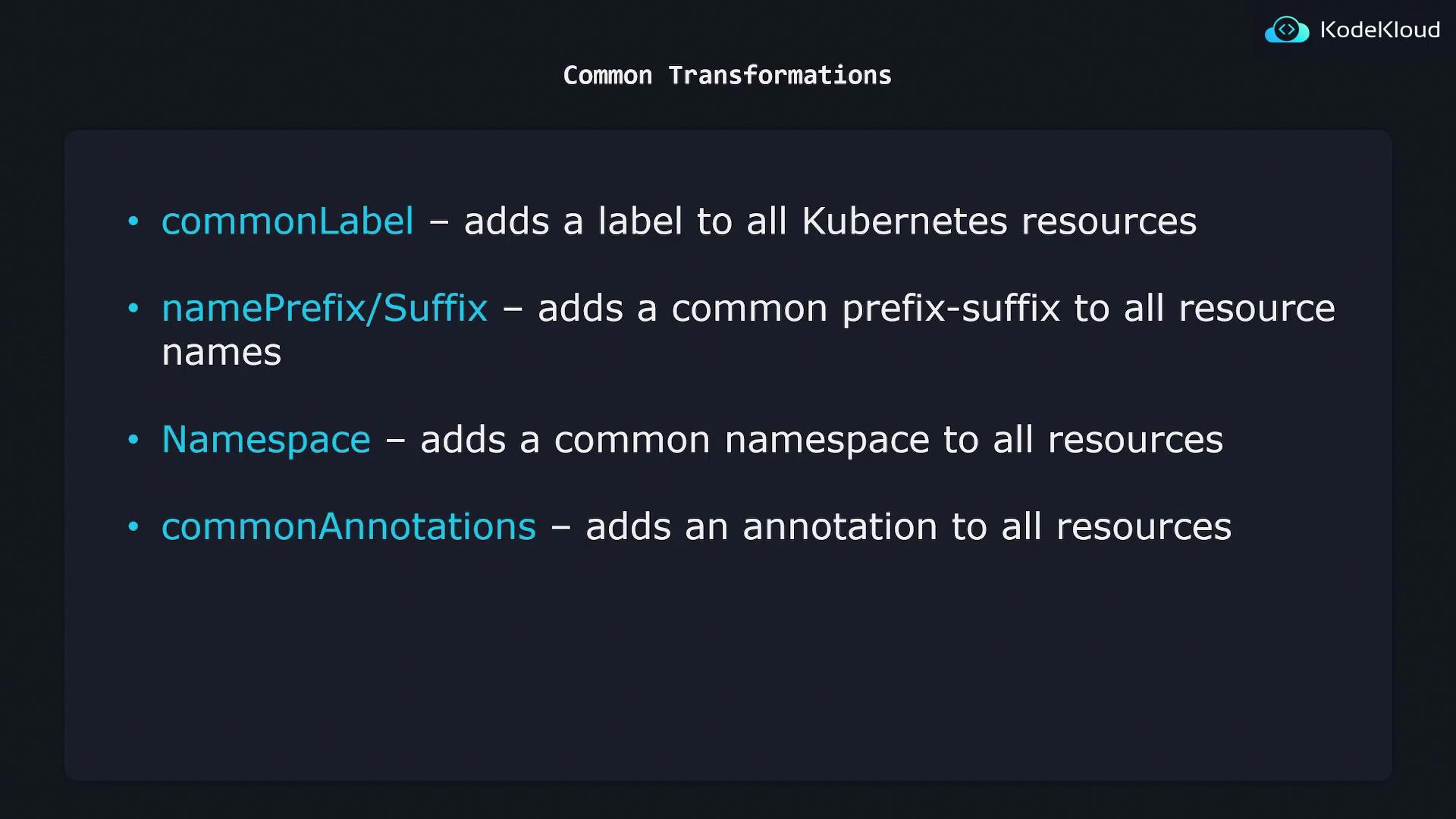
The common transformations available in Kustomize include:
| Transformation Type | Purpose |
| -------------------------------- | ---------------------------------------------------------------- |
| Common Label Transformation | Adds specified labels (e.g., org: KodeKloud) to all resources |
| Namespace Transformation | Assigns a specific namespace to all resources |
| Name Prefix and Suffix | Adds predetermined prefixes and suffixes to resource names |
| Common Annotation Transformation | Appends specific annotations (e.g., branch: master) to resources |
These methods provide a scalable and systematic approach to maintaining consistent configurations across your Kubernetes resources.
In summary, Kustomize transformers offer a robust and error-resistant way to apply common configurations—such as labels, namespaces, name modifications, and annotations—to your Kubernetes resources, ensuring that your deployments remain consistent and manageable across various environments.