> ## Documentation Index
> Fetch the complete documentation index at: https://notes.kodekloud.com/llms.txt
> Use this file to discover all available pages before exploring further.
# Kustomize vs Helm
> This guide compares Helm and Kustomize for modifying Kubernetes manifests, highlighting their features, advantages, and trade-offs to help choose the best solution for projects.
Before moving forward, it's important to examine an alternative tool to Kustomize: Helm. This guide provides a high-level overview of how Helm addresses the need to modify Kubernetes manifests on a per-environment basis. By understanding both tools and their trade-offs, you can choose the best solution for your project.
## Helm Templating Fundamentals
Helm utilizes Go templating syntax to define variables within your Kubernetes manifests. For example, consider the template snippet below, which outlines a standard Deployment configuration. Notice the use of double curly braces to denote template variables:
```yaml theme={null}
apiVersion: apps/v1
kind: Deployment
metadata:
name: {{ .Values.name }}
spec:
replicas: {{ .Values.replicaCount }}
selector:
matchLabels:
app: {{ .Values.name }}
template:
metadata:
labels:
app: {{ .Values.name }}
spec:
containers:
- name: {{ .Chart.Name }}
image: "nginx:{{ .Values.image.tag }}"
```
In this configuration, the replicas count (`replicaCount`) is not hardcoded. Instead, its value is externally supplied using a separate YAML file—typically named `values.yaml`. For example:
```yaml theme={null}
replicaCount: 1
image:
tag: "2.4.4"
```
When deploying your application, Helm merges the specified values into the template, replacing placeholders with concrete values.
## Project Structure in a Traditional Helm Setup
A conventional Helm project organizes deployment templates in one directory and environment-specific configuration files in another. For instance, you might have a directory structure where the `environments` folder contains files such as `values.dev.yaml`, `values.stg.yaml`, and `values.prod.yaml`, while the `templates` folder stores the Kubernetes manifest files.
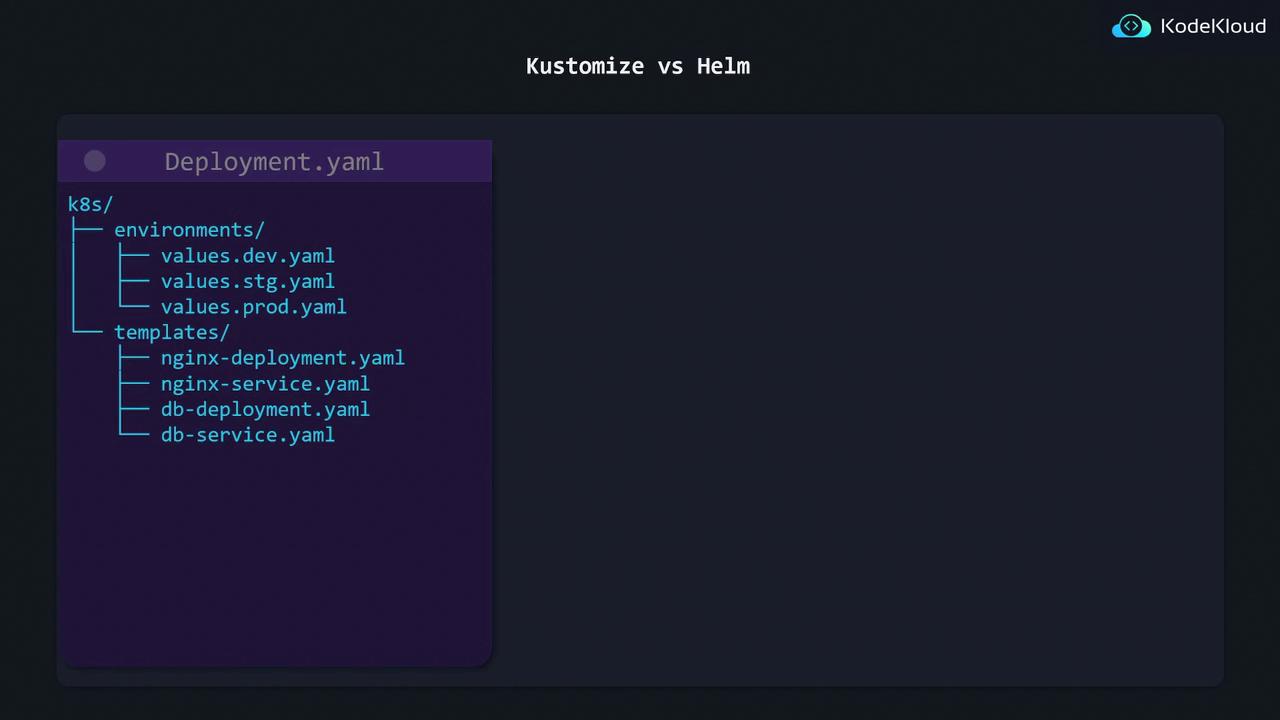
Below is an example of how the directory structure may be organized:
```yaml theme={null}
k8s/
environments/
values.dev.yaml
values.stg.yaml
values.prod.yaml
templates/
nginx-deployment.yaml
nginx-service.yaml
db-deployment.yaml
db-service.yaml
```
When deploying your application, you select the relevant environment file to inject the proper values into your templates.
## Advantages and Trade-offs of Helm
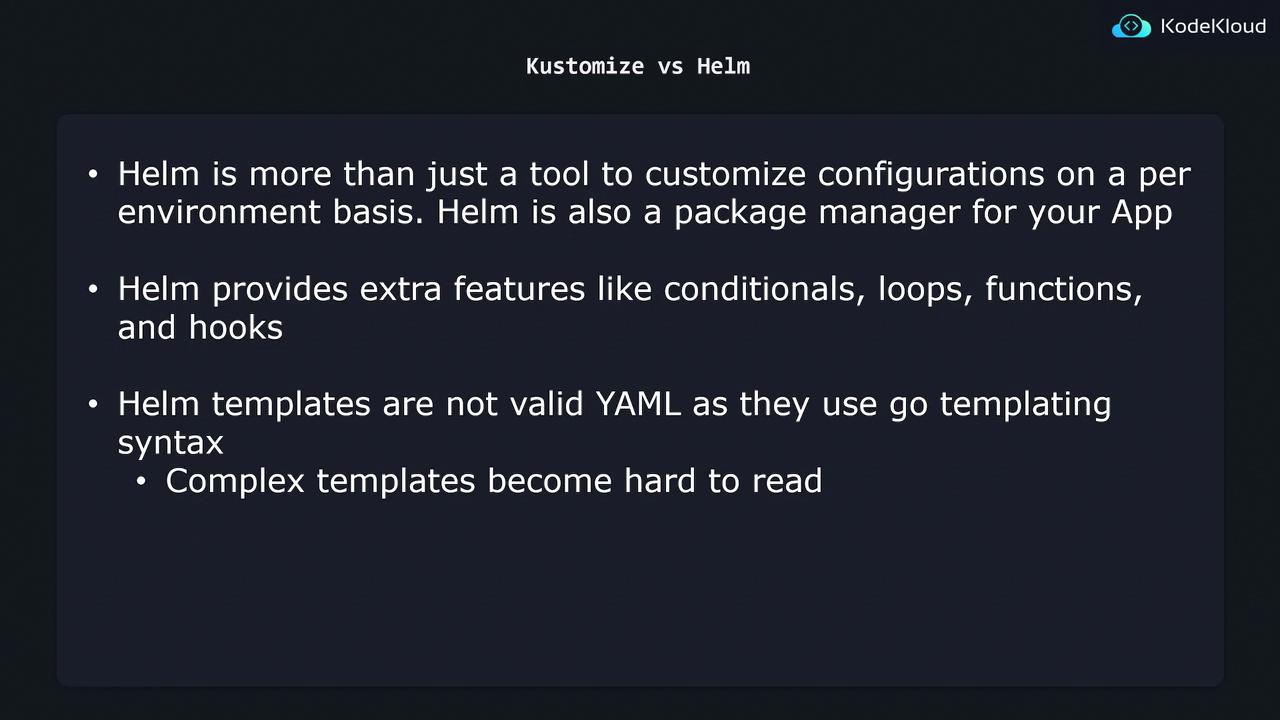
Helm is more than just a templating tool for environment-specific configurations—it serves as a complete package manager for Kubernetes applications. Similar to package managers like yum or apt in Linux, Helm provides additional features such as:
* Conditionals and loops
* Functions and hooks
While Helm's rich feature set offers significant flexibility, it also introduces complexity. The templates, which include Go templating syntax, are not strictly valid YAML and can be challenging to read and maintain initially.
A comparison between the two tools highlights that while Helm offers advanced capabilities like package management and flexible templating constructs, these benefits come with increased complexity. In contrast, Kustomize relies on plain YAML for base configurations and overlays for environment modifications, which makes it simpler to read and maintain.
## Choosing the Right Tool
When deciding between Helm and Kustomize, consider the specific requirements of your project and your tolerance for complexity:
* Choose **Helm** if you need advanced functionalities like package management, dynamic templating, and additional programming constructs.
* Choose **Kustomize** if you prefer a straightforward, plain YAML approach that improves readability and simplifies maintenance.
Be mindful that Helm templates can become difficult to manage as complexity increases. Always weigh the benefits against the added learning curve and potential maintenance overhead.