> ## Documentation Index
> Fetch the complete documentation index at: https://notes.kodekloud.com/llms.txt
> Use this file to discover all available pages before exploring further.
# Prerequisite Security in Docker
> Explains Docker security basics including namespaces, user IDs, and Linux capabilities that control container isolation and root privileges.
This lesson covers Docker security fundamentals that are useful background for Kubernetes security. If you're already familiar with Docker security (namespaces, UIDs, and capabilities), you can skip ahead. Otherwise, the sections below walk through how containers are isolated from the host, how user IDs behave, and how Linux capabilities limit container root privileges.
## Namespaces and process isolation
A host running Docker contains many processes (OS daemons, the Docker daemon, SSH, etc.). Containers run their processes on the same host kernel but inside isolated Linux namespaces (PID, mount, network, IPC, UTS, user, etc.). Namespaces give containers their own view of resources such as process IDs and network interfaces.
Run a simple Ubuntu container that sleeps for an hour:
```bash theme={null}
docker run -d --name sleeper ubuntu sleep 3600
```
From inside the container the sleep process appears as PID 1 thanks to the PID namespace:
```bash theme={null}
# Inspect from inside the container
docker exec -it sleeper ps aux
```
Example output inside the container:
```text theme={null}
USER PID %CPU %MEM VSZ RSS TTY STAT START TIME COMMAND
root 1 0.0 0.0 4528 828 ? Ss 03:06 0:00 sleep 3600
```
On the host, the same process appears with a different PID and is listed among all host processes:
```bash theme={null}
# On the host
ps aux | grep sleep
```
Example output on the host:
```text theme={null}
root 3816 0.0 0.0 4528 828 ? Ss 03:06 0:00 sleep 3600
```
This demonstrates how PID namespaces provide process isolation: the container sees its own PID numbering while the host sees the container's processes alongside other system processes.
## Users and UIDs
By default Docker runs the container process as root (UID 0) inside the container. You can run container processes as a non-root UID at runtime with `--user`, or bake a default user into the image with the Dockerfile `USER` instruction.
Run as a specific UID at runtime:
```bash theme={null}
docker run -d --name sleeper-nonroot --user=1001 ubuntu sleep 3600
docker exec -it sleeper-nonroot ps aux
```
Example output inside the container:
```text theme={null}
USER PID %CPU %MEM VSZ RSS TTY STAT START TIME COMMAND
1001 1 0.0 0.0 4528 828 ? Ss 03:06 0:00 sleep 3600
```
Set the user at image build time with a Dockerfile:
```dockerfile theme={null}
FROM ubuntu
USER 1000
```
Build and run the image:
```bash theme={null}
docker build -t my-ubuntu-image .
docker run -d --name my-ubuntu my-ubuntu-image sleep 3600
```
Processes in that container will run as UID 1000 by default without passing `--user` at runtime.
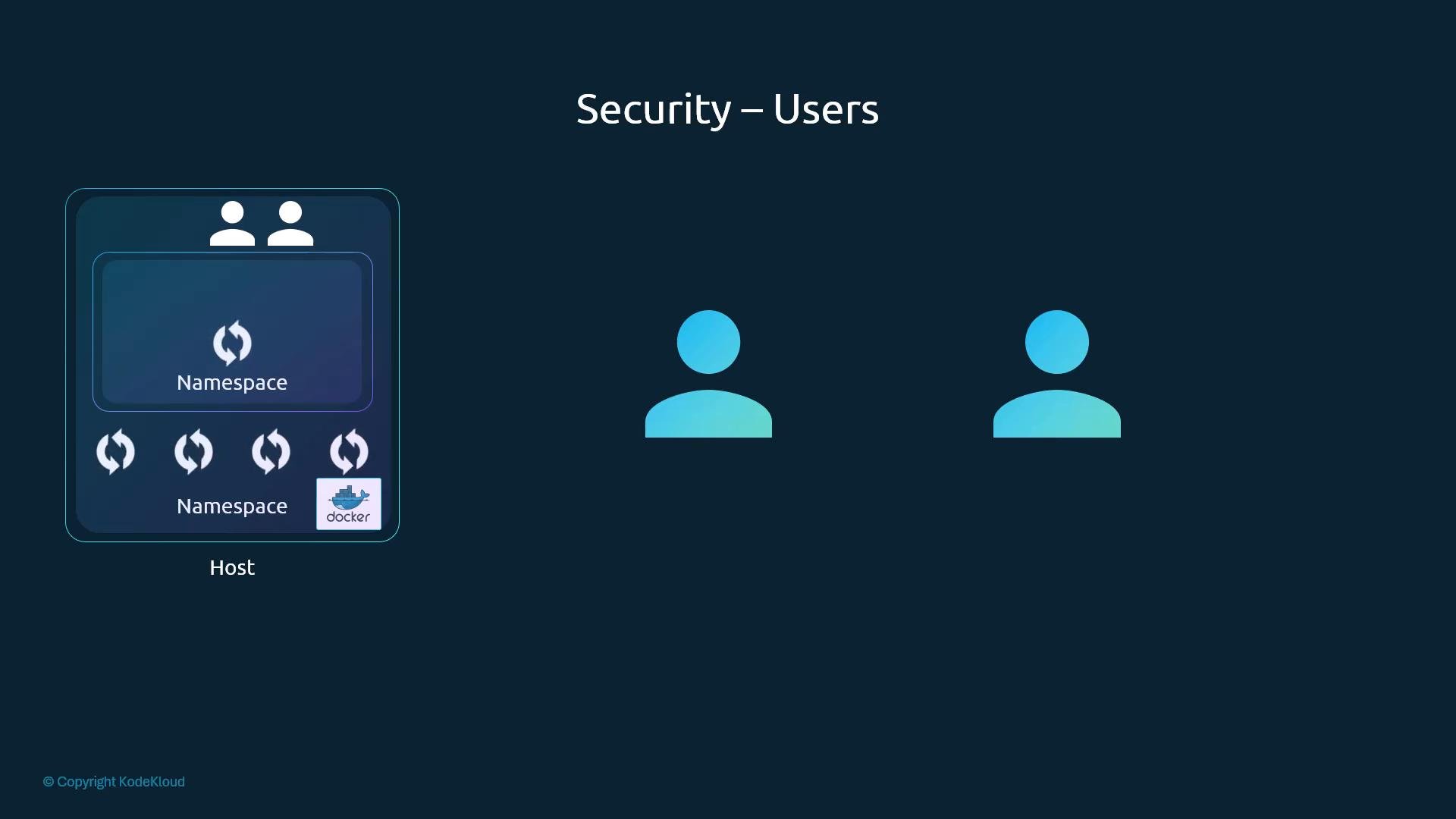 ## Is container root the same as host root?
A common question is whether root inside a container equals root on the host. The short answer is: not necessarily. Although a container process running as UID 0 is "root" inside the container's namespaces, Docker and the Linux kernel reduce its effective power by dropping many Linux capabilities by default.
Capabilities are fine-grained privileges defined by the kernel (see `/usr/include/linux/capability.h` for reference). Docker starts containers with a limited set of capabilities; this prevents the container root from performing many host-level actions (for example, manipulating host network devices or rebooting the host).
Control capabilities and privileges with:
```bash theme={null}
# Drop a capability (example: KILL)
docker run --rm --cap-drop=KILL ubuntu sleep 1
# Add a capability (example: NET_ADMIN)
docker run --rm --cap-add=NET_ADMIN ubuntu sleep 1
# Run with all privileges (not recommended unless necessary)
docker run --rm --privileged ubuntu sleep 1
```
Running a container as UID 0 inside the container does not automatically grant full host root privileges because Docker limits capabilities by default. However, using `--cap-add` or `--privileged` can expand the container's authority—use these sparingly and only when necessary.
## Quick reference: namespaces, users, and capabilities
| Topic | What it isolates / controls | Example |
| - | - | - |
| PID namespace | Process ID visibility inside container | `docker run -d --name c ubuntu sleep 3600` |
| User/UID | Runtime user identity inside container | `docker run --user=1001 ...` / `USER 1000` in Dockerfile |
| Capabilities | Fine-grained kernel privileges (add/drop) | `--cap-add=NET_ADMIN`, `--cap-drop=KILL` |
| Privileged mode | Grants nearly all capabilities (broad host access) | `--privileged` |
## Summary
* Containers share the host kernel but are isolated from the host and from each other using Linux namespaces (PID, network, mount, etc.).
* By default, container processes run as root (UID 0) inside the container; use `--user` at runtime or `USER` in the Dockerfile to run as a non-root UID.
* Docker reduces the power of in-container root by dropping many Linux capabilities by default. Use `--cap-add` / `--cap-drop` to adjust capabilities and avoid `--privileged` unless absolutely necessary.
## Links and references
* Docker run reference: [https://docs.docker.com/engine/reference/run/](https://docs.docker.com/engine/reference/run/)
* Dockerfile reference (USER instruction): [https://docs.docker.com/engine/reference/builder/#user](https://docs.docker.com/engine/reference/builder/#user)
* Linux capabilities overview: [https://man7.org/linux/man-pages/man7/capabilities.7.html](https://man7.org/linux/man-pages/man7/capabilities.7.html)
* Kubernetes container security (for further reading): [https://kubernetes.io/docs/concepts/security/overview/](https://kubernetes.io/docs/concepts/security/overview/)
This documentation is built and hosted on [Mintlify](https://mintlify.com), a developer documentation platform.
## Is container root the same as host root?
A common question is whether root inside a container equals root on the host. The short answer is: not necessarily. Although a container process running as UID 0 is "root" inside the container's namespaces, Docker and the Linux kernel reduce its effective power by dropping many Linux capabilities by default.
Capabilities are fine-grained privileges defined by the kernel (see `/usr/include/linux/capability.h` for reference). Docker starts containers with a limited set of capabilities; this prevents the container root from performing many host-level actions (for example, manipulating host network devices or rebooting the host).
Control capabilities and privileges with:
```bash theme={null}
# Drop a capability (example: KILL)
docker run --rm --cap-drop=KILL ubuntu sleep 1
# Add a capability (example: NET_ADMIN)
docker run --rm --cap-add=NET_ADMIN ubuntu sleep 1
# Run with all privileges (not recommended unless necessary)
docker run --rm --privileged ubuntu sleep 1
```
Running a container as UID 0 inside the container does not automatically grant full host root privileges because Docker limits capabilities by default. However, using `--cap-add` or `--privileged` can expand the container's authority—use these sparingly and only when necessary.
## Quick reference: namespaces, users, and capabilities
| Topic | What it isolates / controls | Example |
| - | - | - |
| PID namespace | Process ID visibility inside container | `docker run -d --name c ubuntu sleep 3600` |
| User/UID | Runtime user identity inside container | `docker run --user=1001 ...` / `USER 1000` in Dockerfile |
| Capabilities | Fine-grained kernel privileges (add/drop) | `--cap-add=NET_ADMIN`, `--cap-drop=KILL` |
| Privileged mode | Grants nearly all capabilities (broad host access) | `--privileged` |
## Summary
* Containers share the host kernel but are isolated from the host and from each other using Linux namespaces (PID, network, mount, etc.).
* By default, container processes run as root (UID 0) inside the container; use `--user` at runtime or `USER` in the Dockerfile to run as a non-root UID.
* Docker reduces the power of in-container root by dropping many Linux capabilities by default. Use `--cap-add` / `--cap-drop` to adjust capabilities and avoid `--privileged` unless absolutely necessary.
## Links and references
* Docker run reference: [https://docs.docker.com/engine/reference/run/](https://docs.docker.com/engine/reference/run/)
* Dockerfile reference (USER instruction): [https://docs.docker.com/engine/reference/builder/#user](https://docs.docker.com/engine/reference/builder/#user)
* Linux capabilities overview: [https://man7.org/linux/man-pages/man7/capabilities.7.html](https://man7.org/linux/man-pages/man7/capabilities.7.html)
* Kubernetes container security (for further reading): [https://kubernetes.io/docs/concepts/security/overview/](https://kubernetes.io/docs/concepts/security/overview/)
This documentation is built and hosted on [Mintlify](https://mintlify.com), a developer documentation platform.