> ## Documentation Index
> Fetch the complete documentation index at: https://notes.kodekloud.com/llms.txt
> Use this file to discover all available pages before exploring further.
# Solution Certificates API
> This article reviews managing SSL/TLS certificates using the Kubernetes Certificates API through a lab scenario involving a certificate signing request.
In this article, we review a lab focused on managing SSL/TLS certificates using the Kubernetes Certificates API. In this scenario, a new team member, Akshay, requires access to our cluster. His certificate signing request (CSR) and corresponding private key are stored in the root directory.
## Verifying Required Files
First, ensure that the required files (akshay.csr and akshay.key) exist in the root directory:
```bash theme={null}
root@controlplane:~# pwd
/root
root@controlplane:~# ls
akshay.csr akshay.key
```
## Inspecting the Certificate Signing Request (CSR)
Next, inspect the contents of the CSR to verify its integrity:
```bash theme={null}
root@controlplane:~# cat akshay.csr
-----BEGIN CERTIFICATE REQUEST-----
MIICyCACAQCAAWETpMAAGWytzaGF5MI1bANBgkqhkiG9w0BAQEFAAOCAQ8AMIICg
AAI8AEBCAQCAqE2aERpPSQRPSJHymgU9IvdBk9PRAg1017VhIJ0+
DlvjUpadmnn++4BLNSLZLClDJb20ZhjME4RXKZScgKlgEdgEdRmsENc+
XNmNhR03cFJ/SzsgMkObmFJkHAE2dEdVdk/hWePkHQ0YmESALS00DvB
SPVQZnQRhmTHgXbgj33aTEkLki79FoCIn2ikqIXCLPkAsF3+9WptBx
86nxL5oGhdqRcg59E/AZU0ZTTnHR5wRuiXyid180D5A4qEpJ8h8g82HG
uBA7Dm/ubTjQRnXBYMMMnDk0T0MtJ5Mj3M/9lQa3ZBz3HWhAwdNHMCH7JGu0D
AQLB0AQggEBAIABzCe7u70KMKPIaktMkMP3R6F9akHbAvhNHMCH7JGuD
7xbo34GEL/v5M4xHcXUOIlkyuIrkA0Riv/imFzwnzM0F6/zmg4tRQRUR
Y1kRz37Dc1BnZqiDoENV/gg/fw+gVQy91ObtP/RQHwgXnsrZAB/ZPJxx8n
sFn9vBeETlXE8IWU1Jbgh9sYF4KNWsbhDXS9I1D60r4rS2KAPA0Q
Eo8UykrOFr/ci/snhk5Wsl0vS1gEKhBwy3Y504ERplC14ImP2yFUMgk3G
-----END CERTIFICATE REQUEST-----
```
## Creating a CertificateSigningRequest Object
To create a Kubernetes CertificateSigningRequest object, you need the CSR in a Base64 encoded format. Since the CSR is in PEM format, encode it using the following command to produce a single-line output (ensuring the proper use of the `-w 0` flag with GNU base64):
```bash theme={null}
root@controlplane:~# cat akshay.csr | base64 -w 0
```
Once you obtain the encoded string, create a YAML manifest (for example, `Akshay.yaml`) for the CertificateSigningRequest object. Replace the placeholder in the `request:` field with the actual one-line Base64 output:
```yaml theme={null}
apiVersion: certificates.k8s.io/v1
kind: CertificateSigningRequest
metadata:
name: myuser
spec:
request: LS0tLS1CRUdJTiBDRVJUSU...
signerName: kubernetes.io/kube-apiserver-client
expirationSeconds: 86400 # one day
usages:
- client auth
```
> **Important:** Ensure that the metadata name is adjusted as needed and verify that the Base64 string is accurate. Extra characters or missing padding (an equals sign "=" at the end) might lead to errors when applying the YAML.
Apply the configuration to create the CSR object:
```bash theme={null}
root@controlplane:~# kubectl create -f akshay.yaml
```
If the Base64 encoded CSR is not correctly formatted, you might see an error like:
```bash theme={null}
Error from server (BadRequest): error when creating "akshay.yaml": CertificateSigningRequest in version "v1" cannot be handled as a CertificateSigningRequest: v1.CertificateSigningRequest.Spec.Usages: [...] error: decode base64: illegal base64 data at input byte 1180, error found in #10 byte ...
```
> **Warning: Check Base64 Formatting:** If you encounter errors, recheck that the Base64 output is a single line with proper padding (using the `-w 0` flag) and update your YAML manifest accordingly.
After you have fixed any issues and reapplied the YAML, verify that the CSR is created and is in a pending state:
```bash theme={null}
root@controlplane:~# kubectl get csr
NAME AGE SIGNERNAME
akshay 42s kubernetes.io/kube-apiserver-client
csr-8mf8n 29m kubernetes.io/kube-apiserver-client-kubelet
```
## Approving the Certificate Signing Request
Approve the CSR for Akshay by running:
```bash theme={null}
root@controlplane:~# kubectl certificate approve akshay
certificatesigningrequest.certificates.k8s.io/akshay approved
```
After approval, list the CSRs to confirm the updated status:
```bash theme={null}
root@controlplane:~# kubectl get csr
NAME AGE SIGNERNAME
akshay 42s kubernetes.io/kube-apiserver-client
csr-8mf8n 30m kubernetes.io/kube-apiserver-client-kubelet
agent-smith 7s kubernetes.io/kube-apiserver-client
```
## Handling Unwanted Certificate Signing Requests
In this example, a new CSR named "agent-smith" appears. To determine what access is being requested by this CSR, inspect its details in YAML format:
```bash theme={null}
root@controlplane:~# kubectl get csr agent-smith -o yaml
```
In the output, you'll notice under the `spec` section that the groups include:
```yaml theme={null}
spec:
groups:
- system:masters
- system:authenticated
request: LS0tLS1CRUdJTiBDRVJUS...
signerName: kubernetes.io/kube-apiserver-client
usages:
- digital signature
- key encipherment
- server auth
username: agent-x
```
The inclusion of the group "system:masters" grants elevated privileges, which is not desired. Therefore, this request should be denied.
Begin by denying the unwanted CSR:
```bash theme={null}
root@controlplane:~# kubectl certificate deny agent-smith
error: Request certs.k8s.io/agent-smith denied
```
After denial, remove the rejected CSR from the cluster:
```bash theme={null}
root@controlplane:~# kubectl delete csr agent-smith
```
Finally, verify that the unwanted request has been removed by listing the remaining CSRs.
## Conclusion
This lab demonstrated the process of handling certificate signing requests in Kubernetes. Through this tutorial, you learned how to:
* Generate and inspect a CSR.
* Encode the CSR correctly for Kubernetes.
* Create a CertificateSigningRequest object using a YAML manifest.
* Approve valid certificate signing requests.
* Deny and remove CSRs that request inappropriate permissions.
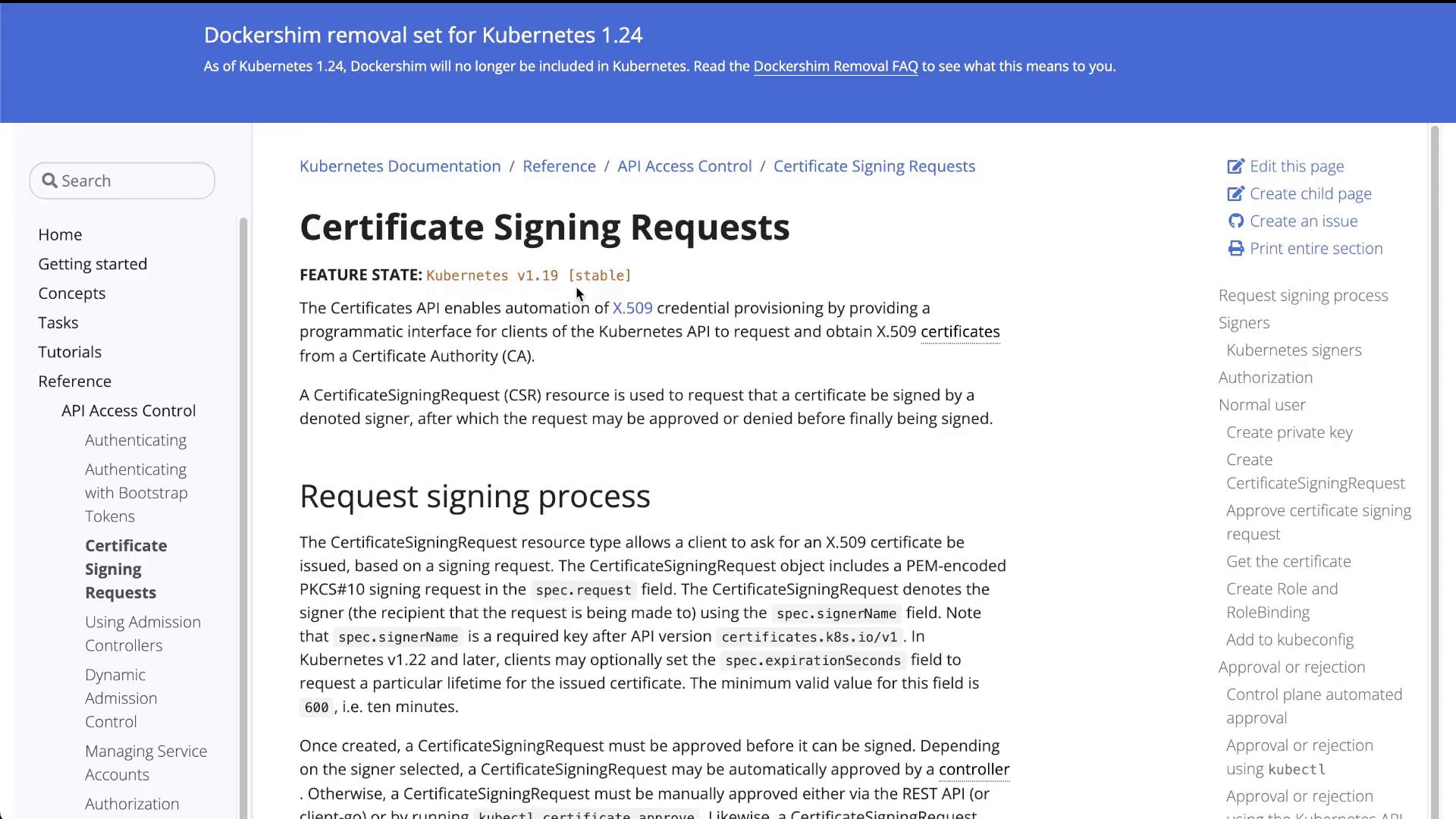
For further details on managing certificate signing requests, please refer to the [Kubernetes Certificate Signing Requests documentation](https://kubernetes.io/docs/reference/access-authn-authz/certificate-signing-requests/).