> ## Documentation Index
> Fetch the complete documentation index at: https://notes.kodekloud.com/llms.txt
> Use this file to discover all available pages before exploring further.
# Solution Network Policies optional
> This lesson reviews a practical test on network policies within a Kubernetes environment, focusing on deployment, inspection, and connectivity validation.
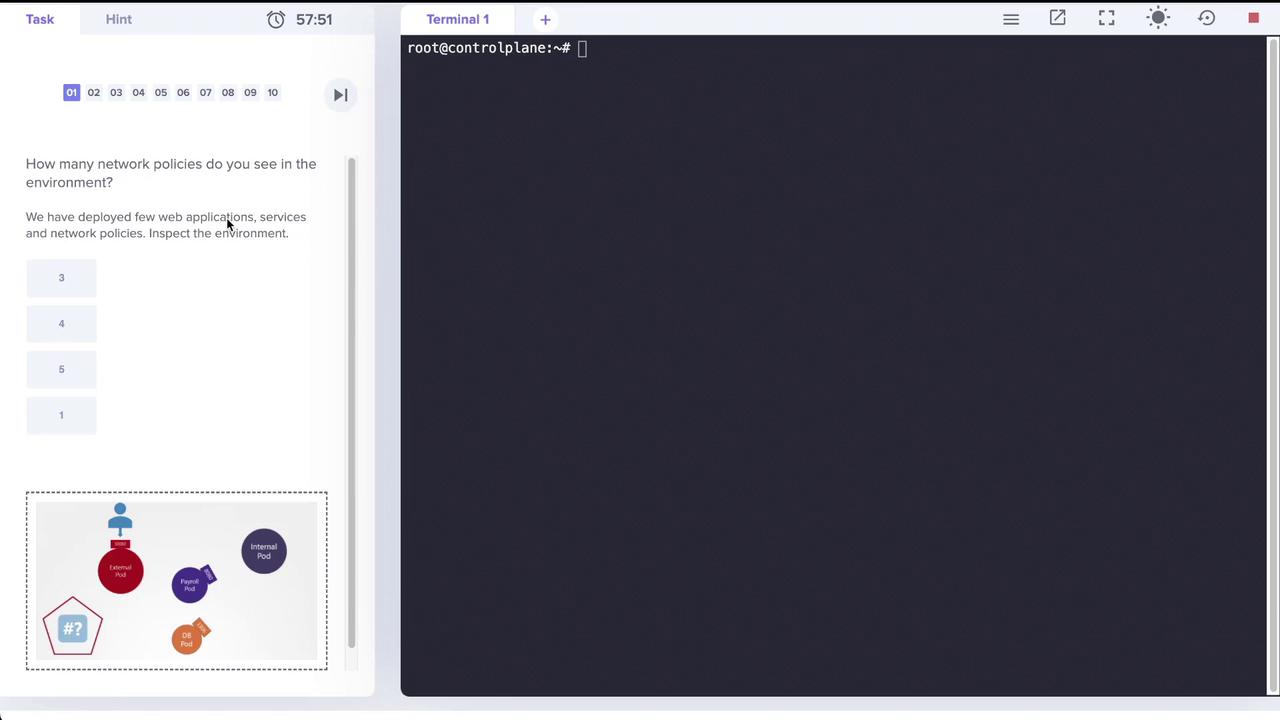
In this lesson, we review a practical test on network policies within a Kubernetes environment. The lab deploys several web applications, services, and network policies. Your objective is to inspect the environment and answer questions related to the applied network policies.
## Step 1: Inspecting the Pods
First, verify the running applications by listing the pods. In this environment, four pods are running: external, internal, mysql (the database), and payroll. Execute the following command:
```bash theme={null}
root@controlplane:~# kubectl get pods
NAME READY STATUS RESTARTS AGE
external 1/1 Running 0 2m20s
internal 1/1 Running 0 2m19s
mysql 1/1 Running 0 2m19s
payroll 1/1 Running 0 2m19s
```
## Step 2: Checking the Associated Services
Next, inspect the services that expose these pods on different ports. Note that:
* The payroll service is exposed on port 8080.
* Both the external and internal services also use port 8080.
* The MySQL (DB) service is available on port 3306.
Run this command to list the services:
```bash theme={null}
root@controlplane:~# kubectl get service
NAME TYPE CLUSTER-IP EXTERNAL-IP PORT(S) AGE
db-service ClusterIP 10.109.89.42 3306/TCP 2m42s
external-service NodePort 10.108.170.44 8080:30000/TCP 2m42s
internal-service NodePort 10.98.11.243 8080:30082/TCP 2m42s
kubernetes ClusterIP 10.96.0.1 443/TCP 39m
payroll-service NodePort 10.110.165.31 8080:30083/TCP 2m42s
```
## Step 3: Identifying Network Policies
The next step is to check the applied network policies. Initially, running:
```bash theme={null}
root@controlplane:~# kubectl get networkpolicies
error: the server doesn't have a resource type "networkpolicies"
```
Then, using the shorthand command:
```bash theme={null}
root@controlplane:~# kubectl get netpol
NAME POD-SELECTOR AGE
payroll-policy name=payroll 3m31s
```
The output shows a single network policy, **payroll-policy**, which applies to the pod labeled `name=payroll`.
The payroll network policy allows ingress TCP traffic on port 8080 to the payroll pod, but only from pods with the `name=internal` label. Outbound traffic (egress) is not restricted.
## Step 4: Reviewing the Payroll Network Policy
Inspect the details of the network policy with the following command:
```bash theme={null}
root@controlplane:~# kubectl describe netpol payroll-policy
Name: payroll-policy
Namespace: default
Created on: 2022-04-18 20:35:54 +0000 UTC
Labels:
Annotations:
Spec:
PodSelector: name=payroll
Allowing ingress traffic:
To Port: 8080/TCP
From:
PodSelector: name=internal
Not affecting egress traffic
Policy Types: Ingress
```
This confirms that only traffic from pods labeled `name=internal` is permitted to access the payroll pod on TCP port 8080.
## Step 5: Connectivity Tests
Connectivity tests via the provided application interfaces validate that:
* The internal-facing application successfully accesses the payroll service on port 8080.
* The external-facing application times out when attempting to access the same service.
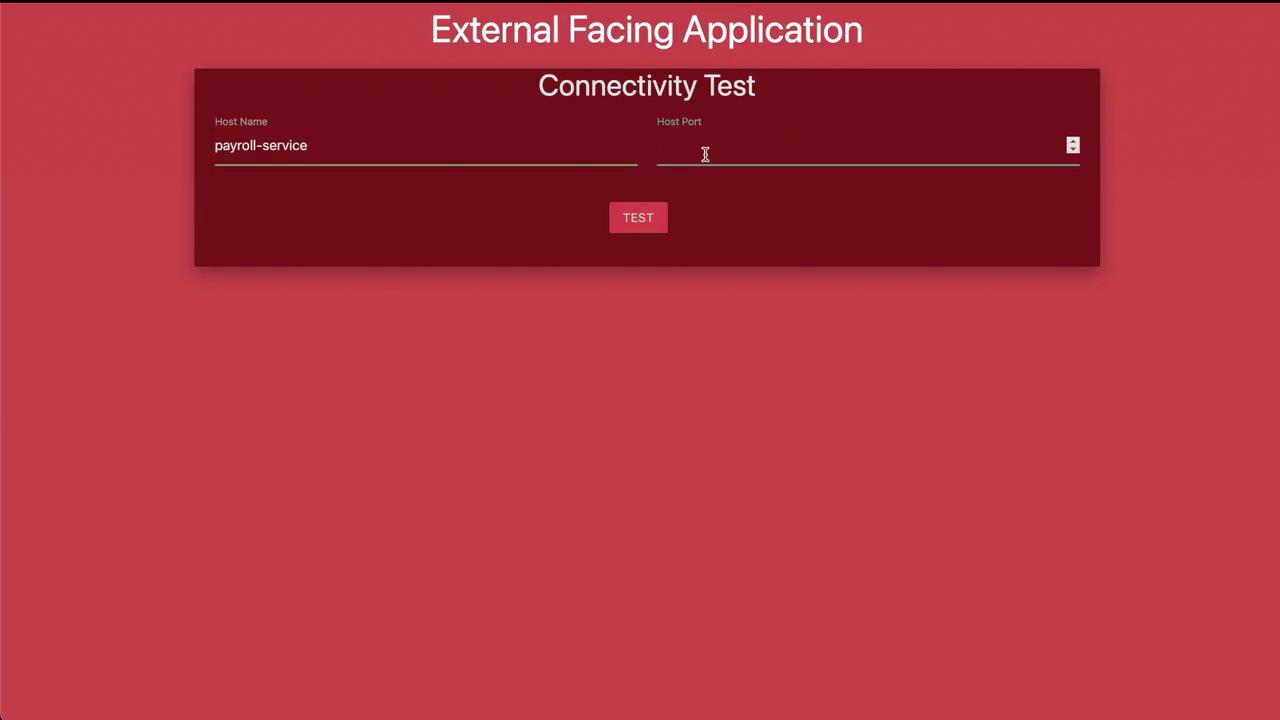
This behavior verifies that the network policy is correctly enforcing restricted access based on the pod labels.
## Step 6: Creating a New Network Policy for Internal Pod Egress
The next task is to create a network policy that further restricts the internal pod's egress traffic. The goal is to allow the internal pod only to access:
* The payroll pod on port 8080.
* The MySQL (DB) pod on port 3306.
Create a file named `internal-policy.yaml` with the following content:
```yaml theme={null}
apiVersion: networking.k8s.io/v1
kind: NetworkPolicy
metadata:
name: internal-policy
namespace: default
spec:
# This policy applies to the internal pod.
podSelector:
matchLabels:
name: internal
policyTypes:
- Ingress
- Egress
# Ingress traffic remains unrestricted.
egress:
# Allow egress traffic to the payroll pod on TCP port 8080.
- to:
podSelector:
matchLabels:
name: payroll
ports:
- protocol: TCP
port: 8080
# Allow egress traffic to the MySQL (DB) pod on TCP port 3306.
- to:
podSelector:
matchLabels:
name: mysql
ports:
- protocol: TCP
port: 3306
```
Apply this network policy with the following command:
```bash theme={null}
root@controlplane:~# kubectl create -f internal-policy.yaml
networkpolicy.networking.k8s.io/internal-policy created
```
Verify the applied policy:
```bash theme={null}
root@controlplane:~# kubectl describe netpol internal-policy
Name: internal-policy
Namespace: default
Created on: 2022-04-18 20:53:13 +0000 UTC
Labels:
Annotations:
Spec:
PodSelector: name=internal
Not affecting ingress traffic
Allowing egress traffic:
To:
PodSelector: name=payroll
To Port: 8080/TCP
To:
PodSelector: name=mysql
To Port: 3306/TCP
Policy Types: Egress
```
The internal policy ensures that the internal pod can only send egress traffic to the payroll pod on port 8080 and the MySQL pod on port 3306, effectively blocking any other outbound connections.
This configuration confirms that the network policies enforce the intended connectivity restrictions, completing the lab exercise.
## Additional Resources
* [Kubernetes Documentation](https://kubernetes.io/docs/)
* [Networking Concepts in Kubernetes](https://kubernetes.io/docs/concepts/services-networking/network-policies/)
* [Docker Hub](https://hub.docker.com/)