> ## Documentation Index
> Fetch the complete documentation index at: https://notes.kodekloud.com/llms.txt
> Use this file to discover all available pages before exploring further.
# The kustomizationyaml File
> Describes the kustomization.yaml file used by Kustomize to list Kubernetes resources, apply transformations, build manifests, and optionally pipe results into kubectl for deployment.
Now that Kustomize is installed and configured, we'll start using the tool. The first thing to understand is the `kustomization.yaml` file — what it is, why Kustomize needs it, and how to configure it.
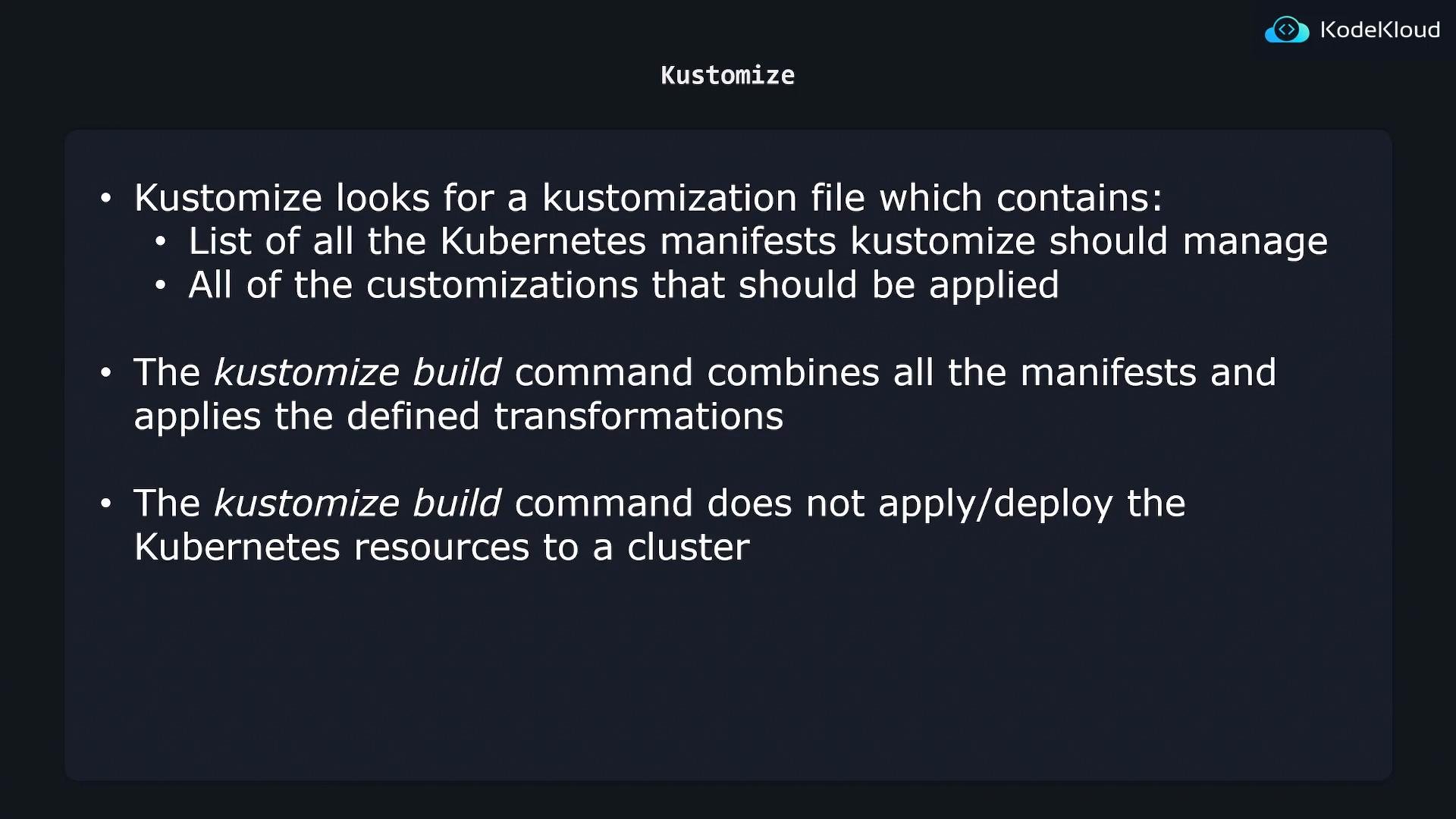
In this example we have a `k8s/` directory that contains two Kubernetes manifest files: one for an NGINX Deployment and one for an NGINX Service. When you point Kustomize at the `k8s/` folder, it will not automatically process every YAML file there. Instead, Kustomize looks for an explicit file named `kustomization.yaml` that lists which resources to manage and what transformations to apply.
The file is typically named `kustomization.yaml` (Kustomize also accepts `kustomization.yml` or a `Kustomization` file name depending on version). Kustomize uses this file as the entry point for building resources.
What the `kustomization.yaml` contains
* resources: A list of Kubernetes manifest files (relative paths) that Kustomize should include.
* customizations (transformations): The changes Kustomize will apply to those resources (for example, `commonLabels`, `patchesStrategicMerge`, `namePrefix`, `images`, etc.).
Common kustomization fields (at-a-glance)
| Field | Purpose | Example |
| - | - | - |
| `resources` | Files to include in the build | `- nginx-deployment.yaml` |
| `commonLabels` | Add labels to all resulting resources | `company: KodeKloud` |
| `namePrefix` / `nameSuffix` | Prefix or suffix to resource names | `namePrefix: prod-` |
| `patchesStrategicMerge` | Apply YAML patches to resources | `- deployment-patch.yaml` |
| `images` | Change image tags or names | `- name: nginx`
` newTag: 1.21` |
Minimal example
```yaml theme={null}
# kubernetes resources to be managed by kustomize
resources:
- nginx-deployment.yaml
- nginx-service.yaml
# Customizations that need to be made
commonLabels:
company: KodeKloud
```
In this example `commonLabels` adds the label `company: KodeKloud` to every resource produced by the build. This is just one of many transformations Kustomize supports; others include `patchesStrategicMerge`, `namePrefix`, `images` (to change image tags), and more.
Build the manifests
Point `kustomize build` at the directory that contains your `kustomization.yaml` (the `k8s/` directory in this example). Kustomize reads the kustomization file, imports the listed resources, applies the configured transformations, and prints the final manifests to stdout:
```bash theme={null}
$ kustomize build k8s/
apiVersion: v1
kind: Service
metadata:
labels:
company: KodeKloud
name: nginx-loadbalancer-service
spec:
ports:
- port: 80
protocol: TCP
targetPort: 3000
selector:
company: KodeKloud
component: nginx
type: LoadBalancer
---
apiVersion: apps/v1
kind: Deployment
metadata:
labels:
company: KodeKloud
name: nginx-deployment
spec:
replicas: 1
selector:
matchLabels:
company: KodeKloud
component: nginx
template:
metadata:
labels:
company: KodeKloud
component: nginx
spec:
containers:
- image: nginx
name: nginx
```
 Deploying the generated manifests
Note that `kustomize build` only prints the transformed manifests; it does not apply them to a cluster. To deploy the generated manifests, pipe the output into `kubectl apply -f -`:
Ensure your `kubectl` context is set to the intended cluster/namespace before applying manifests. Piping directly into `kubectl apply -f -` will make live changes to that cluster.
```bash theme={null}
kustomize build k8s/ | kubectl apply -f -
```
Additional resources
* [Kustomize Documentation](https://kubectl.docs.kubernetes.io/references/kustomize/)
* [kubectl apply documentation](https://kubernetes.io/docs/reference/generated/kubectl/kubectl-commands#apply)
Summary
* Kustomize requires a `kustomization.yaml` file as the entry point for builds.
* The file lists resources to include and the transformations to perform.
* `kustomize build` combines manifests, applies transformations, and prints the result to stdout.
* To deploy the generated manifests, pipe the build output to `kubectl apply -f -`.
This documentation is built and hosted on [Mintlify](https://mintlify.com), a developer documentation platform.
Deploying the generated manifests
Note that `kustomize build` only prints the transformed manifests; it does not apply them to a cluster. To deploy the generated manifests, pipe the output into `kubectl apply -f -`:
Ensure your `kubectl` context is set to the intended cluster/namespace before applying manifests. Piping directly into `kubectl apply -f -` will make live changes to that cluster.
```bash theme={null}
kustomize build k8s/ | kubectl apply -f -
```
Additional resources
* [Kustomize Documentation](https://kubectl.docs.kubernetes.io/references/kustomize/)
* [kubectl apply documentation](https://kubernetes.io/docs/reference/generated/kubectl/kubectl-commands#apply)
Summary
* Kustomize requires a `kustomization.yaml` file as the entry point for builds.
* The file lists resources to include and the transformations to perform.
* `kustomize build` combines manifests, applies transformations, and prints the result to stdout.
* To deploy the generated manifests, pipe the build output to `kubectl apply -f -`.
This documentation is built and hosted on [Mintlify](https://mintlify.com), a developer documentation platform.