> ## Documentation Index
> Fetch the complete documentation index at: https://notes.kodekloud.com/llms.txt
> Use this file to discover all available pages before exploring further.
# Kubernets Auditing
> Explains Kubernetes audit logging, configuring audit policies and enabling log backend on the API server to record and manage API request and response audit events.
In this lesson we cover how Kubernetes audit logs work, how to configure an audit policy, and how to enable the audit log backend on the API server.
Falco detects suspicious runtime events (for example, a shell opened inside a container or reads of sensitive files). Auditing in Kubernetes complements runtime detection by recording a detailed trail of API requests and responses — which objects were created or deleted, who performed the action, when it occurred, which namespace the object belonged to, and where the request originated from. These records are called audit events.
Example Falco log output (for context):
```text theme={null}
$ kubectl logs -f falco-6t2dd
...
22:57:09.163982780: Notice A shell was spawned in a container with an attached terminal (user=root user_loginuid=-1 k8s.ns=default k8s.pod=nginx container=c73d9fc1a75d shell=bash parent=runc cmdline=bash terminal=34816 container_id=c73d9fc1a75d image=nginx) k8s.ns=default k8s.pod=nginx container=c73d9fc1a75d
23:09:03.279503809: Warning Sensitive file opened for reading by non-trusted program (user=root user_loginuid=-1 program=cat command=cat /etc/shadow file=/etc/shadow parent=bash gparent=runc ggparent=containerd-shim gggparent=containerd-shim container_id=c73d9fc1a75d image=nginx) k8s.ns=default k8s.pod=nginx container=c73d9fc1a75d
```
Where do these audit events come from?
All requests to the Kubernetes API server (kube-apiserver) pass through a sequence of stages, and each stage can produce audit events. Use an audit policy to filter and control which events are recorded so your logs remain useful and manageable.
Stages that can generate audit events:
| Stage | When it is emitted | Typical usage |
| - | - | - |
| RequestReceived | When the API server first receives the request (emitted regardless of validity) | Capture every incoming request (very verbose) |
| ResponseStarted | When the API server has authenticated and authorized the request and starts responding (useful for long-running operations like `kubectl get --watch`) | Track start of long operations |
| ResponseComplete | When the response finishes and the response body is sent | Final result of the request |
| Panic | When a server-side panic occurs during request processing | Debug server crashes |
Example: creating a Pod
```bash theme={null}
$ kubectl run nginx --image nginx
pod/nginx created
```
Each stage can produce audit events, but recording every stage for every request creates very large logs. To capture only relevant data, define an audit policy that filters events by namespaces, verbs, resources, and more.
 Audit policy
An audit policy is a Kubernetes resource (`apiVersion: audit.k8s.io/v1`, `kind: Policy`) that contains two primary parts:
* `omitStages` (optional): stages to exclude from logging (for example `["RequestReceived"]`).
* `rules`: an ordered list of rules that select which requests to log and at what verbosity.
A rule can match on `namespaces`, `verbs` (create, update, delete, etc.), `resources` and `groups`, `resourceNames` (specific object names), and more. Each rule also sets a `level` to control verbosity:
| Level | What is logged |
| - | - |
| None | Do not log matching events |
| Metadata | Only metadata (timestamp, user, resource, verb, etc.) — least verbose |
| Request | Metadata plus request body |
| RequestResponse | Metadata, request body, and response body — most verbose |
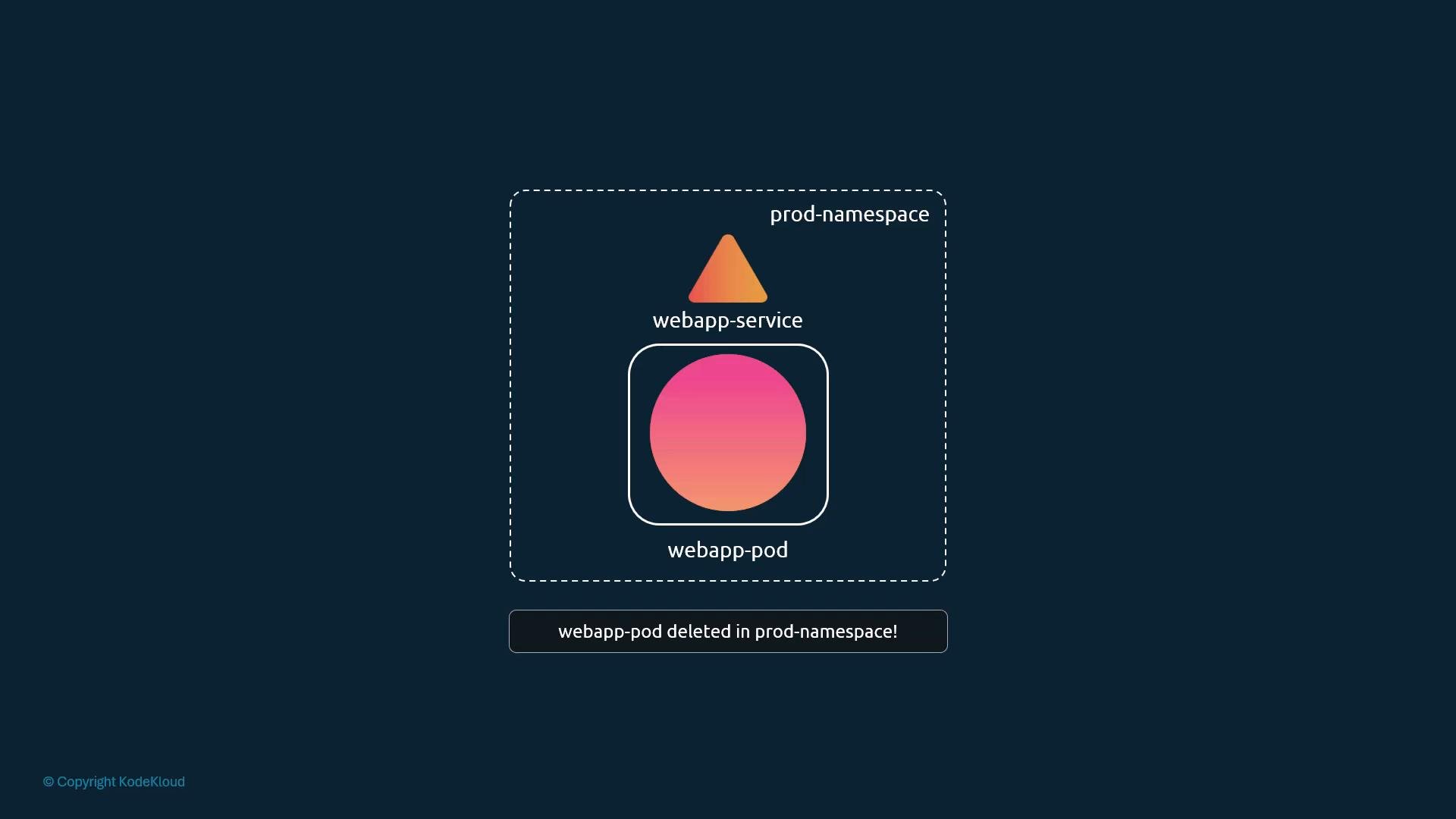
Example policy (omits `RequestReceived`, logs full `RequestResponse` for deletes of a specific Pod in `prod-namespace`, and logs `Metadata` for Secrets cluster-wide):
```yaml theme={null}
apiVersion: audit.k8s.io/v1
kind: Policy
omitStages: ["RequestReceived"]
rules:
- level: RequestResponse
namespaces: ["prod-namespace"]
verbs: ["delete"]
resources:
- groups: [""]
resources: ["pods"]
resourceNames: ["webapp-pod"]
- level: Metadata
resources:
- groups: [""]
resources: ["secrets"]
```
Notes about fields:
* `namespaces` is optional; if omitted the rule applies to all namespaces.
* `verbs` is optional; if omitted the rule applies to all operations.
* `groups` identifies the API group; core/v1 resources use an empty string (`""`).
Audit logs can grow quickly when you use verbose levels or broad-scoped rules. Craft rules narrowly (specific namespaces, verbs, and resourceNames) and configure rotation/retention for the backend to keep logs manageable.
Audit backends and enabling auditing
Kubernetes supports two primary audit backends (as of v1.20):
| Backend | Description | Common use case |
| - | - | - |
| log backend | Writes audit events to a file on the control-plane/node hosting the kube-apiserver | Simple local storage or when using centralized log shipping agents |
| webhook backend | Sends events to a remote webhook endpoint (for example, a Falco collector or a dedicated audit collector) | Centralized collection, enrichment, or forwarding to SIEM |
This lesson focuses on the log backend. To enable the log backend, pass kube-apiserver flags pointing to the audit policy file and the desired log path, and optionally configure rotation/retention:
* `--audit-log-path=/var/log/k8-audit.log`
* `--audit-policy-file=/etc/kubernetes/audit-policy.yaml`
* `--audit-log-maxage=10` (days to retain)
* `--audit-log-maxbackup=5` (number of rotated files to keep)
* `--audit-log-maxsize=100` (megabytes before rotation)
If your cluster was created with kubeadm, the kube-apiserver runs as a static Pod. Add the flags to the kube-apiserver static Pod manifest (or to the systemd unit if kube-apiserver runs as a service). Example systemd ExecStart excerpt:
```bash theme={null}
ExecStart=/usr/local/bin/kube-apiserver \
--advertise-address=${INTERNAL_IP} \
--allow-privileged=true \
--apiserver-count=3 \
--authorization-mode=Node,RBAC \
--bind-address=0.0.0.0 \
--enable-swagger-ui=true \
--etcd-servers=https://127.0.0.1:2379 \
--event-ttl=1h \
--runtime-config=api/all \
--service-cluster-ip-range=10.32.0.0/24 \
--service-node-port-range=30000-32767 \
--v=2 \
--audit-log-path=/var/log/k8-audit.log \
--audit-policy-file=/etc/kubernetes/audit-policy.yaml \
--audit-log-maxage=10 \
--audit-log-maxbackup=5 \
--audit-log-maxsize=100
```
Example kubeadm static Pod manifest snippet:
```yaml theme={null}
apiVersion: v1
kind: Pod
metadata:
name: kube-apiserver
namespace: kube-system
spec:
containers:
- name: kube-apiserver
command:
- kube-apiserver
- --authorization-mode=Node,RBAC
- --advertise-address=172.17.0.107
- --allow-privileged=true
- --enable-bootstrap-token-auth=true
- --audit-policy-file=/etc/kubernetes/audit-policy.yaml
- --audit-log-maxage=10
- --audit-log-maxbackup=5
- --audit-log-maxsize=100
# add --audit-log-path=/var/log/k8-audit.log as needed
```
After updating the static Pod manifest, kubelet will recreate the kube-apiserver Pod and the new instance will begin writing events to the configured audit log file. If kube-apiserver is managed as a system service, restart that service instead.
Logging `Request` or `RequestResponse` bodies may capture sensitive data (for example, Secrets or tokens). Take care to restrict access to audit logs and avoid storing sensitive request/response bodies unnecessarily.
Testing the audit policy
Create a minimal test policy that logs metadata when Pods are deleted in `prod-namespace`:
```yaml theme={null}
apiVersion: audit.k8s.io/v1
kind: Policy
omitStages:
- "RequestReceived"
rules:
- level: Metadata
namespaces: ["prod-namespace"]
verbs: ["delete"]
resources:
- groups: [""]
resources: ["pods"]
```
Load this policy with the kube-apiserver using `--audit-policy-file`. Then delete a Pod named `webapp-pod` in the `prod-namespace`:
```bash theme={null}
kubectl delete pod webapp-pod -n prod-namespace
```
With the policy above and the log backend configured, the kube-apiserver will write a metadata-level audit event for that delete operation to the audit log file.
Further reading and references
* [Kubernetes Audit Documentation](https://kubernetes.io/docs/tasks/debug/debug-cluster/audit/)
* [Falco — Runtime Security](https://falco.org)
* [kube-apiserver options reference](https://kubernetes.io/docs/reference/command-line-tools-reference/kube-apiserver/)
That's it for this lesson.
This documentation is built and hosted on [Mintlify](https://mintlify.com), a developer documentation platform.
Audit policy
An audit policy is a Kubernetes resource (`apiVersion: audit.k8s.io/v1`, `kind: Policy`) that contains two primary parts:
* `omitStages` (optional): stages to exclude from logging (for example `["RequestReceived"]`).
* `rules`: an ordered list of rules that select which requests to log and at what verbosity.
A rule can match on `namespaces`, `verbs` (create, update, delete, etc.), `resources` and `groups`, `resourceNames` (specific object names), and more. Each rule also sets a `level` to control verbosity:
| Level | What is logged |
| - | - |
| None | Do not log matching events |
| Metadata | Only metadata (timestamp, user, resource, verb, etc.) — least verbose |
| Request | Metadata plus request body |
| RequestResponse | Metadata, request body, and response body — most verbose |
Example policy (omits `RequestReceived`, logs full `RequestResponse` for deletes of a specific Pod in `prod-namespace`, and logs `Metadata` for Secrets cluster-wide):
```yaml theme={null}
apiVersion: audit.k8s.io/v1
kind: Policy
omitStages: ["RequestReceived"]
rules:
- level: RequestResponse
namespaces: ["prod-namespace"]
verbs: ["delete"]
resources:
- groups: [""]
resources: ["pods"]
resourceNames: ["webapp-pod"]
- level: Metadata
resources:
- groups: [""]
resources: ["secrets"]
```
Notes about fields:
* `namespaces` is optional; if omitted the rule applies to all namespaces.
* `verbs` is optional; if omitted the rule applies to all operations.
* `groups` identifies the API group; core/v1 resources use an empty string (`""`).
Audit logs can grow quickly when you use verbose levels or broad-scoped rules. Craft rules narrowly (specific namespaces, verbs, and resourceNames) and configure rotation/retention for the backend to keep logs manageable.
Audit backends and enabling auditing
Kubernetes supports two primary audit backends (as of v1.20):
| Backend | Description | Common use case |
| - | - | - |
| log backend | Writes audit events to a file on the control-plane/node hosting the kube-apiserver | Simple local storage or when using centralized log shipping agents |
| webhook backend | Sends events to a remote webhook endpoint (for example, a Falco collector or a dedicated audit collector) | Centralized collection, enrichment, or forwarding to SIEM |
This lesson focuses on the log backend. To enable the log backend, pass kube-apiserver flags pointing to the audit policy file and the desired log path, and optionally configure rotation/retention:
* `--audit-log-path=/var/log/k8-audit.log`
* `--audit-policy-file=/etc/kubernetes/audit-policy.yaml`
* `--audit-log-maxage=10` (days to retain)
* `--audit-log-maxbackup=5` (number of rotated files to keep)
* `--audit-log-maxsize=100` (megabytes before rotation)
If your cluster was created with kubeadm, the kube-apiserver runs as a static Pod. Add the flags to the kube-apiserver static Pod manifest (or to the systemd unit if kube-apiserver runs as a service). Example systemd ExecStart excerpt:
```bash theme={null}
ExecStart=/usr/local/bin/kube-apiserver \
--advertise-address=${INTERNAL_IP} \
--allow-privileged=true \
--apiserver-count=3 \
--authorization-mode=Node,RBAC \
--bind-address=0.0.0.0 \
--enable-swagger-ui=true \
--etcd-servers=https://127.0.0.1:2379 \
--event-ttl=1h \
--runtime-config=api/all \
--service-cluster-ip-range=10.32.0.0/24 \
--service-node-port-range=30000-32767 \
--v=2 \
--audit-log-path=/var/log/k8-audit.log \
--audit-policy-file=/etc/kubernetes/audit-policy.yaml \
--audit-log-maxage=10 \
--audit-log-maxbackup=5 \
--audit-log-maxsize=100
```
Example kubeadm static Pod manifest snippet:
```yaml theme={null}
apiVersion: v1
kind: Pod
metadata:
name: kube-apiserver
namespace: kube-system
spec:
containers:
- name: kube-apiserver
command:
- kube-apiserver
- --authorization-mode=Node,RBAC
- --advertise-address=172.17.0.107
- --allow-privileged=true
- --enable-bootstrap-token-auth=true
- --audit-policy-file=/etc/kubernetes/audit-policy.yaml
- --audit-log-maxage=10
- --audit-log-maxbackup=5
- --audit-log-maxsize=100
# add --audit-log-path=/var/log/k8-audit.log as needed
```
After updating the static Pod manifest, kubelet will recreate the kube-apiserver Pod and the new instance will begin writing events to the configured audit log file. If kube-apiserver is managed as a system service, restart that service instead.
Logging `Request` or `RequestResponse` bodies may capture sensitive data (for example, Secrets or tokens). Take care to restrict access to audit logs and avoid storing sensitive request/response bodies unnecessarily.
Testing the audit policy
Create a minimal test policy that logs metadata when Pods are deleted in `prod-namespace`:
```yaml theme={null}
apiVersion: audit.k8s.io/v1
kind: Policy
omitStages:
- "RequestReceived"
rules:
- level: Metadata
namespaces: ["prod-namespace"]
verbs: ["delete"]
resources:
- groups: [""]
resources: ["pods"]
```
Load this policy with the kube-apiserver using `--audit-policy-file`. Then delete a Pod named `webapp-pod` in the `prod-namespace`:
```bash theme={null}
kubectl delete pod webapp-pod -n prod-namespace
```
With the policy above and the log backend configured, the kube-apiserver will write a metadata-level audit event for that delete operation to the audit log file.
Further reading and references
* [Kubernetes Audit Documentation](https://kubernetes.io/docs/tasks/debug/debug-cluster/audit/)
* [Falco — Runtime Security](https://falco.org)
* [kube-apiserver options reference](https://kubernetes.io/docs/reference/command-line-tools-reference/kube-apiserver/)
That's it for this lesson.
This documentation is built and hosted on [Mintlify](https://mintlify.com), a developer documentation platform.