> ## Documentation Index
> Fetch the complete documentation index at: https://notes.kodekloud.com/llms.txt
> Use this file to discover all available pages before exploring further.
# Pre requisite to Deploy Application Cloud 9 Deprecation
> Provisioning an EC2-based development environment to deploy a pet adoption website using AWS CDK while addressing Cloud9 deprecation.
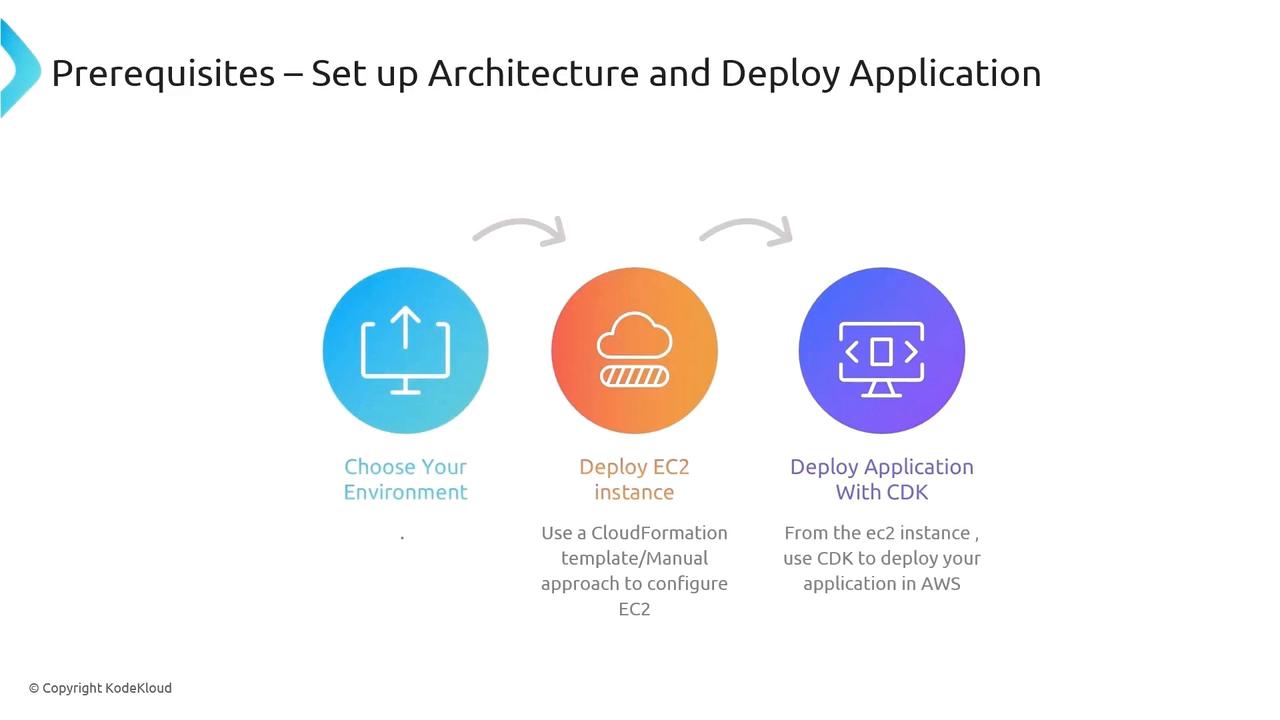
In this lesson, you’ll provision an EC2-based development environment with all the tools required to deploy our pet adoption website using the AWS Cloud Development Kit (CDK). We’ll cover:
1. Manual setup of an EC2 instance
2. Automating that setup with a CloudFormation template
3. Alternatives to the deprecated AWS Cloud9 environment
## 1. Create the IAM Role
First, create an IAM role named **FIS-workshop-admin** with the following managed policies:
| Policy Name | Purpose |
| ---------------------------- | ------------------------------------------- |
| AmazonEC2FullAccess | Full control of EC2 resources |
| AmazonSSMManagedInstanceCore | Systems Manager Session Manager permissions |
The role name **must** be exactly `FIS-workshop-admin`. All subsequent CDK and CloudFormation scripts expect this exact name.
## 2. Launch and Configure the EC2 Instance
When launching your EC2 instance:
1. Attach the **FIS-workshop-admin** IAM role
2. Choose an instance type (e.g., `t3.medium`)
3. Select your VPC and subnets
4. Enable SSH access **or** plan to use AWS Systems Manager Session Manager
## 3. Connect & Prepare Your Environment
Once your instance is up:
```bash theme={null}
# Update the OS
sudo yum update -y
# Install Git
sudo yum install -y git
```
Clone the workshop repository and bootstrap the environment:
```bash theme={null}
git clone https://github.com/aws-samples/fis-workshop-experiments.git
cd fis-workshop-experiments
# Install Docker, kubectl, Node.js, AWS CDK, and other dependencies
bash bootstrap.sh
```
This script installs:
* Docker Engine
* Kubernetes CLI tools (`kubectl`, `eksctl`)
* Node.js and npm
* AWS CDK Toolkit (`npm install -g aws-cdk`)
## 4. Automate with CloudFormation (Optional)
Skip steps 1–2 by deploying our CloudFormation template. It creates both the IAM role and EC2 instance in one stack:
```bash theme={null}
aws cloudformation deploy \
--template-file infrastructure/dev-environment.yaml \
--stack-name fis-workshop-dev \
--capabilities CAPABILITY_NAMED_IAM
```
***
## Cloud9 Deprecation & Alternative IDEs
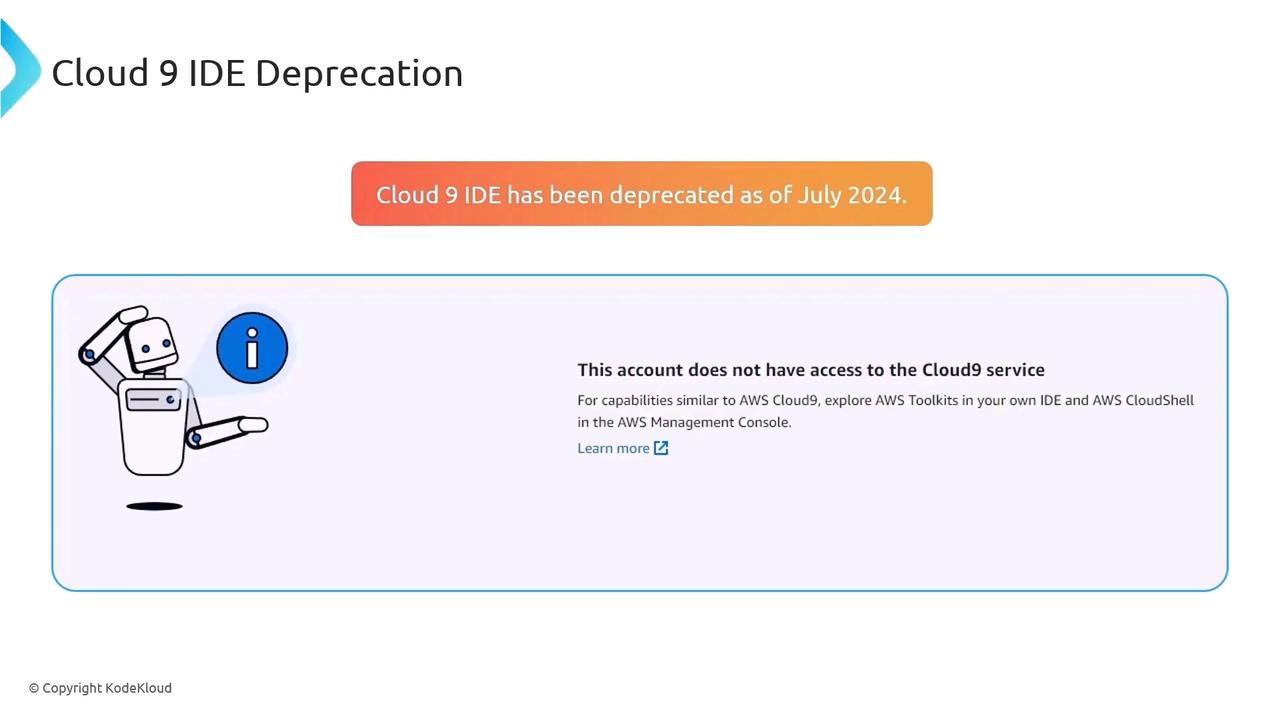
AWS no longer provides preconfigured Cloud9 environments for new accounts as of July 2024. You can continue with your custom Cloud9 IDE, or choose one of these alternatives:
* [AWS Toolkit for VS Code](https://docs.aws.amazon.com/toolkit-for-vscode/latest/userguide/welcome.html)
* [AWS Toolkit for JetBrains IDEs](https://docs.aws.amazon.com/toolkit-for-jetbrains/latest/userguide/welcome.html)
* [AWS CloudShell](https://aws.amazon.com/cloudshell/)
All scripts and detailed instructions are available in the [fis-workshop-experiments GitHub repository](https://github.com/aws-samples/fis-workshop-experiments).
***
## References
* [AWS CDK Documentation](https://docs.aws.amazon.com/cdk/latest/guide/home.html)
* [AWS CloudFormation User Guide](https://docs.aws.amazon.com/cloudformation/index.html)
* [AWS Systems Manager Session Manager](https://docs.aws.amazon.com/systems-manager/latest/userguide/session-manager.html)
* [AWS EC2 Documentation](https://docs.aws.amazon.com/ec2/index.html)