> ## Documentation Index
> Fetch the complete documentation index at: https://notes.kodekloud.com/llms.txt
> Use this file to discover all available pages before exploring further.
# Course Introduction
> This lesson introduces chaos engineering using AWS Fault Injection Simulator to design and analyze fault-injection experiments for system resilience.
Welcome to this lesson on chaos engineering with AWS Fault Injection Simulator (FIS). I’m **Nasia Ullas**, and I’ll guide you through designing, executing, and analyzing fault-injection experiments to strengthen your system resilience.
As modern architectures grow in complexity, unexpected failures can lead to significant downtime costs:
* 44% of organizations report that **1 hour of downtime** costs between **\$1 million and \$5 million**.
* In 2021, Facebook incurred **\$80 million+** in losses from **seven hours** of downtime.
* A recent “blue screen of death” outage impacted airlines, banks, healthcare providers, and countless other businesses worldwide.
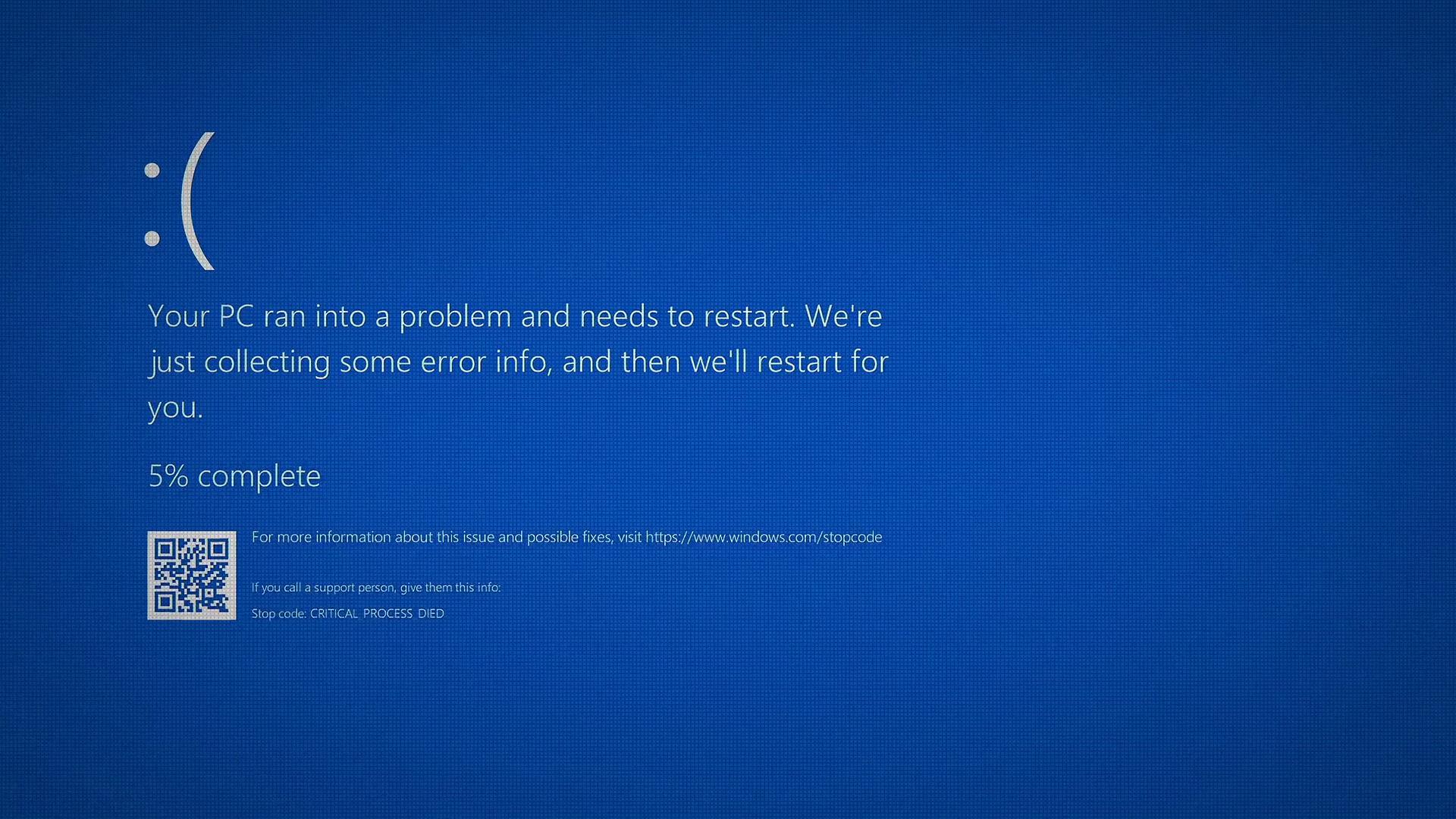
Chaos engineering is the practice of intentionally injecting faults into a system to uncover weaknesses and validate its ability to withstand real-world disruptions. In this course, we’ll leverage [AWS Fault Injection Simulator (FIS)](https://aws.amazon.com/fis/) to conduct controlled experiments in your AWS environment.
***
## Course Outline
We’ll cover seven high-level modules, each focusing on different AWS services and fault types:
* **Module 1: Basic FIS Experiments**\
Configure IAM, create experiment templates, execute tests, and monitor results with dashboards.
* **Module 2: Sample Application & Steady-State Metrics**\
Deploy a reference application and define baseline performance metrics.
* **Module 3: Disk Fill Scenario on EC2**\
Simulate disk saturation on EC2 instances and analyze its impact on application behavior.
* **Module 4: Aurora Reader Reboot**\
Inject a reboot fault into an Aurora reader node and observe recovery processes.
* **Module 5: Fargate Load Stress Test**\
Apply CPU and memory stress to a serverless Fargate task and evaluate performance under high load.
* **Module 6: EKS Memory Stress & Pod Deletion**\
Perform memory saturation tests and pod-deletion experiments in your EKS cluster to validate self-healing.
* **Module 7: Availability Zone Power Interruption**\
Simulate a power outage in an entire availability zone to assess multi-AZ resilience.
***
## Conclusion
By the end of this lesson, you’ll have a solid understanding of how to:
* Design robust failure scenarios for cloud applications.
* Execute controlled experiments safely.
* Analyze results to strengthen your system’s resilience.
Let’s get started and build more reliable, fault-tolerant architectures with AWS FIS!
***
## Further Reading
* [AWS Fault Injection Simulator Documentation](https://docs.aws.amazon.com/fis/latest/userguide/)
* [Amazon CloudWatch](https://aws.amazon.com/cloudwatch/)
* [AWS X-Ray](https://aws.amazon.com/xray/)
* [Amazon EC2](https://aws.amazon.com/ec2/)
* [Amazon Aurora](https://aws.amazon.com/rds/aurora/)
* [AWS Fargate](https://aws.amazon.com/fargate/)
* [Amazon EKS](https://aws.amazon.com/eks/)