> ## Documentation Index
> Fetch the complete documentation index at: https://notes.kodekloud.com/llms.txt
> Use this file to discover all available pages before exploring further.
# Course Introduction
> Hands-on Cloud Code course teaching project scaffolding, automated audits, testing, autonomous agents, security remediation, and CI CD workflows to accelerate secure software delivery.
Hi — I’m Jeremy Morgan. Welcome to the Cloud Code course.
Imagine coding with an AI assistant that can summarize, audit, and even help design your entire project in seconds. Since its launch, Cloud Code has helped thousands of engineers ship faster and more securely — over 80% report fewer bugs and more efficient code reviews. Throughout this course you’ll learn to harness Cloud Code for faster development, stronger security posture, and better team collaboration.
What you’ll gain:
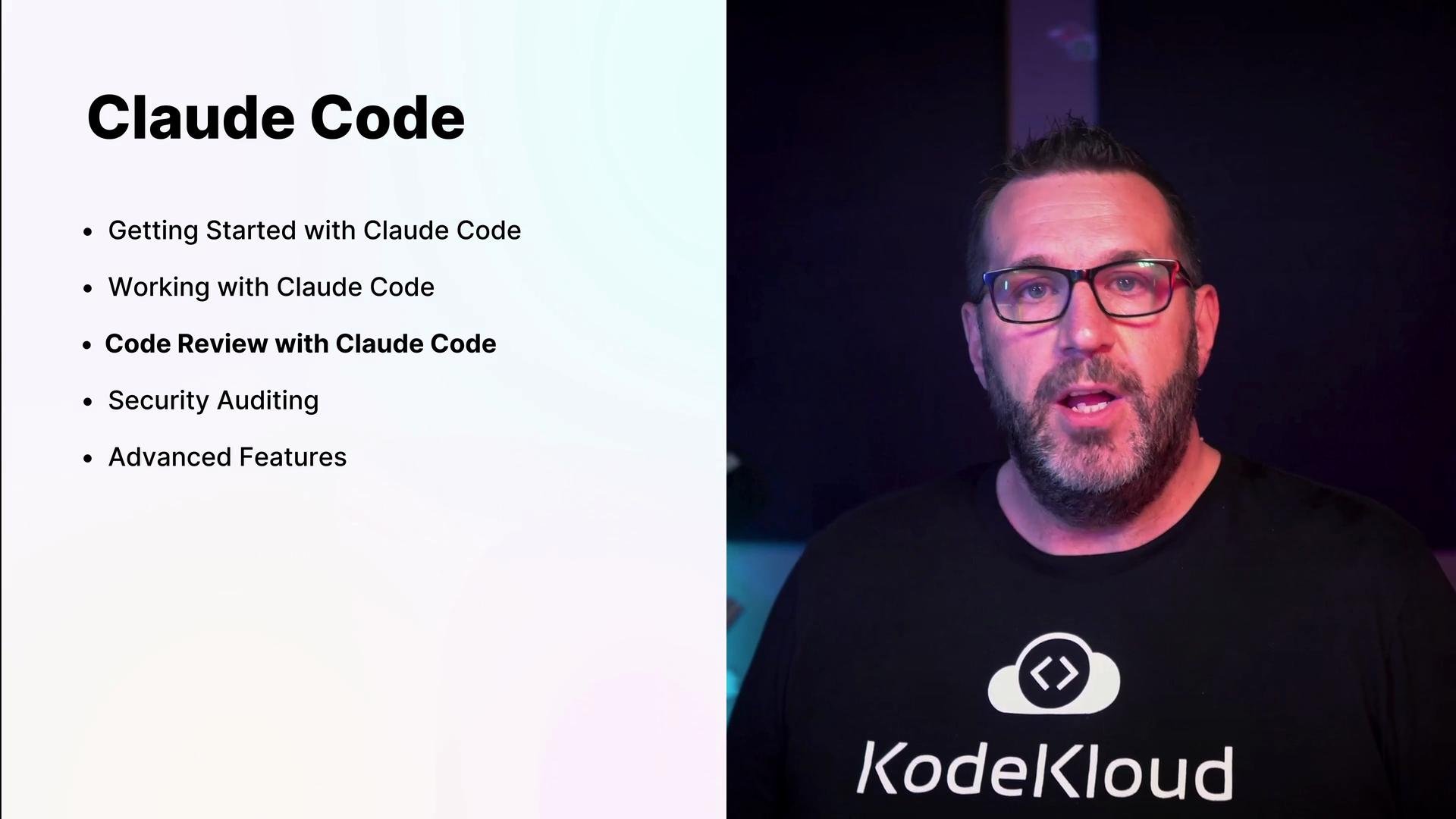
* Rapid project scaffolding and generator scripts
* Automated audits and prioritized remediation todos
* Guided unit testing and test-driven development
* Autonomous agents for repetitive tasks and CI/CD automation
* Practical labs to replicate real-world engineering workflows
Whether your goal is to speed up development, harden security, or improve developer experience, this course will show you how to use Cloud Code to accomplish it.
## Course goals and outcomes
* Scaffold a new project and prepare it for public release
* Add reliable unit tests and run audits automatically
* Delegate tasks to Cloud agents for autonomous completion
* Manage reproducible environments for consistency and security
* Master multi-file project navigation, extended sessions, and prompt design
Work through the hands-on labs to apply each concept immediately. These labs mirror real production tasks and are optimized for practical learning.
In this lesson we build a project from scratch: scaffold a codebase, prepare for release, add tests, run security and quality audits, and generate patch files and remediation plans.
Below are representative interactive outputs, audit samples, and example sessions you’ll see while working through the course.
## Example: Test failures and stack traces
This shows typical unit test failures you may encounter during development and CI runs:
```text theme={null}
# Example test failures and stack traces (console output)
effect = self.side_effect
if effect is not None:
if _is_exception(effect):
raise effect
E Exception: HTTP 404
/Library/Frameworks/Python.framework/Versions/3.12/lib/python3.12/unittest/mock.py:1196: Exception
TestEdgeCases.test_extreme_wind_directions
self =
def test_extreme_wind_directions(self):
"""Test edge cases for wind direction conversion."""
# Test boundary conditions
assert self.decoder.get_wind_direction_text(361) == 'north' # Should wrap around
assert self.decoder.get_wind_direction_text(-1) == 'north-northwest' # Negative wrapping
E AssertionError: assert 'north' == 'north-northwest'
E - north-northwest
E + north
test_app.py:278: AssertionError
FAILED test_app.py::TestMETARDecoder::test_decode_weather_phenomena - AssertionError: assert 'rain, thunderstorm' == 'thunderstorm, rain'
FAILED test_app.py::TestMETARDecodingIntegration::test_decode_metar_with_weather - AssertionError: assert 'scattered clouds at 800 feet' in 'overcast at 2500 feet'
FAILED test_app.py::TestMETARDecodingIntegration::test_decode_multiple_weather_phenomena - AssertionError: assert 'heavy thunderstorm, heavy rain' in 'heavy rain, heavy thunderstorm'
FAILED test_app.py::TestFetchMETAR::test_fetch_metar_network_error - Exception: Network error
FAILED test_app.py::TestFetchMETAR::test_fetch_metar_http_error - Exception: HTTP 404
FAILED test_app.py::TestEdgeCases::test_extreme_wind_directions - AssertionError: assert 'north' == 'north-northwest'
```
## Example: Interactive terminal and guided prompts
During labs you’ll see interactive terminal sessions that guide edits, audits, and commits:
```bash theme={null}
Welcome to the KodeKloud Hands-On lab
KODEKLOUD
All rights reserved
root@controlplane ~ via v3.12.3 ➜
```
These prompts help you iterate quickly: modify files, re-run tests, and accept suggested fixes.
## What Cloud Code audits look like
Cloud Code provides structured audit outputs and writes files for reviewers and stakeholders:
```text theme={null}
● Write(audits/ERROR_HANDLING_COMPREHENSIVE_REVIEW.md)
└─ Wrote 596 lines to audits/ERROR_HANDLING_COMPREHENSIVE_REVIEW.md
# Error Handling Comprehensive Review
## Executive Summary
**Status:** ❌ **CRITICAL DEFICIENCIES IDENTIFIED**
**Overall Score:** 3.5/10
The Express Login Demo exhibits severe error handling vulnerabilities that create significant security risks and operational issues. The application lacks centralized error management, exposes sensitive information through verbose error messages, and has inconsistent handling across routes.
## Critical Findings Overview
+586 lines (ctrl+r to expand)
* Whirlpooling... (esc to interrupt)
```
Cloud Code can also generate remediation todos, patch files, or full security reports you can review and apply from within your editor.
## Example: File structure and architecture summary
Cloud Code generates concise summaries that help you understand architecture and hotspots quickly:
```text theme={null}
- config/database.js - PostgreSQL database connection pool
- routes/auth.js - Authentication routes (currently only login)
- schema.sql - Database schema definition
Route-Controller Architecture:
Routes are directly connected using Express Router patterns:
- Main server mounts auth routes at /api/auth (server.js:11)
- Auth router handles /login endpoint with inline controller logic (routes/auth.js:9-96)
- No separate controller layer - business logic is embedded in route handlers
Database:
PostgreSQL with:
- Connection via pg library with connection pooling (config/database.js:3-9)
- Single users table with id, email, name, password, timestamps (schema.sql:8-15)
- Email index for performance (schema.sql:18)
- Uses bcrypt for password hashing and JWT for authentication tokens
```
## Example: Secrets & logging scan
Cloud Code helps find risky console logging or secrets left in files:
```bash theme={null}
$ grep -r "console\.log\|console\.error" /Users/jeremy/Repos/Claude\ Code\ Course/Express-login-demo/ --include="*.js" --exclude-dir=node_modules
/Users/jeremy/Repos/Claude Code Course/Express-login-demo/config/database.js: console.log('Connected to PostgreSQL database');
/Users/jeremy/Repos/Claude Code Course/Express-login-demo/config/database.js: console.error('Database connection error:', err);
/Users/jeremy/Repos/Claude Code Course/Express-login-demo/server.js: console.log(`Server running on port ${PORT}`)
$ grep -r "password\|secret\|token\|key" /Users/jeremy/Repos/Claude\ Code\ Course/Express-login-demo/.env
/Users/jeremy/Repos/Claude Code Course/Express-login-demo/.env:JWT_SECRET=your_jwt_secret_key_here
/Users/jeremy/Repos/Claude Code Course/Express-login-demo/.env:DB_PASSWORD=your_db_password
```
 ## Prioritized remediation: TODO list example
After an audit, Cloud Code creates prioritized tasks to fix vulnerabilities and technical debt:
```text theme={null}
Update Todos
- Examine codebase structure and identify database files
- Analyze database schema and configuration
- Review all database queries for SQL injection vulnerabilities
- Check connection string and credential security
- Verify parameterized queries and ORM usage
- Assess database permissions and access controls
- Review sensitive data handling and encryption
- Check transaction handling and error management
- Analyze logging and audit capabilities
- Generate comprehensive security report
Write(audits/DATABASE_SECURITY_AUDIT_REPORT.md)
Opened changes in Visual Studio Code ✎
Save file to continue...
Do you want to make this edit to DATABASE_SECURITY_AUDIT_REPORT.md?
1. Yes
2. Yes, for this session only (shift+tab)
3. No, and tell Cloud what to do differently (esc)
```
## Advanced features & automation
In advanced modules you’ll learn to:
* Use Cloud agents for autonomous tasks
* Implement test-driven development (TDD)
* Design database migrations and schema changes
* Automate CLI tools and create Kubernetes clusters
* Configure CI/CD pipelines for release automation
Example starter script Cloud Code can help create:
```python theme={null}
#!/usr/bin/env python3
import os
import sys
import argparse
from pathlib import Path
class ProjectGenerator:
def __init__(self):
self.dist_dir = Path("dist")
self.templates = {
# ... template definitions ...
}
def generate(self, project_type: str, name: str):
# Implementation that writes project files to dist/
pass
if __name__ == "__main__":
parser = argparse.ArgumentParser(description="Generate starter projects.")
parser.add_argument("type", help="Type of project to generate")
parser.add_argument("name", help="Name of the project")
args = parser.parse_args()
gen = ProjectGenerator()
gen.generate(args.type, args.name)
# (Output truncated — generator wrote many files)
```
Create the distribution directory:
```bash theme={null}
$ mkdir -p dist
```
## Course modules at a glance
| Module | Focus | Outcomes |
| ------------------------------- | ----------------------------------- | ------------------------------------------- |
| Getting Started | Environment setup and first session | Scaffold a project and run your first audit |
| Working with Cloud Code | Day-to-day workflows | Run tests, fix issues, manage sessions |
| Code Review & Security Auditing | Automated audits and fixes | Generate audits, TODOs, and patch files |
| Advanced Features | Automation and scaling | Agents, CI/CD, Kubernetes, TDD |
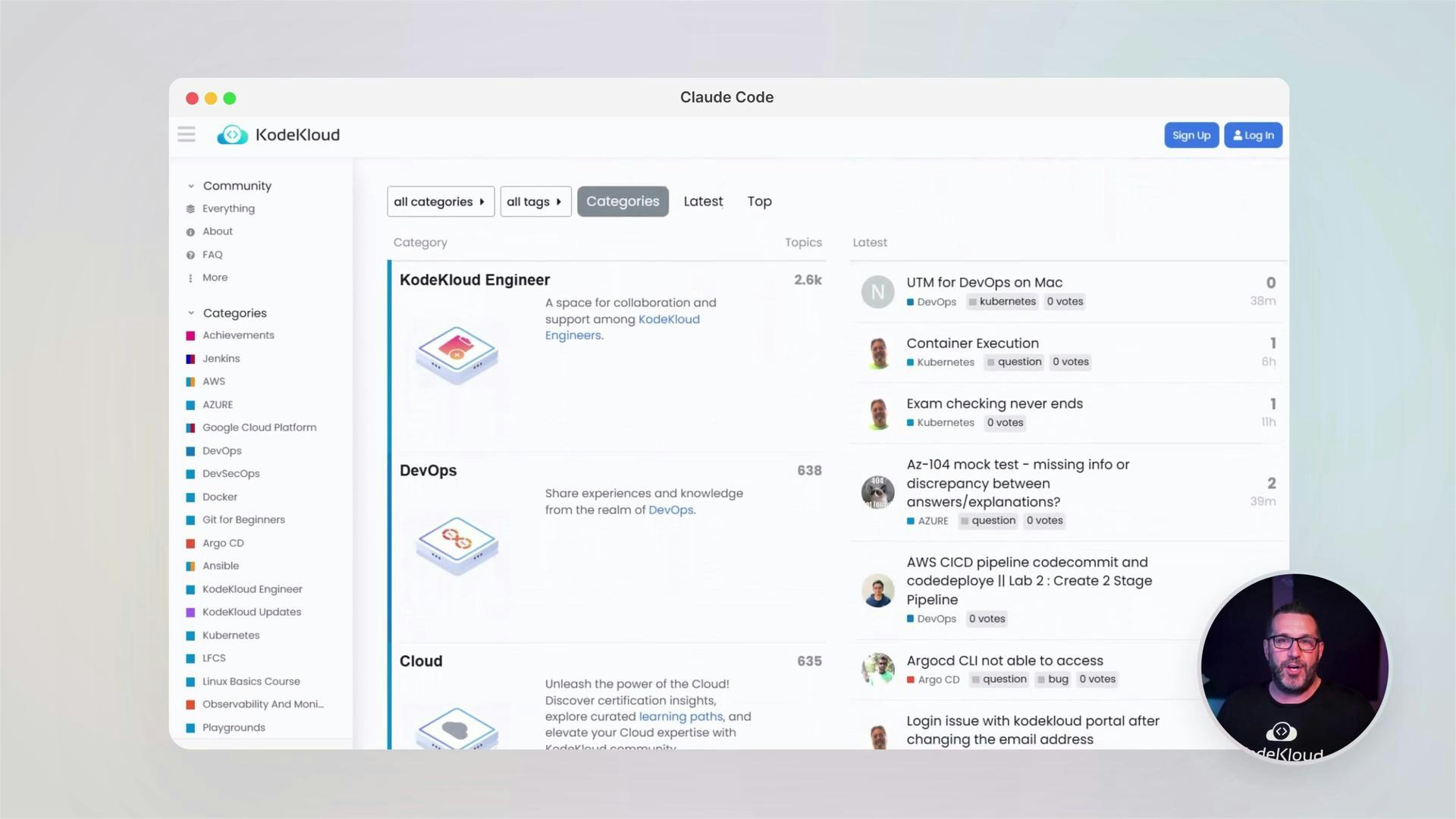
## Community and continued learning
KodeKloud emphasizes community learning. Join the forums to ask questions, share solutions, and learn from peers.
## Prioritized remediation: TODO list example
After an audit, Cloud Code creates prioritized tasks to fix vulnerabilities and technical debt:
```text theme={null}
Update Todos
- Examine codebase structure and identify database files
- Analyze database schema and configuration
- Review all database queries for SQL injection vulnerabilities
- Check connection string and credential security
- Verify parameterized queries and ORM usage
- Assess database permissions and access controls
- Review sensitive data handling and encryption
- Check transaction handling and error management
- Analyze logging and audit capabilities
- Generate comprehensive security report
Write(audits/DATABASE_SECURITY_AUDIT_REPORT.md)
Opened changes in Visual Studio Code ✎
Save file to continue...
Do you want to make this edit to DATABASE_SECURITY_AUDIT_REPORT.md?
1. Yes
2. Yes, for this session only (shift+tab)
3. No, and tell Cloud what to do differently (esc)
```
## Advanced features & automation
In advanced modules you’ll learn to:
* Use Cloud agents for autonomous tasks
* Implement test-driven development (TDD)
* Design database migrations and schema changes
* Automate CLI tools and create Kubernetes clusters
* Configure CI/CD pipelines for release automation
Example starter script Cloud Code can help create:
```python theme={null}
#!/usr/bin/env python3
import os
import sys
import argparse
from pathlib import Path
class ProjectGenerator:
def __init__(self):
self.dist_dir = Path("dist")
self.templates = {
# ... template definitions ...
}
def generate(self, project_type: str, name: str):
# Implementation that writes project files to dist/
pass
if __name__ == "__main__":
parser = argparse.ArgumentParser(description="Generate starter projects.")
parser.add_argument("type", help="Type of project to generate")
parser.add_argument("name", help="Name of the project")
args = parser.parse_args()
gen = ProjectGenerator()
gen.generate(args.type, args.name)
# (Output truncated — generator wrote many files)
```
Create the distribution directory:
```bash theme={null}
$ mkdir -p dist
```
## Course modules at a glance
| Module | Focus | Outcomes |
| ------------------------------- | ----------------------------------- | ------------------------------------------- |
| Getting Started | Environment setup and first session | Scaffold a project and run your first audit |
| Working with Cloud Code | Day-to-day workflows | Run tests, fix issues, manage sessions |
| Code Review & Security Auditing | Automated audits and fixes | Generate audits, TODOs, and patch files |
| Advanced Features | Automation and scaling | Agents, CI/CD, Kubernetes, TDD |
## Community and continued learning
KodeKloud emphasizes community learning. Join the forums to ask questions, share solutions, and learn from peers.
 Never commit secrets, API keys, or plaintext credentials to your repository. Use environment variables, vaults, or secrets managers and run scans regularly.
## Links and references
* [Kubernetes Basics](https://kubernetes.io/docs/concepts/overview/what-is-kubernetes/)
* [Docker Hub](https://hub.docker.com/)
* [Terraform Registry](https://registry.terraform.io/)
* [Node.js (Express) documentation](https://expressjs.com/)
* [Python argparse documentation](https://docs.python.org/3/library/argparse.html)
So — let’s get started. Dive into the labs, apply audits, and use Cloud Code to accelerate secure, maintainable software delivery.
Never commit secrets, API keys, or plaintext credentials to your repository. Use environment variables, vaults, or secrets managers and run scans regularly.
## Links and references
* [Kubernetes Basics](https://kubernetes.io/docs/concepts/overview/what-is-kubernetes/)
* [Docker Hub](https://hub.docker.com/)
* [Terraform Registry](https://registry.terraform.io/)
* [Node.js (Express) documentation](https://expressjs.com/)
* [Python argparse documentation](https://docs.python.org/3/library/argparse.html)
So — let’s get started. Dive into the labs, apply audits, and use Cloud Code to accelerate secure, maintainable software delivery.