> ## Documentation Index
> Fetch the complete documentation index at: https://notes.kodekloud.com/llms.txt
> Use this file to discover all available pages before exploring further.
# Demo Logging and Monitoring Audit
> Logging and monitoring security audit for an Express app focusing on preventing secret exposure, adding structured sanitized logs, log rotation, and monitoring of authentication and system events.
In this lesson we perform a logging and monitoring security audit of an Express sample app (Express-login-demo). The objective is to confirm that application logs:
* Do not expose secrets (passwords, tokens, API keys, PII, credit card numbers).
* Capture relevant security events (failed logins, auth failures, validation errors, system errors).
* Are written in a way that prevents log injection and supports structured parsing.
* Are stored and rotated safely, and are integrated with monitoring/alerting.
Scope:
* Verify no sensitive data is logged (passwords, tokens, PII, credit card numbers, API keys)
* Verify security event logging (failed logins, auth failures, validation failures, system errors)
* Verify log injection prevention and structured logging
* Verify log storage, rotation, and monitoring/alerts
***
## Summary Checklist (what we check)
* Sensitive data not logged: Passwords, tokens, PII, API keys
* Security event logging: Failed login attempts, authorization failures, validation failures, system errors
* Log injection prevention: Input sanitization in logs, structured logging
* Log storage and retention: Secure storage, rotation policy, backup strategy
* Monitoring alerts: Unusual activity detection, error rate monitoring, performance anomalies
***
## Key Findings (high level)
1. Sensitive data exposure in logs (Critical)
* Evidence: `routes/auth.js:69` contains a free-form dump of the error object:
```javascript theme={null}
console.error('Login error:', error);
```
* Why it matters: Error objects can include stack traces, database connection strings, internal paths, user input and other configuration values that help attackers.
2. No structured logging framework in use (High)
* The app uses console.\* which outputs unstructured text logs that are hard to parse and correlate in production.
3. Missing consistent security event logging (High)
* Failed logins, authorization failures, and other security events are either not logged or are logged without masking, risking user identifier exposure.
4. No log injection prevention (Medium)
* User-controlled fields can include newlines or escape/control characters that corrupt logs and enable injection attacks.
5. No log storage/retention/rotation configured (Medium)
* Without rotation/retention, logs can fill disk space and block application availability.
6. No monitoring/alerting integration observed (Medium)
* No metrics or alerts for unusual activity, increasing the time to detect incidents.
***
## Problem Example and Evidence
Representative problematic code in `routes/auth.js`:
```javascript theme={null}
// vulnerable: dumps whole error object into logs
console.error('Login error:', error);
```
This pattern can unintentionally reveal internal state (stack, DB details, request fields) and should be replaced with sanitized, structured logging.
***
## Remediation — Practical, drop-in fixes
Below are minimal, practical fixes you can apply to harden logging quickly. Replace ad-hoc console statements with sanitized, structured logging and add masking/sanitization helpers.
1. Add a structured logger (example using Winston)
Create `lib/logger.js`:
```javascript theme={null}
// lib/logger.js
const winston = require('winston');
const { combine, timestamp, json } = winston.format;
const logger = winston.createLogger({
level: process.env.LOG_LEVEL || 'info',
format: combine(timestamp(), json()),
transports: [
new winston.transports.Console(),
// Basic file transport with rotation-like limits; replace or augment
// with winston-daily-rotate-file or a centralized collector in production.
new winston.transports.File({
filename: 'logs/app.log',
maxsize: 10 * 1024 * 1024, // 10 MB
maxFiles: 5
})
]
});
module.exports = logger;
```
2. Replace free-form error dumps with sanitized, structured error logs
Example replacement pattern in `routes/auth.js`:
```javascript theme={null}
const logger = require('../lib/logger');
function sanitizeError(err) {
return {
message: err && err.message ? err.message : 'Unknown error',
code: err && err.code ? err.code : undefined,
// Do not include stack in production logs:
stack: process.env.NODE_ENV === 'production' ? undefined : err.stack
};
}
// Example usage:
logger.error('Login error', {
error: sanitizeError(error),
path: req.originalUrl,
method: req.method,
requestId: req.headers['x-request-id'] // if available
});
```
3. Mask PII and never log passwords
When logging identifiers, mask sensitive portions. Example email masking:
```javascript theme={null}
function maskEmail(email) {
if (!email || typeof email !== 'string') return '***';
const [local, domain] = email.split('@');
if (!domain) return '***';
const head = (local || '').slice(0, 3);
return `${head}***@${domain}`;
}
// Failed login logging example
if (userResult.rows.length === 0) {
logger.warn('Failed login attempt', {
email: maskEmail(email),
ip: req.ip,
userAgent: req.get('User-Agent')
});
// respond with generic message to avoid account enumeration
}
```
Never log `req.body.password` or other secret fields.
4. Sanitize inputs to prevent log injection
Sanitize strings to remove newlines, control characters and common ANSI sequences:
```javascript theme={null}
function sanitizeForLog(value) {
if (value == null) return value;
return String(value)
.replace(/[\r\n]+/g, ' ')
.replace(/\u001b\[[0-9;]*m/g, ''); // strip ANSI color codes
}
```
Wrap any user-supplied values with `sanitizeForLog(...)` before logging.
5. Add security event logging for important events
Instrument the auth flow with consistent event logs and stable reason codes:
```javascript theme={null}
// Successful login
logger.info('User login success', {
userId: user.id,
email: maskEmail(user.email),
ip: req.ip
});
// Failed authentication
logger.warn('User login failed', {
email: maskEmail(email),
ip: req.ip,
reason: 'invalid_credentials' // use a stable enum or code
});
```
6. Configure log rotation & retention
* Development: keep local file limits to prevent disk exhaustion (as shown in the logger).
* Production: forward logs to a centralized system (ELK, Splunk, Datadog, Papertrail) and apply retention and access controls.
* Consider `winston-daily-rotate-file` or platform-native rotation (`logrotate`, systemd-journal).
Example `winston-daily-rotate-file` snippet:
```javascript theme={null}
const DailyRotateFile = require('winston-daily-rotate-file');
new DailyRotateFile({
filename: 'logs/app-%DATE%.log',
datePattern: 'YYYY-MM-DD',
maxFiles: '14d'
});
```
7. Monitoring and alerting recommendations
* Emit metrics for login failures, error rates, and latency via Prometheus or a hosted metrics client.
* Create alerts for:
* Spike in failed login attempts per minute.
* Elevated 5xx response rate.
* Sudden traffic spikes from unexpected regions.
* Integrate logs and metrics into a SIEM or centralized logging platform to detect suspicious sequences (e.g., account enumeration or brute-force attempts).
***
Note: Prefer centralized logging and metrics in production. Local file logs are useful in development, but centralization enables alerting, retention policies, secure access controls, and faster forensic analysis. Configure log levels and whether to include stack traces through environment variables to avoid exposing internals in production.
***
## Prioritized Fixes (top 5)
1. Sanitize error logging (Critical) — Replace console dumps with structured logging and sanitize error objects.
2. Add failed authentication logging with masked identifiers (High) — Enables brute-force detection and audit trails.
3. Implement structured logging framework (High) — Use Winston or Pino for consistent, machine-parseable logs.
4. Add input sanitization for logs (Medium) — Prevent log injection and malformed log lines.
5. Configure log rotation and centralized aggregation (Medium) — Prevent disk exhaustion and enable retention/alerting.
***
## Compliance Checklist (example)
| Requirement | Status | Evidence / Notes |
| ------------------------- | ------ | ------------------------------------------------------------------------------- |
| Sensitive data not logged | ❌ FAIL | `console.error('Login error:', error)` may include sensitive fields |
| Security event logging | ❌ FAIL | Failed logins and auth failures not consistently recorded; success logs missing |
| Log injection prevention | ❌ FAIL | Strings logged without sanitization (newlines/ANSI codes) |
| Secure log storage | ❌ FAIL | No centralized log store/config observed |
| Log rotation policy | ❌ FAIL | No rotation/config found in repository |
| Monitoring alerts | ❌ FAIL | No monitoring/alerting artifacts found |
***
## Risk Assessment Summary
* Overall risk score (0-10): 7.5/10 — immediate remediation recommended for error logging and event logging.
* Immediate recommended actions:
1. Replace console.\* dumps with a logger that sanitizes error data.
2. Add masked logging for authentication events.
3. Configure basic log rotation and plan for centralized aggregation.
***
## Defense-in-Depth Recommendations
* Use a structured logger (Winston or Pino) with JSON output to enable parsing and correlation.
* Centralize logs (ELK, Datadog, Splunk) and enforce RBAC for log access.
* Emit metrics for security events and configure alert rules in your monitoring system.
* Encrypt log storage at rest and secure transport for log shipping.
* Regularly audit logs for anomalies and confirm retention limits meet compliance needs.
***
## Resources & References
| Resource | Use |
| ------------------------- | ------------------------------------------------------------------------------------------------------------------------------------------------------------------------------------------------- |
| Winston | Structured logging library: [https://github.com/winstonjs/winston](https://github.com/winstonjs/winston) |
| Pino | Fast JSON logger: [https://getpino.io](https://getpino.io) |
| ELK Stack | Centralized logging and search: [https://www.elastic.co/what-is/elk-stack](https://www.elastic.co/what-is/elk-stack) |
| Prometheus | Metrics and alerting: [https://prometheus.io](https://prometheus.io) |
| SIEM overview | Security information and event management: [https://en.wikipedia.org/wiki/Security\_information\_and\_event\_management](https://en.wikipedia.org/wiki/Security_information_and_event_management) |
| winston-daily-rotate-file | Daily rotation for Winston: [https://www.npmjs.com/package/winston-daily-rotate-file](https://www.npmjs.com/package/winston-daily-rotate-file) |
| logrotate (Linux) | Native log rotation tool: [https://linux.die.net/man/8/logrotate](https://linux.die.net/man/8/logrotate) |
***
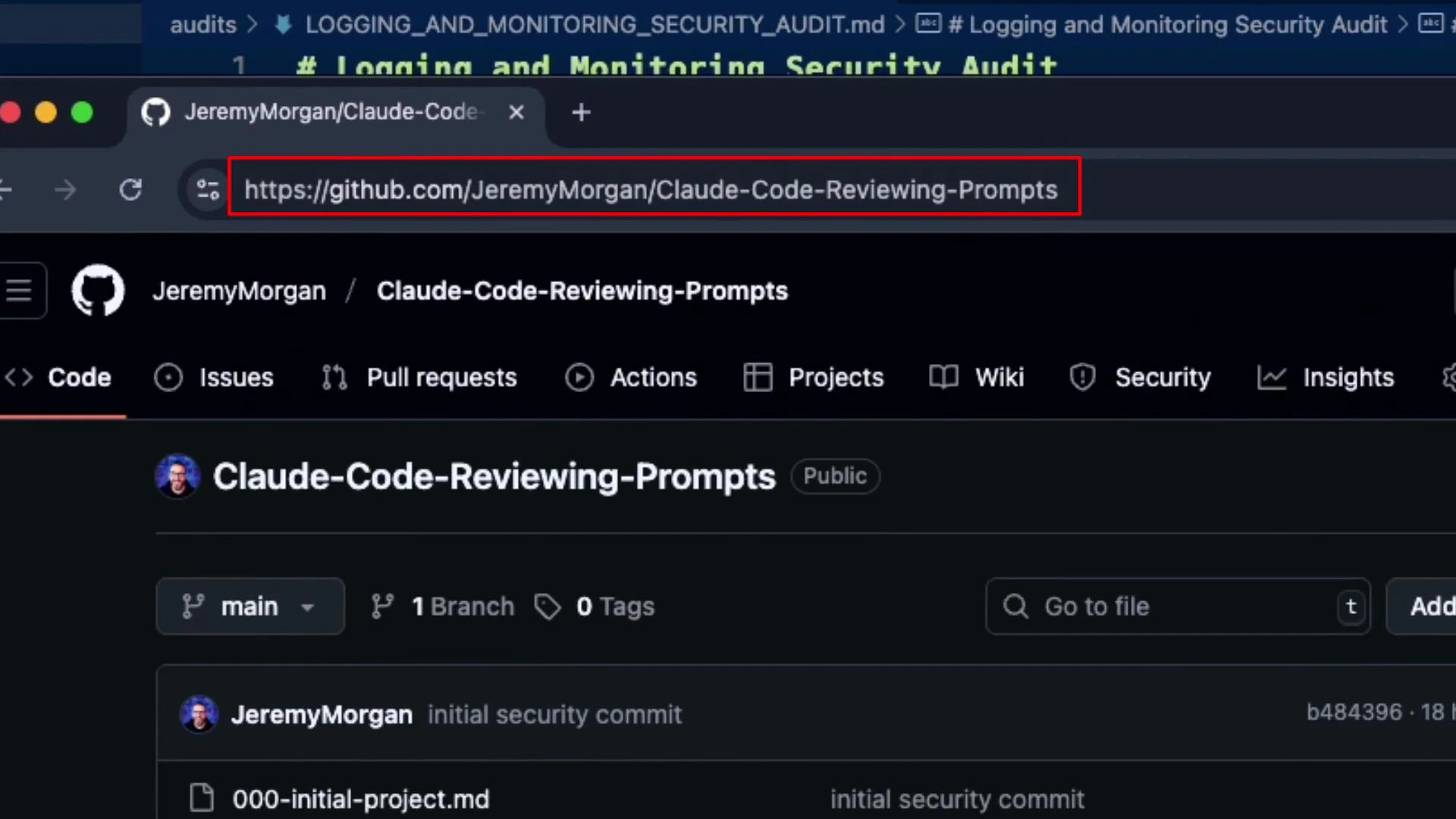
Below is a repository reference for the prompts and tooling used during this review: