> ## Documentation Index
> Fetch the complete documentation index at: https://notes.kodekloud.com/llms.txt
> Use this file to discover all available pages before exploring further.
# Cloud Native Buildpack Basics
> Introduction to Cloud Native Buildpacks, explaining buildpacks, builders, and using Pack to produce OCI images from application source
In this lesson we cover Cloud Native Buildpacks: what they are, the components in the buildpack ecosystem, how they work together, and how to use the Pack CLI to produce OCI-compliant images directly from application source code.
At a high level there are two primary components:
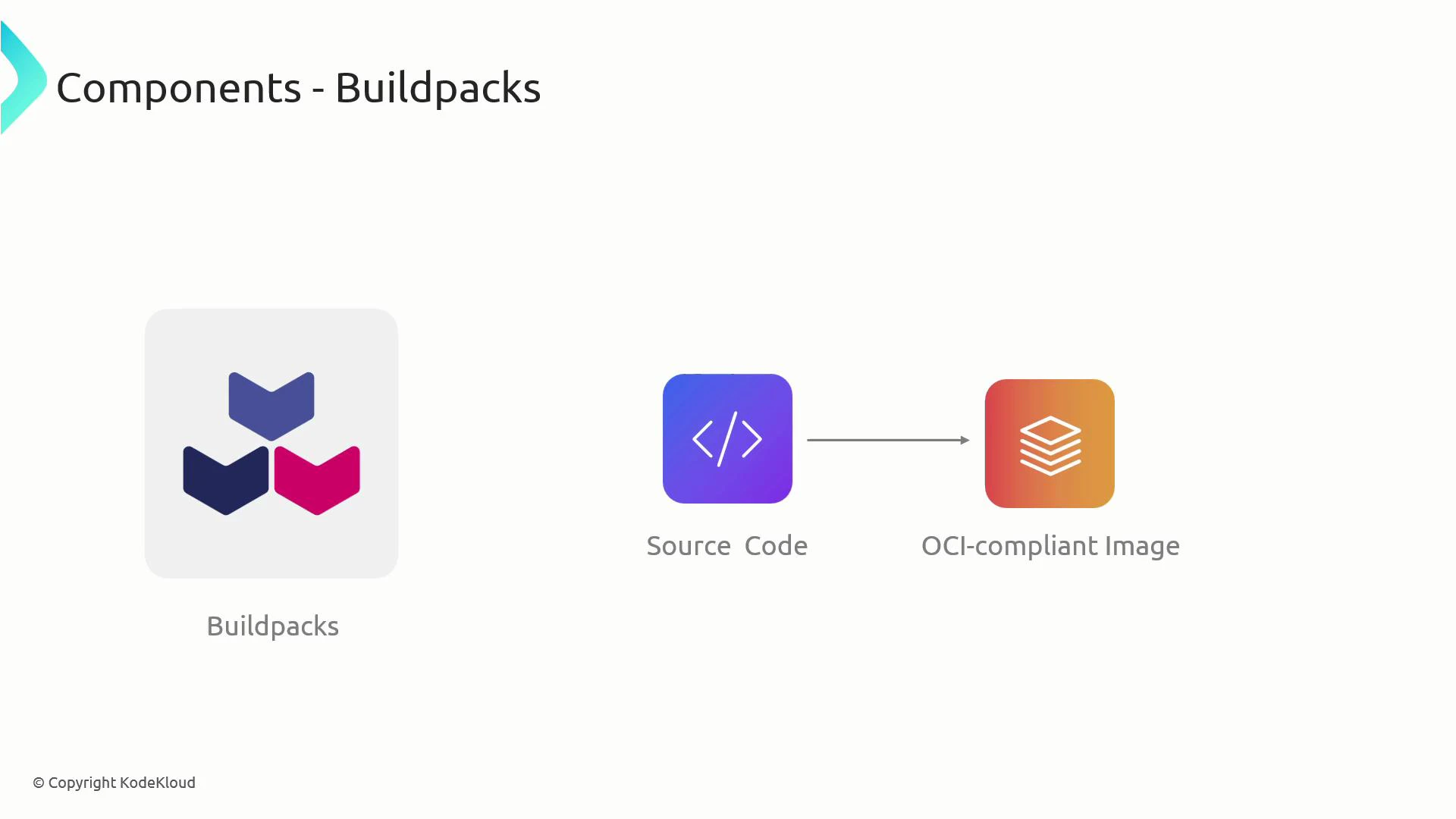
* Buildpacks — modular programs that detect, compile, and package source code into an OCI-compliant image.
* Builders — packaged images that bundle buildpacks with metadata, a build image, and a run image to automate choosing and running the correct buildpacks.
Below we explain each component, show how Pack orchestrates them, and provide the typical build flow used to create an image.
## Buildpacks
Buildpacks are responsible for detecting whether they apply to a codebase, performing build-time work, and producing the layers and configuration that become part of the final OCI image. Typical responsibilities include setting environment variables, installing runtimes and dependencies, running build or compilation steps, and configuring the application entrypoint.
Responsibilities of a buildpack:
| Responsibility | Purpose | Example |
| ------------------------ | ------------------------------------------------------------------ | ------------------------------------------------------------------------------- |
| Detection | Determine whether this buildpack should run for the current source | Look for `package.json` (Node), `requirements.txt` or `pyproject.toml` (Python) |
| Runtime install | Install language runtime or system tools needed at runtime | Install Python, Node.js, or JVM |
| Dependency install | Install application dependencies | `pip install -r requirements.txt`, `npm install` |
| Build / compile | Run build or compilation steps | Transpile, compile, or optimize static assets |
| Layer production | Produce filesystem layers to be added to the final image | Cache dependencies, application code, and build artifacts |
| Entrypoint configuration | Configure the container start command | Set `CMD`/`ENTRYPOINT` or runtime start script |
Buildpacks implement a small lifecycle (commonly including `detect` and `build` scripts). The detect phase decides applicability by inspecting the source tree (language files, config files, or other indicators). If detect succeeds, the build phase runs and creates the layers and configuration for the final image.
 ## Builders
A builder packages an ordered list of buildpacks together with two base images:
| Builder Component | Role | Notes |
| ------------------ | ------------------------------------------------------------------- | ---------------------------------------------------------------------------------- |
| Ordered buildpacks | Determines which buildpacks are considered and their precedence | Order matters — some builders include multiple buildpacks to support polyglot apps |
| Build image | Environment where buildpack lifecycle scripts run and create layers | Contains compilers, package managers, and tools used during build |
| Run image | Minimal base image used for the final application image | Receives the layers produced during build; optimized for runtime size |
Think of a builder as a pre-configured, shareable build environment. Developers point Pack at a builder, and the builder (together with Pack) decides which buildpack(s) to run for the provided source.
## Builders
A builder packages an ordered list of buildpacks together with two base images:
| Builder Component | Role | Notes |
| ------------------ | ------------------------------------------------------------------- | ---------------------------------------------------------------------------------- |
| Ordered buildpacks | Determines which buildpacks are considered and their precedence | Order matters — some builders include multiple buildpacks to support polyglot apps |
| Build image | Environment where buildpack lifecycle scripts run and create layers | Contains compilers, package managers, and tools used during build |
| Run image | Minimal base image used for the final application image | Receives the layers produced during build; optimized for runtime size |
Think of a builder as a pre-configured, shareable build environment. Developers point Pack at a builder, and the builder (together with Pack) decides which buildpack(s) to run for the provided source.
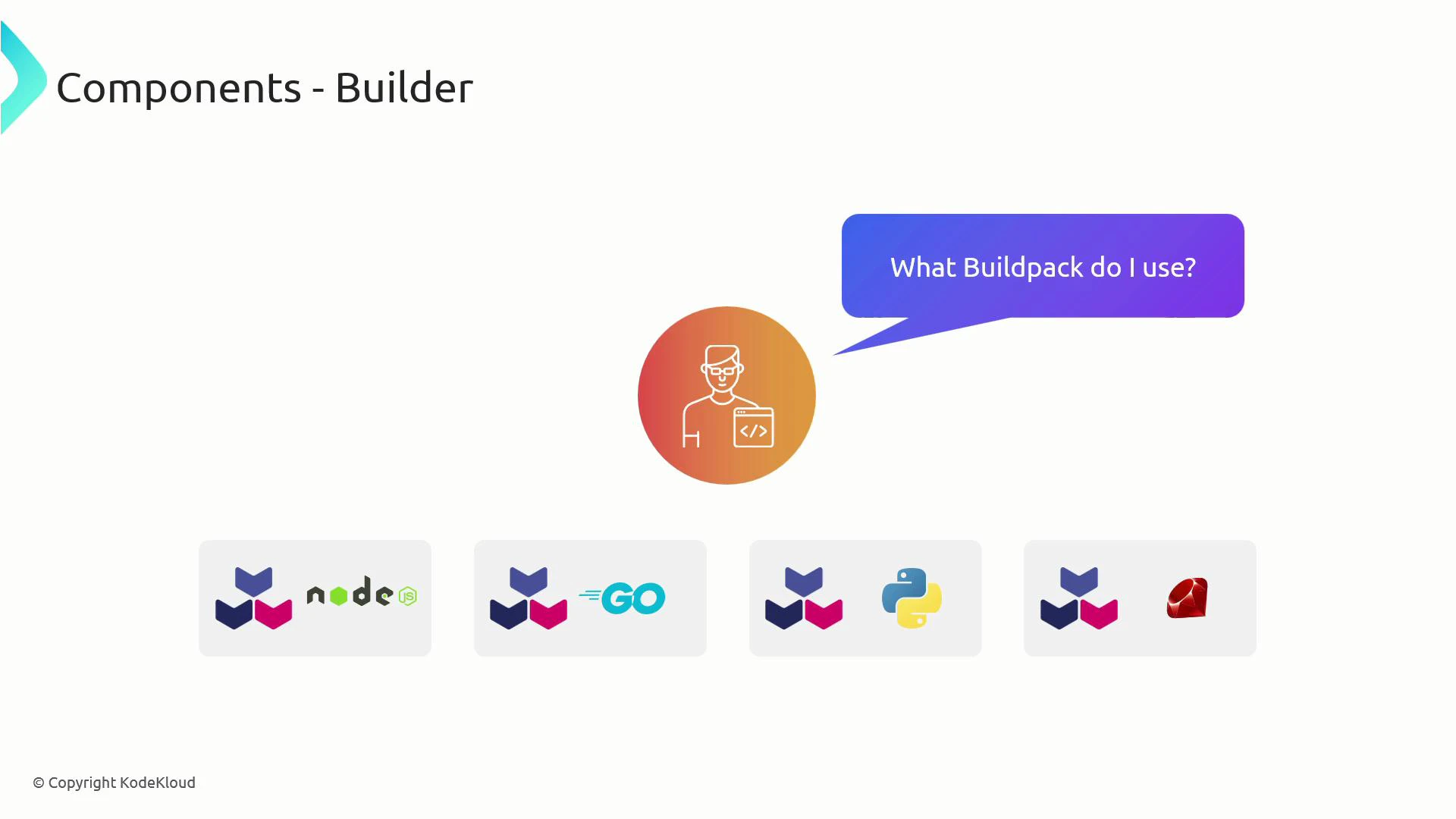 Key points about builders:
* The build image provides the ephemeral environment to run buildpack logic (install tools, compile code, produce layers).
* The run image is a small runtime base that receives the built layers to produce the final application image.
* Builders are distributed as container images and can be pushed to registries so teams can standardize and share build environments.
## How Pack and a Builder create an image
When you run Pack with a builder, Pack orchestrates the builder lifecycle to produce an OCI image. For example, given a builder named `my-builder` that includes buildpacks such as Node.js, Python, Java, and Ruby, you can build a Python application in the current directory with:
```bash theme={null}
pack build sample-app --builder my-builder
```
High-level flow when this command runs:
1. Pack pulls the builder image and prepares the build environment using the builder's build image.
2. Pack loads the builder's ordered list of buildpacks.
3. For each buildpack in order, Pack executes the buildpack `detect` script:
* If `detect` fails, Pack moves to the next buildpack.
* If `detect` succeeds, that buildpack is selected (or contributes to the build depending on the builder composition).
* Example detect checks: Node buildpacks check for `package.json`; Python buildpacks check for `requirements.txt`, `pyproject.toml`, or other Python-specific indicators.
4. The selected buildpack(s) run their `build` scripts inside the build image. Build scripts typically:
* Install the runtime (for example, Python),
* Install application dependencies (for example, `pip install` from `requirements.txt`),
* Produce layers for the final image and set the container entrypoint/start command.
5. Pack assembles the final OCI image by combining the builder's run image with the produced layers, then tags the image (e.g., `sample-app`).
Detect logic varies by buildpack and builder. For Python, modern buildpacks commonly detect `pyproject.toml` or `requirements.txt`; always consult the specific buildpack's documentation for exact detection rules.
## Summary
* Buildpacks encapsulate the logic to transform source code into OCI images through detect and build lifecycle phases.
* Builders bundle ordered buildpacks plus build and run images so developers can build without selecting individual buildpacks manually.
* Pack invokes the builder lifecycle: it runs detect(s), executes build(s) inside the build image, and constructs the final image using the run image plus buildpack-produced layers.
* Builders are distributable container images, enabling teams to standardize and share build environments.
Links and References
* Official Buildpacks: [https://buildpacks.io/](https://buildpacks.io/)
* Pack CLI documentation: [https://buildpacks.io/docs/tools/pack/](https://buildpacks.io/docs/tools/pack/)
* Open Container Initiative (OCI): [https://opencontainers.org/](https://opencontainers.org/)
* Kubernetes documentation (concepts & images): [https://kubernetes.io/docs/](https://kubernetes.io/docs/)
Key points about builders:
* The build image provides the ephemeral environment to run buildpack logic (install tools, compile code, produce layers).
* The run image is a small runtime base that receives the built layers to produce the final application image.
* Builders are distributed as container images and can be pushed to registries so teams can standardize and share build environments.
## How Pack and a Builder create an image
When you run Pack with a builder, Pack orchestrates the builder lifecycle to produce an OCI image. For example, given a builder named `my-builder` that includes buildpacks such as Node.js, Python, Java, and Ruby, you can build a Python application in the current directory with:
```bash theme={null}
pack build sample-app --builder my-builder
```
High-level flow when this command runs:
1. Pack pulls the builder image and prepares the build environment using the builder's build image.
2. Pack loads the builder's ordered list of buildpacks.
3. For each buildpack in order, Pack executes the buildpack `detect` script:
* If `detect` fails, Pack moves to the next buildpack.
* If `detect` succeeds, that buildpack is selected (or contributes to the build depending on the builder composition).
* Example detect checks: Node buildpacks check for `package.json`; Python buildpacks check for `requirements.txt`, `pyproject.toml`, or other Python-specific indicators.
4. The selected buildpack(s) run their `build` scripts inside the build image. Build scripts typically:
* Install the runtime (for example, Python),
* Install application dependencies (for example, `pip install` from `requirements.txt`),
* Produce layers for the final image and set the container entrypoint/start command.
5. Pack assembles the final OCI image by combining the builder's run image with the produced layers, then tags the image (e.g., `sample-app`).
Detect logic varies by buildpack and builder. For Python, modern buildpacks commonly detect `pyproject.toml` or `requirements.txt`; always consult the specific buildpack's documentation for exact detection rules.
## Summary
* Buildpacks encapsulate the logic to transform source code into OCI images through detect and build lifecycle phases.
* Builders bundle ordered buildpacks plus build and run images so developers can build without selecting individual buildpacks manually.
* Pack invokes the builder lifecycle: it runs detect(s), executes build(s) inside the build image, and constructs the final image using the run image plus buildpack-produced layers.
* Builders are distributable container images, enabling teams to standardize and share build environments.
Links and References
* Official Buildpacks: [https://buildpacks.io/](https://buildpacks.io/)
* Pack CLI documentation: [https://buildpacks.io/docs/tools/pack/](https://buildpacks.io/docs/tools/pack/)
* Open Container Initiative (OCI): [https://opencontainers.org/](https://opencontainers.org/)
* Kubernetes documentation (concepts & images): [https://kubernetes.io/docs/](https://kubernetes.io/docs/)