> ## Documentation Index
> Fetch the complete documentation index at: https://notes.kodekloud.com/llms.txt
> Use this file to discover all available pages before exploring further.
# Next Step Continue Your Learning Journey
> Guides learners from a Docker crash course to hands-on training with labs, image optimization, Docker Compose, deployment practices, troubleshooting, and CI/CD basics for real-world container workflows.
Congratulations — you’ve finished the Crash Course: Docker For Absolute Beginners and covered the essential Docker commands and concepts. If you’re ready to go deeper and gain practical, real-world experience, the next logical step is the Docker Training Course for the Absolute Beginner. This follow-up course expands on core concepts and walks you through more advanced workflows, hands-on labs, and common production patterns.
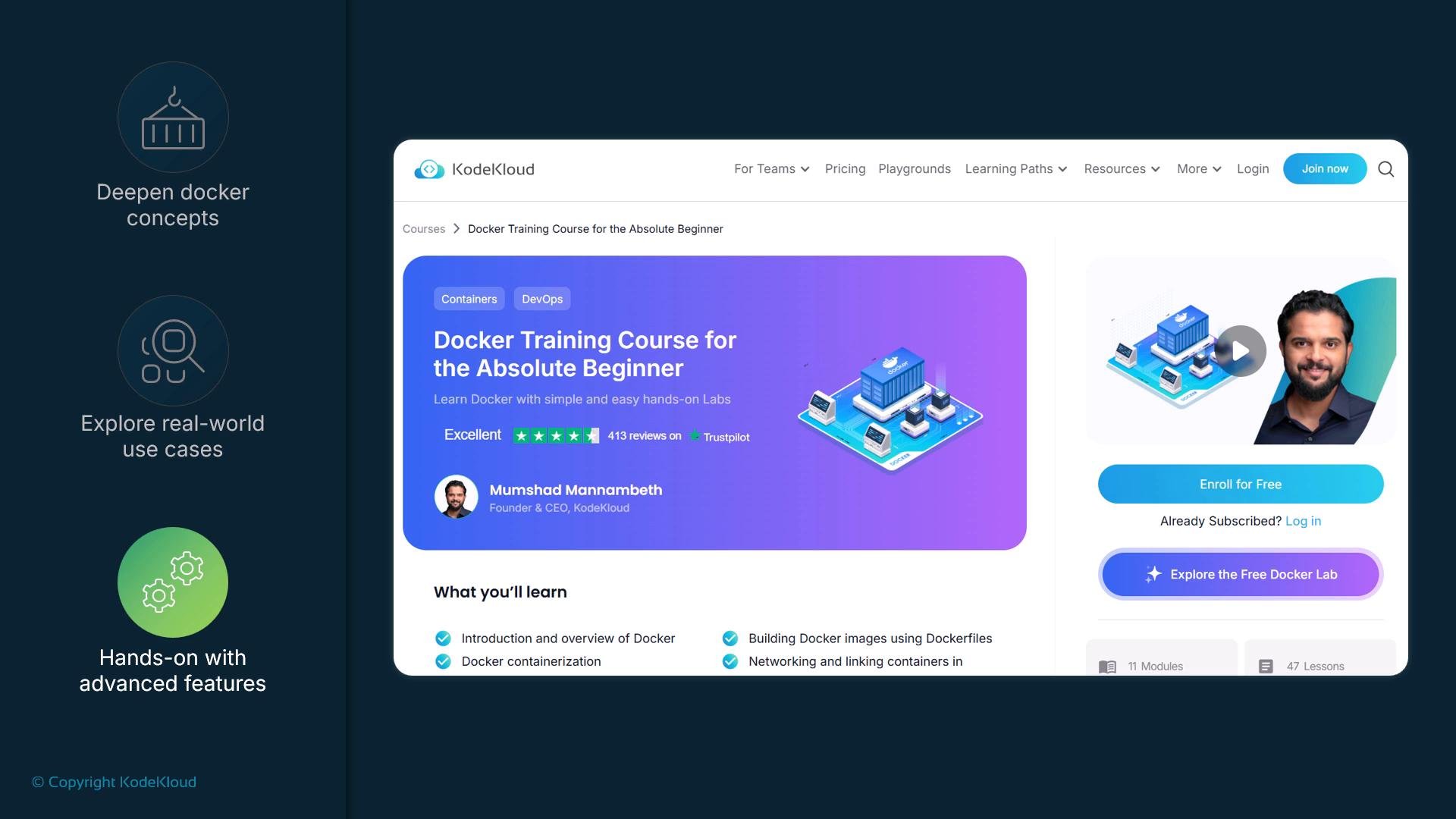 A link to the course is provided in the next article. Following that resource will help you build practical experience and confidently apply Docker in your projects.
Why take the Docker Training Course for the Absolute Beginner?
* Expand foundational Docker knowledge into real-world usage patterns.
* Practice with hands-on labs that simulate development and deployment scenarios.
* Learn image optimization, multi-stage builds, Dockerfile best practices, and container orchestration basics.
* Gain confidence applying Docker in both local development and production-like environments.
What you’ll learn (high-level)
* Building and optimizing Docker images
* Working with Docker Compose for multi-container apps
* Deploying and connecting containers in realistic scenarios
* Basic troubleshooting, logging, and networking for containers
* Best practices for Docker in CI/CD pipelines
Quick comparison: Crash Course vs. Docker Training Course
| Course | Focus | Typical Outcomes |
| - | - | - |
| Crash Course: Docker For Absolute Beginners | Introduction to Docker CLI, images, containers | Understand basic Docker commands, run containers, inspect images |
| Docker Training Course for the Absolute Beginner | Hands-on labs, workflows, production-focused features | Build optimized images, use Compose, apply best practices, prepare for real projects |
How to continue (recommended path)
1. Review your Crash Course notes and practice the core commands (run, ps, exec, build, images, rm).
2. Enroll in the Docker Training Course for the Absolute Beginner to follow structured labs and assignments.
3. Apply learnings to a small project: containerize a simple web app, add a multi-container setup with Compose, and iterate on performance.
4. Explore next topics: Docker networking, Docker volumes, CI/CD integration, and container orchestration (Kubernetes).
Additional resources and references
* [Docker official documentation](https://docs.docker.com/) — comprehensive guides and reference docs.
* [Kubernetes Basics](https://kubernetes.io/docs/concepts/overview/what-is-kubernetes/) — learn container orchestration fundamentals.
* [KodeKloud Docker Training Course for the Absolute Beginner](https://learn.kodekloud.com/user/courses/docker-training-course-for-the-absolute-beginner) — follow the guided course to build hands-on skills.
Keep building and experimenting — the more projects you containerize, the more comfortable you’ll become with Docker workflows and production patterns. What are you waiting for?
This documentation is built and hosted on [Mintlify](https://mintlify.com), a developer documentation platform.
A link to the course is provided in the next article. Following that resource will help you build practical experience and confidently apply Docker in your projects.
Why take the Docker Training Course for the Absolute Beginner?
* Expand foundational Docker knowledge into real-world usage patterns.
* Practice with hands-on labs that simulate development and deployment scenarios.
* Learn image optimization, multi-stage builds, Dockerfile best practices, and container orchestration basics.
* Gain confidence applying Docker in both local development and production-like environments.
What you’ll learn (high-level)
* Building and optimizing Docker images
* Working with Docker Compose for multi-container apps
* Deploying and connecting containers in realistic scenarios
* Basic troubleshooting, logging, and networking for containers
* Best practices for Docker in CI/CD pipelines
Quick comparison: Crash Course vs. Docker Training Course
| Course | Focus | Typical Outcomes |
| - | - | - |
| Crash Course: Docker For Absolute Beginners | Introduction to Docker CLI, images, containers | Understand basic Docker commands, run containers, inspect images |
| Docker Training Course for the Absolute Beginner | Hands-on labs, workflows, production-focused features | Build optimized images, use Compose, apply best practices, prepare for real projects |
How to continue (recommended path)
1. Review your Crash Course notes and practice the core commands (run, ps, exec, build, images, rm).
2. Enroll in the Docker Training Course for the Absolute Beginner to follow structured labs and assignments.
3. Apply learnings to a small project: containerize a simple web app, add a multi-container setup with Compose, and iterate on performance.
4. Explore next topics: Docker networking, Docker volumes, CI/CD integration, and container orchestration (Kubernetes).
Additional resources and references
* [Docker official documentation](https://docs.docker.com/) — comprehensive guides and reference docs.
* [Kubernetes Basics](https://kubernetes.io/docs/concepts/overview/what-is-kubernetes/) — learn container orchestration fundamentals.
* [KodeKloud Docker Training Course for the Absolute Beginner](https://learn.kodekloud.com/user/courses/docker-training-course-for-the-absolute-beginner) — follow the guided course to build hands-on skills.
Keep building and experimenting — the more projects you containerize, the more comfortable you’ll become with Docker workflows and production patterns. What are you waiting for?
This documentation is built and hosted on [Mintlify](https://mintlify.com), a developer documentation platform.