> ## Documentation Index
> Fetch the complete documentation index at: https://notes.kodekloud.com/llms.txt
> Use this file to discover all available pages before exploring further.
# Next Steps
> Promotes a hands-on Kubernetes course that deepens core concepts, offers practical labs and real-world scenarios, and teaches advanced commands for deploying, scaling, and troubleshooting workloads.
Congratulations on completing the Kubernetes crash course.
To take your Kubernetes skills further, enroll in the comprehensive, hands-on course below. It helps you deepen core Kubernetes concepts, practice real-world use cases, and learn more advanced commands and features with guided labs and exercises.
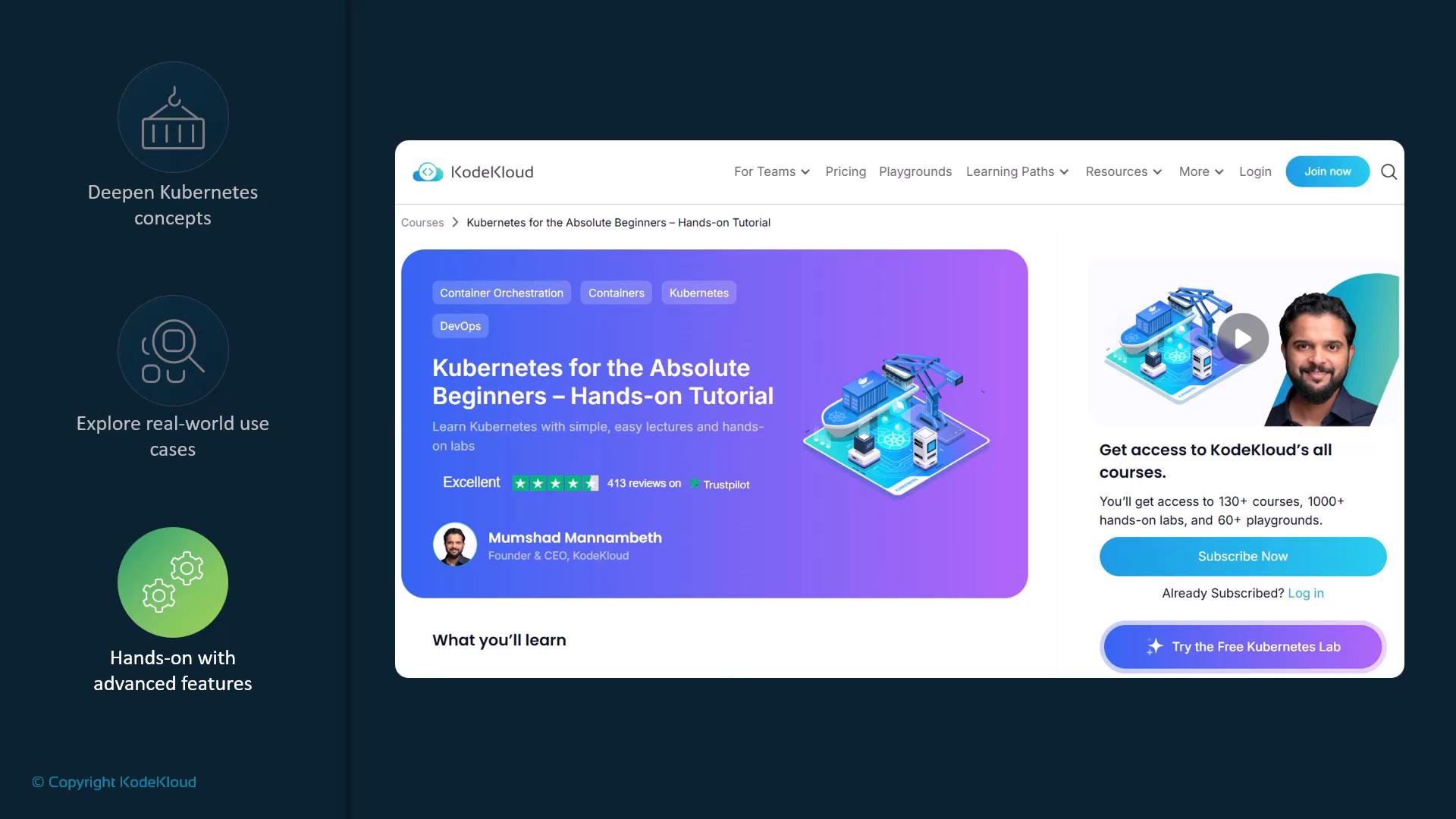 What this hands-on tutorial covers:
* Core Kubernetes concepts: Pods, Deployments, Services, ConfigMaps, Secrets.
* Real-world scenarios: rolling updates, scaling, and application debugging.
* Practical labs: step-by-step exercises to practice `kubectl` commands and manifests.
* Advanced commands and features: health checks, probes, resource limits, and networking.
You can access the course here: [Kubernetes for the Absolute Beginners - Hands-on Tutorial](https://learn.kodekloud.com/user/courses/kubernetes-for-the-absolute-beginners-hands-on-tutorial).
Recommended resources (quick reference)
| Resource | Purpose | Link |
| - | - | - |
| Course: Hands-on Tutorial | Beginner → intermediate, guided labs and exercises | [Kubernetes for the Absolute Beginners - Hands-on Tutorial](https://learn.kodekloud.com/user/courses/kubernetes-for-the-absolute-beginners-hands-on-tutorial) |
| Official docs | Authoritative reference for Kubernetes concepts and API | [Kubernetes Documentation](https://kubernetes.io/docs/) |
| Practice labs | Interactive scenarios and sandbox environments | [KodeKloud labs](https://kodekloud.com/) |
| Certification info | Learn about CKA and other Kubernetes certifications | [CNCF Certification](https://www.cncf.io/certification/) |
| Example manifests & repos | Real-world examples and community projects | [GitHub - kubernetes examples](https://github.com/kubernetes/examples) |
By continuing your learning journey with guided tutorials and hands-on practice, you’ll become comfortable deploying, managing, and troubleshooting Kubernetes workloads in real projects.
What this hands-on tutorial covers:
* Core Kubernetes concepts: Pods, Deployments, Services, ConfigMaps, Secrets.
* Real-world scenarios: rolling updates, scaling, and application debugging.
* Practical labs: step-by-step exercises to practice `kubectl` commands and manifests.
* Advanced commands and features: health checks, probes, resource limits, and networking.
You can access the course here: [Kubernetes for the Absolute Beginners - Hands-on Tutorial](https://learn.kodekloud.com/user/courses/kubernetes-for-the-absolute-beginners-hands-on-tutorial).
Recommended resources (quick reference)
| Resource | Purpose | Link |
| - | - | - |
| Course: Hands-on Tutorial | Beginner → intermediate, guided labs and exercises | [Kubernetes for the Absolute Beginners - Hands-on Tutorial](https://learn.kodekloud.com/user/courses/kubernetes-for-the-absolute-beginners-hands-on-tutorial) |
| Official docs | Authoritative reference for Kubernetes concepts and API | [Kubernetes Documentation](https://kubernetes.io/docs/) |
| Practice labs | Interactive scenarios and sandbox environments | [KodeKloud labs](https://kodekloud.com/) |
| Certification info | Learn about CKA and other Kubernetes certifications | [CNCF Certification](https://www.cncf.io/certification/) |
| Example manifests & repos | Real-world examples and community projects | [GitHub - kubernetes examples](https://github.com/kubernetes/examples) |
By continuing your learning journey with guided tutorials and hands-on practice, you’ll become comfortable deploying, managing, and troubleshooting Kubernetes workloads in real projects.
 So what are you waiting for?
Continue exploring — hands-on practice and real-world examples are the fastest way to become confident with Kubernetes.
This documentation is built and hosted on [Mintlify](https://mintlify.com), a developer documentation platform.
So what are you waiting for?
Continue exploring — hands-on practice and real-world examples are the fastest way to become confident with Kubernetes.
This documentation is built and hosted on [Mintlify](https://mintlify.com), a developer documentation platform.