> ## Documentation Index
> Fetch the complete documentation index at: https://notes.kodekloud.com/llms.txt
> Use this file to discover all available pages before exploring further.
# Introduction
> Learn to customize Cursor for your development workflow through six core modules to enhance productivity and code quality.
Gain a competitive edge by tailoring Cursor to your unique development workflow. This lesson covers six core modules:
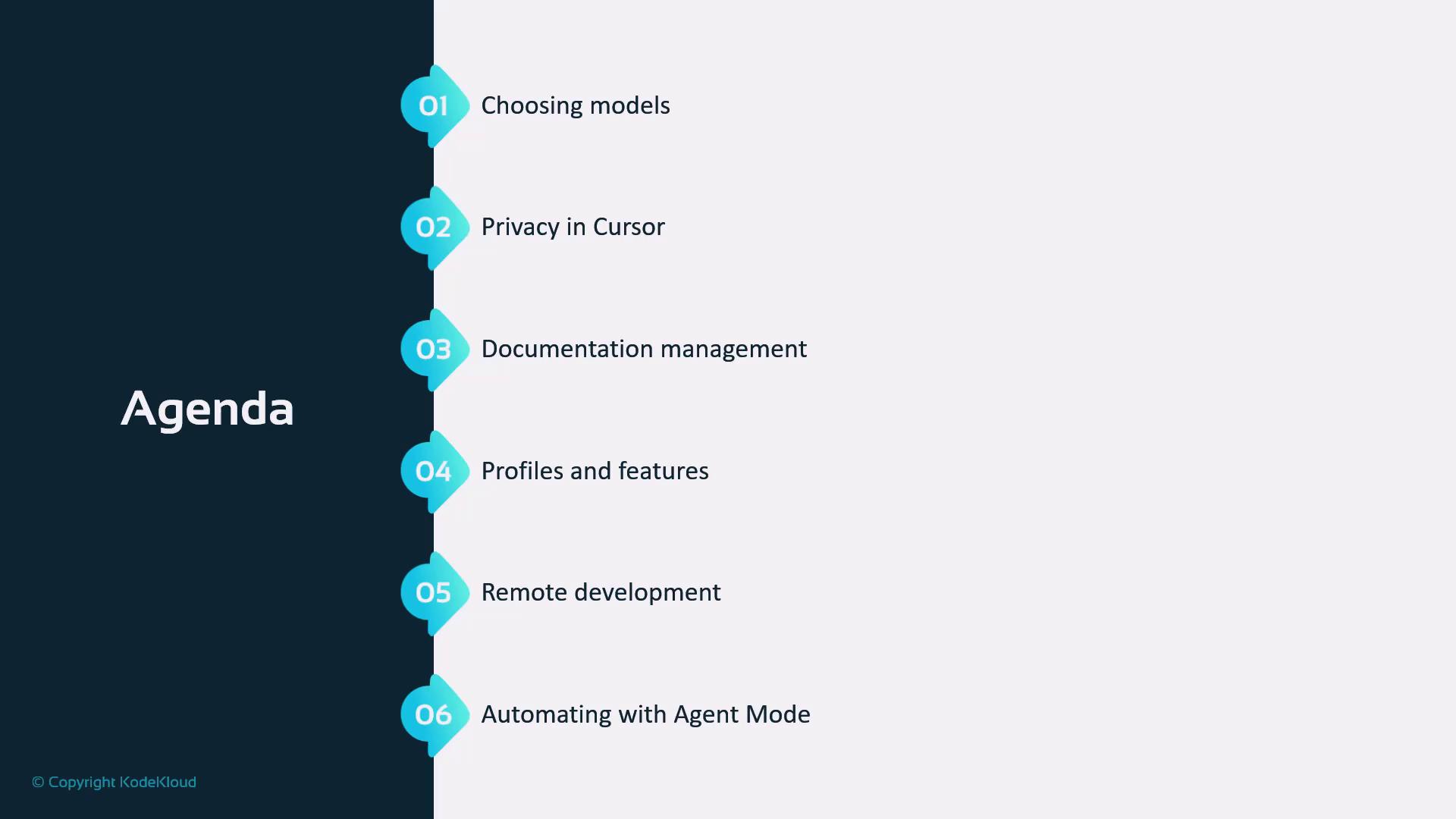
| Module | Overview |
| ------------------------------------------------------------ | ------------------------------------------------- |
| [Model Selection](#model-selection) | Dynamically choose and switch AI models |
| [Privacy & Security](#privacy--security) | Encrypt data and enforce access controls |
| [Documentation Management](#documentation-management) | Automate doc generation and updates |
| [Profiles & Advanced Features](#profiles--advanced-features) | Configure user profiles and unlock pro tools |
| [Remote Development (SSH)](#remote-development-ssh) | Set up secure remote connections |
| [Agentic Mode Automation](#agentic-mode-automation) | Orchestrate tasks with Cursor’s autonomous agents |
By the end of this lesson, you’ll master Cursor’s advanced capabilities to accelerate development cycles and improve code quality.
Before you begin, ensure that:
* Cursor vX.Y (or later) is installed
* You have SSH access to your remote environments
## Links and References
* [Cursor Official Documentation](https://cursor.dev/docs)
* [SSH Configuration Guide](https://example.com/ssh-setup)
* [Security Best Practices](https://example.com/security-practices)