> ## Documentation Index
> Fetch the complete documentation index at: https://notes.kodekloud.com/llms.txt
> Use this file to discover all available pages before exploring further.
# Integrated Solutions
> This article covers integrated solutions for ETL/ELT, data warehousing, and analytics using Azure Synapse Analytics and related technologies.
Welcome to the **Azure Data Fundamentals (DP-900)** course. In this lesson, we’ll cover end-to-end integrated solutions for ETL/ELT, data warehousing, and analytics. Instead of piecing together best-of-breed components, you can leverage platforms that manage every step—from ingestion to real-time insights—within a unified service.
## Azure Synapse Analytics
Azure Synapse Analytics is Microsoft’s flagship integrated analytics platform. It combines the power of Azure Data Factory, a data warehouse, Apache Spark, and Azure Data Explorer into a seamless experience. By default, Synapse runs continuously, enabling real-time data processing and analytics.
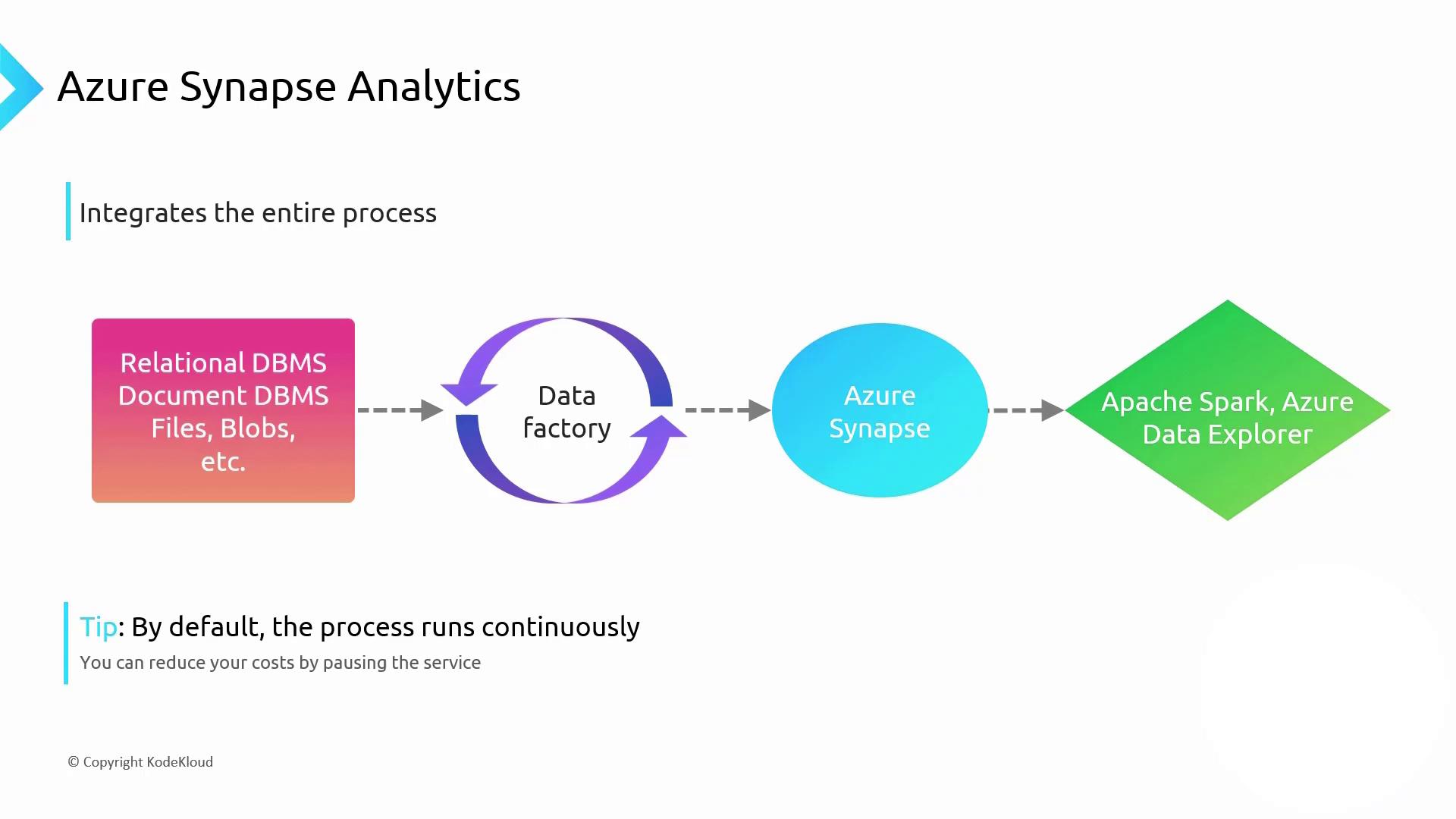
Continuous mode in Synapse ensures up-to-the-minute insights but may lead to high compute costs. Schedule or pause pipelines to run only when you need batch reports (daily, weekly, or monthly).
### Key Components
* **Azure Data Factory**: Orchestrates ETL/ELT workflows
* **Synapse SQL Pool**: Dedicated or serverless warehousing
* **Apache Spark**: In-memory big data processing
* **Azure Data Explorer**: Interactive data exploration
Learn more: [Azure Synapse Analytics Documentation](https://docs.microsoft.com/azure/synapse-analytics/)
***
## Data Lake Architecture and PolyBase
Under the hood, Synapse’s storage relies on a **Data Lake** built on Azure Storage. Unlike traditional data warehouses, you can ingest raw files—CSV, JSON, XML, Parquet—without upfront transformation.
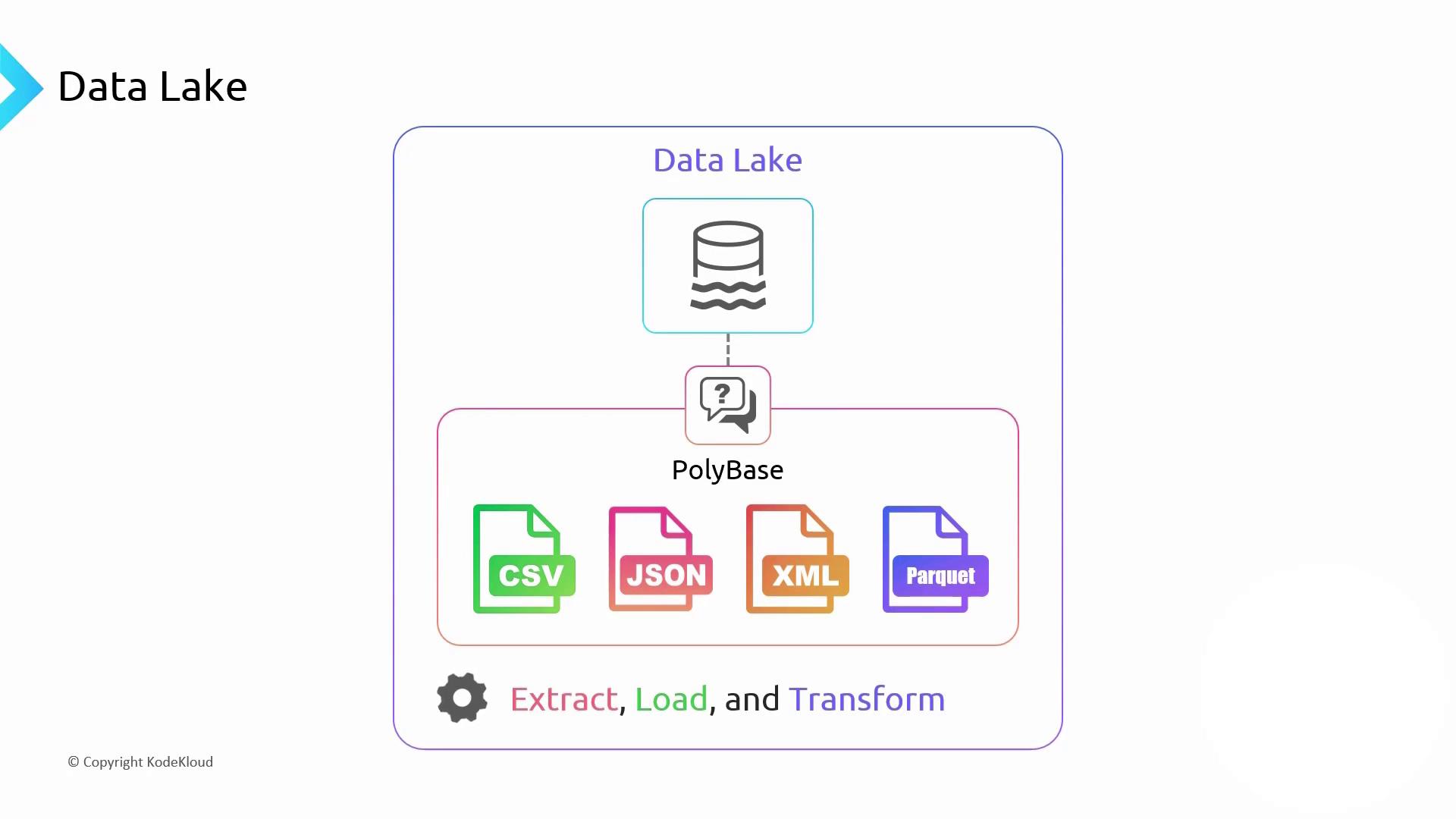
When you run a SQL query against your lake, Synapse uses **PolyBase** to:
1. Extract raw data into the lake
2. Load it dynamically during query execution
3. Transform it on-the-fly
Parquet is a column-oriented storage format optimized for analytics. It delivers high compression and performance, similar to columnar databases.
***
## Azure Storage and Hierarchical Namespace
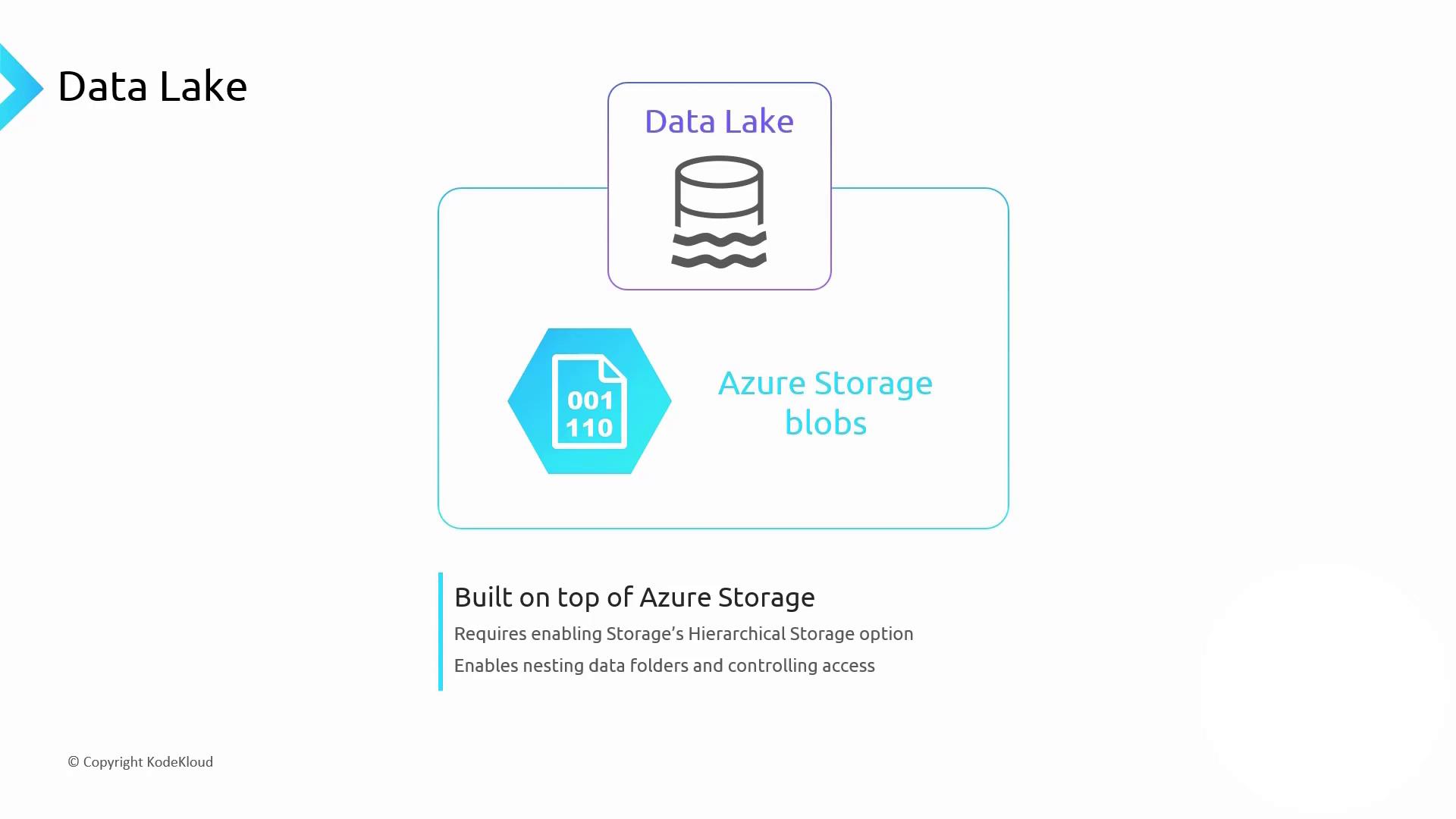
Your data lake files are stored as blobs in an Azure Storage account. To enable folder-like organization, activate **hierarchical namespace** (Data Lake Storage Gen2). This provides:
* Filesystem semantics (folders/subfolders)
* Fine-grained ACLs on directories and files
* Improved performance for large-scale analytics
For more information, see [Azure Data Lake Storage Gen2](https://docs.microsoft.com/azure/storage/blobs/data-lake-storage-introduction).
***
## Delta Lake: ACID and Unified Workloads
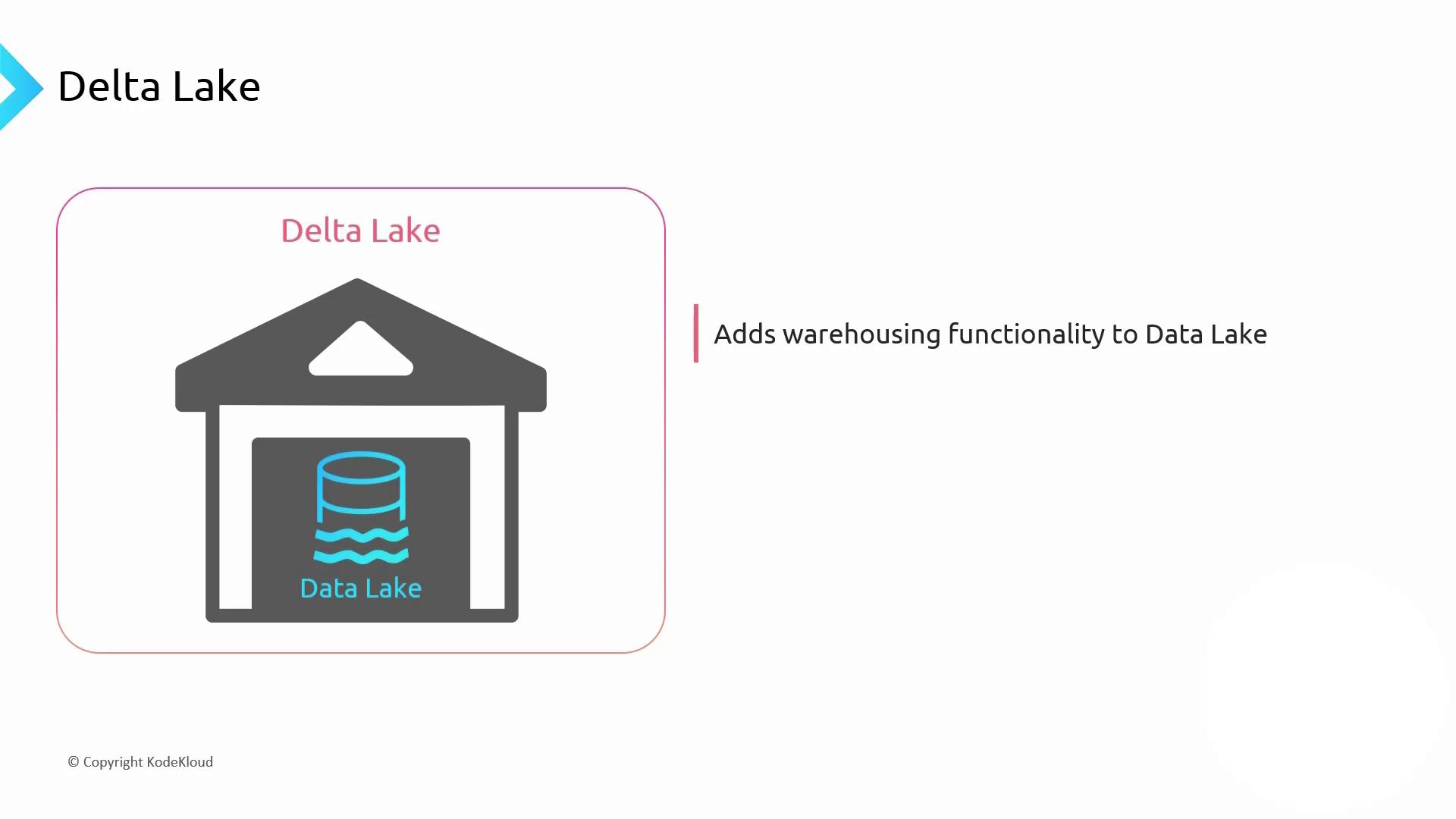
A raw data lake is flexible but lacks transactions, indexing, and ACID guarantees. **Delta Lake** extends cloud object storage with a transactional layer, bringing warehouse capabilities—schema enforcement, time travel, and unified batch/streaming workloads.
**Delta Lake Benefits:**
* ACID transactions on Parquet data
* Schema evolution and enforcement
* Switch from batch to streaming without code changes
Read the open-source project: [Delta Lake](https://delta.io/)
***
## Apache Databricks
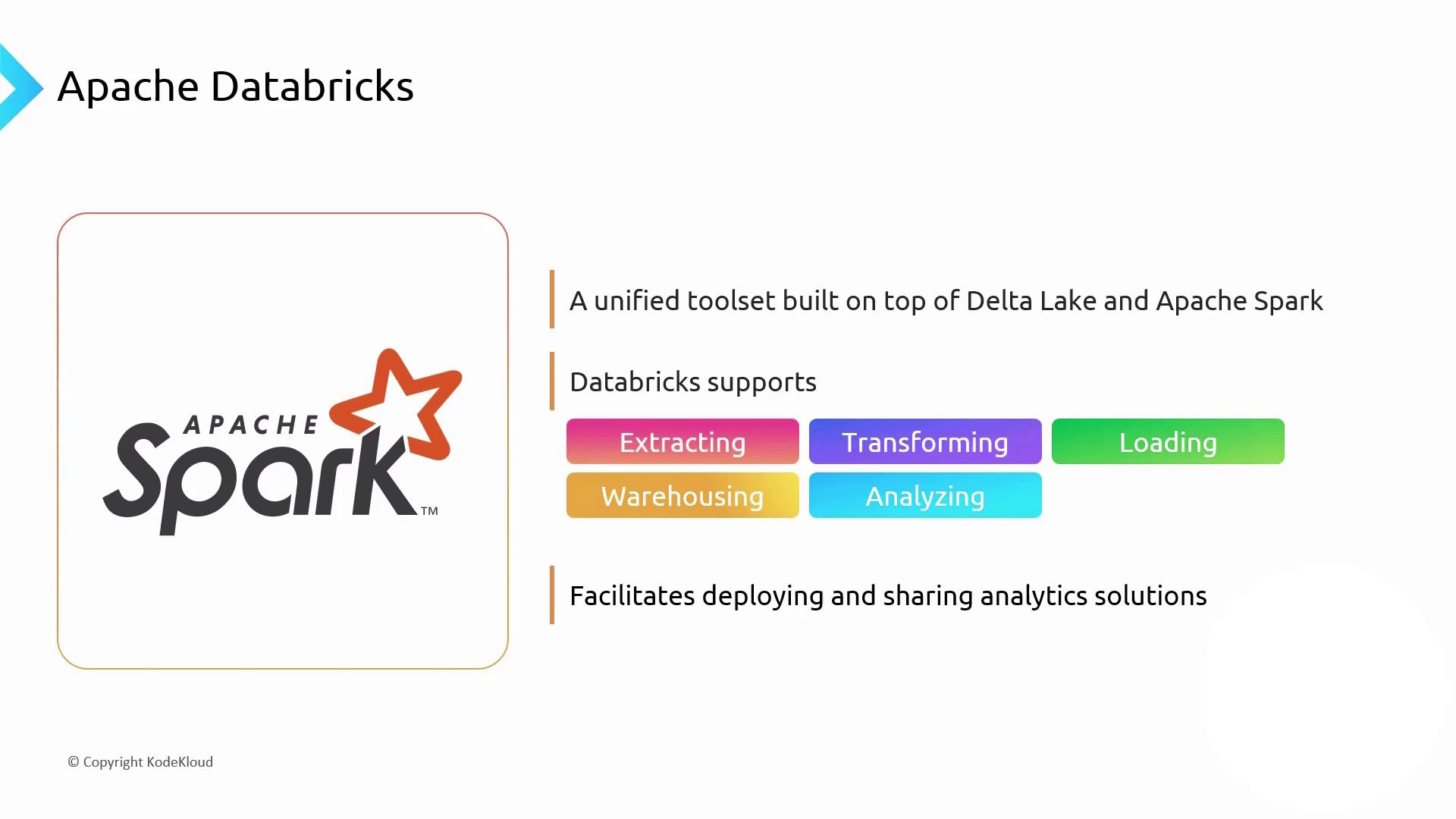
Beyond Microsoft’s stack, **Apache Databricks** is the most popular managed platform for Spark and Delta Lake. It offers a unified analytics environment for ETL, data warehousing, machine learning, and BI.
**Why Choose Databricks?**
* Fully managed Spark clusters
* Built-in support for Delta Lake transactions
* Collaborative notebooks and job scheduling
* Scales on demand, with pay-as-you-go pricing
Explore: [Databricks Documentation](https://docs.databricks.com/)
***
## Integrated Platforms Comparison
| Platform | Core Components | Ideal Use Case | Documentation |
| ----------------------- | --------------------------------------------- | -------------------------------------------------- | ------------------------------------------------------------------- |
| Azure Synapse Analytics | Data Factory, SQL Pools, Spark, Data Explorer | End-to-end analytics with flexible compute options | [Synapse Docs](https://docs.microsoft.com/azure/synapse-analytics/) |
| Apache Databricks | Apache Spark, Delta Lake, MLflow | Unified analytics & AI workspaces on managed Spark | [Databricks Docs](https://docs.databricks.com/) |
***
### When to Use Each Platform
* **Azure Synapse Analytics**: Best for organizations needing integrated SQL and Spark with hybrid provisioning (serverless + dedicated).
* **Apache Databricks**: Ideal for data science, machine learning, and collaborative analytics teams using Spark and Delta Lake.