> ## Documentation Index
> Fetch the complete documentation index at: https://notes.kodekloud.com/llms.txt
> Use this file to discover all available pages before exploring further.
# Introduction
> This article provides an overview of Azure Cosmos DB, highlighting its global distribution, multi-model APIs, and key features for data management.
Welcome to **Azure Data Fundamentals** Module 4. In this lesson, we’ll dive into **Azure Cosmos DB**, Microsoft’s globally distributed, multi-model database service. Cosmos DB delivers turnkey global distribution, elastic scalability, and comprehensive SLAs for throughput, availability, latency, and consistency.
## Key Features of Azure Cosmos DB
Azure Cosmos DB extends the familiar semi-structured model of Azure Table Storage and adds two powerful capabilities:
1. **Global Distribution**
2. **Multi-Model APIs**
### Global Distribution Overview
Cosmos DB’s global distribution lets you transparently replicate your data to any number of Azure regions. This ensures:
* High availability with 99.999% read/write SLA
* Millisecond latency for reads and writes
* Built-in disaster recovery and failover
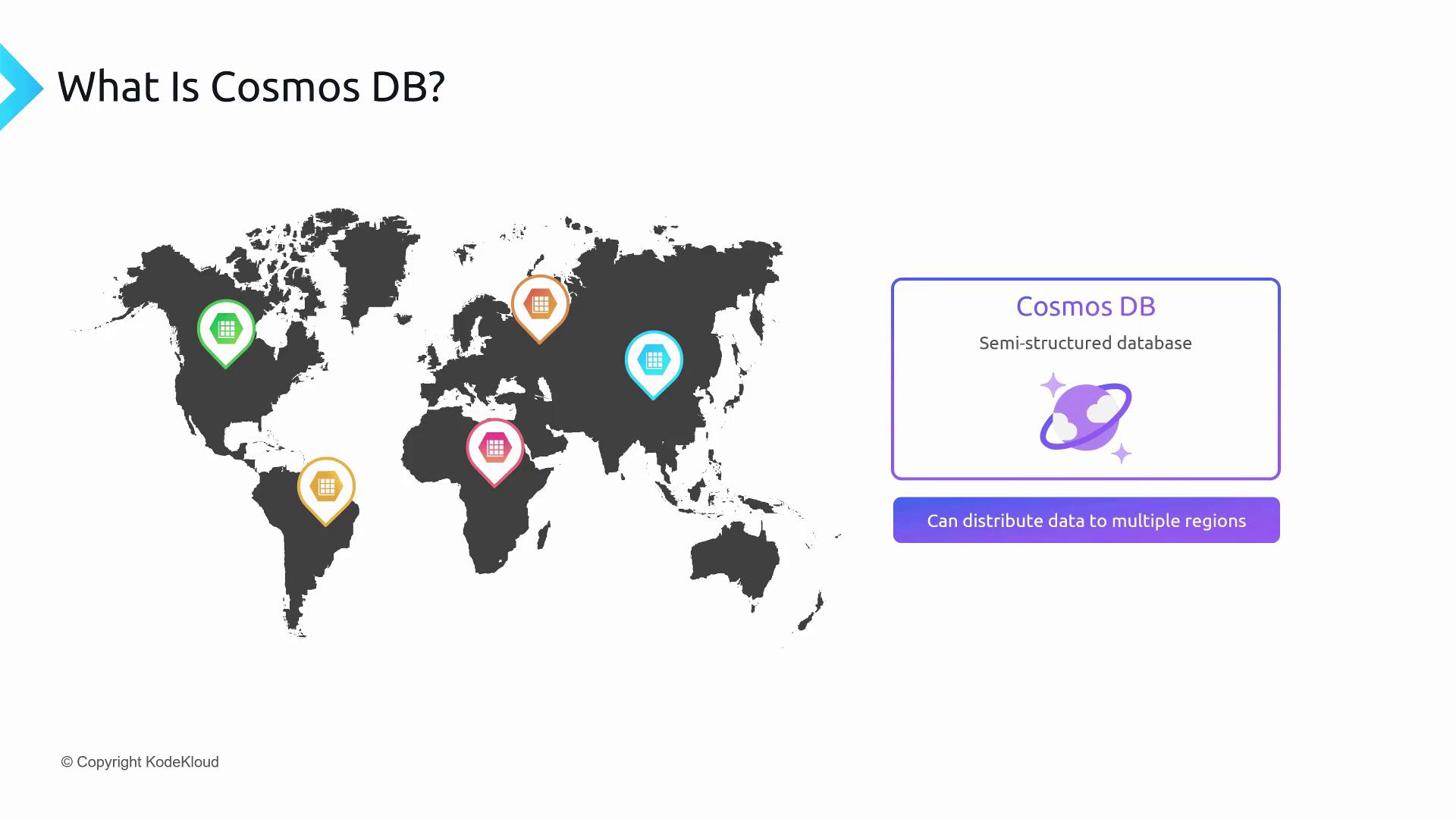
In Azure, a **region** consists of one or more data centers with virtually zero network latency between them. By replicating your containers and databases across regions, Cosmos DB automatically routes requests to the nearest replica.
Global distribution not only reduces latency but also improves resilience by automatically failing over to another region if one goes offline.
### Multi-Model API Support
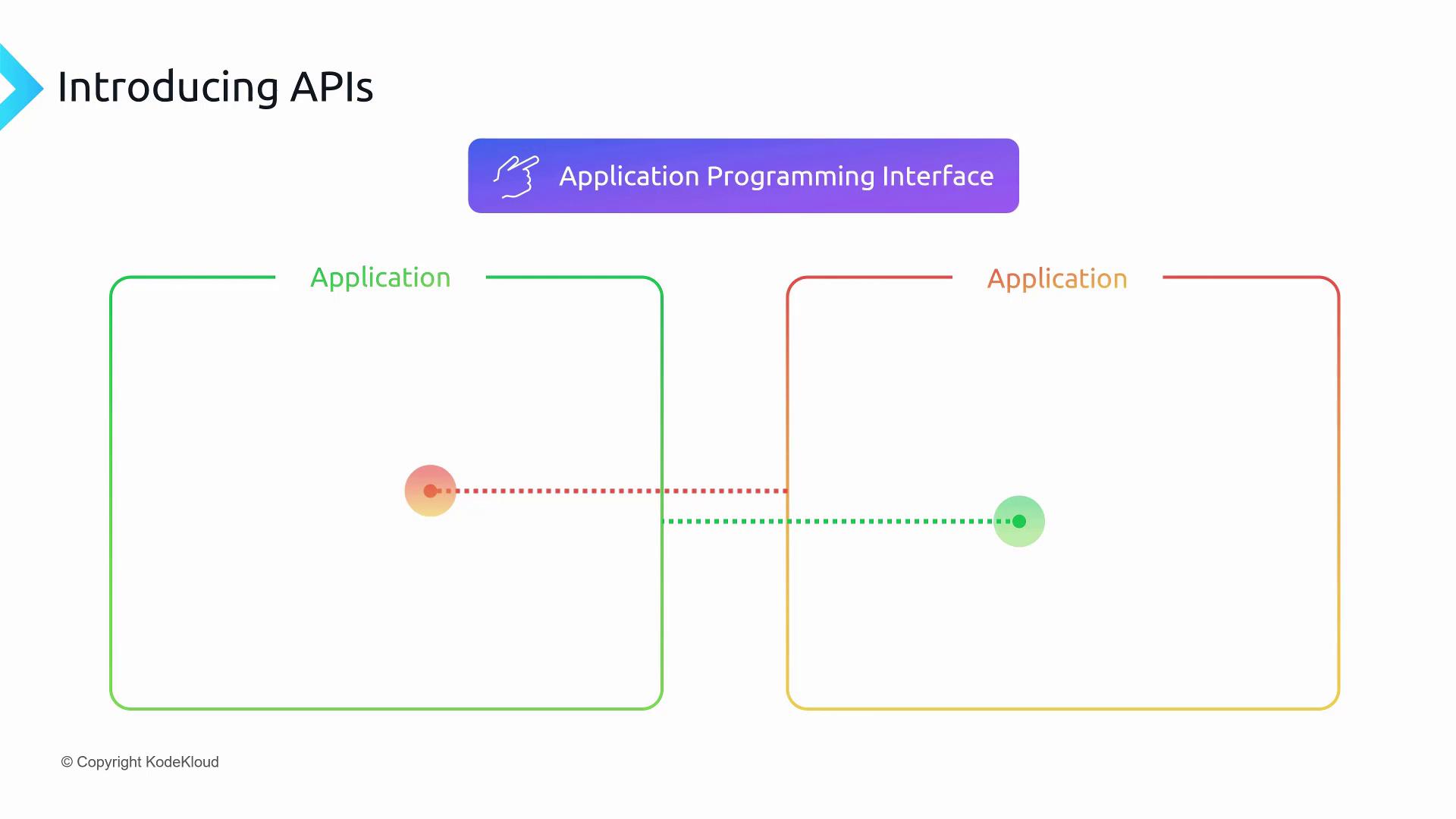
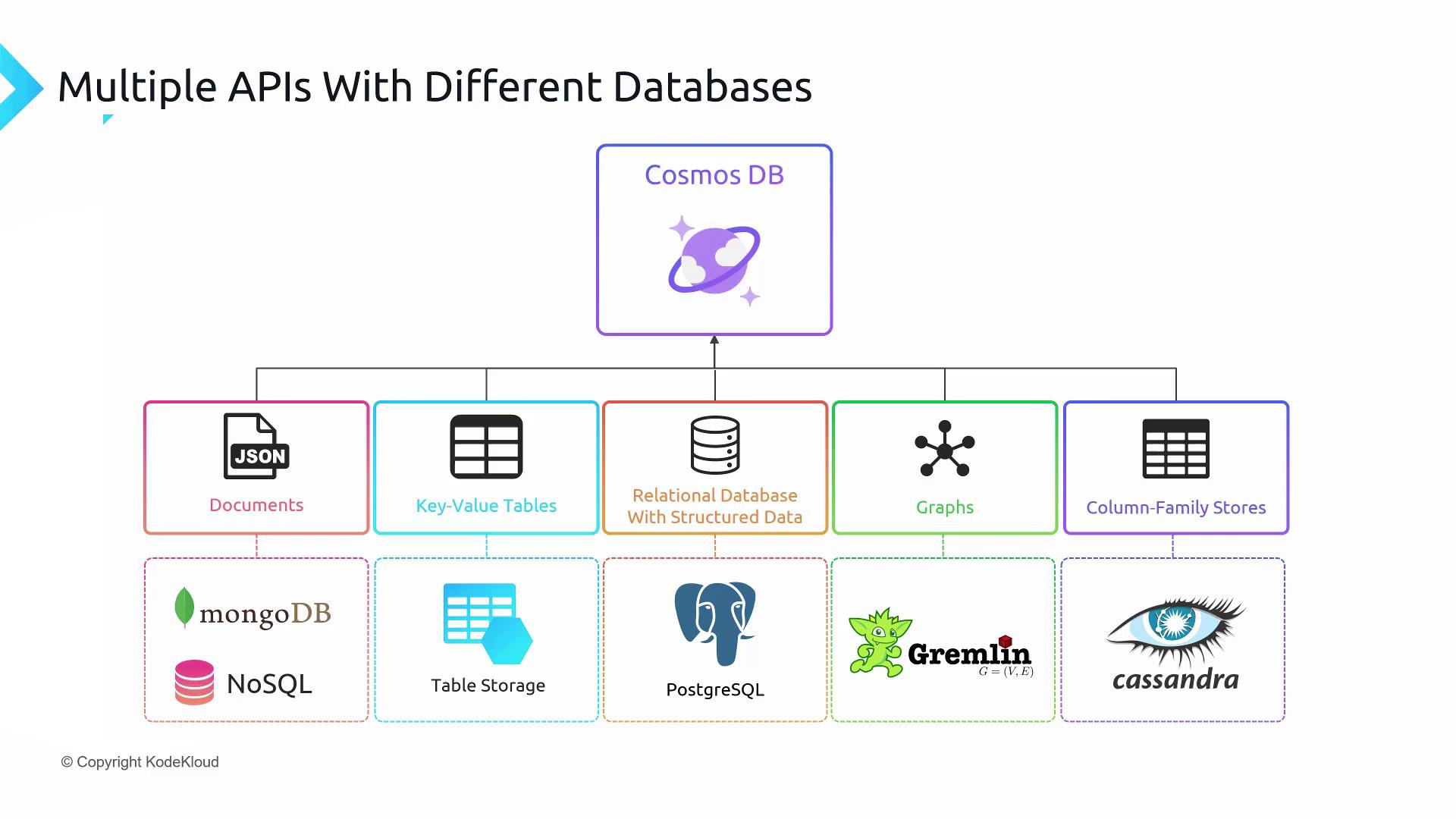
Cosmos DB lets you choose the API that best fits your workload or existing codebase. Each API provides a well-documented surface area for data operations, so your application doesn’t need to know about the service internals.
#### Supported Cosmos DB APIs
| API Model | Description | Query Language / Surface |
| -------------- | --------------------------------------------------- | ------------------------------- |
| Document API | JSON-based documents | Core (SQL) API & MongoDB native |
| Table API | Key-value store compatible with Azure Table Storage | OData / Azure Storage SDK |
| Gremlin API | Property graph with vertices and edges | Gremlin |
| Cassandra API | Wide-column store with tunable consistency | Cassandra Query Language (CQL) |
| PostgreSQL API | Relational model for Postgres workloads | PostgreSQL wire protocol |
## Global Data Access Example
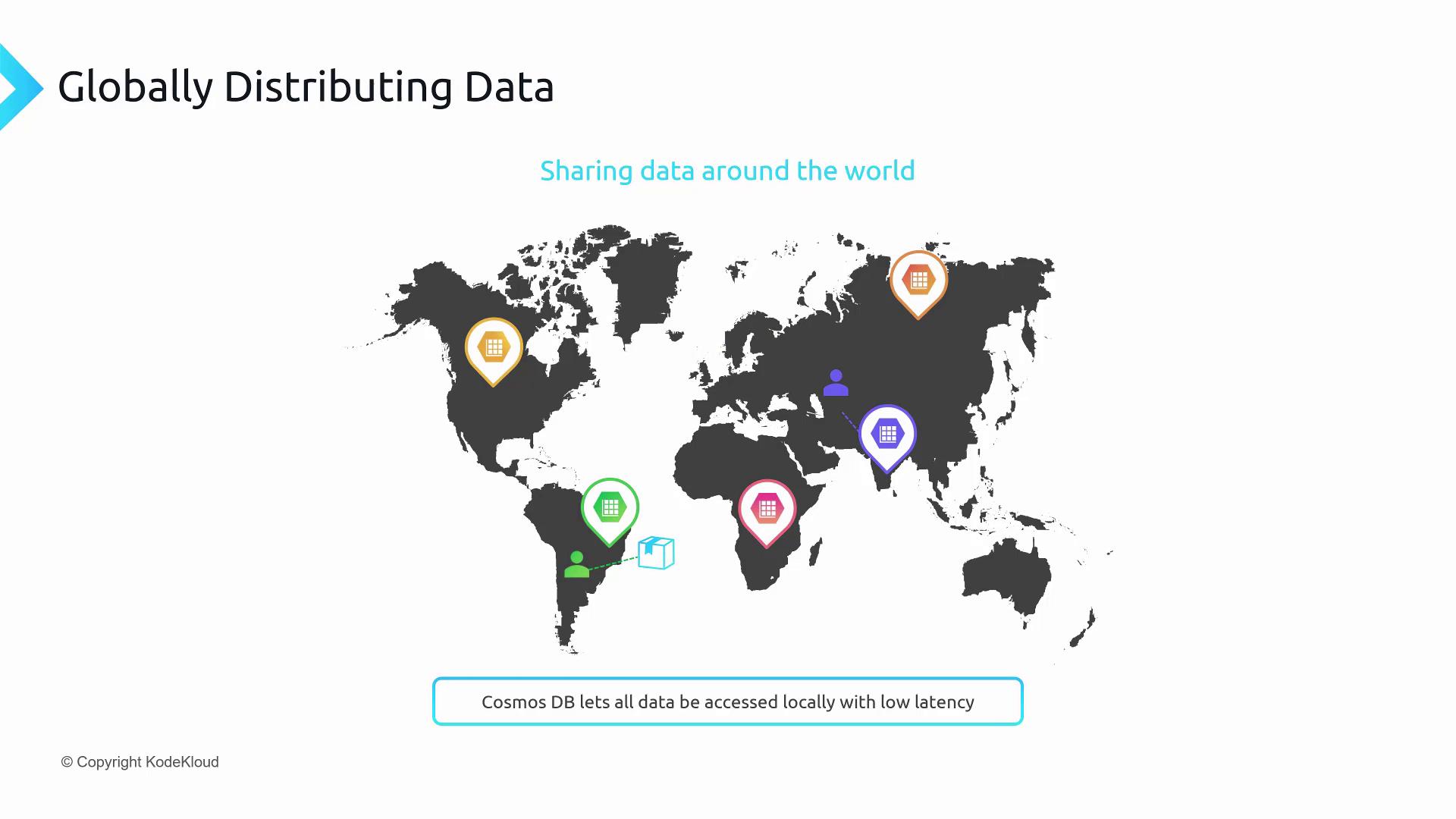
To see global distribution in action, imagine a manufacturing plant in Mumbai and a customer portal in Apollo. By configuring Cosmos DB to replicate between **South India** and **Central India** regions, both employees and clients experience low-latency reads and writes:
**Workflow**
1. A sensor in Mumbai writes telemetry to the nearest Cosmos DB endpoint.
2. Cosmos replicates the data to Apollo in under 10 ms.
3. A customer dashboard in Apollo reads the latest data from the local replica.
Be mindful of your chosen consistency level (e.g., Session, Consistent Prefix) to balance latency and data correctness across regions.
## Links and References
* [Azure Cosmos DB Documentation](https://docs.microsoft.com/azure/cosmos-db/)
* [Azure Data Fundamentals (DP-900)](https://learn.microsoft.com/learn/paths/examine-fundamentals-of-azure/?WT.mc_id=dp-900)
* [Consistency Levels in Azure Cosmos DB](https://docs.microsoft.com/azure/cosmos-db/consistency-levels)