> ## Documentation Index
> Fetch the complete documentation index at: https://notes.kodekloud.com/llms.txt
> Use this file to discover all available pages before exploring further.

# Container Blob Storage

> Azure Blob Storage offers scalable object storage with robust security, tiered pricing, and data management features for managing files in the cloud.

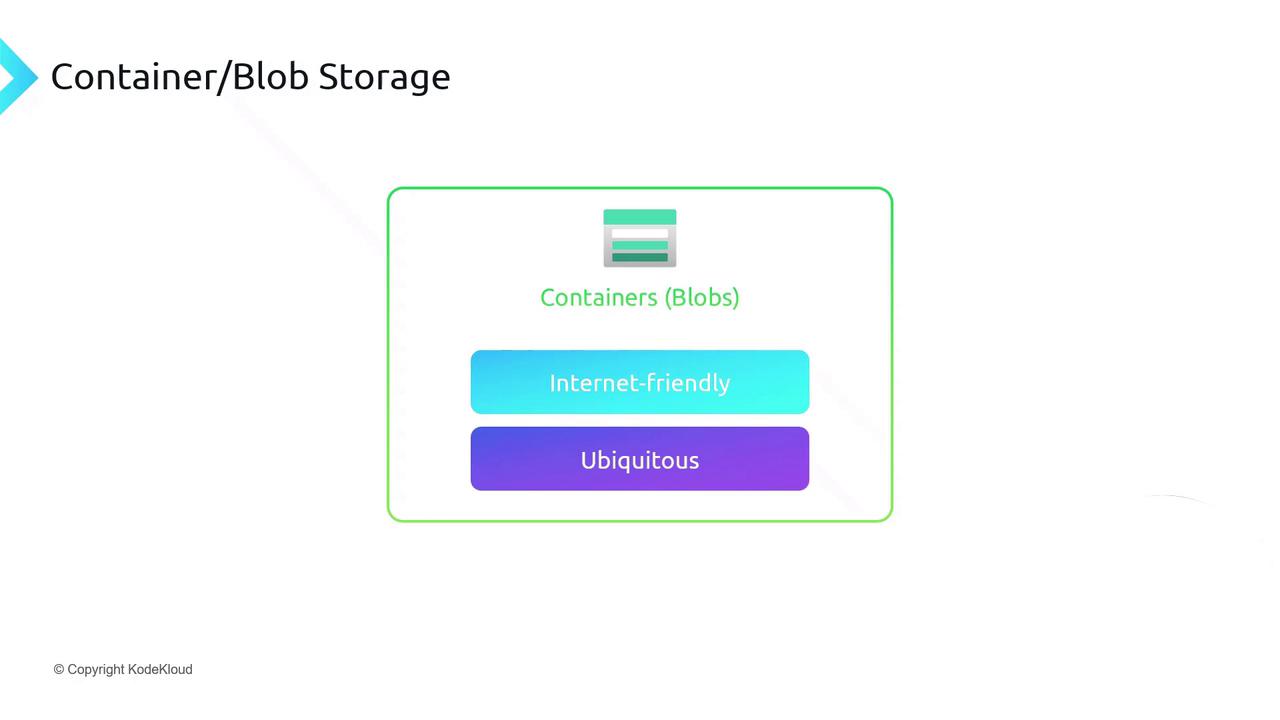
Azure Blob Storage provides a flat, internet-friendly namespace for managing files in the cloud. It’s the go-to solution for scalable object storage, offering robust security, tiered pricing, and rich data management features.
<Frame>
  ![The image is a diagram titled "Container/Blob Storage" showing a structure with "Containers (Blobs)" at the top, followed by "Internet-friendly" and "Ubiquitous" in colored blocks.](https://kodekloud.com/kk-media/image/upload/v1752872951/notes-assets/images/DP-900-Microsoft-Azure-Data-Fundamentals-Container-Blob-Storage/container-blob-storage-diagram.jpg)
</Frame>

## Architecture and Namespace

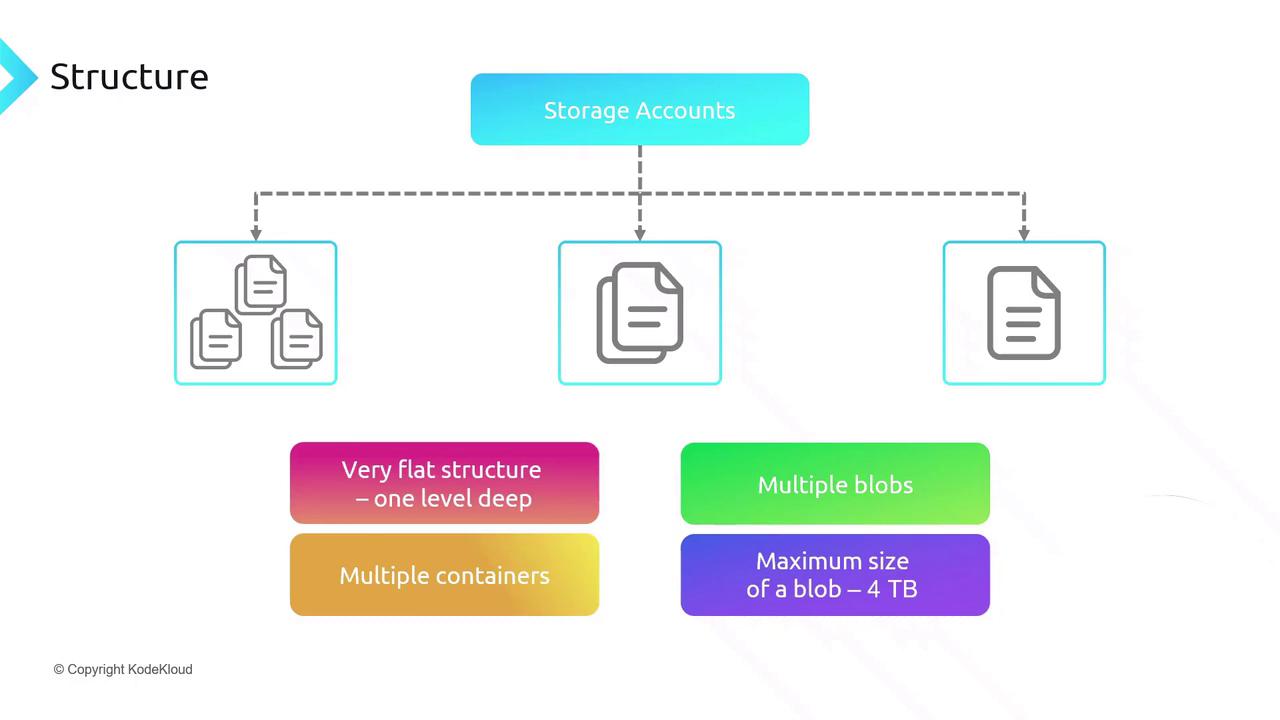
Within an Azure Storage account, you organize data into *containers*—each holding an unlimited number of blobs (files). This flat namespace means:

* Containers cannot be nested, ensuring concise URLs (e.g., `https://<account>.blob.core.windows.net/<container>/<blob>`).
* Each blob can be up to 4 TB in size.
* You can create as many containers as needed.
<Frame>
  ![The image illustrates a storage structure with storage accounts leading to multiple containers and blobs, highlighting features like a flat structure, multiple blobs, and a maximum blob size of 4 TB.](https://kodekloud.com/kk-media/image/upload/v1752872952/notes-assets/images/DP-900-Microsoft-Azure-Data-Fundamentals-Container-Blob-Storage/storage-structure-accounts-containers-blobs.jpg)
</Frame>

## Blob Types and Use Cases

Azure supports three blob types to optimize for different scenarios:

| Blob Type    | Description                                                      | Common Use Case                 |
| ------------ | ---------------------------------------------------------------- | ------------------------------- |
| Block blobs  | Efficient for uploading/downloading large files in blocks.       | Images, videos, documents       |
| Page blobs   | Random read/write on fixed-size pages (512 B pages).             | Virtual machine disks           |
| Append blobs | Optimized for append-only operations; ideal for continuous logs. | Telemetry logging, audit trails |

<Frame>
  ![The image is an infographic describing three types of blobs: Block Blobs, Page Blobs, and Append Blobs, each with their specific uses and characteristics.](https://kodekloud.com/kk-media/image/upload/v1752872953/notes-assets/images/DP-900-Microsoft-Azure-Data-Fundamentals-Container-Blob-Storage/blob-types-infographic-block-page-append.jpg)
</Frame>

## Access Tiers in Standard Storage Accounts

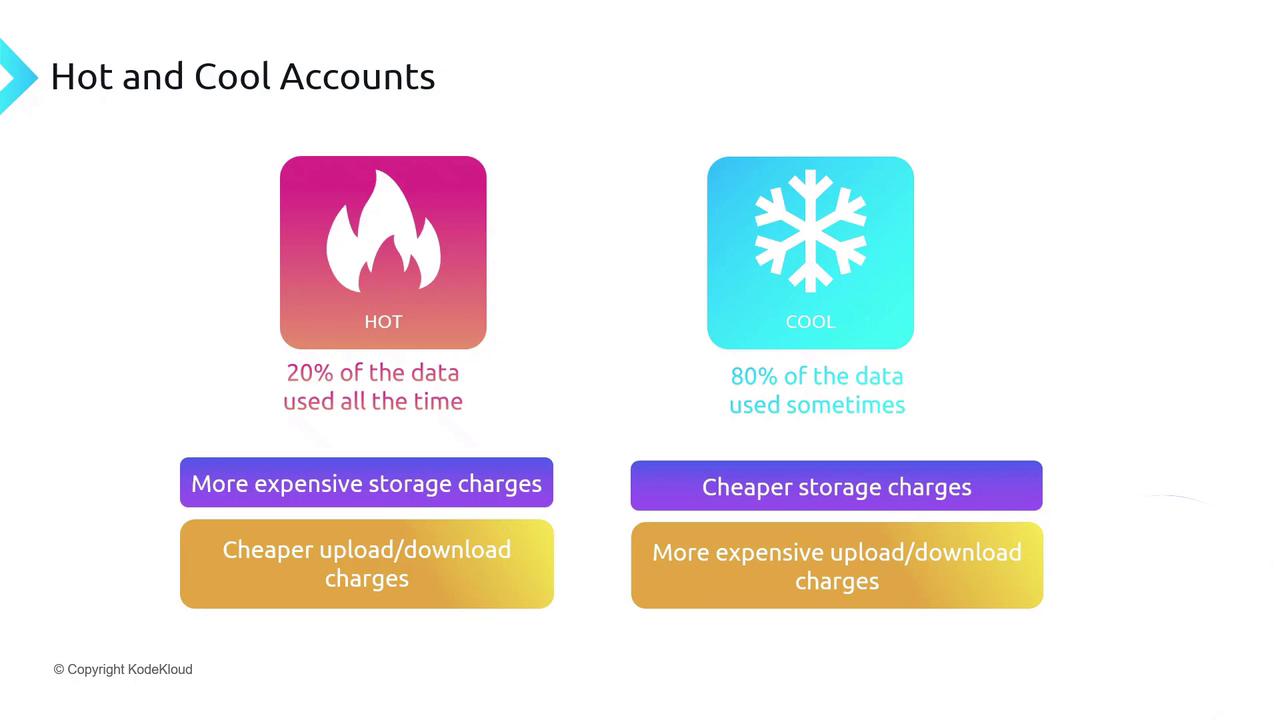
Optimize costs by selecting the right access tier:

| Tier | Storage Cost | Read/Write Cost | Best For              |
| ---- | ------------ | --------------- | --------------------- |
| Hot  | Higher       | Lower           | Frequently accessed   |
| Cool | Lower        | Higher          | Infrequently accessed |
<Frame>
  ![The image compares "Hot" and "Cool" data storage accounts, highlighting that "Hot" accounts have more expensive storage but cheaper upload/download charges, while "Cool" accounts have cheaper storage but more expensive upload/download charges.](https://kodekloud.com/kk-media/image/upload/v1752872955/notes-assets/images/DP-900-Microsoft-Azure-Data-Fundamentals-Container-Blob-Storage/hot-cool-data-storage-comparison.jpg)
</Frame>

### Archive Tier

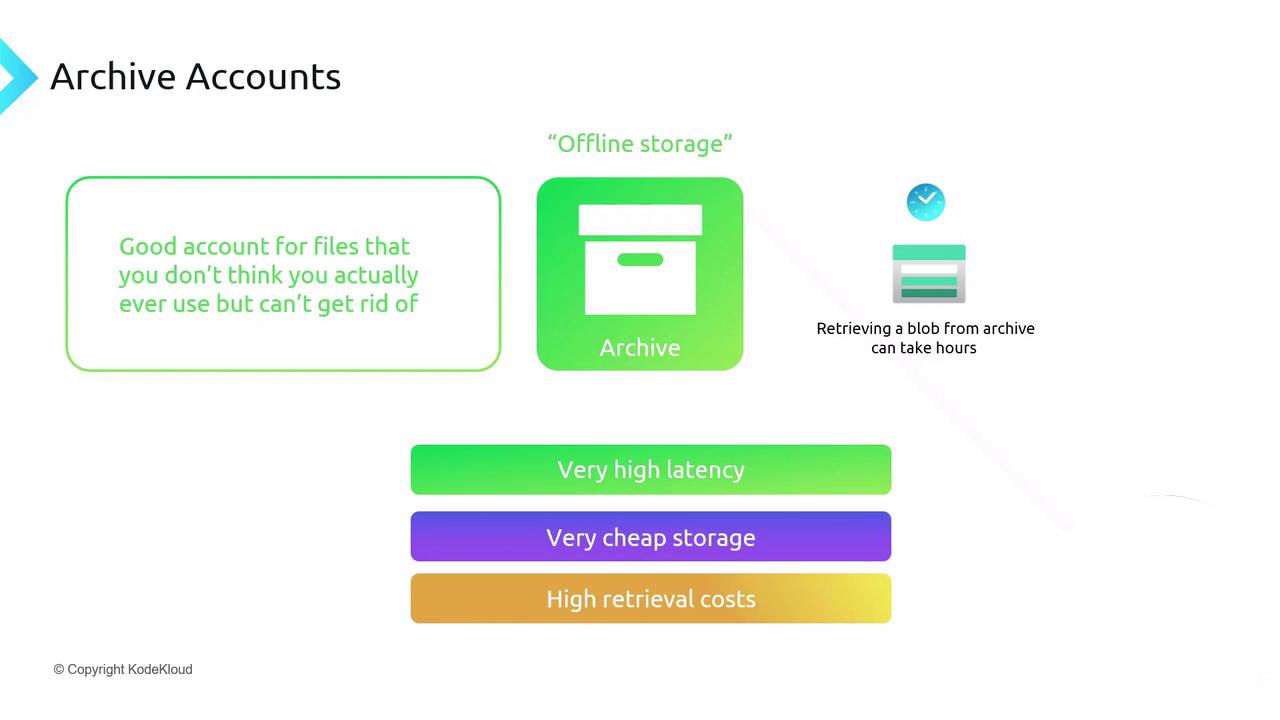
For long-term retention of rarely accessed data:

* **Archive**: Lowest storage cost, highest retrieval latency (up to 15 hours) and cost.
<Frame>
  ![The image describes "Archive Accounts" as a storage solution for rarely used files, highlighting features like very high latency, very cheap storage, and high retrieval costs. It notes that retrieving data can take hours.](https://kodekloud.com/kk-media/image/upload/v1752872956/notes-assets/images/DP-900-Microsoft-Azure-Data-Fundamentals-Container-Blob-Storage/archive-accounts-storage-solution.jpg)
</Frame>

## Storage Account Options at a Glance

Choose from these account types and tiers:

* **Premium**: Low-latency, high-throughput workloads.
* **Standard Hot**: Frequently accessed data.
* **Standard Cool**: Infrequently accessed data.
* **Archive**: Long-term storage for rarely accessed files.

<Frame>
  ![The image is a diagram categorizing different types of storage accounts and their usage: Premium Accounts for critical low-latency files, Standard Account hot tier for frequently accessed files, Standard Account cool tier for less frequently accessed files, and Archive for rarely used files.](https://kodekloud.com/kk-media/image/upload/v1752872957/notes-assets/images/DP-900-Microsoft-Azure-Data-Fundamentals-Container-Blob-Storage/storage-accounts-types-usage-diagram.jpg)
</Frame>

## Pricing and Retention Policies

Billing factors include:

* **Data stored** (GB/month)
* **Data operations** (ingress/egress)

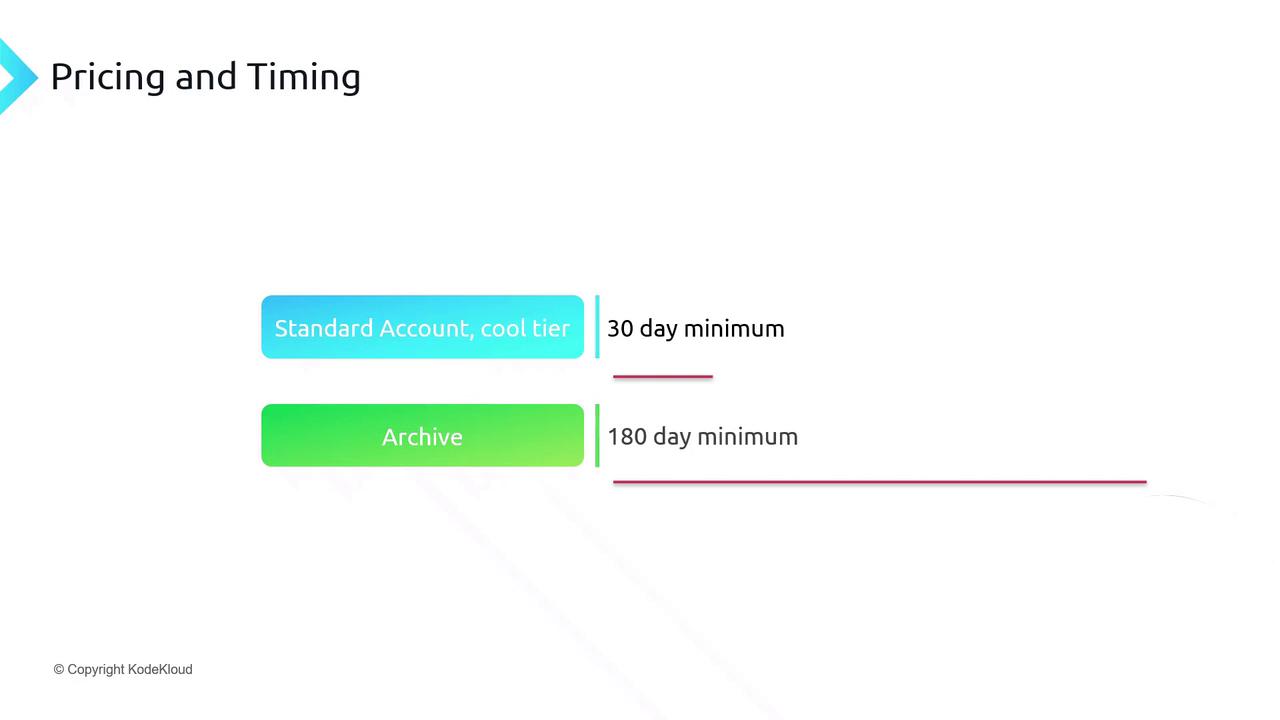
Standard cool and archive tiers have minimum retention periods:

| Tier    | Minimum Retention |
| ------- | ----------------- |
| Cool    | 30 days           |
| Archive | 180 days          |

<Callout icon="lightbulb" color="#1CB2FE">
  Early deletion in cool or archive tiers incurs an early deletion fee for any data removed before the minimum retention period.
</Callout>

<Frame>
  ![The image shows a pricing and timing chart for two account types: "Standard Account, cool tier" with a 30-day minimum and "Archive" with a 180-day minimum.](https://kodekloud.com/kk-media/image/upload/v1752872958/notes-assets/images/DP-900-Microsoft-Azure-Data-Fundamentals-Container-Blob-Storage/pricing-timing-chart-standard-archive.jpg)
</Frame>

## Automating Data Lifecycle with Policies

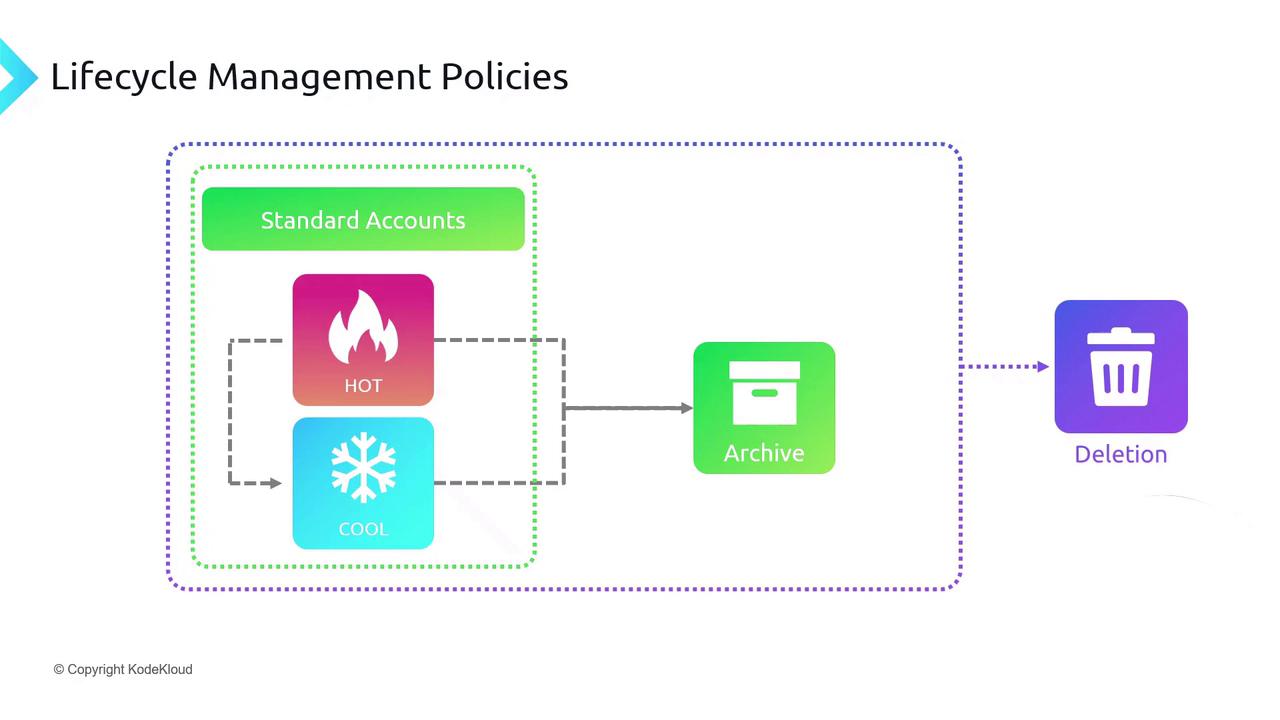
Use Azure Blob **Lifecycle Management** to transition blobs between tiers or delete stale data automatically based on rules (e.g., age, last modified).

```json theme={null}
{
  "rules": [
    {
      "name": "move-to-cool",
      "type": "Lifecycle",
      "enabled": true,
      "definition": {
        "filters": { "blobTypes": ["blockBlob"] },
        "actions": {
          "baseBlob": { "tierToCool": { "daysAfterModificationGreaterThan": 30 } }
        }
      }
    }
  ]
}
```
<Frame>
  ![The image illustrates a lifecycle management policy flowchart, showing data transitioning from "Standard Accounts" through "HOT" and "COOL" storage, to "Archive," and finally to "Deletion."](https://kodekloud.com/kk-media/image/upload/v1752872960/notes-assets/images/DP-900-Microsoft-Azure-Data-Fundamentals-Container-Blob-Storage/lifecycle-management-policy-flowchart.jpg)
</Frame>

## Change Tracking with Blob Change Feed

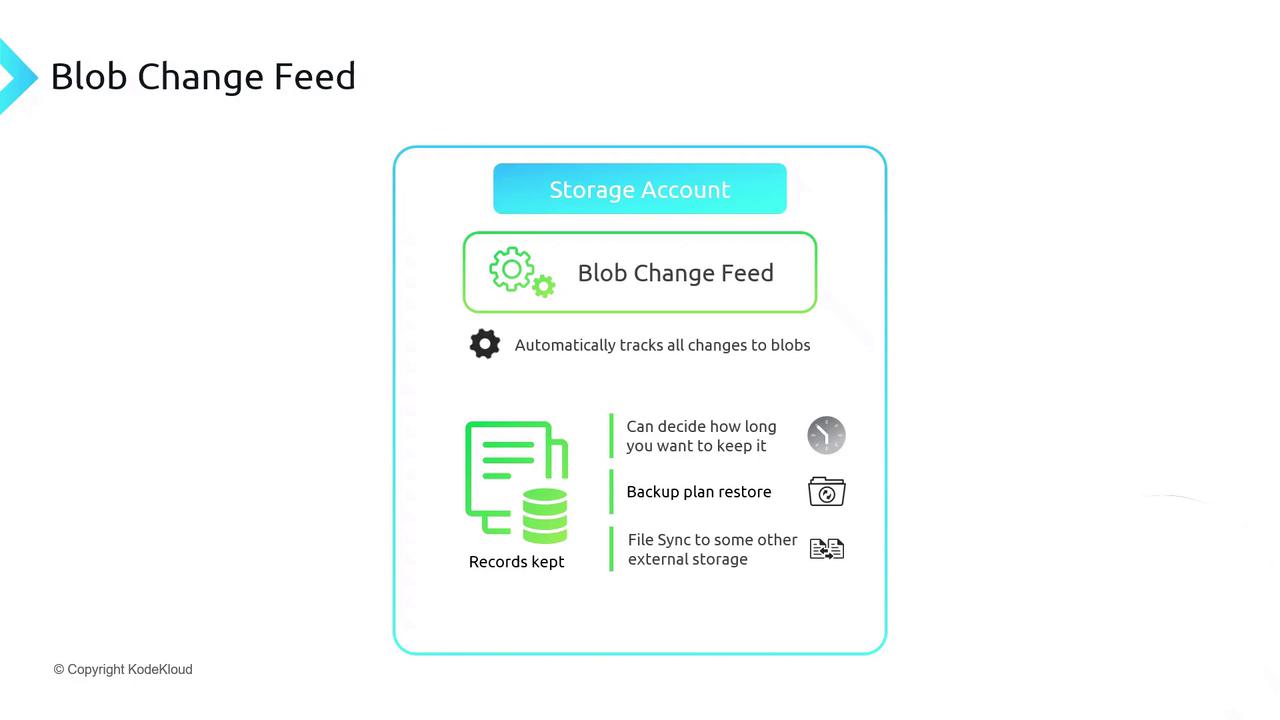
Enable **Blob Change Feed** to record every change (create, update, delete) in a durable, replayable log. This supports:

* Point-in-time restores
* Auditing and compliance
* Data synchronization across accounts
<Frame>
  ![The image is an infographic about "Blob Change Feed" in a storage account, highlighting features like automatic tracking of changes, record-keeping, backup plan restore, and file synchronization to external storage.](https://kodekloud.com/kk-media/image/upload/v1752872961/notes-assets/images/DP-900-Microsoft-Azure-Data-Fundamentals-Container-Blob-Storage/blob-change-feed-infographic-storage.jpg)
</Frame>

## Links and References

* [Azure Blob Storage documentation](https://docs.microsoft.com/azure/storage/blobs/)
* [Lifecycle management overview](https://docs.microsoft.com/azure/storage/blobs/storage-lifecycle-management-concepts)
* [Blob Change Feed](https://docs.microsoft.com/azure/storage/blobs/storage-blob-change-feed)

<CardGroup>
  <Card title="Watch Video" icon="video" cta="Learn more" href="https://learn.kodekloud.com/user/courses/dp-900-microsoft-azure-data-fundamentals/module/e229086c-adc3-444d-a6da-f77b41067675/lesson/5b2709e6-9a8c-447a-a2e2-d030e0da12f4" />
</CardGroup>
