> ## Documentation Index
> Fetch the complete documentation index at: https://notes.kodekloud.com/llms.txt
> Use this file to discover all available pages before exploring further.
# Roles and Responsibilities
> This article outlines the roles and responsibilities for managing file-based storage on Azure, emphasizing security and least privilege access.
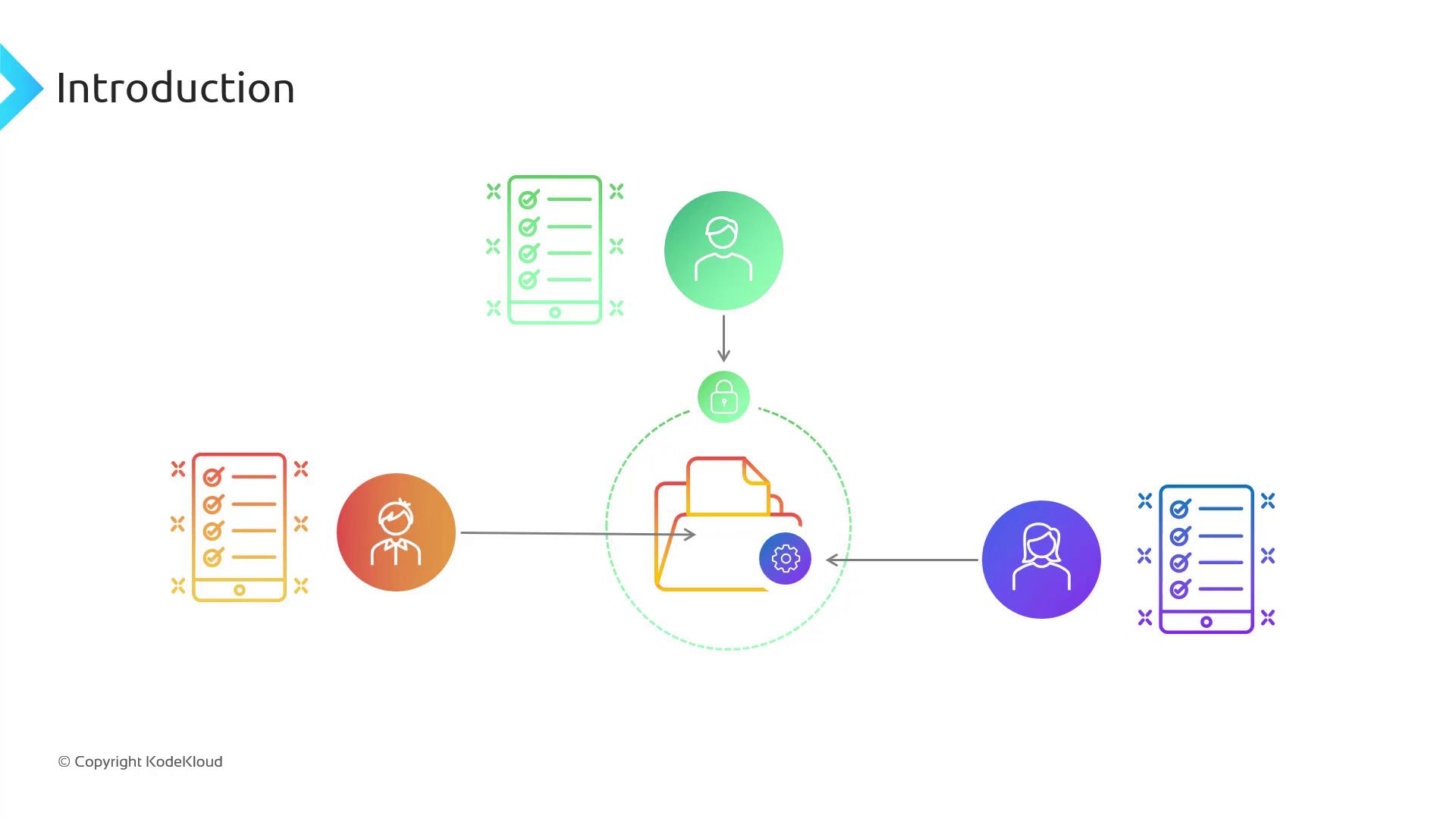
In this lesson, we'll outline the key groups involved in managing file-based storage on Azure and map them to built-in roles that enforce the principle of least privilege.
Grant only the minimum permissions required—this enforces security and reduces the risk of accidental data exposure.
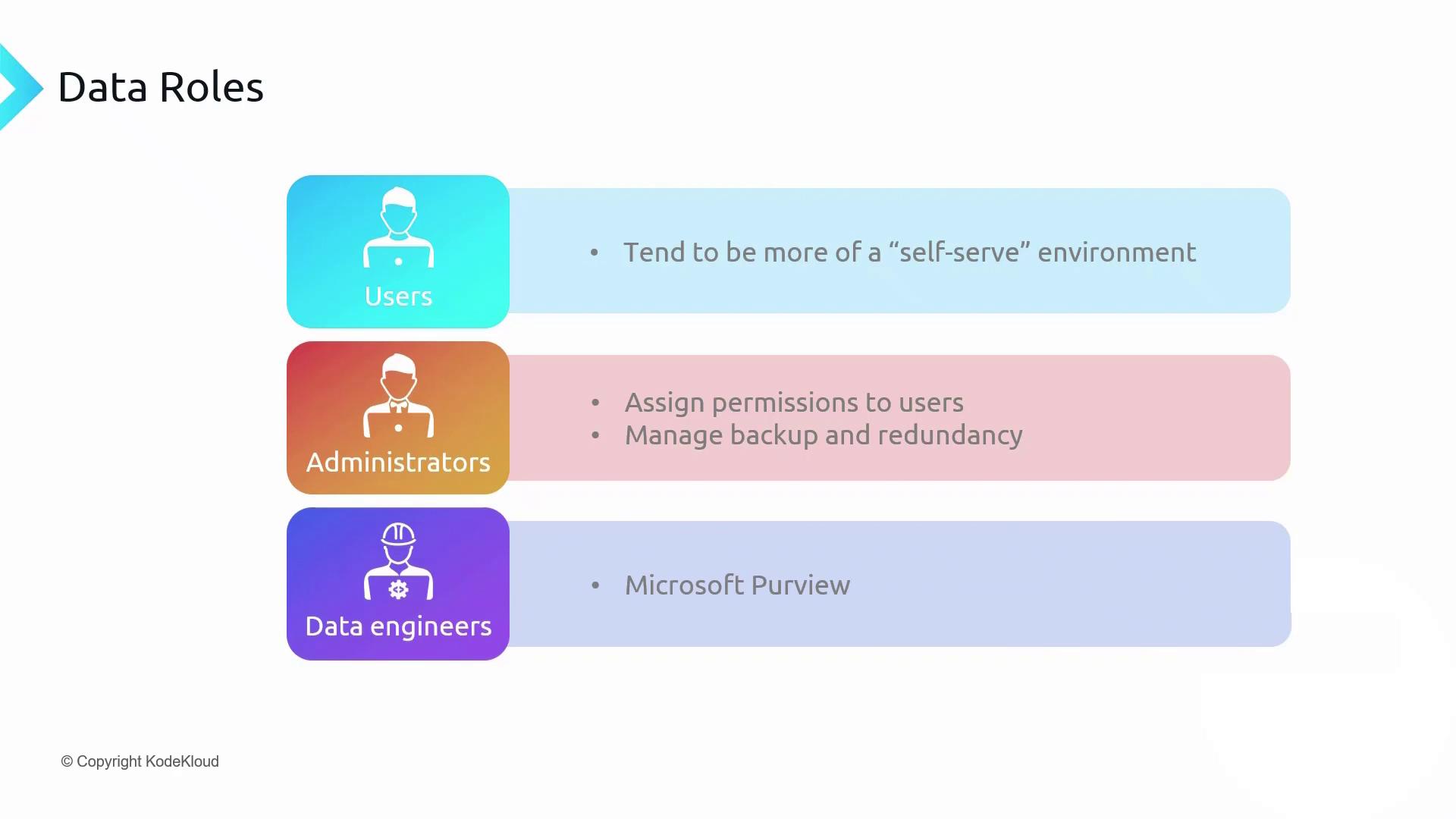
We typically organize access into three groups:
* **Users**\
Need read or read/write access to files, blobs, or file shares for day-to-day operations.
* **Administrators**\
Manage storage accounts, assign or revoke permissions, configure backups, and define data governance policies.
* **Data Engineers**\
Provision and configure storage resources without direct access to the data itself.
Once responsibilities are defined, assign each group an Azure role that aligns with their tasks.
***
## User Responsibilities
Users operate in a self-service environment. They receive scoped permissions on the storage objects they need, enabling independent work without frequent administrative requests.
* Read data from files, blobs, or containers
* Modify or upload new data when granted write access
* Access only the shares or containers explicitly assigned to them
***
## Administrator Responsibilities
Administrators oversee the lifecycle and compliance of storage resources:
* Assign and revoke RBAC permissions (`Storage Blob Data Reader`, `Storage Blob Data Contributor`)
* Configure and manage automated backups for point-in-time restores
* Integrate with [Microsoft Purview](https://learn.microsoft.com/azure/purview/) to define retention and classification policies
Incorrect or overly broad RBAC assignments can lead to unintended data exposure. Always audit role assignments regularly.
***
## Data Engineer Responsibilities
Data Engineers handle provisioning and configuration tasks without accessing content directly:
* Create and configure storage accounts and file shares
* Optimize performance tiers based on workload patterns
* Automate deployments using [Azure CLI](https://learn.microsoft.com/cli/azure/storage) or [Terraform](https://registry.terraform.io/providers/hashicorp/azurerm/latest/docs/resources/storage_account)
***
We’ve explored unstructured data storage on Azure and the roles needed to manage it securely.
* File and object storage support binary files and common text formats (CSV, JSON, XML).
* Azure storage accounts host both [Azure Files](https://learn.microsoft.com/azure/storage/files/) and [Azure Blob Storage](https://learn.microsoft.com/azure/storage/blobs/).
* **Premium** accounts use SSDs for low-latency I/O.
* File shares utilize the [SMB protocol](https://en.wikipedia.org/wiki/Server_Message_Block) for broad OS compatibility.
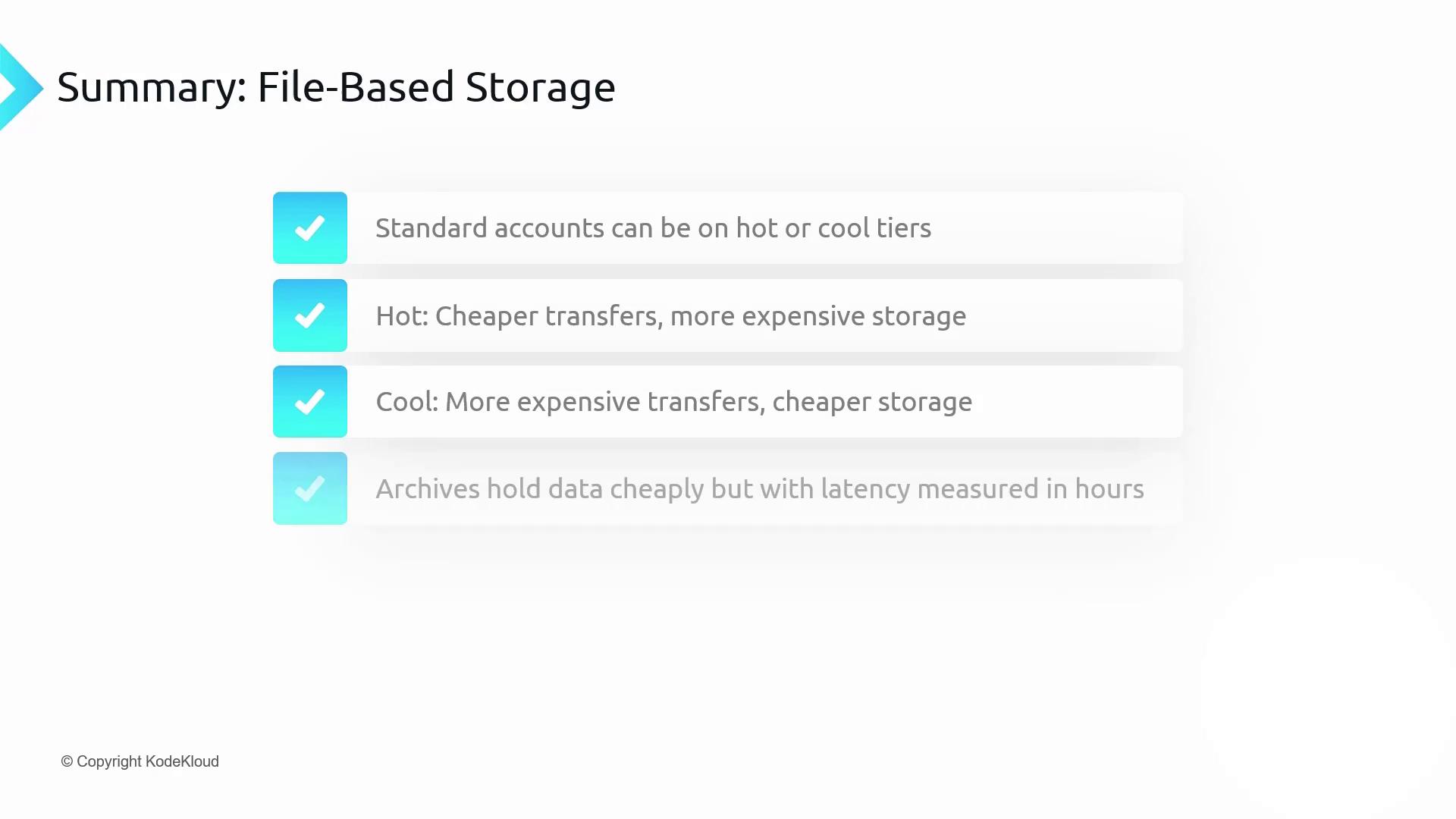
## Storage Account Tiers Comparison
| Tier | Storage Cost | Access Cost | Use Case |
| ------- | -------------------------- | ----------------- | --------------------------------------- |
| Hot | Higher | Lower | Frequently accessed data |
| Cool | Lower | Higher | Infrequently accessed, but not archival |
| Archive | Lowest (hours to retrieve) | Highest (latency) | Long-term retention with rare retrieval |
***
## References
* [Azure Files documentation](https://learn.microsoft.com/azure/storage/files/)
* [Azure Blob Storage overview](https://learn.microsoft.com/azure/storage/blobs/)
* [RBAC in Azure Storage](https://learn.microsoft.com/azure/role-based-access-control/overview)
* [Microsoft Purview governance](https://learn.microsoft.com/azure/purview/)