> ## Documentation Index
> Fetch the complete documentation index at: https://notes.kodekloud.com/llms.txt
> Use this file to discover all available pages before exploring further.

# Solutions for File Based Storage

> This guide explores Azure’s file-based storage offerings, including Storage Accounts, governance, performance tiers, and geo-redundant storage for disaster recovery.

In this guide, we explore Azure’s file-based storage offerings, including Storage Accounts, Microsoft Purview for governance, file categorization strategies, performance tiers, and geo-redundant storage for disaster recovery. You’ll learn how to optimize for cost, performance, and compliance.

## Azure Storage Accounts

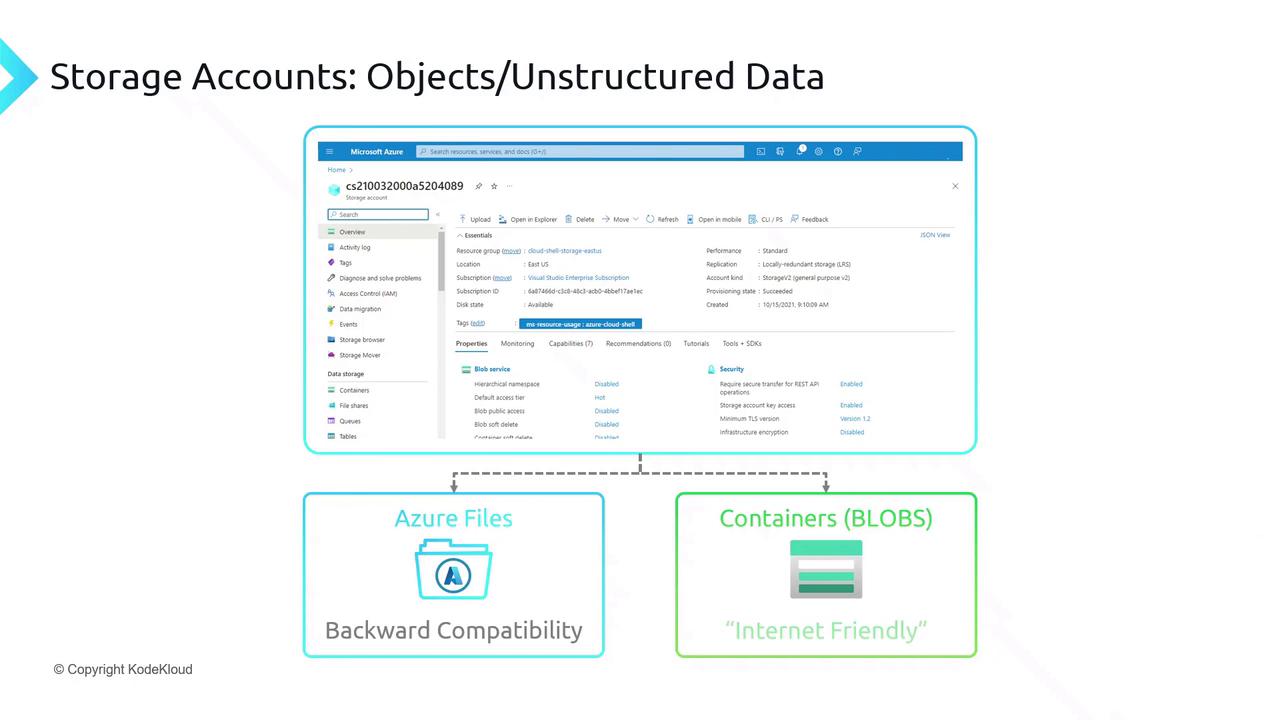
Azure Storage Accounts provide a unified namespace for storing multiple data types. Choose the right service based on your workload:

* **Azure Files**\
  Fully managed SMB/NFS file shares—ideal for lift-and-shift migrations and legacy apps.

* **Blob Storage (Containers)**\
  Scalable object storage for unstructured data (images, videos, logs) with HTTP/HTTPS access and integration with big data analytics.
<Frame>
  ![The image shows a Microsoft Azure storage account interface, highlighting options for Azure Files and Containers (BLOBs) with notes on backward compatibility and internet friendliness.](https://kodekloud.com/kk-media/image/upload/v1752873012/notes-assets/images/DP-900-Microsoft-Azure-Data-Fundamentals-Solutions-for-File-Based-Storage/azure-storage-account-interface-options.jpg)
</Frame>

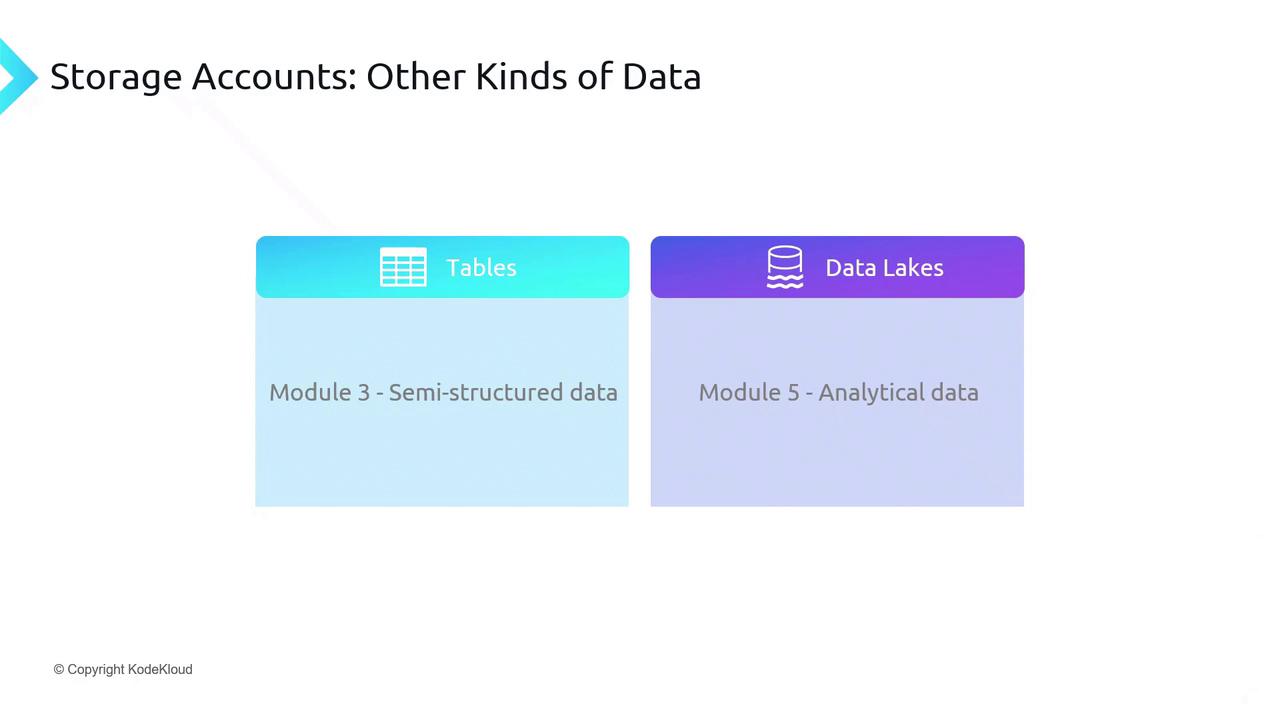
### Other Data Services in a Storage Account

| Resource Type             | Ideal For                  | Key Feature                             |
| ------------------------- | -------------------------- | --------------------------------------- |
| Azure Files               | Enterprise file shares     | SMB/NFS protocol support                |
| Blob Storage (Containers) | Unstructured objects       | Lifecycle management, tiering           |
| Azure Tables              | Semi-structured NoSQL data | Fast key/attribute lookups              |
| Data Lake Storage Gen2    | Big data analytics         | Hierarchical namespace, POSIX-compliant |
<Frame>
  ![The image is a diagram titled "Storage Accounts: Other Kinds of Data," showing two modules: "Tables" for semi-structured data and "Data Lakes" for analytical data.](https://kodekloud.com/kk-media/image/upload/v1752873014/notes-assets/images/DP-900-Microsoft-Azure-Data-Fundamentals-Solutions-for-File-Based-Storage/storage-accounts-tables-data-lakes-diagram.jpg)
</Frame>

<Callout icon="lightbulb" color="#1CB2FE">
  For analytics, use Data Lake Storage Gen2 on top of Blob Storage to leverage Hadoop, Spark, and Azure Synapse workloads.
</Callout>

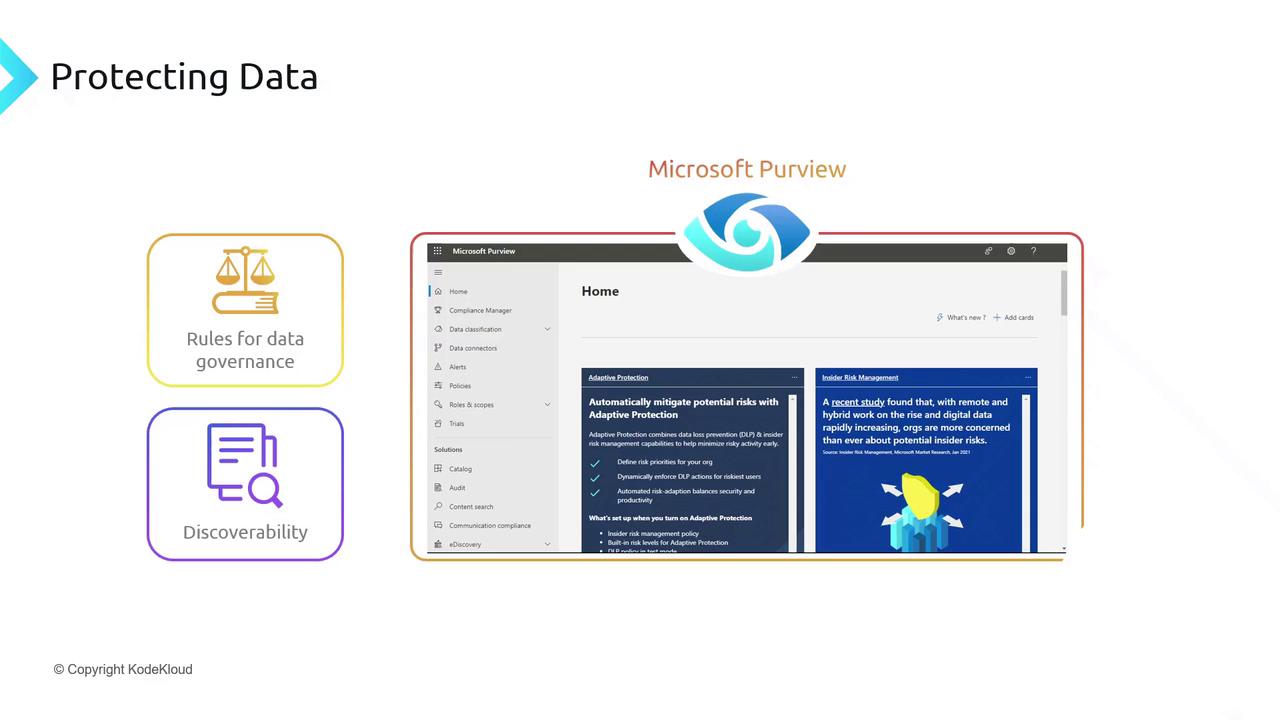
## Microsoft Purview for Data Governance

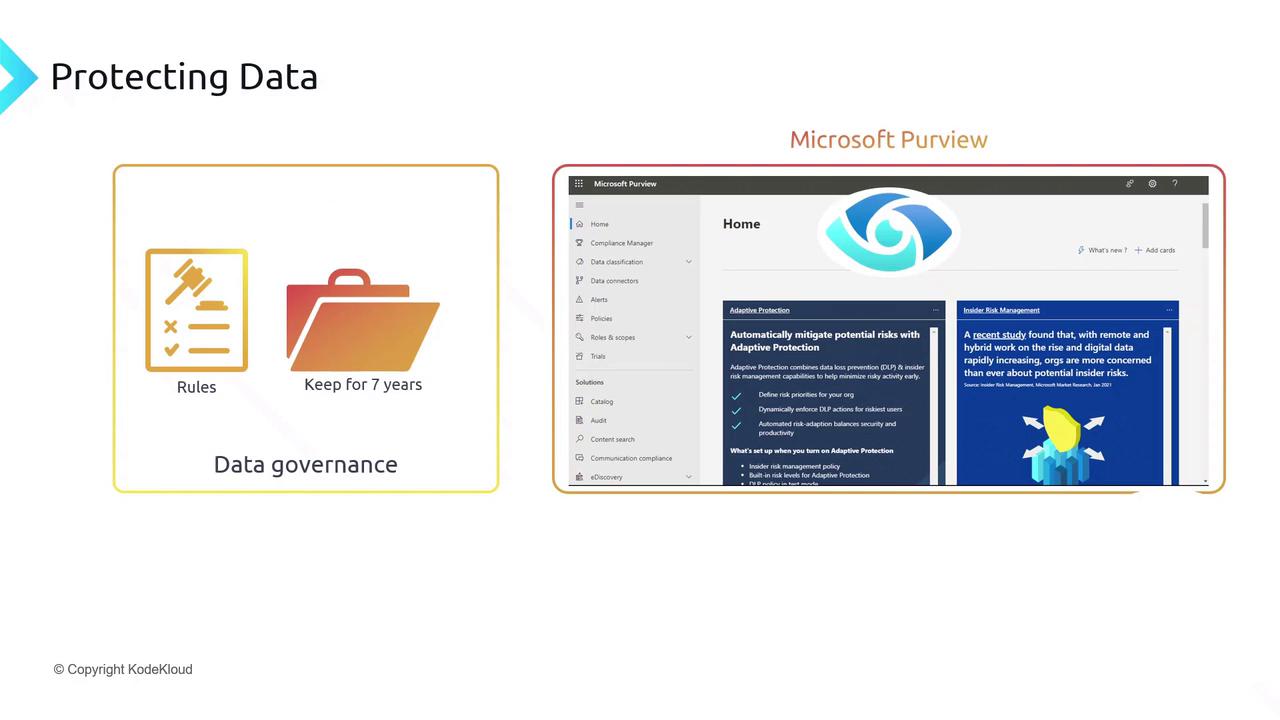
Microsoft Purview centralizes data governance, classification, and discovery:

* **Governance Policies**\
  Define retention schedules and lifecycle rules (e.g., retain logs for 7 years).

* **Data Protection**\
  Apply sensitivity labels and prevent unauthorized sharing of confidential files.

* **Catalog & Discoverability**\
  Index enterprise data for search, lineage, and compliance reporting.
<Frame>
  ![The image illustrates data governance concepts, including rules and data retention, alongside a screenshot of Microsoft Purview's interface for data protection and risk management.](https://kodekloud.com/kk-media/image/upload/v1752873016/notes-assets/images/DP-900-Microsoft-Azure-Data-Fundamentals-Solutions-for-File-Based-Storage/data-governance-microsoft-purview-screenshot.jpg)
</Frame>

<Frame>
  ![The image shows a Microsoft Purview dashboard with sections on data governance and discoverability, highlighting features like adaptive protection and insider risk management.](https://kodekloud.com/kk-media/image/upload/v1752873017/notes-assets/images/DP-900-Microsoft-Azure-Data-Fundamentals-Solutions-for-File-Based-Storage/microsoft-purview-dashboard-data-governance.jpg)
</Frame>

<Callout icon="triangle-alert" color="#FF6B6B">
  Without proper governance, you risk non-compliance with regulations such as GDPR and HIPAA.
</Callout>

## File Categorization: Hot vs. Cold

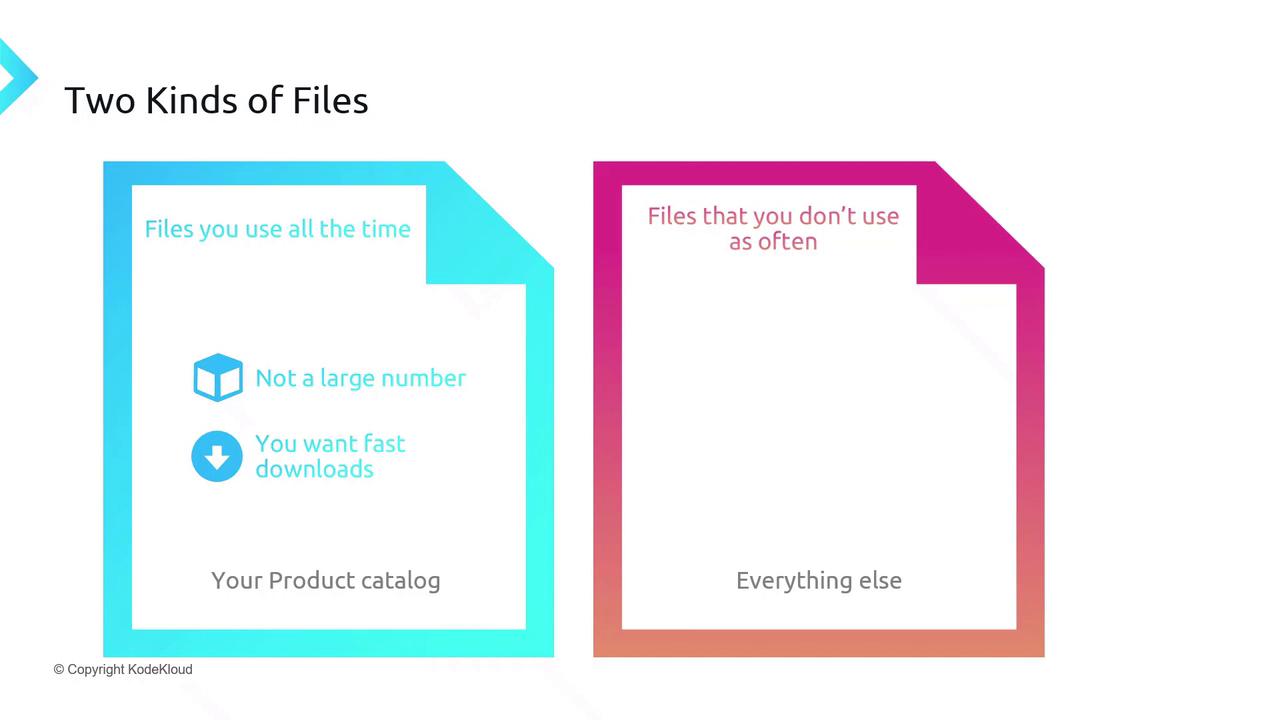
Segment your files based on access frequency to control costs:

1. **Hot Data**\
   Frequently accessed files, e.g., product catalogs requiring low latency.

2. **Cold Data**\
   Infrequently accessed archives and backups where access speed is less critical.
<Frame>
  ![The image categorizes files into two types: those used frequently, which are few in number and require fast downloads, and those used less often, labeled as "everything else."](https://kodekloud.com/kk-media/image/upload/v1752873018/notes-assets/images/DP-900-Microsoft-Azure-Data-Fundamentals-Solutions-for-File-Based-Storage/file-categorization-frequent-infrequent.jpg)
</Frame>

## Performance Tiers: Standard vs. Premium

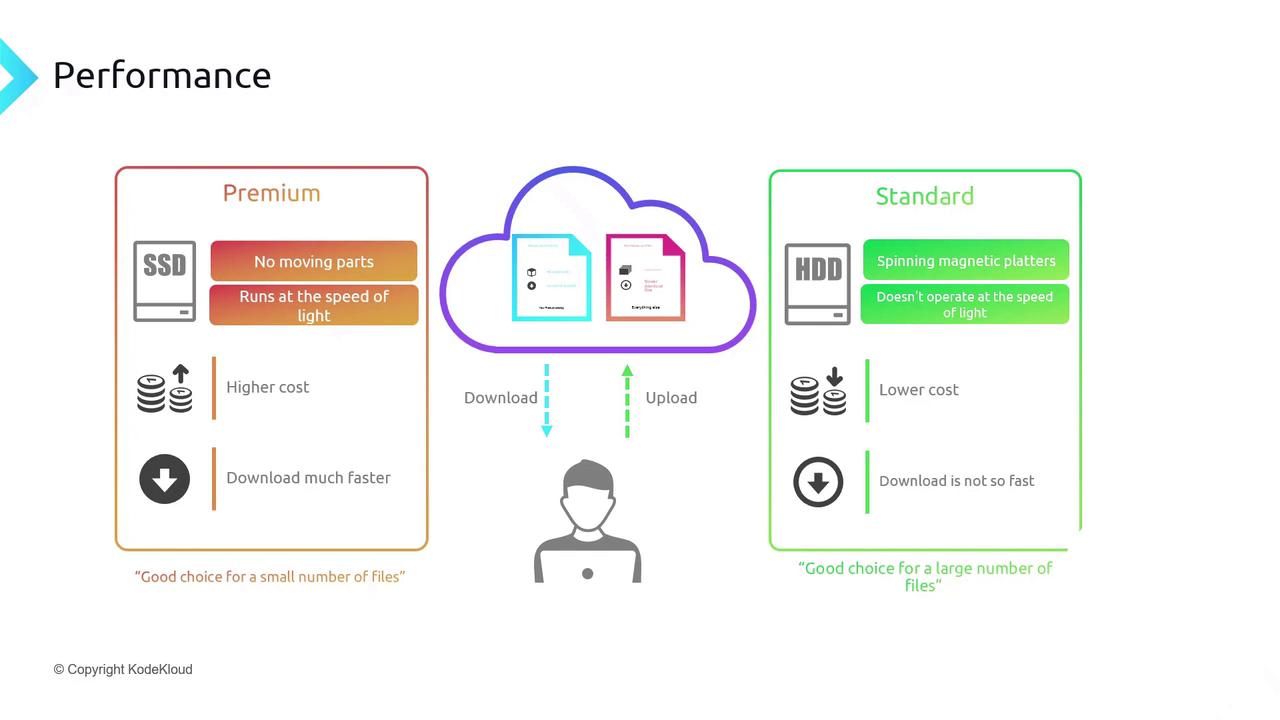
Balance cost and performance by selecting the appropriate tier:

| Tier     | Storage Medium | Best For                  | Latency             | Cost   |
| -------- | -------------- | ------------------------- | ------------------- | ------ |
| Premium  | SSD            | Hot data, high IOPS       | Millisecond-scale   | Higher |
| Standard | HDD            | Cold data, large archives | Higher milliseconds | Lower  |
<Frame>
  ![The image compares the performance of SSD and HDD storage options, highlighting SSD's higher cost and faster download speed versus HDD's lower cost and slower download speed. It suggests SSDs for a small number of files and HDDs for a large number of files.](https://kodekloud.com/kk-media/image/upload/v1752873020/notes-assets/images/DP-900-Microsoft-Azure-Data-Fundamentals-Solutions-for-File-Based-Storage/ssd-hdd-performance-comparison-storage-options.jpg)
</Frame>

<Callout icon="lightbulb" color="#1CB2FE">
  Use Azure Storage lifecycle policies to transition blobs automatically between hot, cool, and archive tiers.
</Callout>

## Geo-Redundant Storage (GRS)

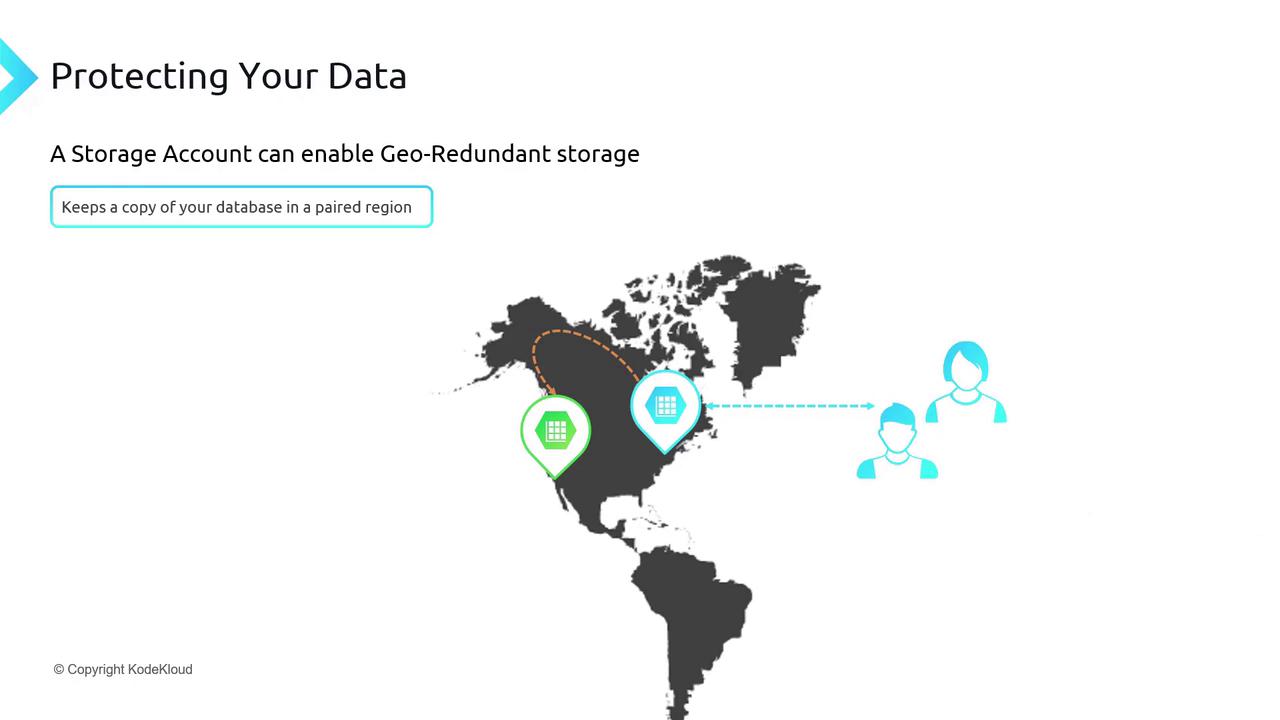
Ensure business continuity with Geo-Redundant Storage:

* Asynchronously replicate data to a paired region (>300 miles apart).
* Automatic failover in the event of a regional outage.
* Optionally enable read-only access in the secondary region (Read-Access GRS).
<Frame>
  ![The image illustrates the concept of geo-redundant storage, showing a map with two storage locations connected by a dotted line, and two user icons.](https://kodekloud.com/kk-media/image/upload/v1752873020/notes-assets/images/DP-900-Microsoft-Azure-Data-Fundamentals-Solutions-for-File-Based-Storage/geo-redundant-storage-map-user-icons.jpg)
</Frame>

<Callout icon="lightbulb" color="#1CB2FE">
  Pair GRS with Azure Backup and Azure Site Recovery for end-to-end disaster recovery.
</Callout>

***

Next, we’ll demonstrate how to create and configure an Azure Storage Account using the Azure Portal and Azure CLI.

<CardGroup>
  <Card title="Watch Video" icon="video" cta="Learn more" href="https://learn.kodekloud.com/user/courses/dp-900-microsoft-azure-data-fundamentals/module/e229086c-adc3-444d-a6da-f77b41067675/lesson/bb621eab-69dc-4c90-bc5a-a73f42d6ff26" />
</CardGroup>