> ## Documentation Index
> Fetch the complete documentation index at: https://notes.kodekloud.com/llms.txt
> Use this file to discover all available pages before exploring further.
# Course Introduction
> This course covers storing and managing data in Azure, aligning with DP-900 certification exam objectives.
Welcome to the **Azure Data Fundamentals** course. In this lesson, we’ll explore how to store and manage data in Azure. This content aligns with the [DP-900 certification exam objectives](https://learn.microsoft.com/en-us/certifications/exams/dp-900). I’m Peter Vogel, and I’ll guide you through:
* The diversity of organizational data
* Azure’s data storage tools
* Key roles and responsibilities in data management
Organizations handle everything from images and documents to structured records and semi-structured logs. Choosing the right Azure storage solution is critical for performance, scalability, and global access. We’ll also cover the primary roles responsible for securing and analyzing that data.
## Data Types and Storage Needs
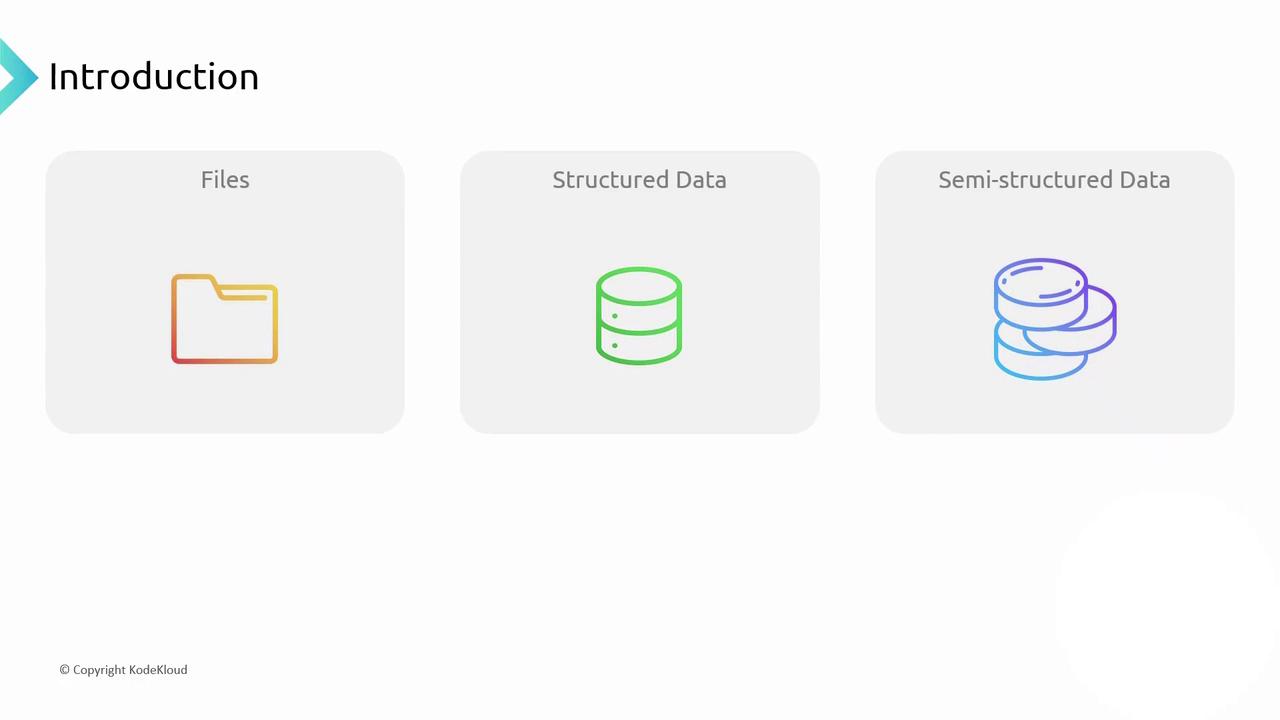
Data formats and usage patterns drive storage requirements:
| Data Type | Characteristics | Example |
| --------------- | ------------------------------------ | --------------------------------- |
| File-based | Whole-file retrieval | Images, documents |
| Structured | Fixed schema, relational | SQL databases |
| Semi-structured | Flexible schema, JSON/XML, key–value | NoSQL stores like Azure Cosmos DB |
When storing files—such as pictures or PDFs—you must download each file in its entirety; partial downloads are not practical. Databases, by contrast, read and update only the necessary portions of a record.
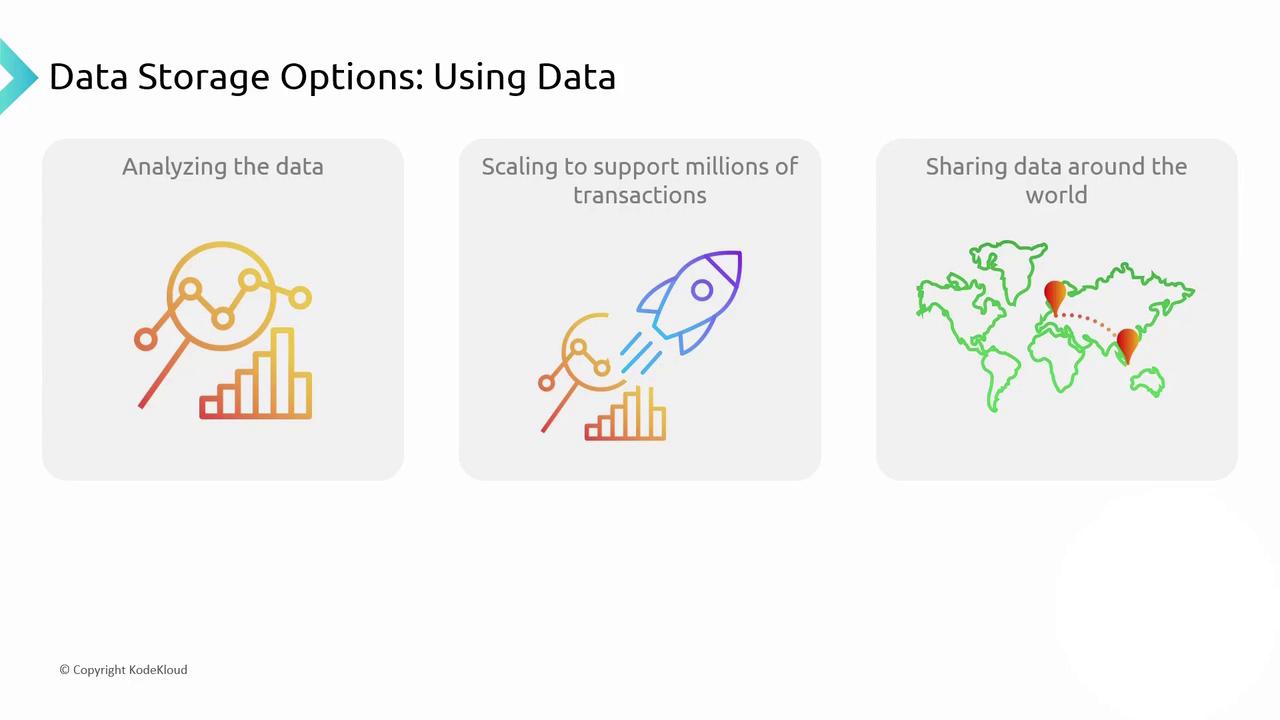
Use cases vary:
* Analyze historical data for trends and forecasting.
* Process hundreds of thousands of transactions per second with low latency.
* Share updates globally so Berlin’s changes appear instantly in Singapore.
## Azure Data Storage Solutions
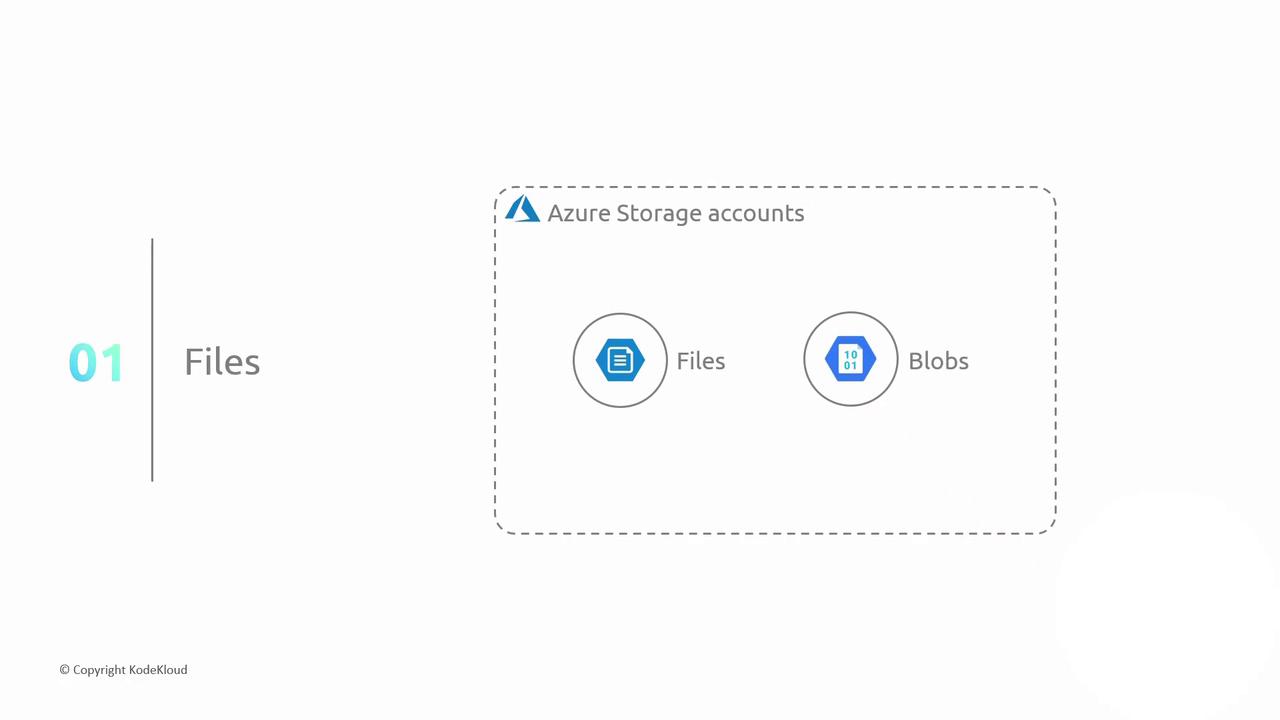
Azure provides a range of storage services for different data scenarios:
| Service | Use Case | Example |
| --------------- | ------------------------------------ | ---------------------------------------- |
| Azure Files | Fully managed SMB/NFS file shares | Mount shares on Windows or Linux VMs |
| Azure Blobs | Object storage for unstructured data | Store images, logs, backups |
| Azure SQL DB | Managed relational database service | Customer records, financial transactions |
| Azure Cosmos DB | Globally distributed NoSQL database | Catalogs, IoT telemetry, real-time apps |
### Choosing Between Azure Files and Azure Blobs
* **Azure Files**: Best for lift-and-shift applications using SMB or NFS protocols.
* **Azure Blobs**: Optimized for large-scale object storage with REST APIs and tiered access.
Consider lifecycle management policies to move blobs between hot, cool, and archive tiers to optimize cost.
## Analytics Workflow
For analytics scenarios, Azure follows an **Extract–Transform–Load (ETL)** pattern:
1. **Extract** data from files, databases, and NoSQL stores
2. **Transform** into a common schema
3. **Load** into a data warehouse for high-performance querying
Visualization and BI tools then convert raw data into actionable insights.
Azure Synapse Analytics integrates data warehousing, big data, and data integration in a single service—ideal for end-to-end analytics.
## Roles and Responsibilities
Data security, privacy, and expertise drive role assignments:
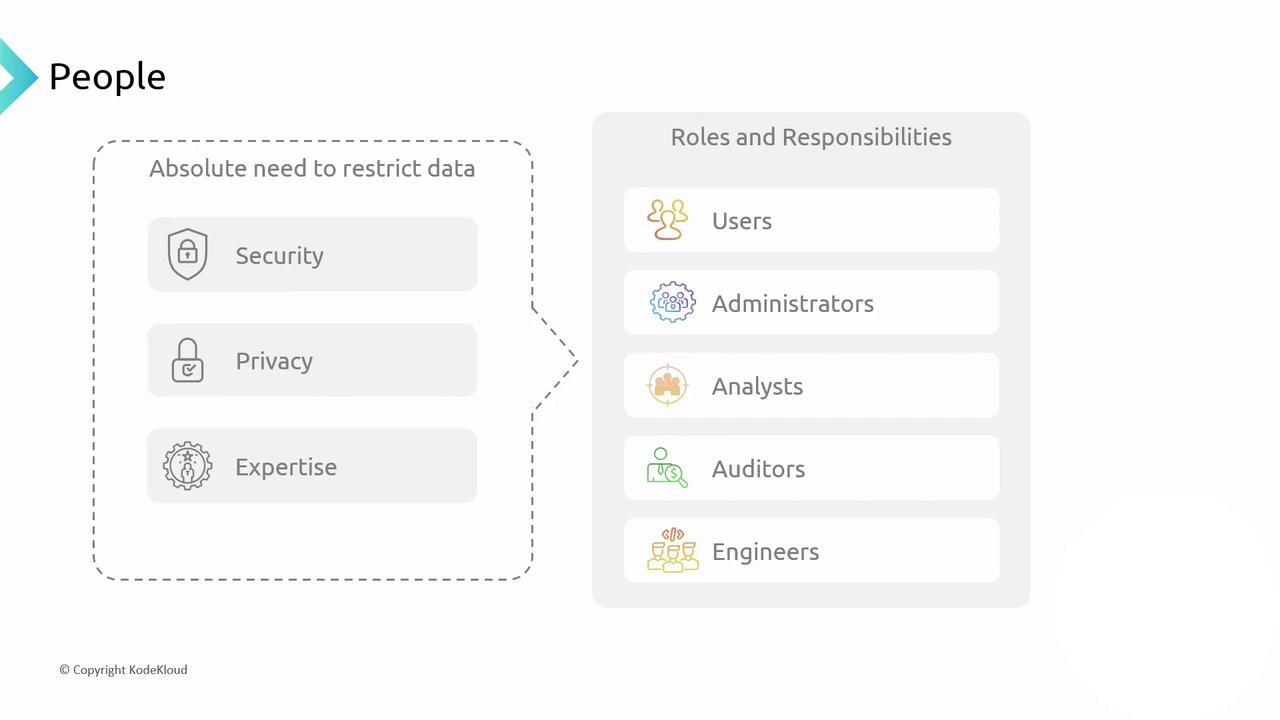
| Role | Responsibilities |
| -------------- | ------------------------------------------------------------------- |
| Users | Create, read, and manipulate data for business tasks |
| Administrators | Define access policies and manage data collection |
| Data Analysts | Explore and model historical data for insights and predictions |
| Auditors | Verify compliance with security, privacy, and regulatory standards |
| Engineers | Architect and implement Azure data storage and processing solutions |
Grant the principle of least privilege. Always assign minimal permissions required for each role to reduce security risks.
***
In the next sections, we’ll dive deeper into file-based storage with **Azure Files** and **Blob Storage**. Stay tuned!
## Links and References
* [Azure Storage documentation](https://learn.microsoft.com/azure/storage/)
* [Azure Cosmos DB documentation](https://learn.microsoft.com/azure/cosmos-db/)
* [Azure Synapse Analytics documentation](https://learn.microsoft.com/azure/synapse-analytics/)
* [DP-900: Microsoft Azure Data Fundamentals](https://learn.microsoft.com/en-us/certifications/exams/dp-900)