> ## Documentation Index
> Fetch the complete documentation index at: https://notes.kodekloud.com/llms.txt
> Use this file to discover all available pages before exploring further.
# Querying and Updating Data
> This article provides a practical guide to querying and updating data using SQL, covering its sublanguages and commands.
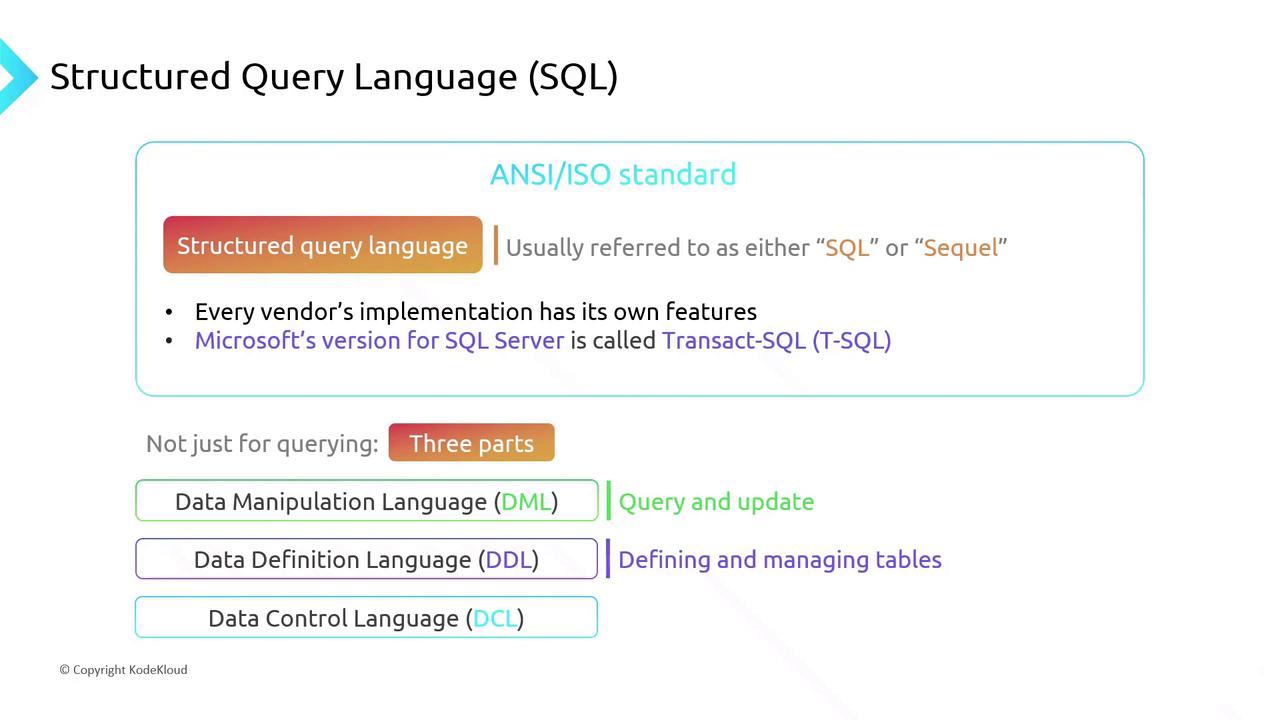
Structured Query Language (SQL) is the industry-standard language for interacting with relational databases. Pronounced “S-Q-L” or “sequel,” SQL is governed by ANSI/ISO, with each vendor—such as Microsoft’s T-SQL or Oracle’s PL/SQL—adding its own extensions. Mastering standard SQL lets you work across virtually any relational database.
Although SQL suggests only querying, it actually consists of three sublanguages:
* Data Manipulation Language (DML): retrieve and modify data
* Data Definition Language (DDL): create, alter, and drop database objects
* Data Control Language (DCL): manage user permissions
***
## Data Manipulation Language (DML)
DML is where you spend most of your SQL time. Each DML statement begins with one of these commands:
| Command | Purpose | Example |
| ------- | -------------------------- | ------------------------------------ |
| SELECT | Retrieve rows from a table | `SELECT * FROM Customer;` |
| UPDATE | Modify existing rows | `UPDATE Customer SET ... WHERE ...;` |
| DELETE | Remove rows | `DELETE FROM Customer WHERE ...;` |
| INSERT | Add new rows | `INSERT INTO ... VALUES (...);` |
Common clauses include:
* **FROM**: specify source table(s)
* **JOIN**: combine rows from multiple tables
* **WHERE**: filter rows affected by the statement
### SELECT
Retrieve data from a `Customer` table:
```sql theme={null}
SELECT CustomerId,
FirstName,
LastName
FROM Customer
WHERE CustomerId = '0001';
```
This returns the row where `CustomerId` equals `0001`.
### UPDATE
Modify an existing row:
```sql theme={null}
UPDATE Customer
SET LastName = 'Irvine'
WHERE CustomerId = '0001';
```
Only the `LastName` for customer `0001` is updated.
### DELETE
Always include a `WHERE` clause in a `DELETE` statement. Omitting it will remove **all** rows from the table.
```sql theme={null}
DELETE
FROM Customer
WHERE CustomerId = '0001';
```
This deletes only the matching customer.
### INSERT
Add a new record:
```sql theme={null}
INSERT INTO Customer (CustomerId, FirstName, LastName)
VALUES ('0003', 'Jason', 'van de Velde');
```
This creates a new row with the specified values.
***
## Data Definition Language (DDL)
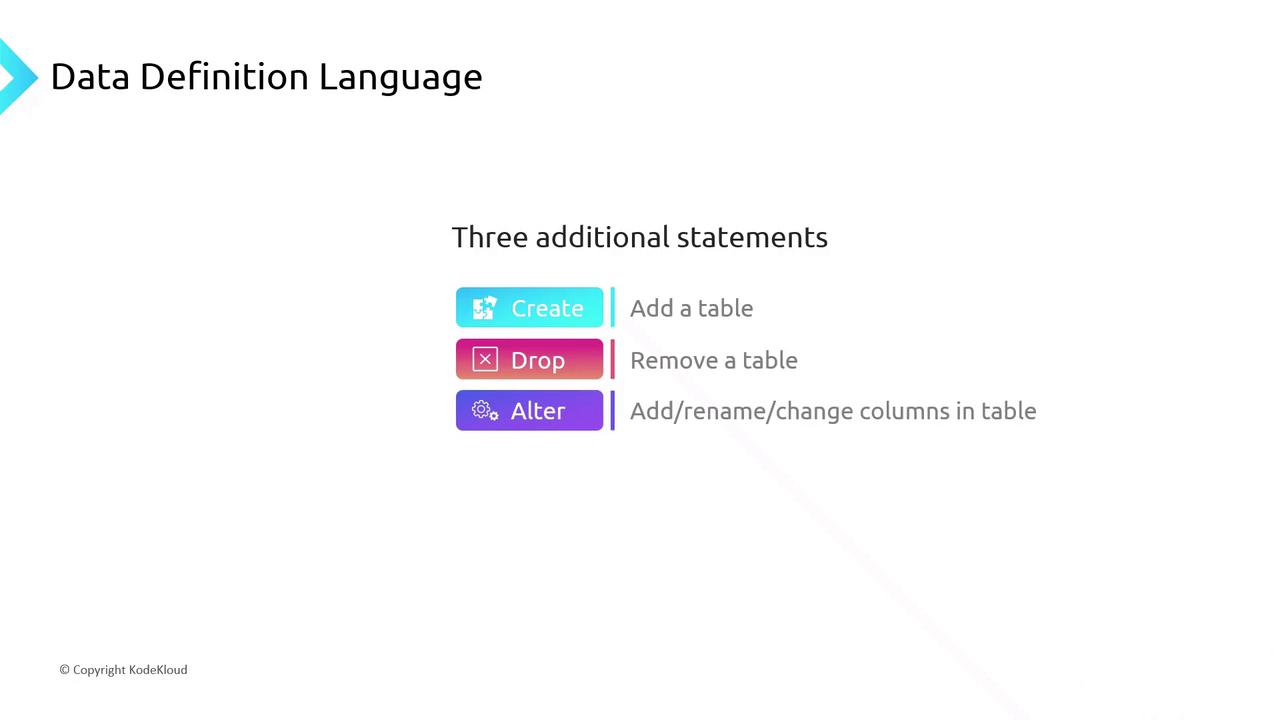
DDL statements manage database structures—tables, views, indexes, and more.
| Command | Purpose | Example |
| ------- | ------------------------------------------------- | ----------------------------------------- |
| CREATE | Add a new table, view, index, or stored procedure | `CREATE TABLE Orders (...);` |
| DROP | Remove an existing object | `DROP TABLE Orders;` |
| ALTER | Modify an existing object (e.g., add a column) | `ALTER TABLE Customer ADD Email VARCHAR;` |
***
## Data Control Language (DCL)
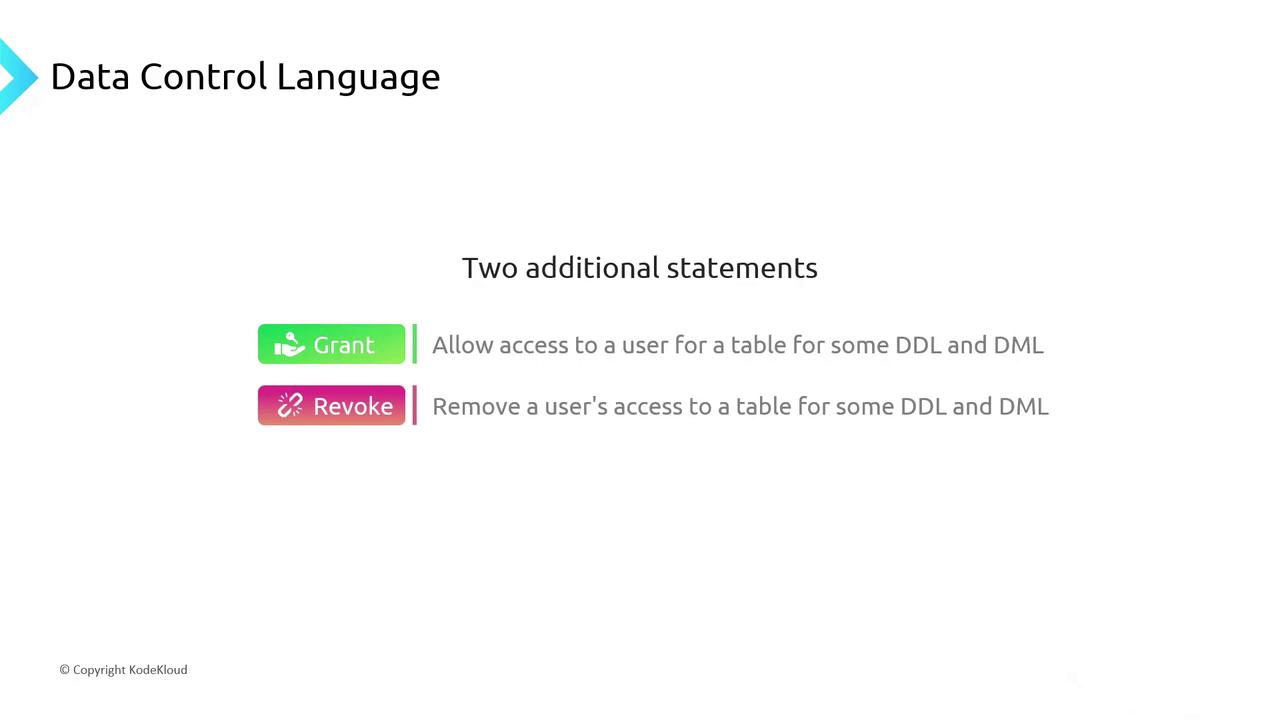
DCL commands grant or revoke permissions to users and roles:
| Command | Purpose | Example |
| ------- | ------------------------------------------------- | ------------------------------------------------ |
| GRANT | Give permissions (SELECT, INSERT, UPDATE, DELETE) | `GRANT SELECT ON Customer TO report_user;` |
| REVOKE | Remove previously granted permissions | `REVOKE DELETE ON Orders FROM temp_backup_role;` |
***
## References
* [ANSI SQL Standard Overview](https://www.iso.org/standard/63555.html)
* [Microsoft Transact-SQL (T-SQL)](https://docs.microsoft.com/sql/t-sql/)
* [Oracle PL/SQL Documentation](https://docs.oracle.com/en/database/)