> ## Documentation Index
> Fetch the complete documentation index at: https://notes.kodekloud.com/llms.txt
> Use this file to discover all available pages before exploring further.
# Transaction Intergrity
> This guide explains how to maintain transaction integrity in databases using ACID properties for accurate and consistent data management.
Maintaining transaction integrity is critical when multiple updates must be applied together in a relational database. In this guide, you’ll learn how to guarantee accurate, reliable, and consistent data using the four ACID properties: Atomicity, Consistency, Isolation, and Durability.
## Example: Transferring Funds Between Accounts
Consider two bank accounts represented by rows in a database table:
* **Savings:** \$20
* **Checking:** \$50
Together, these balances total \$70—the amount the bank owes you.
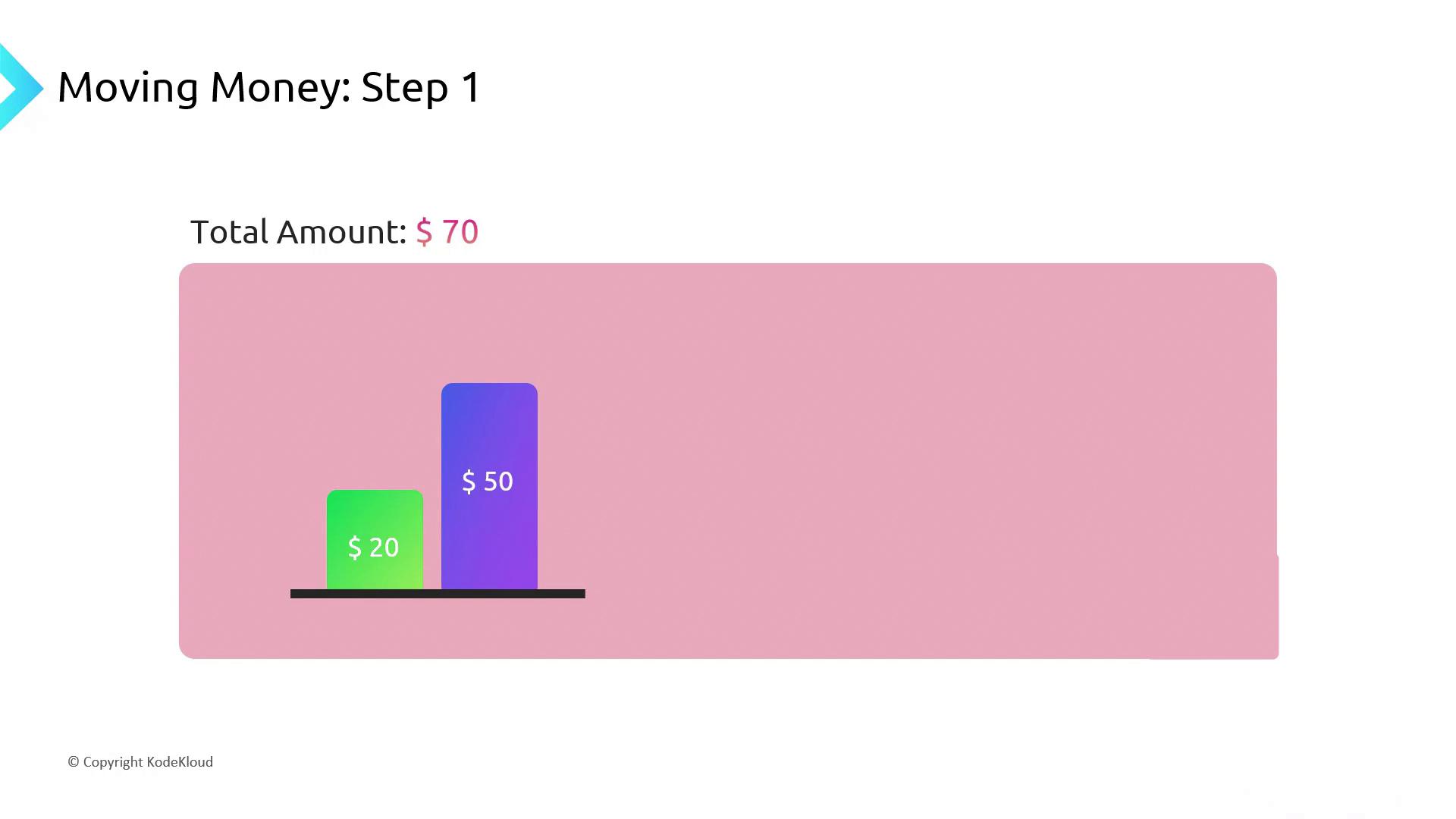
To move \$10 from your **Savings** to **Checking**, you execute a transaction with two updates:
```sql theme={null}
BEGIN TRANSACTION;
-- 1. Subtract $10 from Savings
UPDATE accounts
SET balance = balance - 10
WHERE account_type = 'Savings';
-- 2. Add $10 to Checking
UPDATE accounts
SET balance = balance + 10
WHERE account_type = 'Checking';
COMMIT;
```
You can also use `ROLLBACK` to undo changes if any step fails:
```sql theme={null}
ROLLBACK;
```
### Potential Issues Without ACID
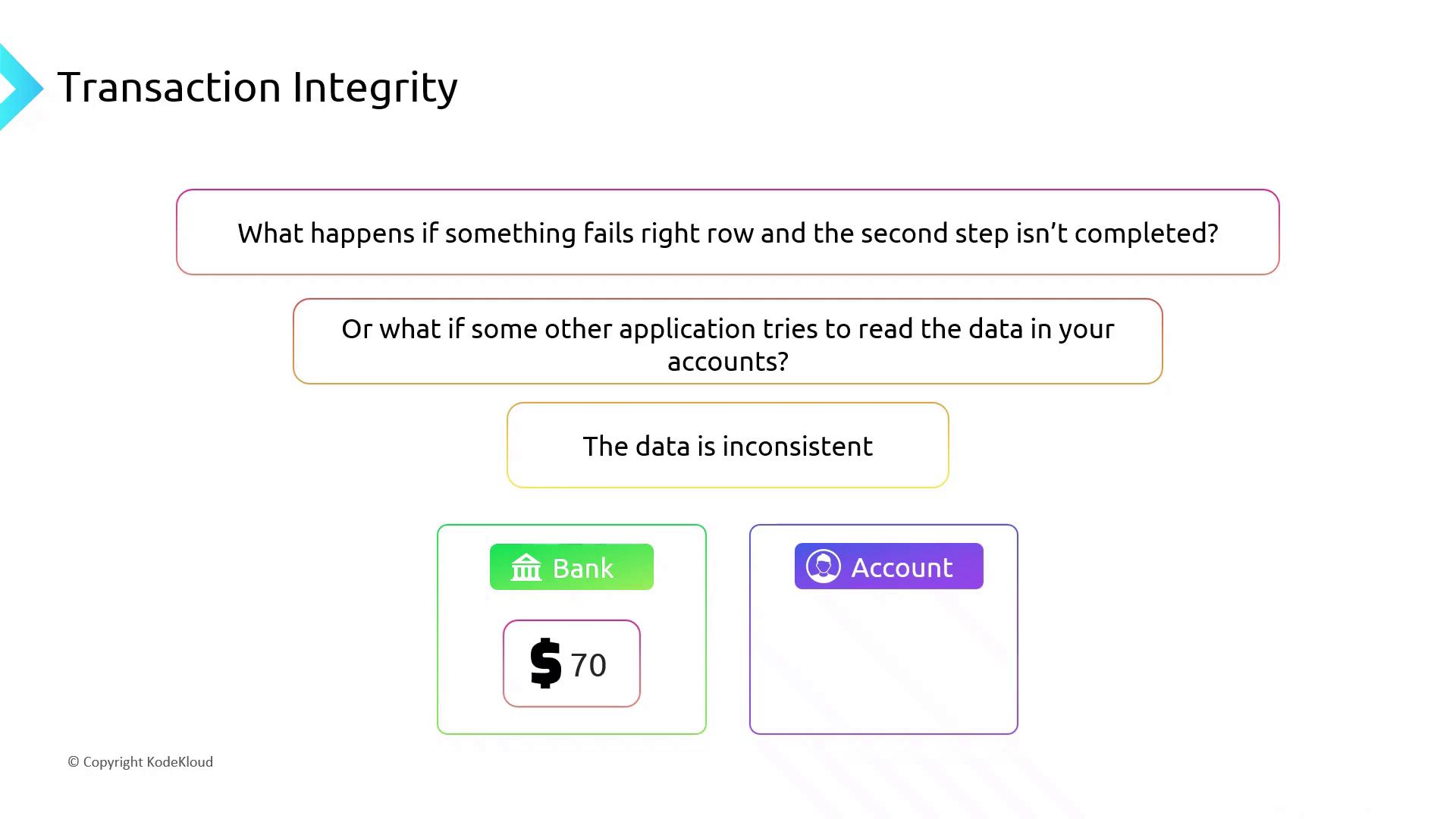
* **Incomplete transaction:** The first update succeeds, but the second one fails, leaving balances inconsistent.
* **Interim reads:** A third party queries balances after step 1 but before step 2, seeing \$10 in savings and \$50 in checking (total \$60).
## ACID Properties Explained
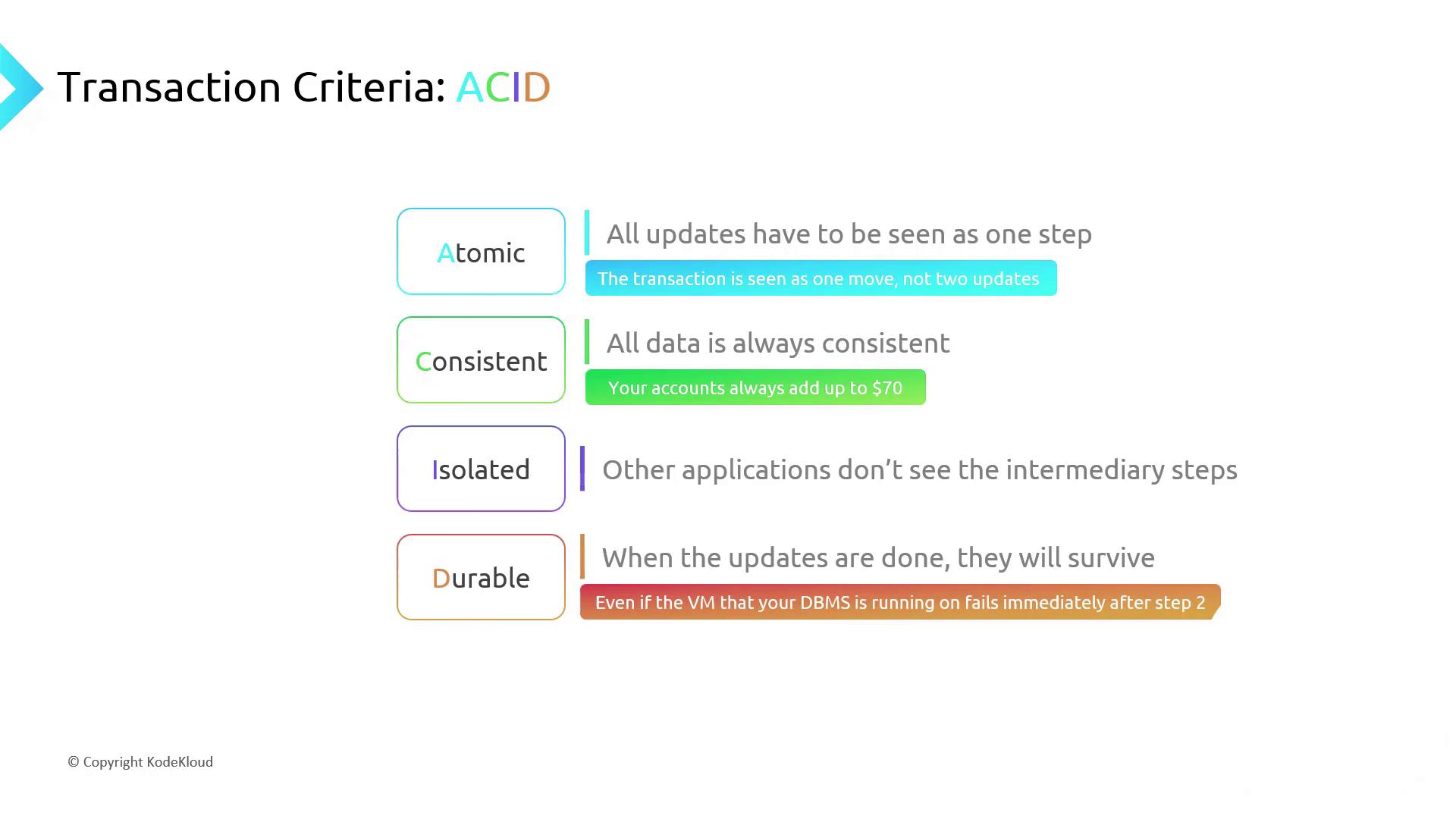
The ACID acronym stands for the four rules that guarantee transaction integrity:
| Property | Description |
| ----------- | ------------------------------------------------------------------------------------------------- |
| Atomicity | Ensures all updates in a transaction succeed or none do (all-or-nothing). |
| Consistency | Guarantees the database moves from one valid state to another (e.g., total balance remains \$70). |
| Isolation | Prevents other operations from seeing intermediate states. |
| Durability | Commits survive system failures; changes persist even after a crash. |
### Isolation Levels
Different databases support multiple isolation levels (e.g., Read Committed, Serializable). Choose the level that balances concurrency and consistency for your workload.
Long-running transactions can block other operations and degrade performance. Keep transactions short and predictable.
## Transaction Management: Commit vs. Rollback
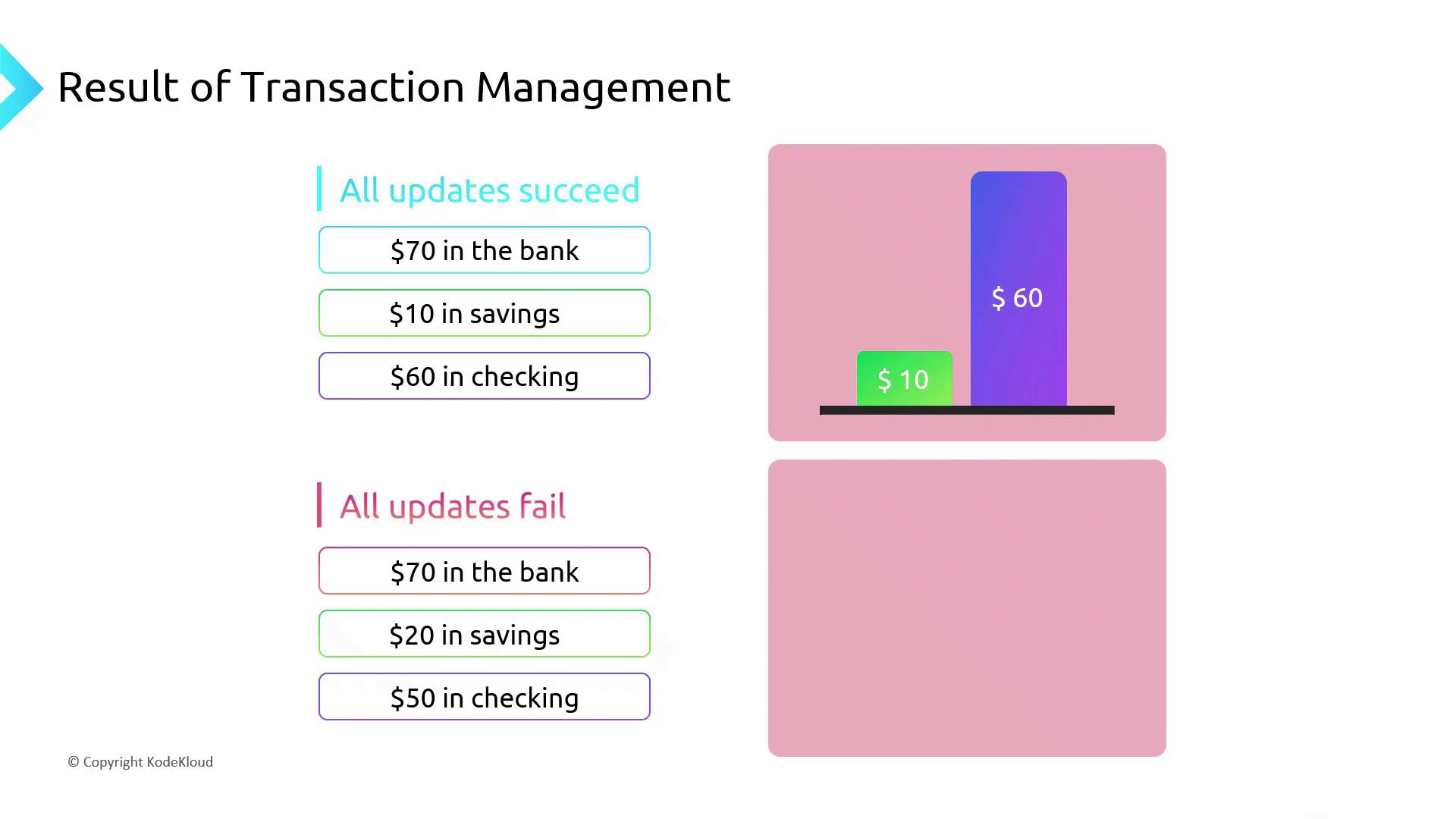
At the end of your transaction:
* **COMMIT:** Applies all updates, resulting in \$10 in savings and \$60 in checking.
* **ROLLBACK:** Undoes every change, preserving the original \$20 and \$50 balances.
## Links and References
* [ACID (database system)](https://en.wikipedia.org/wiki/ACID)
* [Transactions (Transact-SQL)](https://docs.microsoft.com/sql/t-sql/language-elements/transactions-transact-sql)
* [Microsoft Azure Data Fundamentals (DP-900)](https://learn.microsoft.com/certifications/exams/dp-900)