> ## Documentation Index
> Fetch the complete documentation index at: https://notes.kodekloud.com/llms.txt
> Use this file to discover all available pages before exploring further.
# Simplifying complex technical ideas for non technical audiences
> How to explain complex technical ideas to non-technical audiences using plain language, analogies, layered explanations, visuals, and iterative feedback
Welcome back. In this lesson we’ll show practical ways to translate technical concepts so people without a technical background can understand them and act on them. The goal is clarity—not dumbing down—so stakeholders can make informed decisions, ask better questions, and avoid costly misunderstandings.
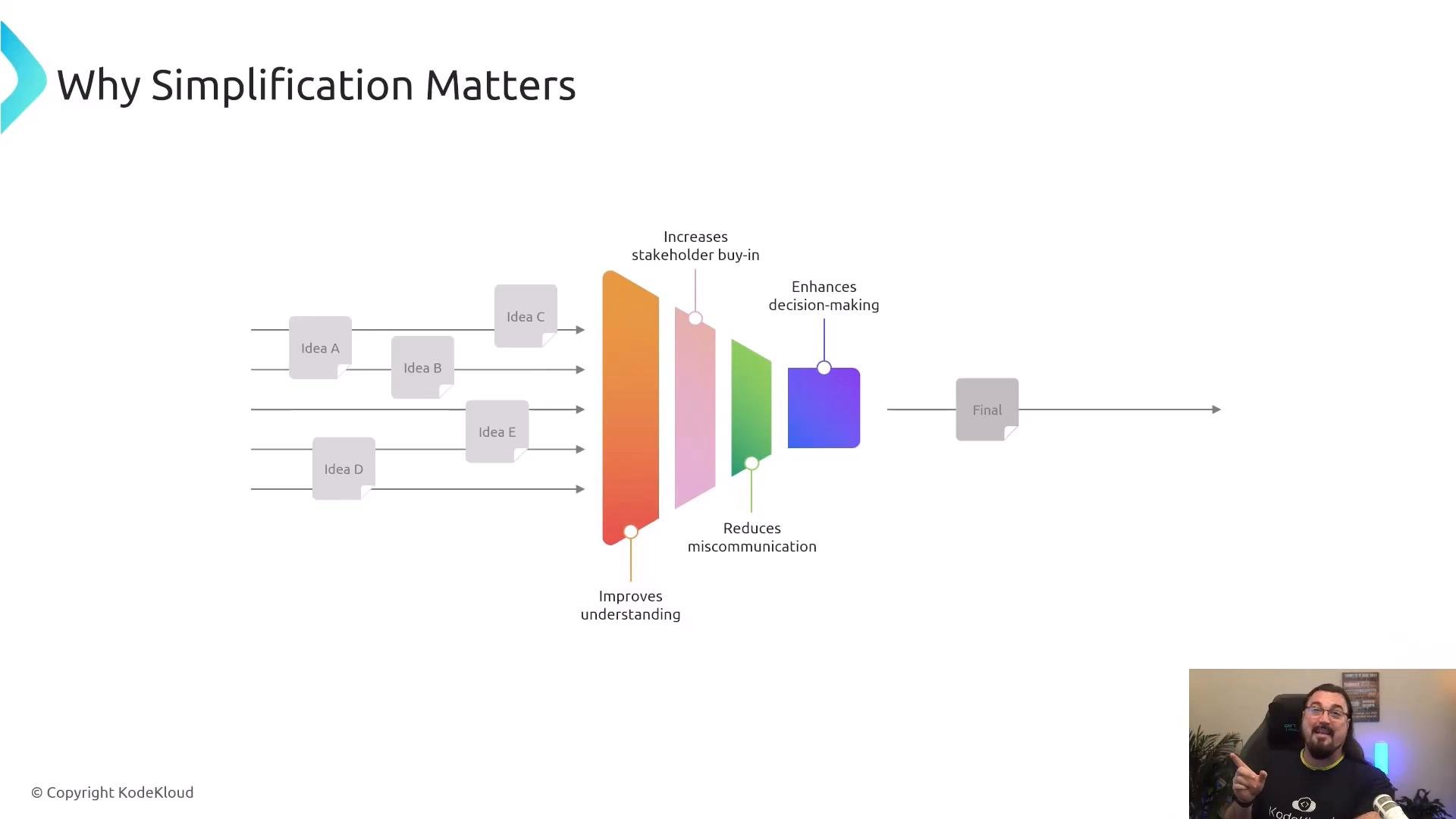
Why simplification matters:
* Improves understanding and speed of decision-making
* Increases stakeholder buy-in
* Reduces miscommunication and rework
* Empowers non-technical listeners to participate effectively
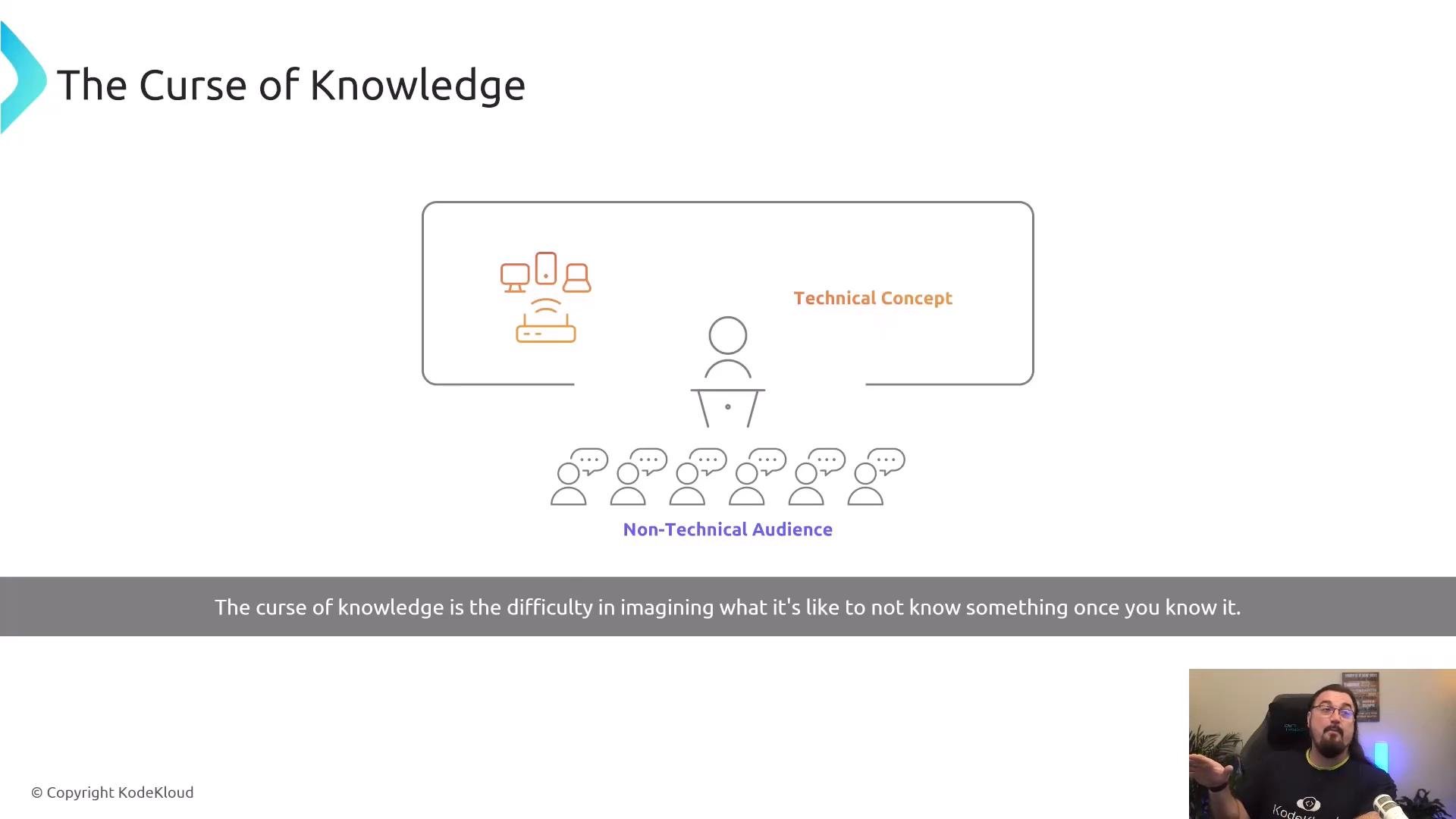
 A major communication trap is the "curse of knowledge": once you’re familiar with a domain, it’s hard to imagine what newcomers don’t know. Every field—medicine, engineering, logistics—has jargon and implicit assumptions. When preparing explanations for non-technical audiences, deliberately surface those assumptions and remove unnecessary detail.
 Practical techniques to bridge the gap
1. Explain Like I’m Five (ELI5)
* Use short, concrete metaphors that map to everyday experience.
* Router = traffic cop directing packets between networks.
* Switch = intersection that connects local streets (devices).
* IP address = a device’s numeric "home address" on a network.
* Aim for clarity, not condescension. The goal is an accurate mental model a listener can use.
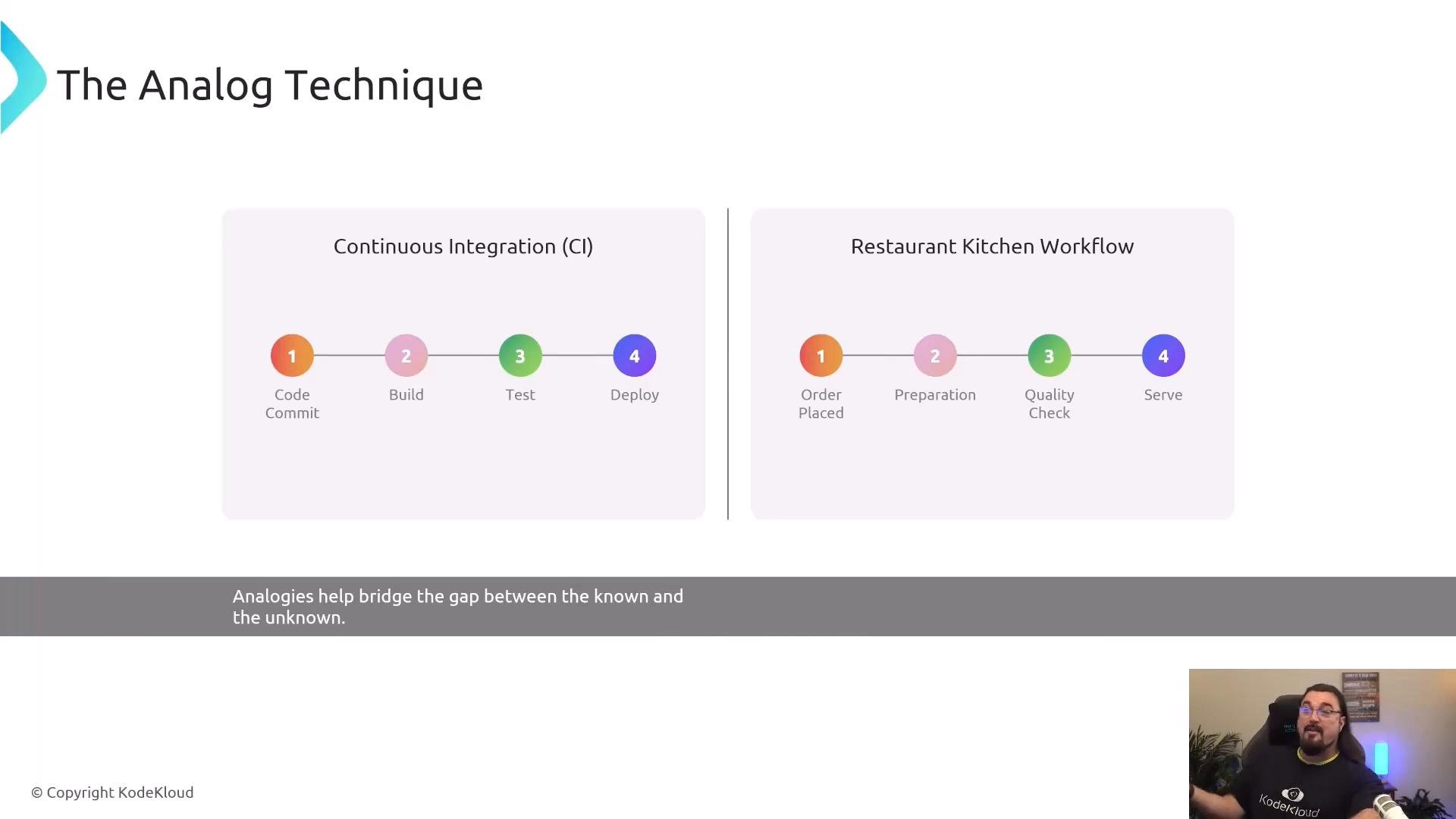
2. Use analogies
* Map an unfamiliar workflow to a familiar real-world process so listeners can transfer intuition.
* Continuous integration and delivery → restaurant workflow:
* Code commit → Build → Test → Deploy
* Order placed → Food prepared → Quality check → Serve
* Analogies make abstract sequences tangible and memorable.
Practical techniques to bridge the gap
1. Explain Like I’m Five (ELI5)
* Use short, concrete metaphors that map to everyday experience.
* Router = traffic cop directing packets between networks.
* Switch = intersection that connects local streets (devices).
* IP address = a device’s numeric "home address" on a network.
* Aim for clarity, not condescension. The goal is an accurate mental model a listener can use.
2. Use analogies
* Map an unfamiliar workflow to a familiar real-world process so listeners can transfer intuition.
* Continuous integration and delivery → restaurant workflow:
* Code commit → Build → Test → Deploy
* Order placed → Food prepared → Quality check → Serve
* Analogies make abstract sequences tangible and memorable.
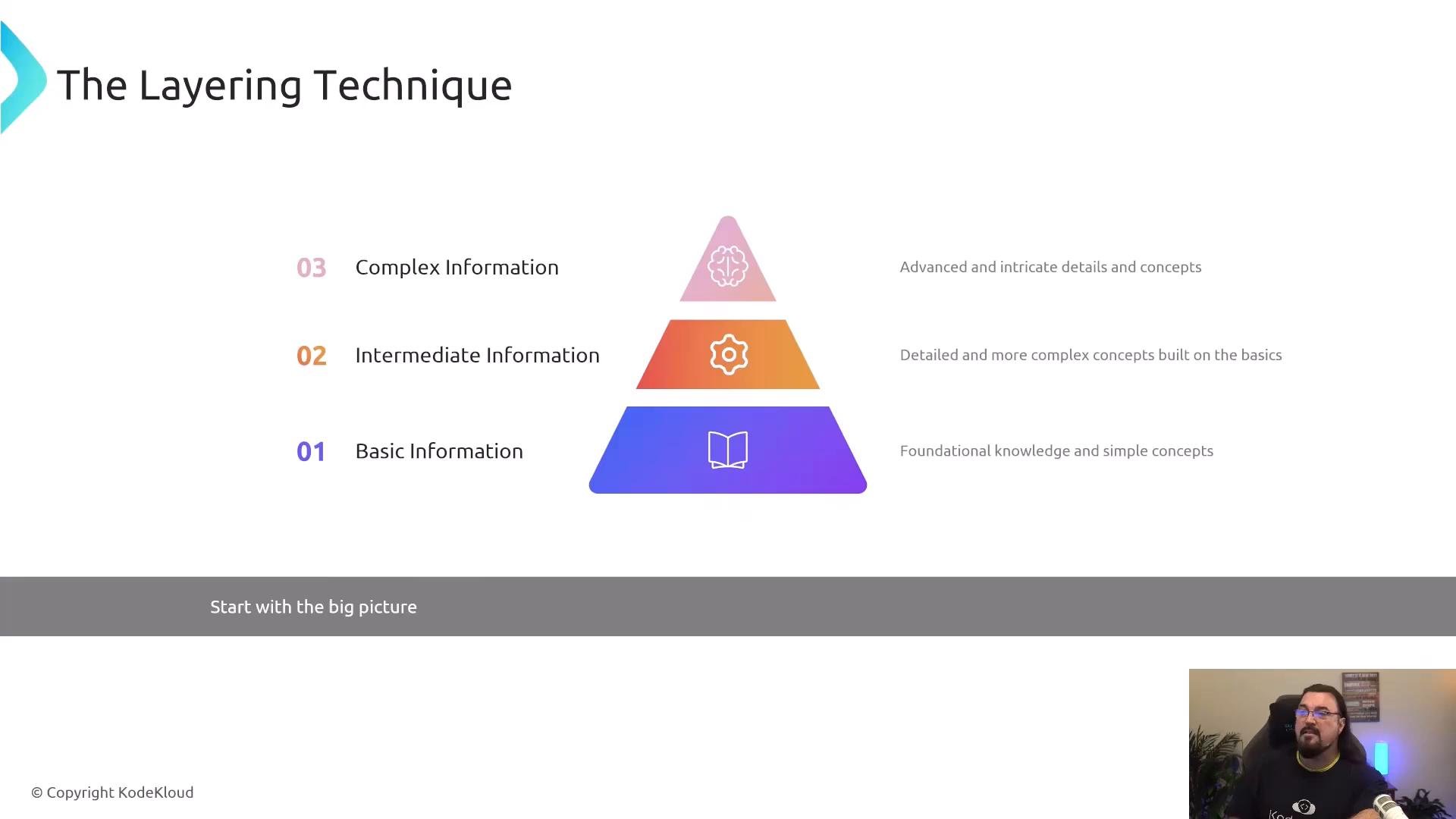
 3. Layer information progressively
* Begin with the big picture (what and why), then add one layer of detail at a time (how), validating comprehension at each step.
* This prevents overwhelming listeners and makes it easier to pause for questions or clarifications.
3. Layer information progressively
* Begin with the big picture (what and why), then add one layer of detail at a time (how), validating comprehension at each step.
* This prevents overwhelming listeners and makes it easier to pause for questions or clarifications.
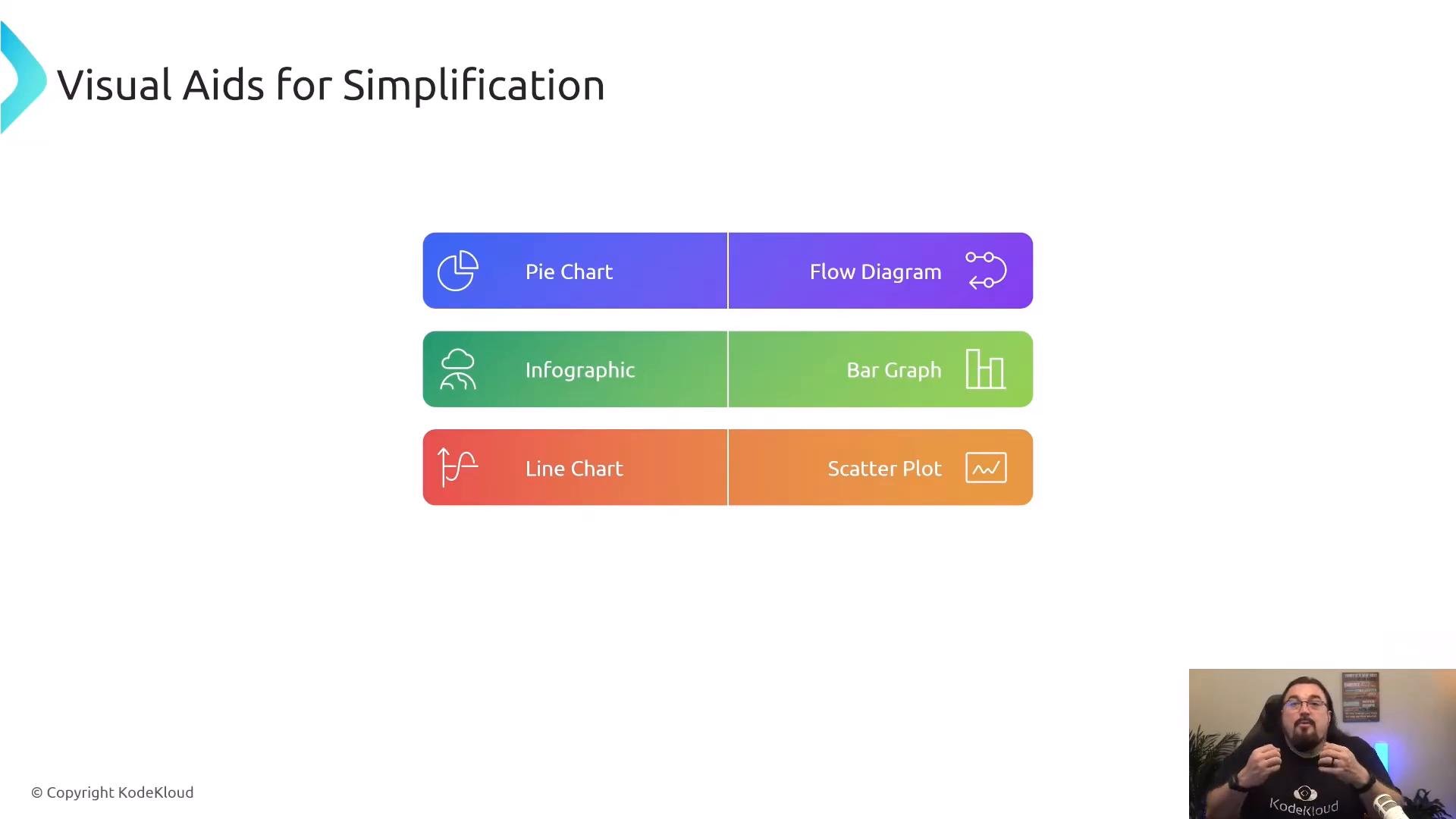
 4. Use visual aids
* Diagrams, simple charts, and icons help people "see" relationships faster than long verbal explanations.
* Choose visuals that emphasize key steps and dependencies; avoid cluttered diagrams that invite questions about every minor detail.
4. Use visual aids
* Diagrams, simple charts, and icons help people "see" relationships faster than long verbal explanations.
* Choose visuals that emphasize key steps and dependencies; avoid cluttered diagrams that invite questions about every minor detail.
 5. Follow a continuous improvement cycle
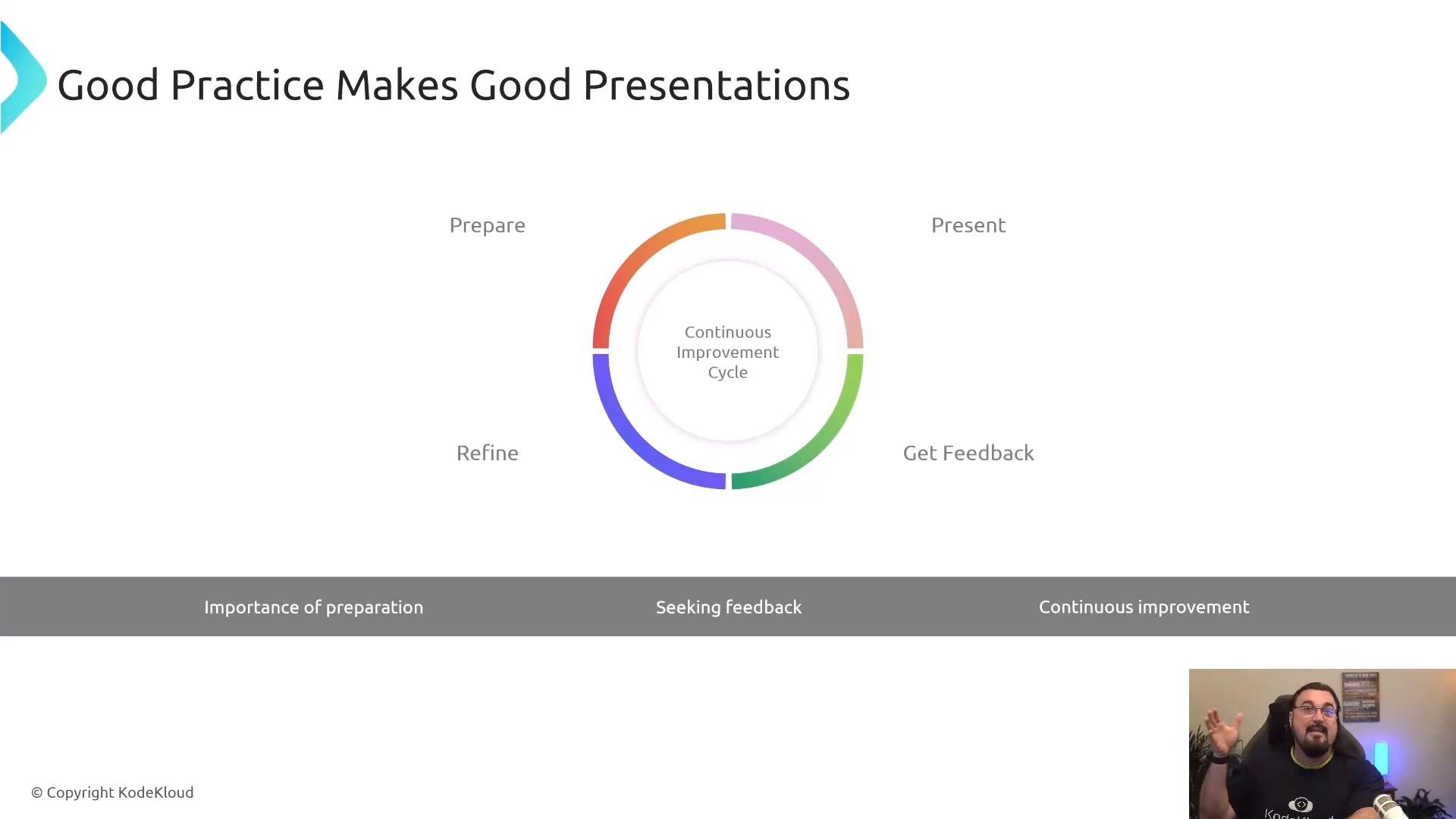
* Treat communication like any engineered process: prepare, present, solicit feedback, refine, and repeat.
* Test with small audiences first (1–3 people) to surface confusion quickly, then iterate before wider delivery.
5. Follow a continuous improvement cycle
* Treat communication like any engineered process: prepare, present, solicit feedback, refine, and repeat.
* Test with small audiences first (1–3 people) to surface confusion quickly, then iterate before wider delivery.
 Quick reference: Techniques, purpose, and examples
| Technique | Purpose | Quick example |
| - | - | - |
| ELI5 | Build an immediate, usable mental model | "An IP address is like a house address for your device." |
| Analogy | Map unfamiliar to familiar to transfer intuition | "CI/CD is like a restaurant: order → prep → check → serve." |
| Layering | Avoid overload; validate before adding complexity | Start with benefits, then show architecture, then show configuration. |
| Visual aids | Make relationships and flow visible | Simple flow diagrams or one-line charts emphasizing steps. |
| Continuous improvement | Iterate based on feedback to sharpen clarity | Run a pilot talk, note questions, refine slides and wording. |
Key takeaways
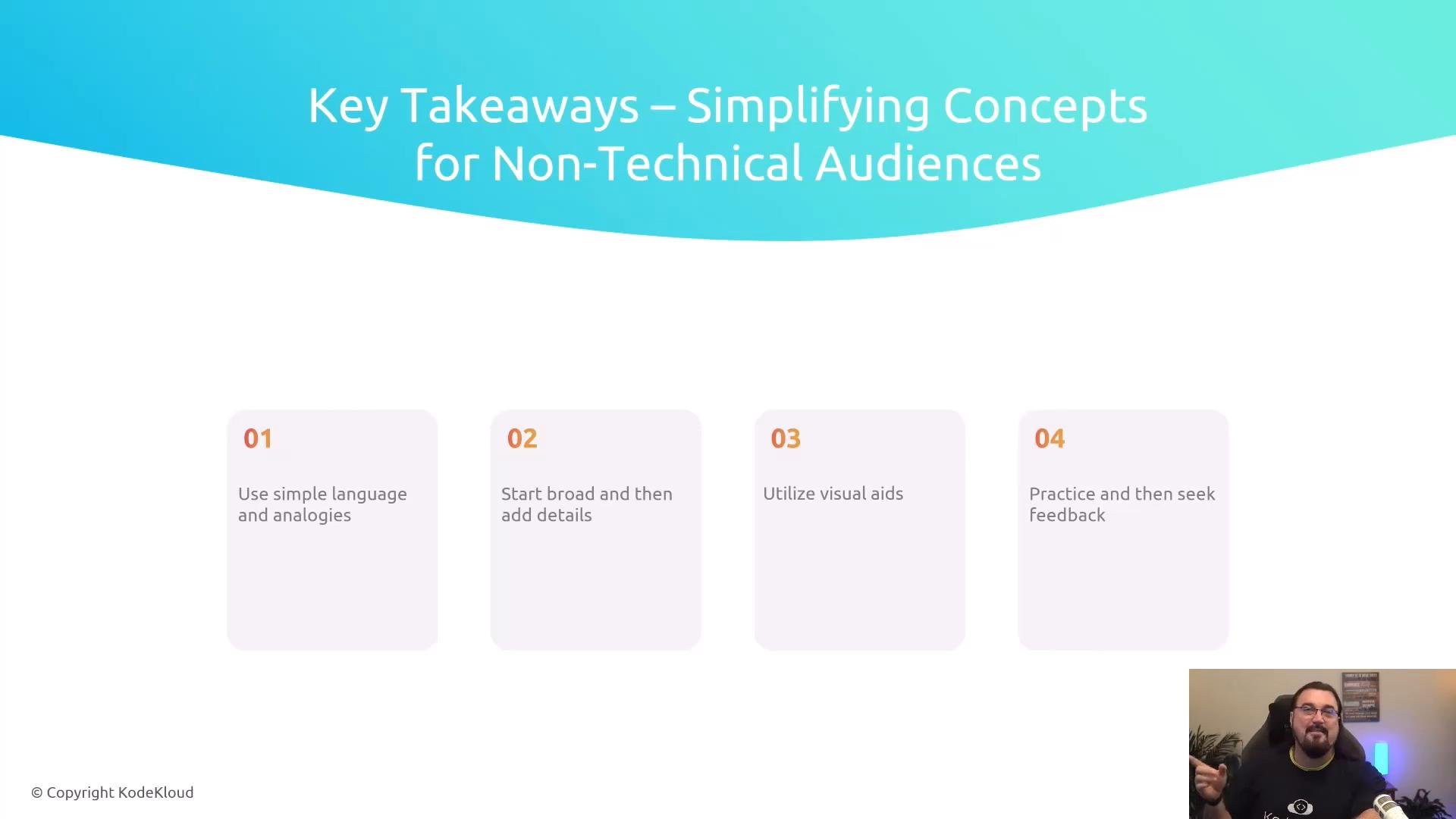
* Use plain language and concrete analogies to create decision-ready mental models.
* Start broad, then add detail in layers; check comprehension as you go.
* Choose visuals that simplify, not complicate.
* Practice presentations with small audiences, solicit feedback, and refine continuously.
Quick reference: Techniques, purpose, and examples
| Technique | Purpose | Quick example |
| - | - | - |
| ELI5 | Build an immediate, usable mental model | "An IP address is like a house address for your device." |
| Analogy | Map unfamiliar to familiar to transfer intuition | "CI/CD is like a restaurant: order → prep → check → serve." |
| Layering | Avoid overload; validate before adding complexity | Start with benefits, then show architecture, then show configuration. |
| Visual aids | Make relationships and flow visible | Simple flow diagrams or one-line charts emphasizing steps. |
| Continuous improvement | Iterate based on feedback to sharpen clarity | Run a pilot talk, note questions, refine slides and wording. |
Key takeaways
* Use plain language and concrete analogies to create decision-ready mental models.
* Start broad, then add detail in layers; check comprehension as you go.
* Choose visuals that simplify, not complicate.
* Practice presentations with small audiences, solicit feedback, and refine continuously.
 Simplification is about clarity, not condescension. Aim to create mental models your audience can use to make decisions and ask better questions.
Further reading and references
* Curse of Knowledge — [https://en.wikipedia.org/wiki/Curse\_of\_knowledge](https://en.wikipedia.org/wiki/Curse_of_knowledge)
* Principles of effective visual communication — [https://www.nngroup.com/articles/visual-design/](https://www.nngroup.com/articles/visual-design/)
This documentation is built and hosted on [Mintlify](https://mintlify.com), a developer documentation platform.
Simplification is about clarity, not condescension. Aim to create mental models your audience can use to make decisions and ask better questions.
Further reading and references
* Curse of Knowledge — [https://en.wikipedia.org/wiki/Curse\_of\_knowledge](https://en.wikipedia.org/wiki/Curse_of_knowledge)
* Principles of effective visual communication — [https://www.nngroup.com/articles/visual-design/](https://www.nngroup.com/articles/visual-design/)
This documentation is built and hosted on [Mintlify](https://mintlify.com), a developer documentation platform.