> ## Documentation Index
> Fetch the complete documentation index at: https://notes.kodekloud.com/llms.txt
> Use this file to discover all available pages before exploring further.
# Demo Kubernetes Deployment Rollout
> This guide enhances a Jenkins pipeline to deploy a Kubernetes application with rollout checks and automatic rollback on failure.
In this guide, we’ll enhance a Jenkins pipeline to deploy a Kubernetes application with proper rollout checks and automatic rollback on failure. By combining vulnerability scanning, dynamic image updates, and robust deployment scripts, you ensure that failed releases don’t leave your cluster in an unhealthy state.
## Problem Statement
Our initial pipeline applied an updated `Deployment` manifest (including `runAsUser: 100`), but we never verified the rollout status. The `kubectl apply` command succeeded, yet the pods failed to start due to a misconfiguration. We need to:
* Scan manifests for security issues
* Apply or update the deployment
* Monitor rollout status
* Roll back automatically on failure
## Kubernetes Manifest: `k8s_deployment_service.yaml`
```yaml theme={null}
apiVersion: apps/v1
kind: Deployment
metadata:
labels:
app: devsecops
name: devsecops
spec:
replicas: 2
selector:
matchLabels:
app: devsecops
strategy: {}
template:
metadata:
labels:
app: devsecops
spec:
containers:
- image: replace
name: devsecops-container
securityContext:
runAsUser: 100
---
apiVersion: v1
kind: Service
metadata:
labels:
app: devsecops
name: devsecops-svc
spec:
ports:
- port: 8080
protocol: TCP
targetPort: 8080
selector:
app: devsecops
type: NodePort
```
## Initial Jenkinsfile Stages
```groovy theme={null}
stage('Vulnerability Scan - Kubernetes') {
steps {
sh 'docker run --rm -v $(pwd):/project openpolicyagent/conftest test --policy opa-k8s-security.rego k8s_deployment_service.yaml'
}
}
stage('Kubernetes Deployment - DEV') {
steps {
withKubeConfig([credentialsId: 'kubeconfig']) {
sh 'sed -i "s#replace:siddharth67/numeric-app:${GIT_COMMIT}#g" k8s_deployment_service.yaml'
sh 'kubectl apply -f k8s_deployment_service.yaml'
}
}
}
```
Without `kubectl rollout status`, Kubernetes errors during pod startup don’t fail the pipeline, leading to “silent” broken deployments.
## Enhanced Jenkinsfile: Parallel Deploy and Rollout
We replace the simple apply step with two parallel branches:
1. **Deployment**: applies or updates the manifest
2. **Rollout\_Status**: monitors the rollout and triggers rollback on failure
```groovy theme={null}
stage('Vulnerability Scan - Kubernetes') {
steps {
sh 'docker run --rm -v $(pwd):/project openpolicyagent/conftest test --policy opa-k8s-security.rego k8s_deployment_service.yaml'
}
}
stage('K8S Deployment - DEV') {
steps {
parallel(
Deployment: {
withKubeConfig([credentialsId: 'kubeconfig']) {
sh 'bash k8s-deployment.sh'
}
},
Rollout_Status: {
withKubeConfig([credentialsId: 'kubeconfig']) {
sh 'bash k8s-deployment-rollout-status.sh'
}
}
)
}
}
post {
always {
junit 'target/surefire-reports/*.xml'
}
}
```
## Deployment Script: `k8s-deployment.sh`
This script replaces the placeholder image name, then either creates a new Deployment or updates the existing one with `--record=true` to capture change-cause.
```bash theme={null}
#!/bin/bash
# Replace placeholder with real image name
sed -i "s|replace|${imageName}|g" k8s_deployment_service.yaml
# Check if deployment exists
if ! kubectl -n default get deployment "${deploymentName}" > /dev/null; then
echo "Creating deployment ${deploymentName}"
kubectl -n default apply -f k8s_deployment_service.yaml
else
echo "Updating image for ${deploymentName} to ${imageName}"
kubectl -n default set image deploy "${deploymentName}" "${containerName}"="${imageName}" --record=true
fi
```
| Script | Purpose | Key Command |
| ----------------- | -------------------------------------- | ---------------------------------------------- |
| k8s-deployment.sh | Create or update the Deployment object | `kubectl apply` / `kubectl set image --record` |
Ensure the Jenkins service account has `get`, `create`, `update`, and `rollout` permissions on the target namespace.
## Rollout Status Script: `k8s-deployment-rollout-status.sh`
After a short wait, this script checks the rollout status with a timeout. On failure, it issues a rollback to the previous revision.
```bash theme={null}
#!/bin/bash
# Allow pods to initialize
sleep 60s
# Monitor rollout with a 5-second timeout
if ! kubectl -n default rollout status deploy "${deploymentName}" --timeout=5s | grep -q "successfully rolled out"; then
echo "Rollout FAILED; rolling back ${deploymentName}"
kubectl -n default rollout undo deploy "${deploymentName}"
exit 1
else
echo "Rollout SUCCESSFUL for ${deploymentName}"
fi
```
| Script | Purpose | Key Command |
| -------------------------------- | -------------------------------------- | ------------------------------------------------- |
| k8s-deployment-rollout-status.sh | Monitor and rollback on failed rollout | `kubectl rollout status` / `kubectl rollout undo` |
## Jenkinsfile Environment Variables
Define all deployment-specific variables at the top of your `Jenkinsfile` for easy maintenance:
```groovy theme={null}
pipeline {
agent any
environment {
deploymentName = 'devsecops'
containerName = 'devsecops-container'
serviceName = 'devsecops-svc'
imageName = "siddharth67/numeric-app:${GIT_COMMIT}"
applicationURL = 'http://devsecops-demo.eastus.cloudapp.azure.com/'
applicationURI = '/increment/99'
}
stages {
stage('Build Artifact - Maven') {
steps {
sh 'mvn clean package -DskipTests=true'
archive 'target/*.jar'
}
}
stage('Unit Tests - JUnit and JaCoCo') {
steps {
sh 'mvn test'
}
}
stage('Mutation Tests - PIT') {
steps {
sh 'mvn org.pitest:pitest-maven:mutationCoverage'
}
}
stage('SonarQube - SAST') {
steps {
withSonarQubeEnv('SonarQube') {
sh 'mvn sonar:sonar \
-Dsonar.projectKey=numeric-application \
-Dsonar.host.url=http://devsecops-demo.eastus.cloudapp.azure.com:9000'
}
}
}
// ... Kubernetes stages go here ...
}
}
```
## Pushing Changes
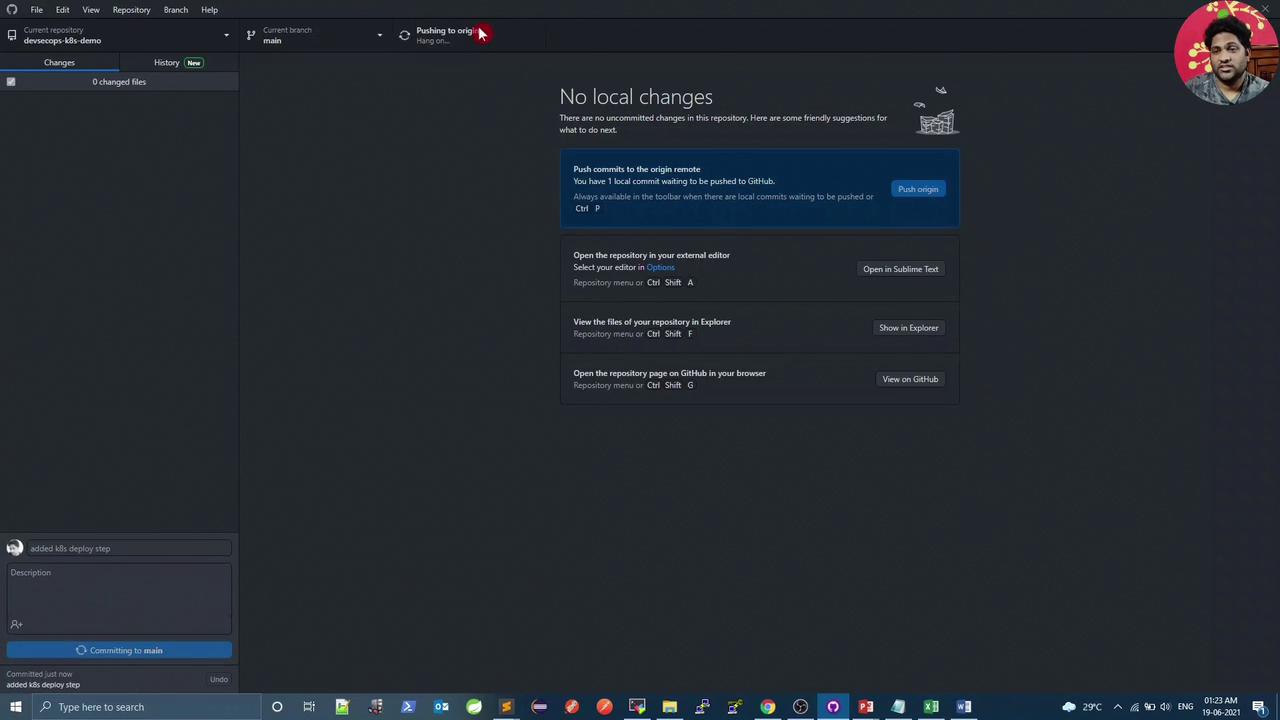
Once scripts and `Jenkinsfile` are updated, commit and push:
## Pipeline & Cluster Verification
In the pipeline logs for `k8s-deployment.sh`:
```bash theme={null}
+ bash k8s-deployment.sh
deployment devsecops exists
image name = siddharth67/numeric-app:70a453a78462ec8affbf58f4ab3d566c2283
deployment.apps/devsecops image updated
```
The rollout branch confirms:
```bash theme={null}
sh k8s-deployment-rollout-status.sh
# pods start and transition to RUNNING
```
On the Kubernetes cluster:
```bash theme={null}
root@devsecops-cloud:~$ kubectl get all
NAME READY STATUS RESTARTS AGE
pod/devsecops-abcdef123 1/1 Running 0 59s
pod/devsecops-ghijkl456 1/1 Running 0 61s
deployment.apps/devsecops 2/2 2 2 5m
...
```
If a pod fails to become `Running`, the rollback script will revert to the previous revision.
## Viewing Rollout History
Inspect recorded change causes for debugging:
```bash theme={null}
kubectl rollout history deploy devsecops
REVISION CHANGE-CAUSE
1
2
...
23 kubectl set image deploy devsecops devsecops-container=siddharth67/numeric-app:70a453a78462ec8affbf58f4ab3d566c2283 --namespace=default --record=true
```
Using `--record=true` captures the exact `kubectl` command and Git commit, making audits and rollbacks straightforward.
## Links and References
* [Kubernetes Rollout Strategies](https://kubernetes.io/docs/concepts/workloads/controllers/deployment/#rolling-update-deployment)
* [kubectl rollout](https://kubernetes.io/docs/reference/generated/kubectl/kubectl-commands#rollout)
* [Jenkins Pipeline Syntax](https://www.jenkins.io/doc/book/pipeline/syntax/)
* [Open Policy Agent Conftest](https://github.com/open-policy-agent/conftest)