> ## Documentation Index
> Fetch the complete documentation index at: https://notes.kodekloud.com/llms.txt
> Use this file to discover all available pages before exploring further.
# Demo Talisman
> This lesson demonstrates installing Talisman, scanning for secrets, and configuring exceptions on a developer workstation.
In this lesson, you’ll see Talisman in action—installing it on a developer workstation, scanning for secrets before pushing, and configuring exceptions.
## Talisman Repository
You can find the official Talisman project on GitHub. Explore the code, review open issues, or contribute back to the repository.
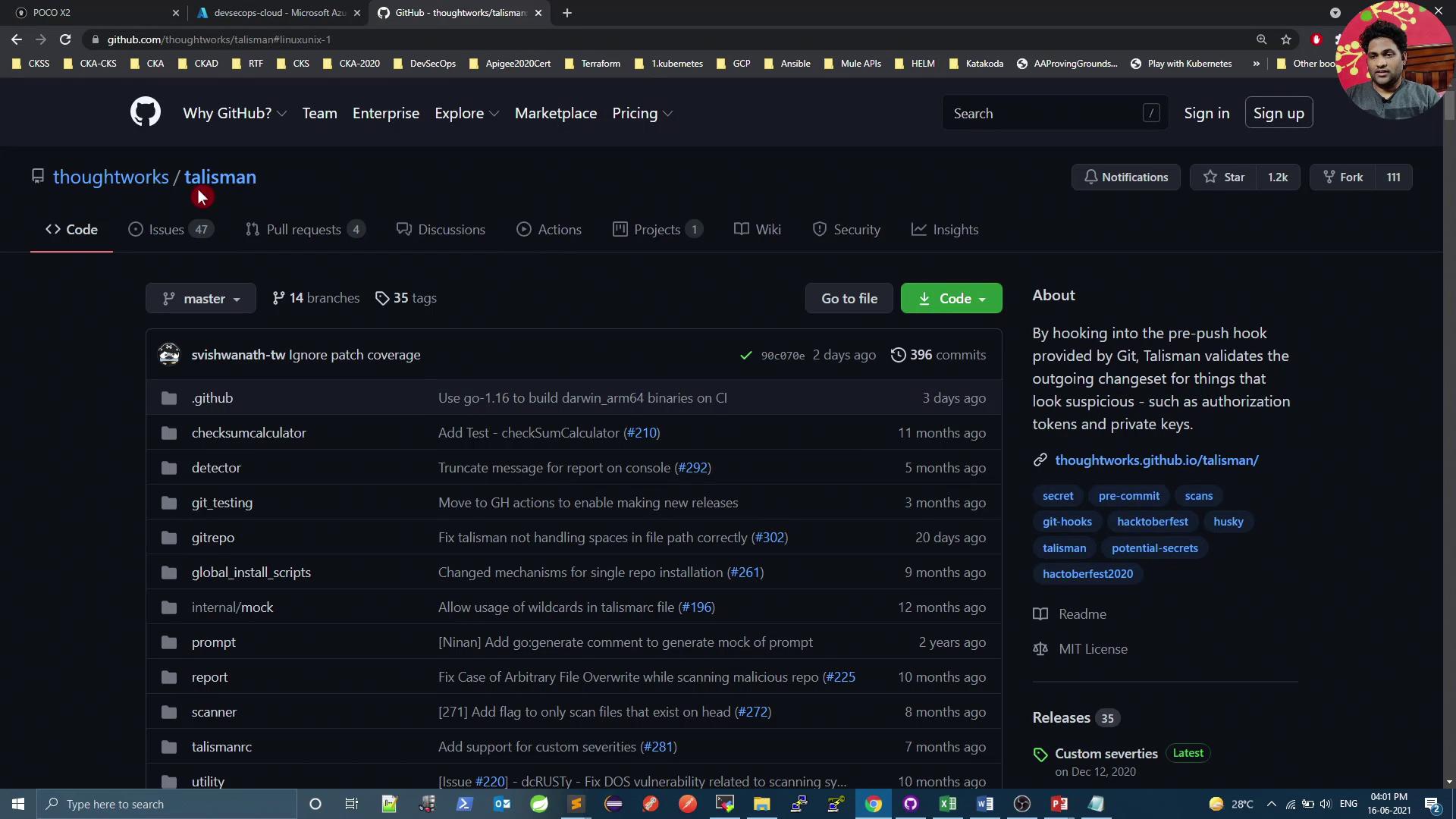
Refer to the project’s [README][talisman-readme] for detailed installation and usage instructions.
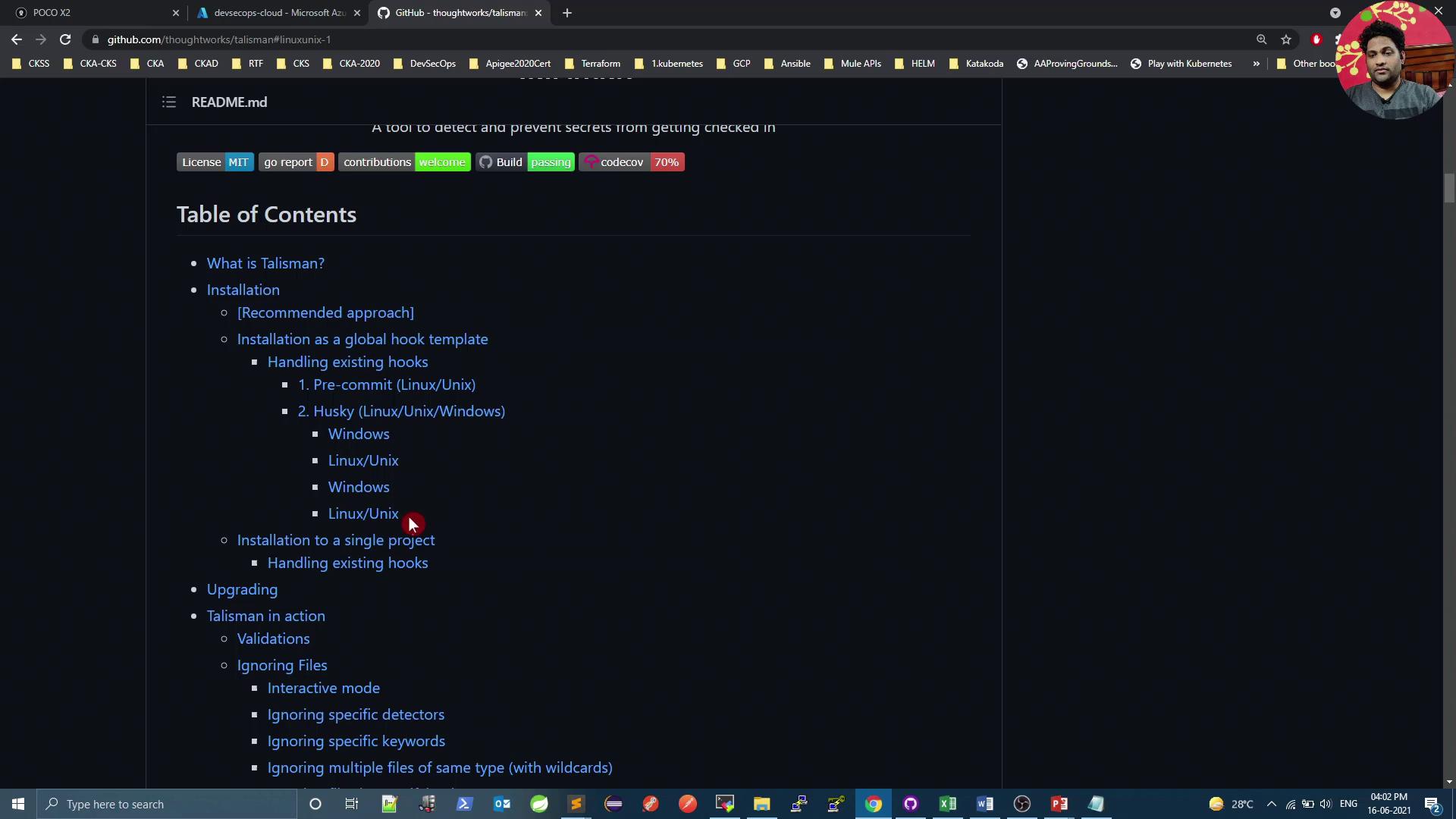
## Installing Talisman Locally
### Prerequisites
* Git installed on your Linux or macOS system
* `curl` (or `wget`) available in your PATH
Download and install Talisman as a Git hook in your project directory:
```bash theme={null}
# Fetch and prepare the installer
curl https://thoughtworks.github.io/talisman/install.sh -o ~/install-talisman.sh
chmod +x ~/install-talisman.sh
cd /path/to/your-git-project
# Install as a pre-push hook (default)
~/install-talisman.sh
# Optionally install as a pre-commit hook
~/install-talisman.sh pre-commit
```
The installer adds or updates hooks in `.git/hooks`. Ensure you have write permissions to the project directory before running the script.
### Hook Types Comparison
| Hook Type | Purpose | Installation Command |
| ---------- | -------------------------------------- | ---------------------------------- |
| pre-push | Scan code before running `git push` | `~/install-talisman.sh` |
| pre-commit | Scan code before allowing `git commit` | `~/install-talisman.sh pre-commit` |
## Preparing the Demo Repository
On your VM, clone (or navigate to) the demo repository and pull the latest changes:
```bash theme={null}
git clone https://github.com/your-org/devsecops-k8s-demo.git
cd devsecops-k8s-demo
git pull
ls -l
```
You should see:
* `Jenkinsfile`
* `Dockerfile`
* `k8s_deployment_service.yaml`
* `.git` folder (containing the `hooks` directory)
## Installing the Pre-Push Hook
Add Talisman to your demo repo:
```bash theme={null}
~/install-talisman.sh
```
Verify the hook is in place:
```bash theme={null}
ls .git/hooks | grep pre-push
# pre-push
# pre-push.sample
```
## Testing Talisman Scans
Create a directory with sample files simulating secrets:
```bash theme={null}
mkdir sec_files && cd sec_files
echo "username=siddharth" > file1
echo "secure-password123" > password.txt
echo "apikey=iz5yCqhjgrPtr_La56sdukjfav_laCqhjgrPtr_2s" > file2
echo "base64encodedsecret=cGFzc3dvcmx0aXMtcXdlcnR5MTIzCg==" > file3
cd ..
```
Stage and commit:
```bash theme={null}
git add sec_files/
git commit -m "Add test secret files"
```
Attempt to push:
```bash theme={null}
git push
```
Talisman will scan and block any push with detected secrets. Example output:
```bash theme={null}
Talisman Scan: 12 / 12 <----- ERRORS -----------
FILE | ERRORS | SEVERITY
---------------------------+--------------------------------------------------+---------
sec_files/password.txt | failed checks against the pattern password | low
sec_files/file3 | contains base64 encoded strings | low
sec_files/file3 | potential secret pattern: base64encodedsecret=… | low
sec_files/file2 | potential secret pattern: apikey=iz5yCqhjgrPtr… | low
error: failed to push some refs to 'https://github.com/...'
```
By default, Talisman checks for passwords, API keys, and Base64-encoded secrets. You can customize its behavior with a `.talismanrc` file if needed.
## Ignoring Specific Files
To exempt certain files from scanning, create a `.talismanrc` in your project root:
```yaml theme={null}
fileignoreconfig:
- filename: sec_files/file3
checksum: b058bbb495454d508634e7d508163ad962c3ec699bc676db38a5
```
Then commit and push again:
```bash theme={null}
git add .talismanrc
git commit -m "Ignore base64 file3 in Talisman scans"
git push
```
Talisman will now skip `sec_files/file3` but still block other flagged content.
## Cleaning Up and Final Push
Remove or refactor any remaining flagged files:
```bash theme={null}
cd sec_files
rm password.txt file2
cd ..
git add -u
git commit -m "Remove sensitive files"
git push
```
With only approved files left, the final push should succeed.
***
By integrating Talisman as a pre-push (or pre-commit) hook, you ensure that sensitive data—passwords, API keys, and Base64-encoded tokens—are caught before they reach your remote repository.
## Links and References
* [Talisman GitHub Repository][talisman-github]
* [Talisman README][talisman-readme]
* [ThoughtWorks DevSecOps](https://www.thoughtworks.com/insights/topics/devsecops)
[talisman-github]: https://github.com/thoughtworks/talisman
[talisman-readme]: https://github.com/thoughtworks/talisman/blob/master/README.md