> ## Documentation Index
> Fetch the complete documentation index at: https://notes.kodekloud.com/llms.txt
> Use this file to discover all available pages before exploring further.
# Git Hooks and Talisman Introduction
> This article explains using Git hooks and Talisman to prevent accidental commits of sensitive data in your codebase.
In this lesson, we’ll cover how to use Git hooks—scripts that run at specific points in your Git workflow—to catch accidental commits of sensitive data. We’ll also introduce **Talisman**, an open-source tool by ThoughtWorks that automates secret scanning in your repository.
## Why Git Hooks Matter
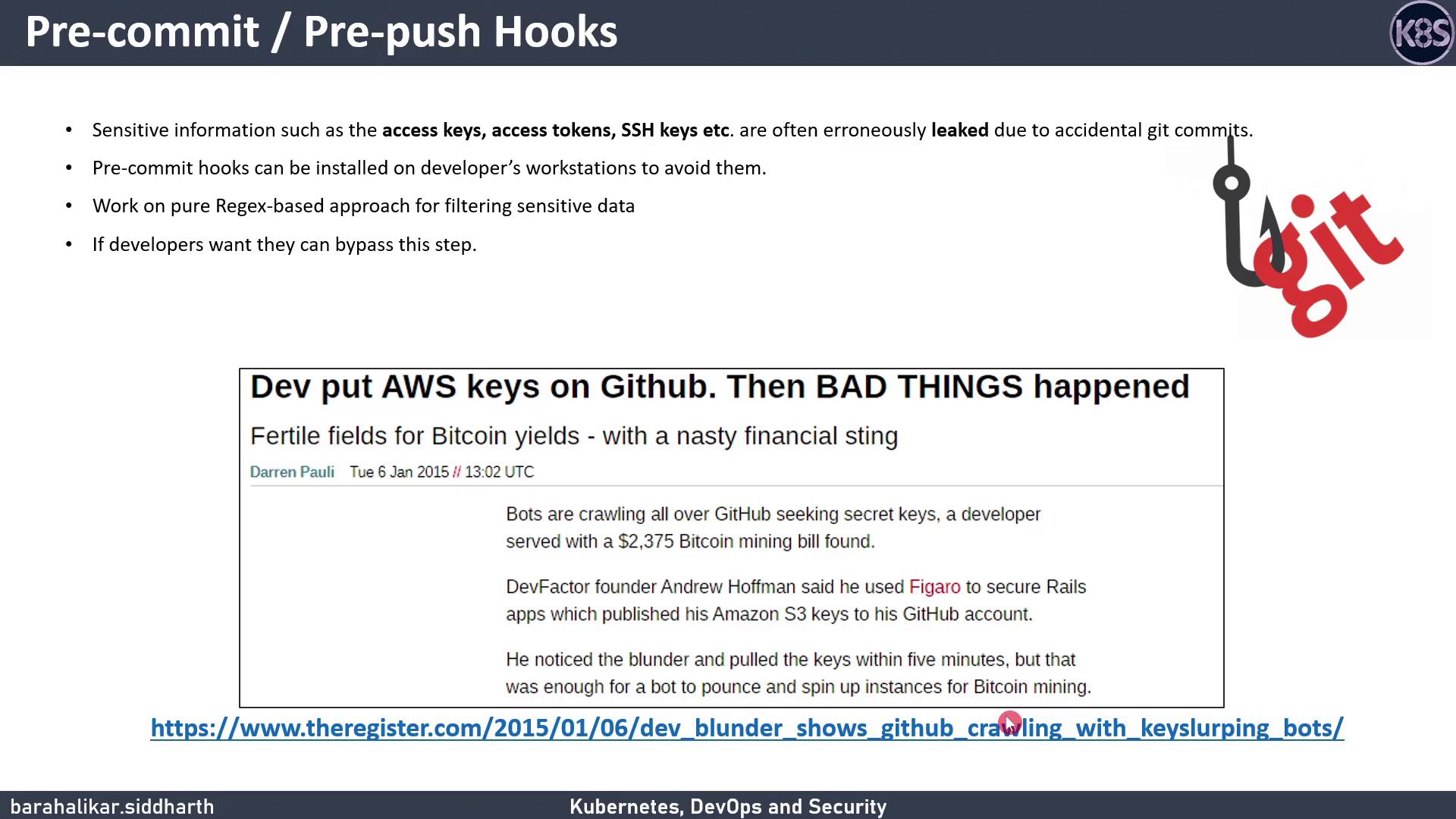
In 2015, a developer accidentally pushed [AWS S3](https://aws.amazon.com/s3) access keys to [GitHub](https://github.com). Within five minutes, automated bots exploited those keys for Bitcoin mining, accruing a \$2,400 bill. Git hooks help you stop this from happening by running custom scripts at critical events like commits and pushes.
### Common Git Hook Events
| Hook | Triggers Before |
| ---------- | ------------------------- |
| pre-commit | Finalizing a commit |
| pre-push | Sending commits to remote |
## Introducing Talisman
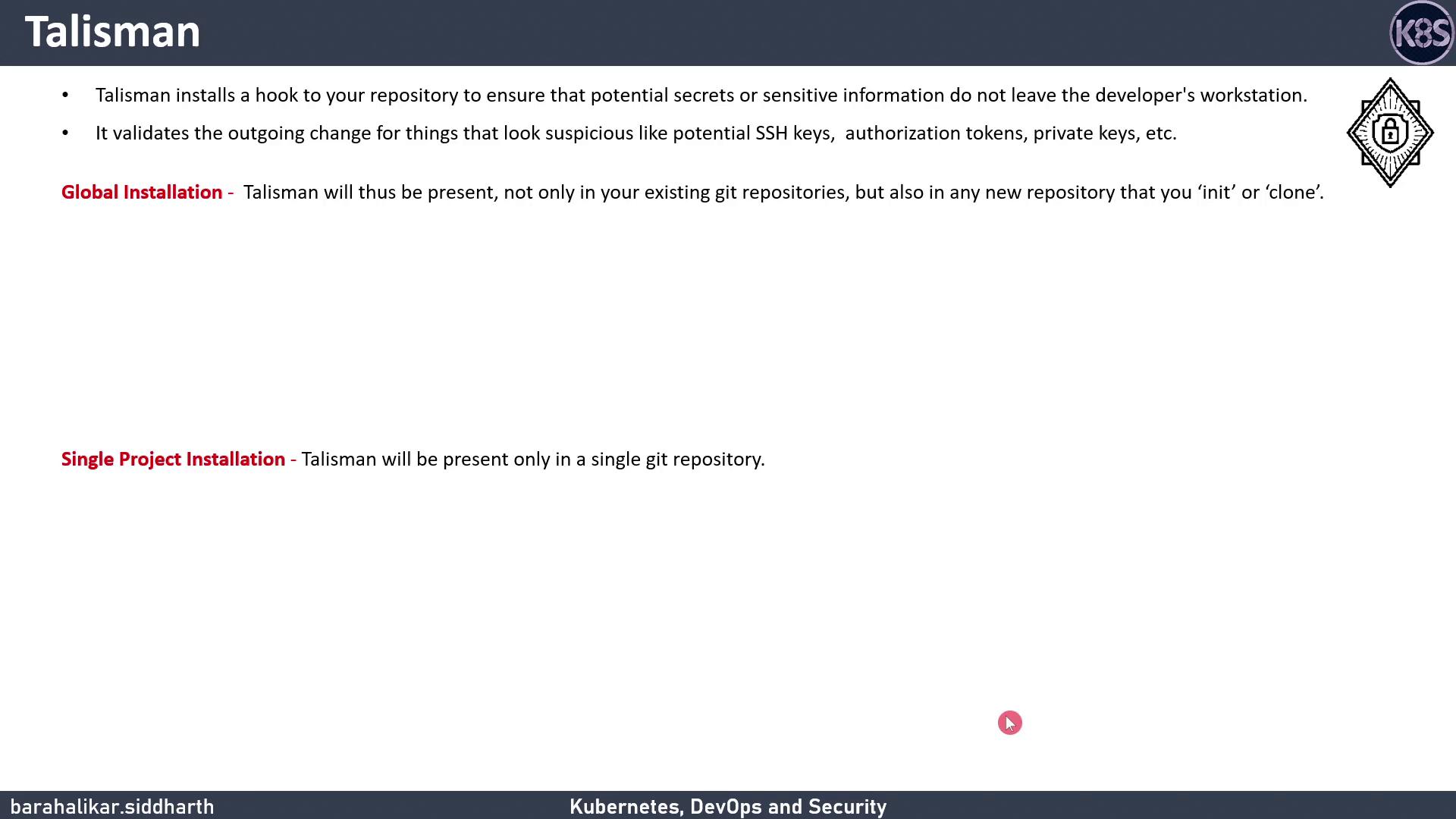
[Talisman](https://github.com/thoughtworks/talisman) installs Git hooks to scan outgoing changes for secrets—passwords, API tokens, private keys, credit-card numbers, and more. It also offers a history-scan feature to uncover any secrets already in your repo.
### Installation Options
| Scope | Description |
| ------------------------- | ------------------------------------------------------------- |
| Global | Applies hooks to all repos you clone or init on your machine. |
| Single-Project (pre-push) | Limits Talisman to one repo, using a `pre-push` hook. |
We’ll demonstrate the **single-project** approach with a **pre-push** hook.
```bash theme={null}
# Download and make the installer executable
curl https://thoughtworks.github.io/talisman/install.sh > ~/install-talisman.sh
chmod +x ~/install-talisman.sh
# In your project directory
cd my-git-project
~/install-talisman.sh
```
If you want to apply Talisman globally, see the [global\_install\_scripts](https://github.com/thoughtworks/talisman/tree/master/global_install_scripts) in the Talisman repo.
## How Talisman Works
When you run `git push`, Talisman inspects your changes for:
* Base64 or hex-encoded secrets
* Common secret patterns (e.g., passwords, tokens)
* Large files with potential key material
* Credit-card numbers or sensitive file extensions (`.keys`, `.secrets`, `.credentials`)
If issues are detected, Talisman outputs a report:
| FILE | ERRORS | SEVERITY |
| -------- | ------------------------------------------- | -------- |
| test.txt | Potential secret pattern: password-password | low |
```bash theme={null}
git push origin main
```
Another example:
| FILE | ERRORS | SEVERITY |
| ---- | --------------------------------------------------- | -------- |
| aws | Potential secret pattern: pikey=5589 4513 5412 4562 | low |
filename: aws\
checksum: 14e3763161c3485181806245883bf1cebfa4f241dd23f4f01a5f9793ba45
When prompted:
```text theme={null}
? Do you want to add aws with above checksum in talismanrc ? No
```
If the file is safe, answer **Yes** to whitelist it in `.talismanrc`. Otherwise, you can bypass Talisman with:
```bash theme={null}
git push origin main --no-verify
```
Bypassing hooks (`--no-verify`) skips all pre-push checks. Use this only when you’re certain no sensitive data is included.
## Managing Talisman
To remove Talisman from your project, delete the hook scripts in `.git/hooks/` (for example, `pre-push` or `pre-commit`).
## Further Reading
* [Git Hooks Documentation](https://git-scm.com/docs/githooks)
* [Talisman GitHub Repository](https://github.com/thoughtworks/talisman)
* [Preventing Secret Leaks](https://owasp.org/www-project-best-practices/)