> ## Documentation Index
> Fetch the complete documentation index at: https://notes.kodekloud.com/llms.txt
> Use this file to discover all available pages before exploring further.
# Docker EE Introduction
> This article introduces Docker Enterprise Edition, its components, architecture, setup, and configuration requirements for deploying enterprise-grade applications.
Hello and welcome! In this lesson, we’ll explore the components and architecture of Docker Enterprise Edition (Docker EE). Docker Engine is available in two major editions:
* **Docker CE** (Community Edition): the free, open-source version
* **Docker EE** (Enterprise Edition): the certified, enterprise-grade version
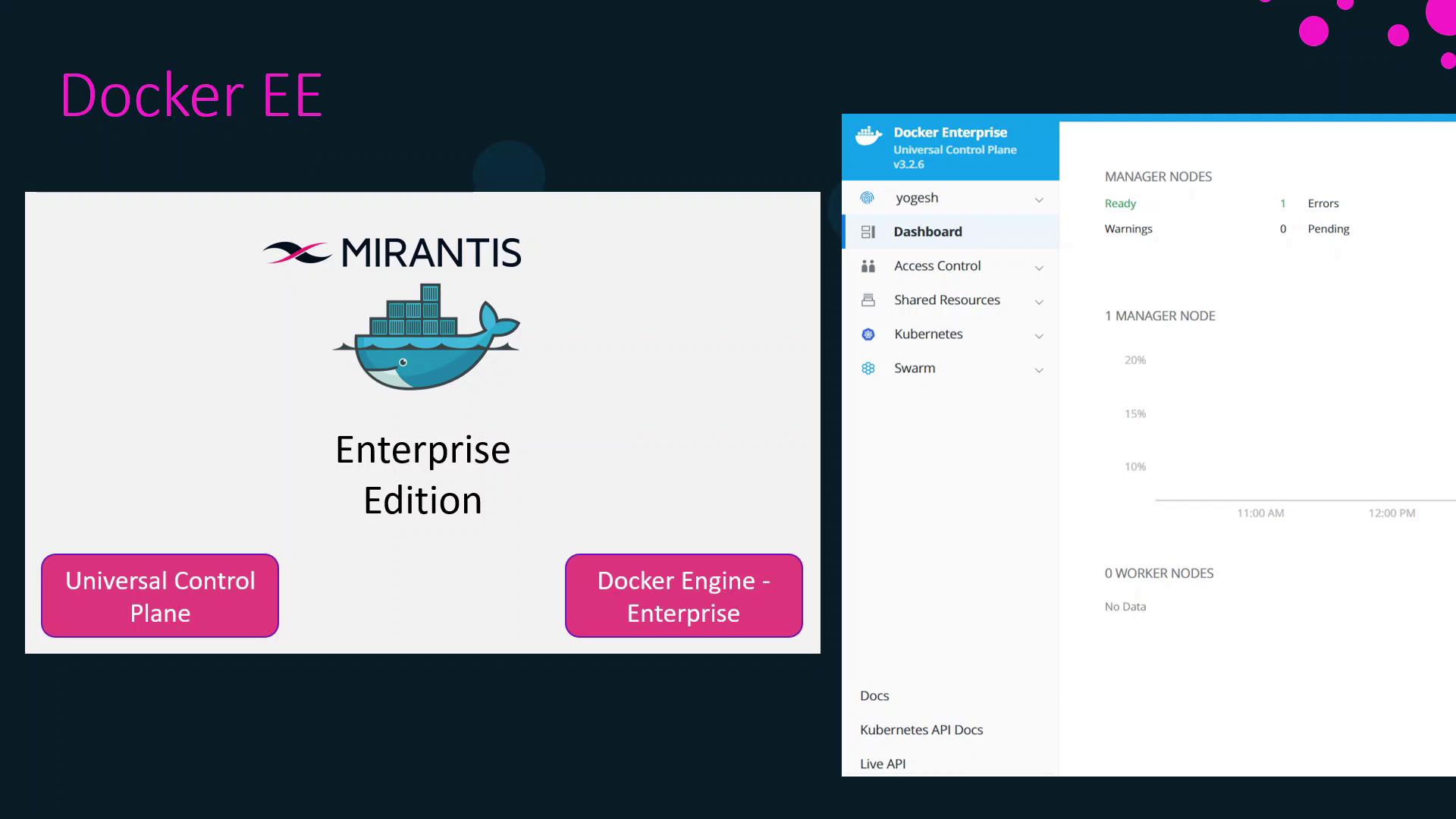
Since November 2019, Mirantis Inc. maintains Docker EE. Built for developers and IT teams, Docker EE enables you to build, share, and run business-critical applications at scale with enterprise-grade security and management.
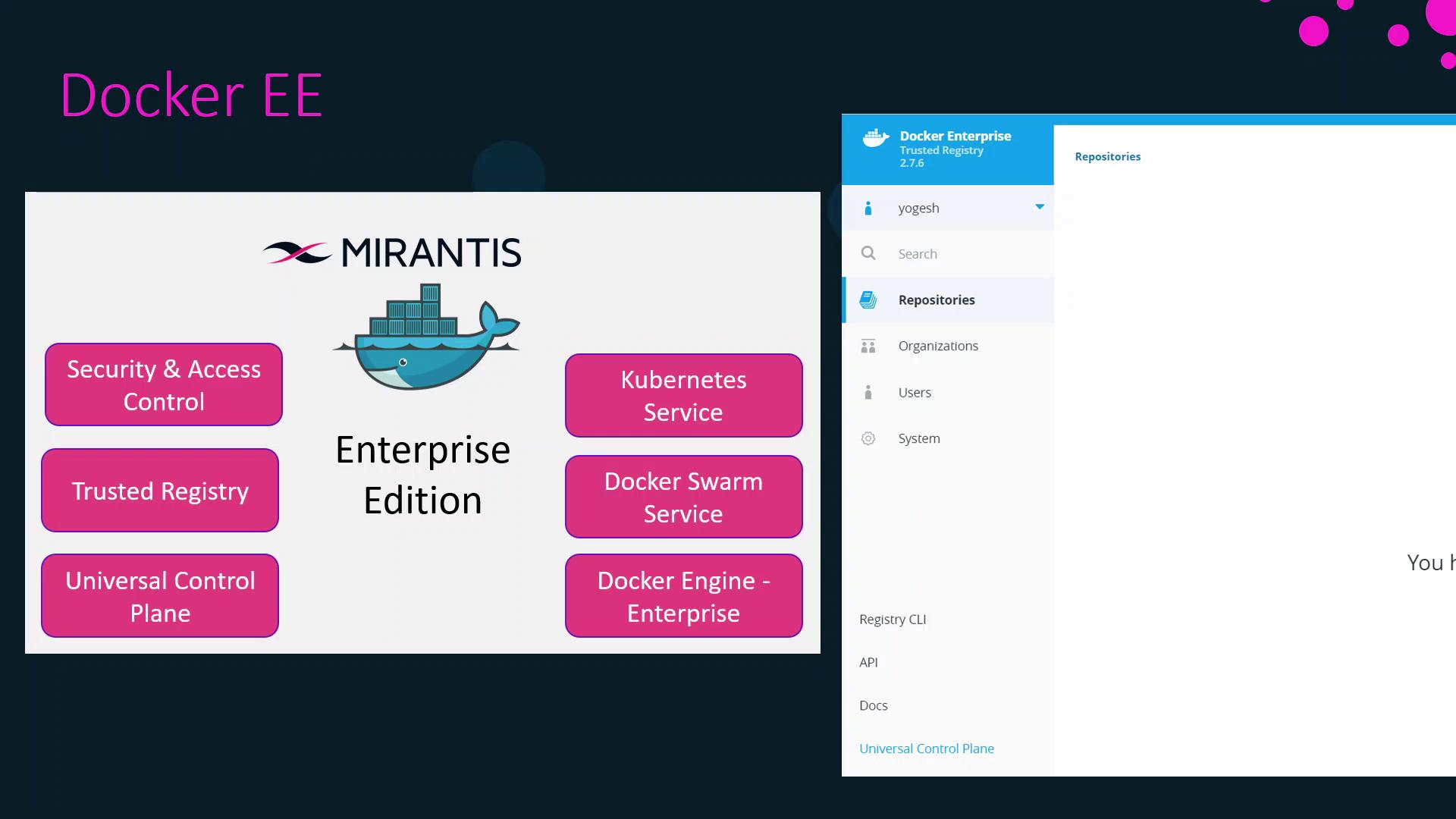
Docker EE comprises three core components:
* **Docker Engine Enterprise**: Certified container runtime with FIPS compliance
* **Universal Control Plane (UCP)**: Web-based cluster management portal with role-based access control (RBAC) and LDAP/AD integration
* **Docker Trusted Registry (DTR)**: Private, secure image storage behind your firewall
UCP supports both Docker Swarm and Kubernetes on the same cluster. You can label nodes as Swarm workers, Kubernetes workers, or both, then deploy services across them.
Docker Trusted Registry integrates seamlessly with UCP and Engine. You can deploy Docker EE clusters on-premises, in public clouds, or in hybrid environments.
## High-Level Setup
Follow these steps to get Docker Enterprise up and running:
1. Provision your infrastructure (manager and worker nodes)
2. Install Docker Engine Enterprise on all nodes
3. Deploy Universal Control Plane (UCP) on manager nodes
4. Install Docker Trusted Registry (DTR) on designated worker nodes
## Infrastructure Prerequisites
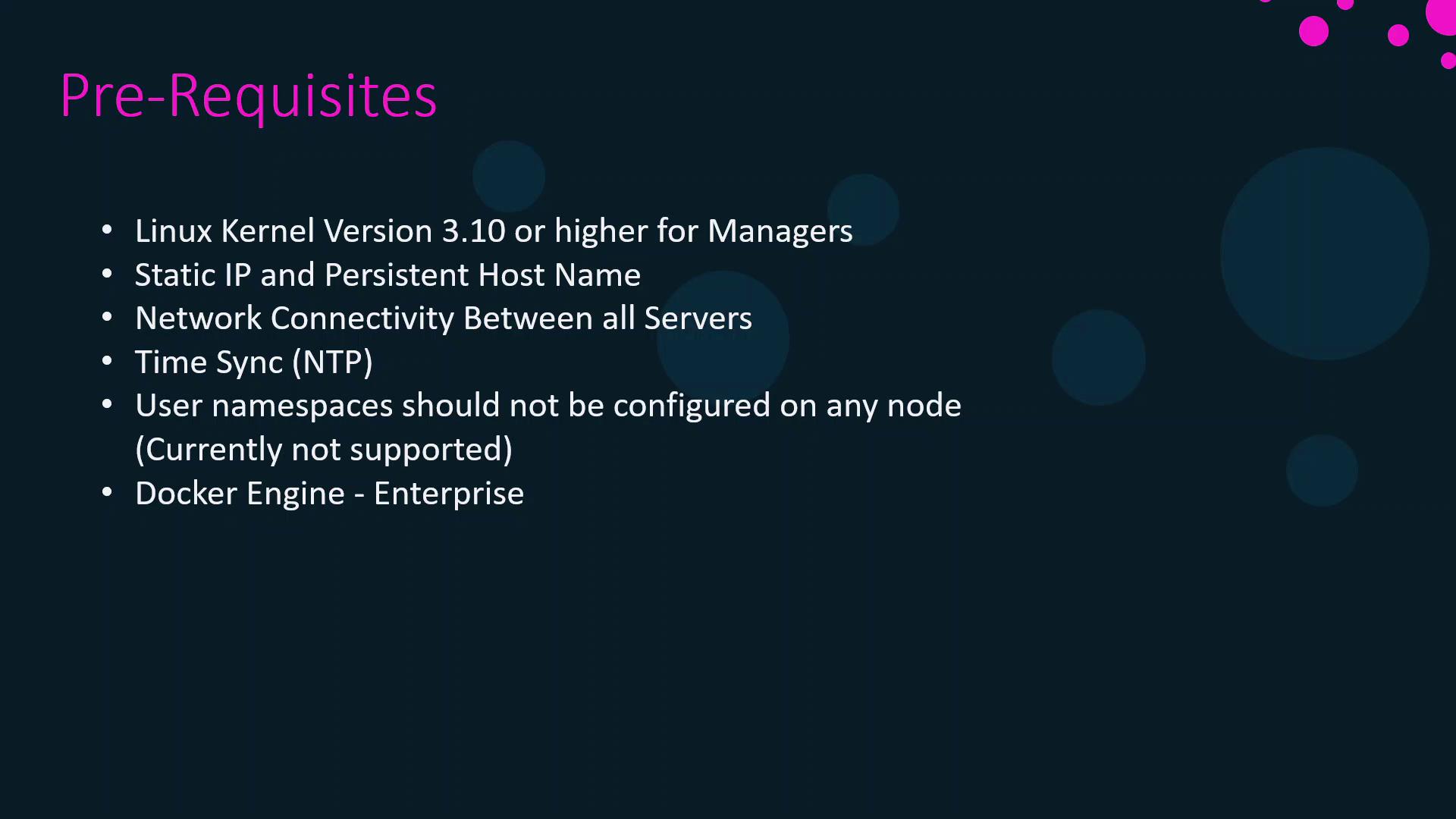
Ensure your environment meets the following requirements before installing UCP or DTR:
* Linux kernel version ≥ 3.10
* Static IP address configured for each node
* Bi-directional network connectivity between nodes
* NTP configured for accurate time synchronization
* User namespaces **disabled** (not currently supported)
* Docker Engine Enterprise installed on every node
User namespaces must be disabled or UCP deployment will fail.
## UCP & DTR Configuration Requirements
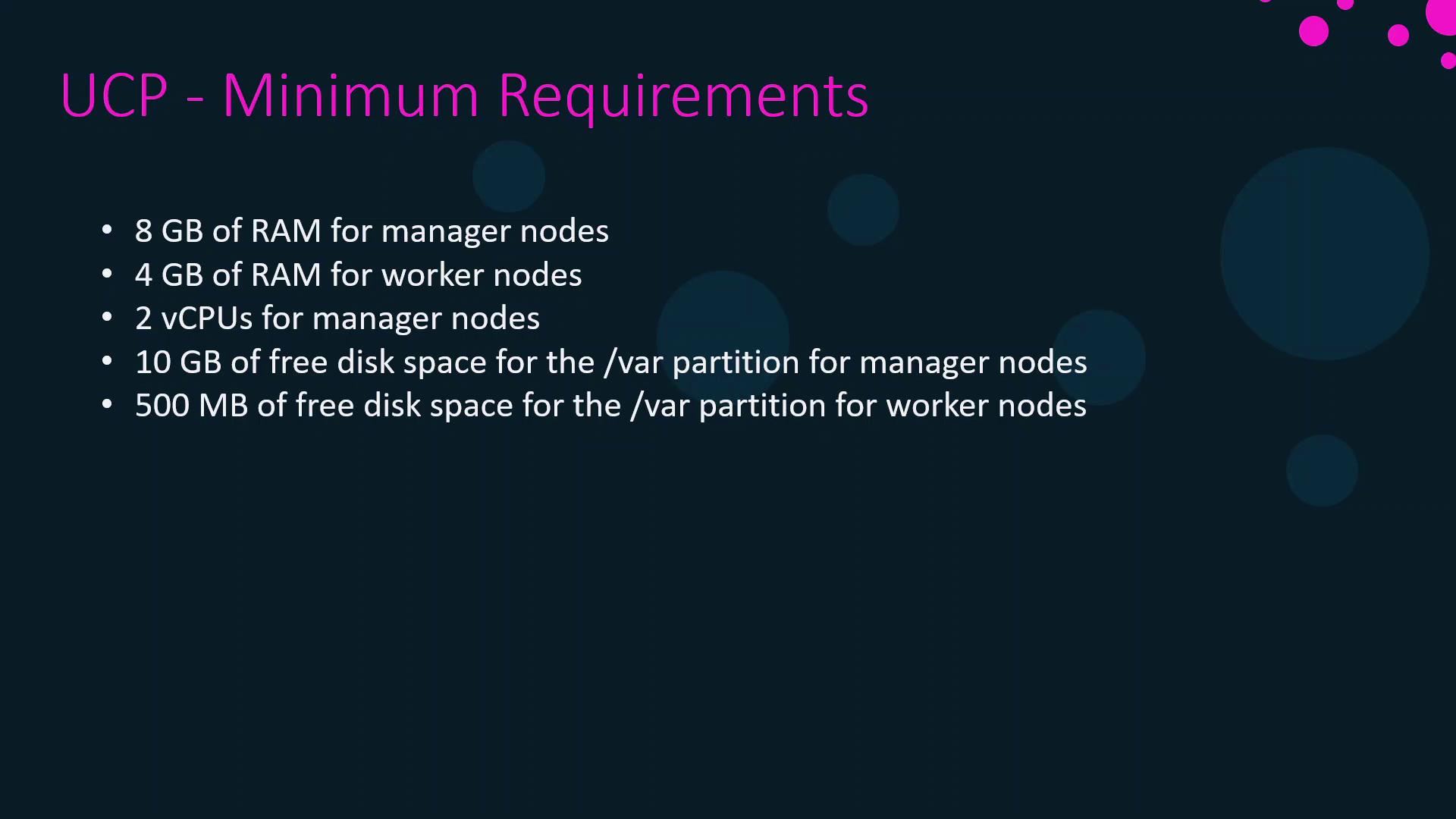
Docker UCP and DTR each have minimum and recommended hardware specifications. Use minimum specs for testing or proofs of concept; follow recommended specs for production environments.
### UCP Requirements
| Specification | Minimum (Test) | Recommended (Production) |
| ------------------------ | -------------- | ------------------------ |
| RAM (manager) | 8 GB | 16 GB |
| vCPUs (manager) | 2 vCPUs | 4 vCPUs |
| Disk on `/var` (manager) | 10 GB | 25–100 GB |
| RAM (worker) | 4 GB | 4 GB |
| Disk on `/var` (worker) | 500 MB | 500 MB |
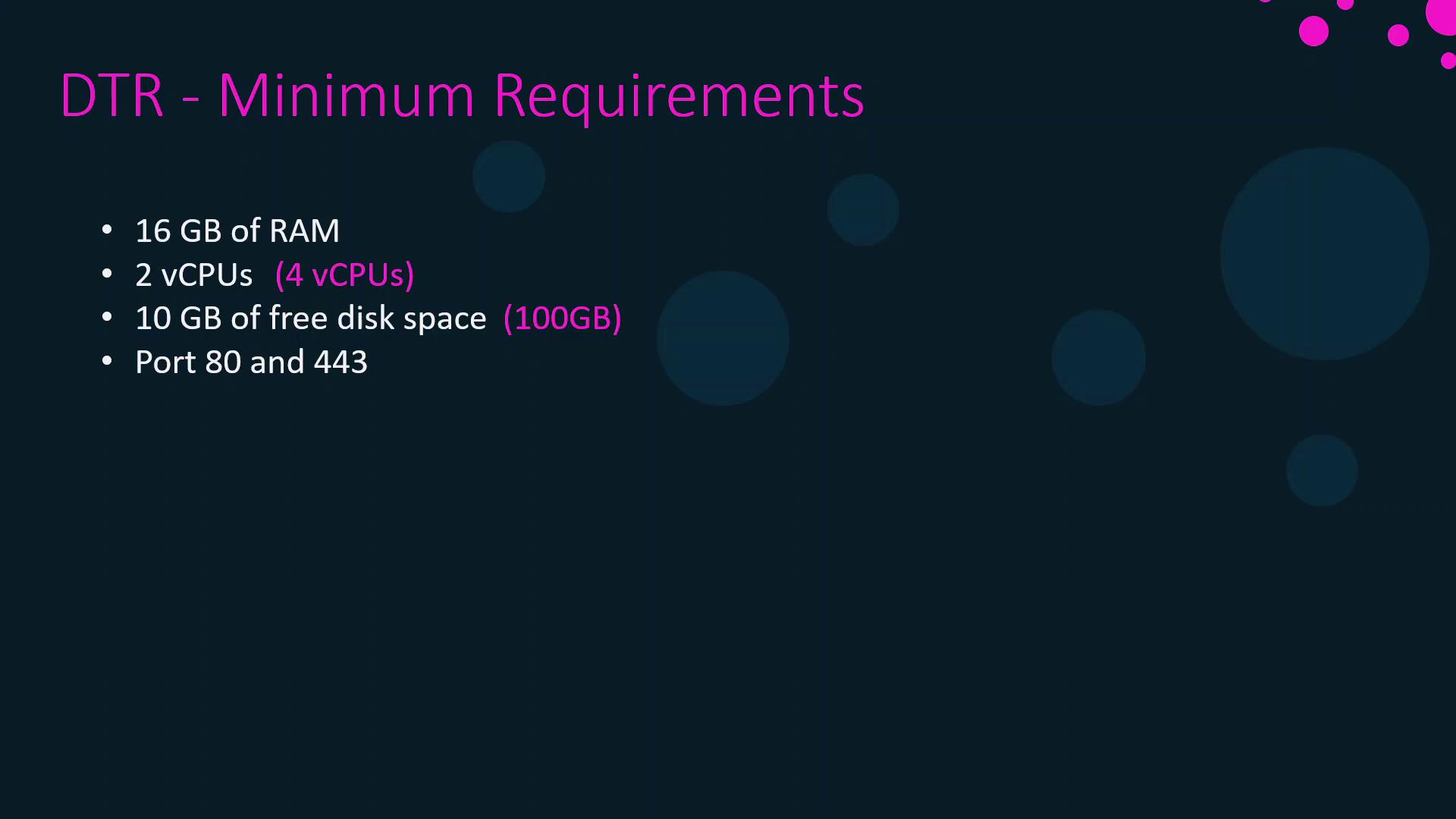
### DTR Requirements
| Specification | Minimum (Test) | Recommended (Production) |
| ------------- | -------------- | ------------------------ |
| RAM | 16 GB | 16 GB |
| vCPUs | 2 vCPUs | 4 vCPUs |
| Free Disk | 10 GB | 100 GB |
| Network Ports | 80, 443 open | 80, 443 open |
DTR must be installed on worker nodes within your UCP cluster.
## Sample Lab Topology
In this course lab, we’ll deploy:
* 1 UCP manager node
* 1 UCP worker node (for DTR)
* 1 DTR instance
- 3 UCP managers (high-availability quorum)
- 3 UCP workers (DTR hosts)
- 3 DTR replicas
- 3 load balancers (one each for managers, workers, and DTR)
***
## Links and References
* [Docker Documentation](https://docs.docker.com/)
* [Mirantis Docker EE](https://www.mirantis.com/software/docker/)
* [Kubernetes Basics](https://kubernetes.io/docs/concepts/overview/what-is-kubernetes/)
* [NTP Configuration Guide](https://www.ntp.org/)