> ## Documentation Index
> Fetch the complete documentation index at: https://notes.kodekloud.com/llms.txt
> Use this file to discover all available pages before exploring further.
# Docker EE Section Introduction
> This guide provides hands-on experience with Docker Enterprise, focusing on Universal Control Plane and Docker Trusted Registry for managing containerized applications.
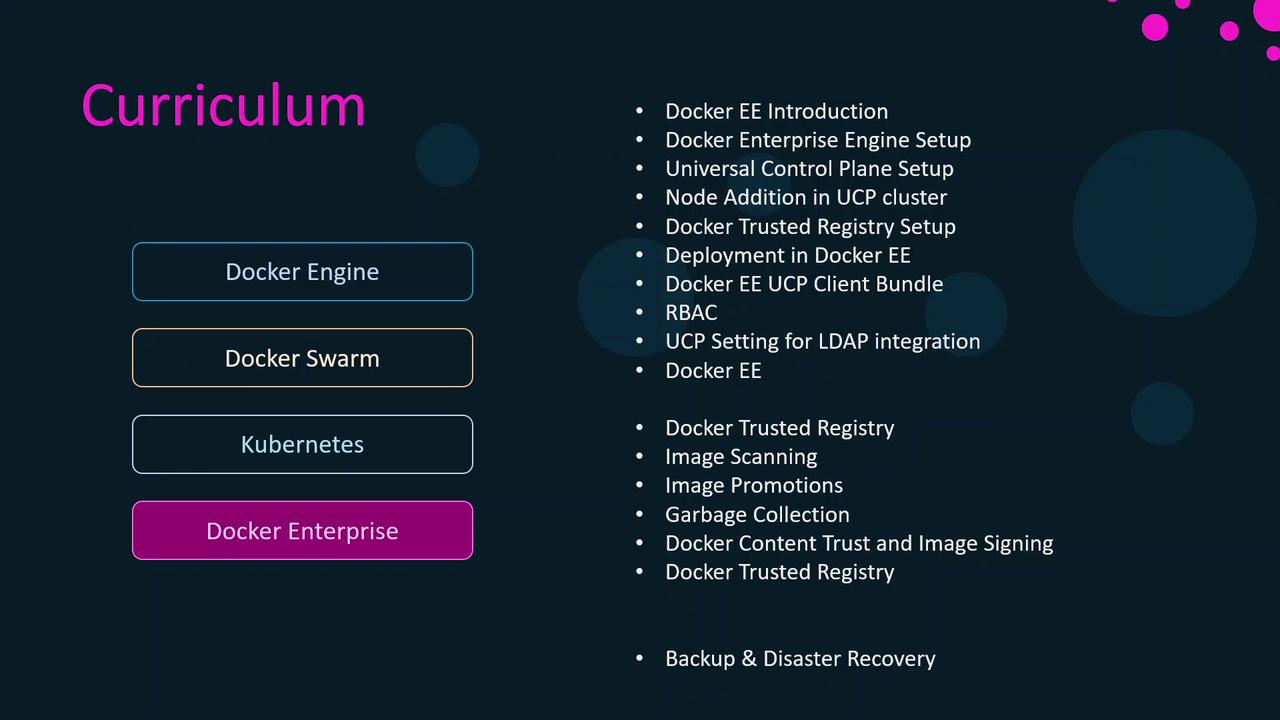
In this guide, you’ll gain hands-on experience with Docker Enterprise by diving into its two foundational components—**Universal Control Plane (UCP)** and **Docker Trusted Registry (DTR)**. We’ll walk through:
* Provisioning a UCP cluster and deploying containerized applications
* Configuring role-based access controls and integrating LDAP authentication
* Installing and administering Docker Trusted Registry
* Implementing backup and disaster recovery strategies for business continuity
Ensure you have:
* A Linux VM or bare-metal server running a supported OS
* Docker Engine installed (see [Docker Engine installation](https://docs.docker.com/engine/install/))
* Network connectivity between all nodes
## Core Components at a Glance
| Component | Description | Key Use Cases |
| ----------------------------- | ---------------------------------------------------------------------------------- | --------------------------------------------------------------------- |
| Universal Control Plane (UCP) | A management layer for clustering, scheduling, and RBAC | Multi-tenant orchestration, LDAP/AD integration, secure image signing |
| Docker Trusted Registry (DTR) | A private, secure image repository with content signing and vulnerability scanning | Image lifecycle management, policy enforcement, geo-replication |
## What’s Next?
1. **Deploy UCP**: Learn how to initialize a UCP swarm, join manager and worker nodes, and secure the control plane.
2. **Configure Security**: Set up granular access controls and LDAP authentication for your organization.
3. **Install DTR**: Deploy Docker Trusted Registry, enable image signing, and configure vulnerability scanning.
4. **Ensure Resilience**: Implement backup and disaster recovery for both UCP and DTR to guarantee uptime and data integrity.
By the end of this article, you’ll be equipped to run enterprise-grade container workloads with confidence, security, and high availability.