> ## Documentation Index
> Fetch the complete documentation index at: https://notes.kodekloud.com/llms.txt
> Use this file to discover all available pages before exploring further.
# Multi Stage Builds
> This article explains how to use Dockers multi-stage builds to streamline the containerization of Node.js applications, producing smaller and more efficient images.
Containerizing a Node.js web application often involves separate build and packaging steps. Docker’s **multi-stage builds** streamline this process into a single, maintainable Dockerfile that produces smaller, more consistent images.
## 1. Local Build and Basic Containerization
First, you might compile your app locally:
```bash theme={null}
npm run build
```
This generates a `dist/` folder with your production assets. To serve it via Nginx, you could write:
```dockerfile theme={null}
# Dockerfile (production)
FROM nginx
COPY dist /usr/share/nginx/html
CMD ["nginx", "-g", "daemon off;"]
```
Build and run:
```bash theme={null}
docker build -t my-app .
docker run -d -p 80:80 my-app
```
| Command | Description |
| ------------------------------- | -------------------------------- |
| `npm run build` | Compile source into `dist/` |
| `docker build -t my-app .` | Build Docker image |
| `docker run -d -p 80:80 my-app` | Launch container on host port 80 |
### Drawbacks of This Approach
| Issue | Impact |
| ----------------- | ------------------------------------------------------------ |
| Environment Drift | Builds may vary across developer machines |
| Manual Packaging | Two-step process: build locally, then containerize |
| CI/CD Complexity | Every pipeline must replicate your local environment exactly |
## 2. Using a Separate Builder Image
To ensure repeatable builds, move compilation into its own container:
```dockerfile theme={null}
# Dockerfile.builder
FROM node:16-alpine
WORKDIR /app
COPY package*.json ./
RUN npm install
COPY . .
RUN npm run build
```
You still use the production Dockerfile from before. Then:
```bash theme={null}
docker build -f Dockerfile.builder -t builder .
docker build -f Dockerfile -t my-app .
```
Now you have:
1. **builder** image with `dist/`
2. **my-app** image ready to serve via Nginx
Manually extracting artifacts involves creating temporary containers and copying files. This adds complexity and slows down CI/CD pipelines.
## 3. Simplifying with Multi-Stage Builds
Multi-stage builds merge builder and final stages:
```dockerfile theme={null}
# Dockerfile (multi-stage)
FROM node:16-alpine AS builder
WORKDIR /app
COPY package*.json ./
RUN npm install
COPY . .
RUN npm run build
FROM nginx:stable-alpine
COPY --from=builder /app/dist /usr/share/nginx/html
CMD ["nginx", "-g", "daemon off;"]
```
Just build once:
```bash theme={null}
docker build -t my-app .
```
What happens:
1. **builder** stage installs dependencies and compiles into `dist/`.
2. **final** stage pulls only the built assets into a minimal Nginx image.
### 3.1 Using Numeric Stage References
Instead of names, you can refer to stages by index:
```dockerfile theme={null}
FROM node:16-alpine
# (stage 0)
WORKDIR /app
COPY . .
RUN npm install && npm run build
FROM nginx:stable-alpine
# (stage 1)
COPY --from=0 /app/dist /usr/share/nginx/html
CMD ["nginx", "-g", "daemon off;"]
```
Using named stages (e.g., `AS builder`) improves readability in complex Dockerfiles.
### 3.2 Building a Specific Stage
For debugging or CI-cache purposes, target only the build stage:
```bash theme={null}
docker build --target builder -t my-app-builder .
```
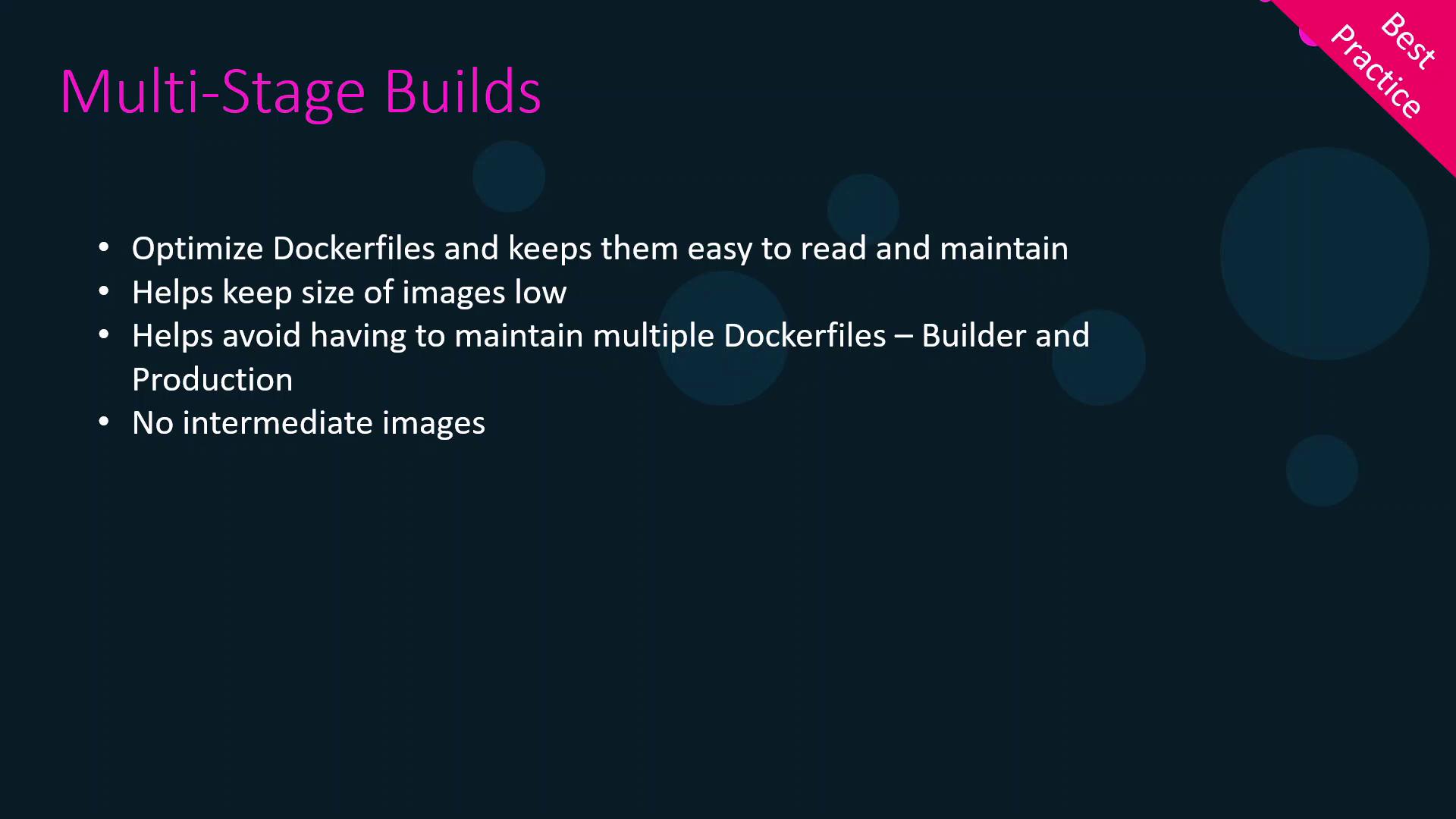
## 4. Benefits of Multi-Stage Builds
| Benefit | Explanation |
| ------------------- | --------------------------------------------------- |
| Smaller Final Image | Excludes build tools and source code |
| Single Dockerfile | Easier maintenance and less duplication |
| Faster CI/CD | Leverages Docker cache across stages |
| Enhanced Security | Only runtime dependencies end up in the final image |
## Links and References
* [Docker Multi-Stage Builds](https://docs.docker.com/develop/develop-images/multistage-build/)
* [Dockerfile reference](https://docs.docker.com/engine/reference/builder/)
* [Node.js Official Image](https://hub.docker.com/_/node)
* [Nginx Official Image](https://hub.docker.com/_/nginx)