> ## Documentation Index
> Fetch the complete documentation index at: https://notes.kodekloud.com/llms.txt
> Use this file to discover all available pages before exploring further.
# Demo Docker Stack
> This demonstrates how to deploy, verify, and scale services using Docker Stacks in a Swarm cluster.
In this lesson, we'll deploy the Example Voting App using Docker Stacks on a Swarm cluster. We start by upgrading our Compose file to version 3, deploy it as a stack, verify running services, and then scale the voting service.
## 1. Prepare the Docker Compose File (Version 3)
Below is the upgraded Compose file in version 3 format. Save this as `docker-stack.yml` on your Swarm manager:
```yaml theme={null}
version: '3'
services:
redis:
image: redis
db:
image: postgres:9.4
vote:
image: dockersamples/examplevotingapp_vote
ports:
- "5000:80"
worker:
image: dockersamples/examplevotingapp_worker
result:
image: dockersamples/examplevotingapp_result
ports:
- "5001:80"
```
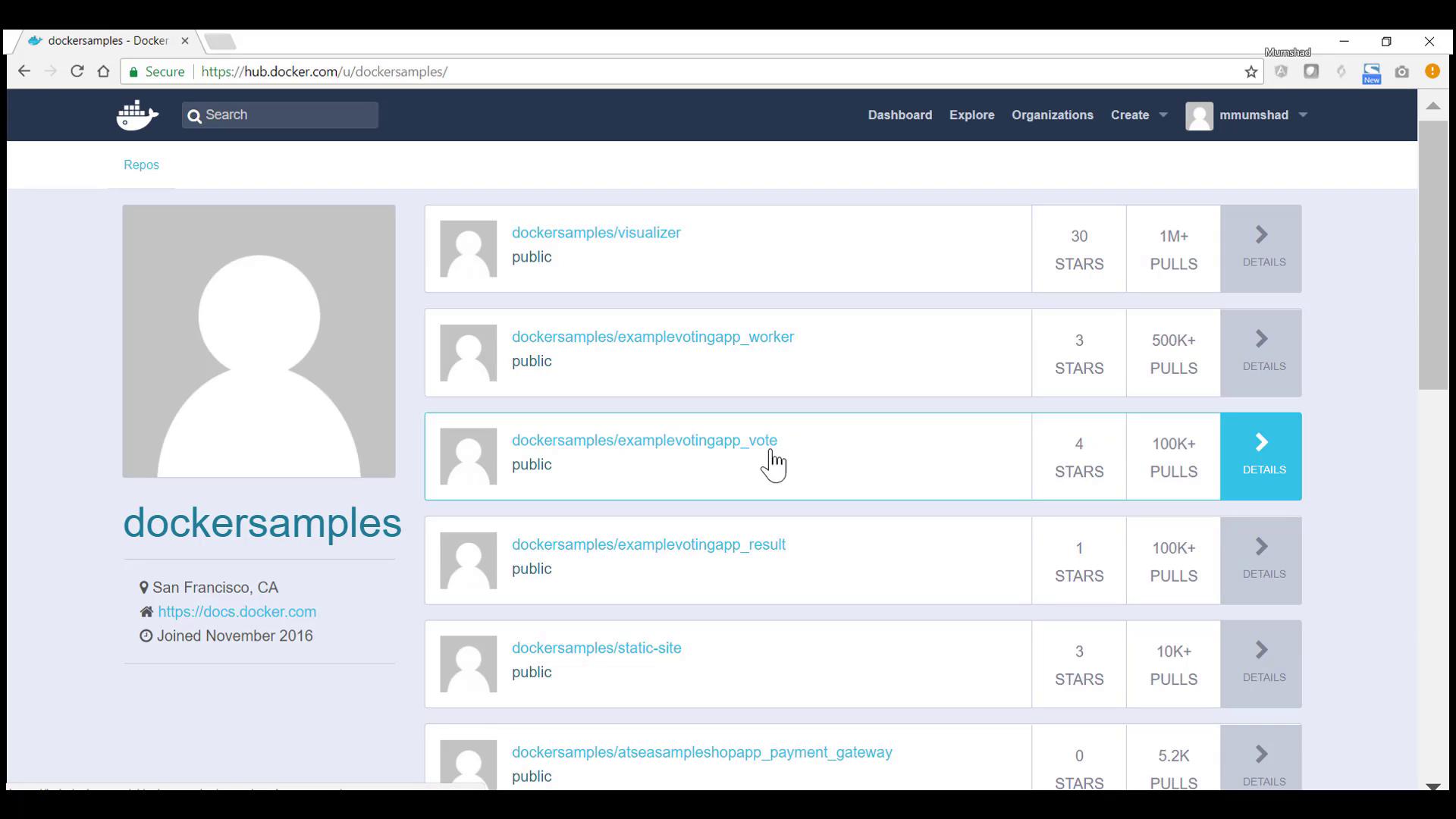
The `dockersamples` images are available on Docker Hub.
Make sure Docker Swarm is initialized on your manager node:
```bash theme={null}
docker swarm init
```
## 2. Deploy the Stack
1. SSH into your Swarm manager and create a project directory:
```bash theme={null}
mkdir ~/voting-app-stack && cd ~/voting-app-stack
```
2. Place the `docker-stack.yml` file in this directory.
3. Deploy the stack:
```bash theme={null}
docker stack deploy voting-app-stack --compose-file docker-stack.yml
```
You should see output similar to:
```Docker Compose theme={null}
Creating network voting-app-stack_default
Creating service voting-app-stack_redis
Creating service voting-app-stack_db
Creating service voting-app-stack_vote
Creating service voting-app-stack_worker
Creating service voting-app-stack_result
```
Verify all services are up:
```bash theme={null}
docker service ls
```
| Service Name | Replicas | Image |
| ------------------------ | -------- | --------------------------------------------- |
| voting-app-stack\_redis | 1/1 | redis:latest |
| voting-app-stack\_db | 1/1 | postgres:9.4 |
| voting-app-stack\_vote | 1/1 | dockersamples/examplevotingapp\_vote:latest |
| voting-app-stack\_worker | 0/1 | dockersamples/examplevotingapp\_worker:latest |
| voting-app-stack\_result | 1/1 | dockersamples/examplevotingapp\_result:latest |
## 3. Inspect Running Tasks
On any manager or worker node, list the active containers to ensure tasks are distributed:
```bash theme={null}
docker ps
```
Example output:
```text theme={null}
CONTAINER ID IMAGE NAMES
3940e228ce02 dockersamples/examplevotingapp_result:latest voting-app-stack_result.1.abcde
9348d1d3d7f5 postgres:9.4 voting-app-stack_db.1.fghij
```
## 4. Access the Voting Application
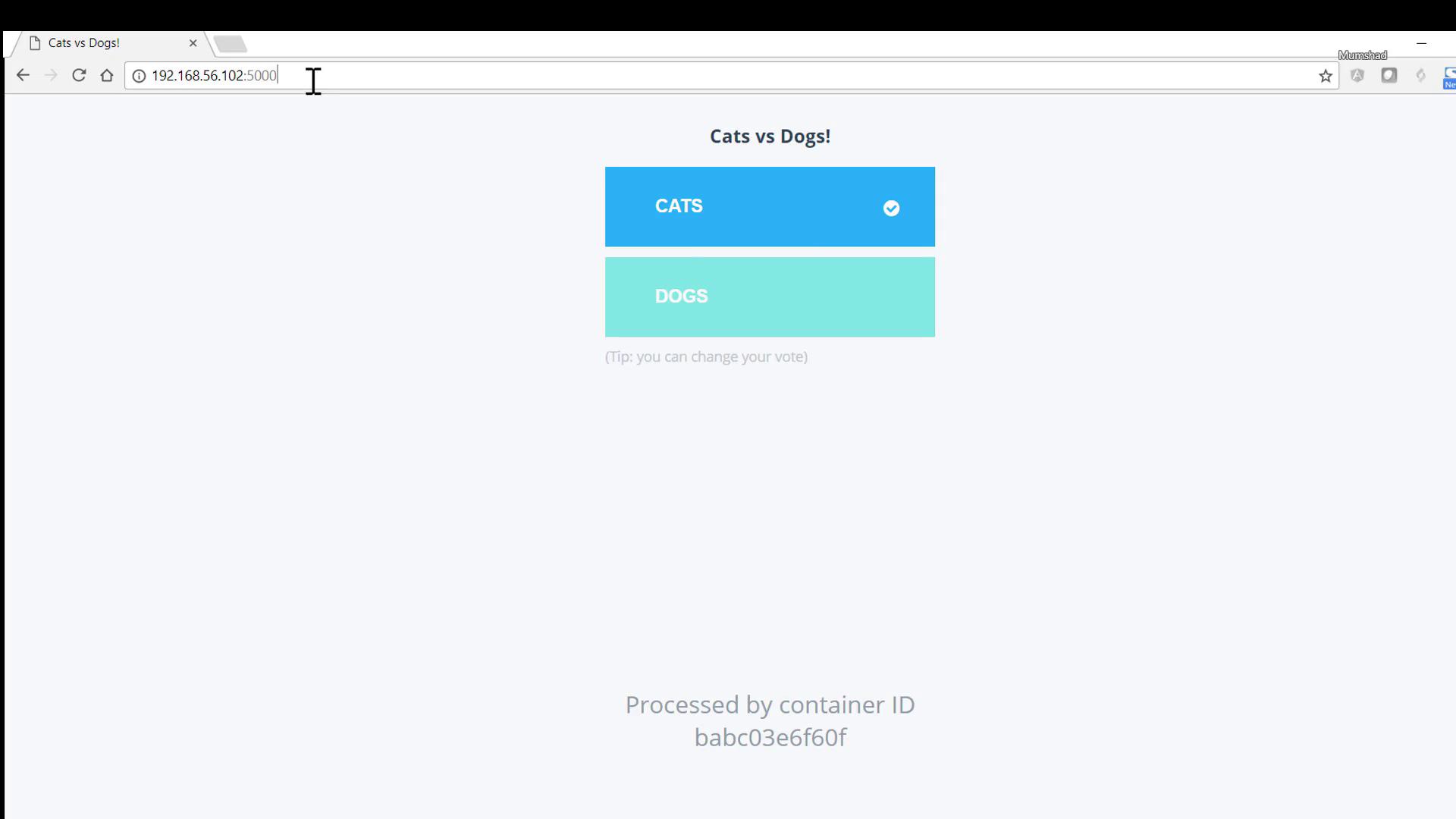
Open a browser and navigate to:
* Voting interface: http\://\:5000
* Results dashboard: http\://\:5001
## 5. Scale the Voting Service
To handle higher traffic, update `docker-stack.yml` by adding the `deploy.replicas` setting under the `vote` service:
```yaml theme={null}
services:
vote:
image: dockersamples/examplevotingapp_vote
ports:
- "5000:80"
deploy:
replicas: 2
```
Redeploy the updated stack:
```bash theme={null}
docker stack deploy voting-app-stack --compose-file docker-stack.yml
```
Confirm that the voting service now has two replicas:
```bash theme={null}
docker service ls
```
| Service Name | Replicas | Image |
| ------------------------ | -------- | --------------------------------------------- |
| voting-app-stack\_vote | 2/2 | dockersamples/examplevotingapp\_vote:latest |
| voting-app-stack\_db | 1/1 | postgres:9.4 |
| voting-app-stack\_redis | 1/1 | redis:latest |
| voting-app-stack\_result | 1/1 | dockersamples/examplevotingapp\_result:latest |
| voting-app-stack\_worker | 1/1 | dockersamples/examplevotingapp\_worker:latest |
Inspect each task:
```bash theme={null}
docker service ps voting-app-stack_vote
```
## Links and References
* [Docker Stack Deploy](https://docs.docker.com/engine/reference/commandline/stack_deploy/)
* [Docker Compose File Reference](https://docs.docker.com/compose/compose-file/)
* [Docker Swarm Overview](https://docs.docker.com/engine/swarm/)
This demonstrates how to deploy, verify, and scale services using Docker Stacks in a Swarm cluster.