> ## Documentation Index
> Fetch the complete documentation index at: https://notes.kodekloud.com/llms.txt
> Use this file to discover all available pages before exploring further.
# Section Introduction
> This lesson explores Docker Swarm architecture, service management, and advanced deployment strategies for designing and managing production-grade clusters.
In this lesson, we explore Docker Swarm from its core architecture to advanced deployments. We begin by examining the Swarm architecture, understanding how manager and worker nodes interact, and ensuring high availability through quorum. You’ll learn best practices for selecting the optimal number of manager nodes to maintain cluster resilience and avoid split-brain scenarios.
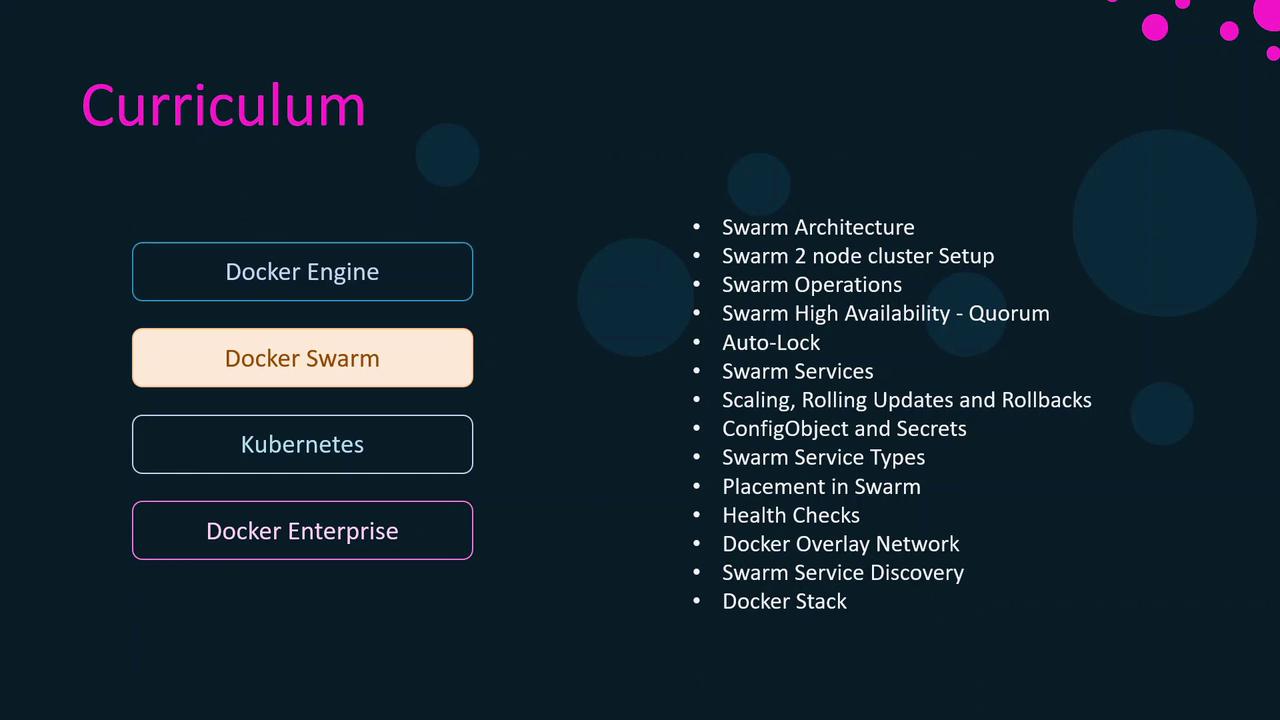
Next, we dive into Swarm services:
* Creating and scaling services with `docker service create` and `docker service scale`
* Performing rolling updates and rollbacks to minimize downtime
* Managing configurations and secrets for secure deployments
After covering service fundamentals, we’ll explore advanced topics:
* Service placement strategies for optimized resource utilization
* Health checks and failure recovery configurations
* Overlay networks and built-in service discovery
* Deploying multi-service applications with `docker stack`
Make sure you have Docker Engine installed and a basic understanding of containerization concepts. Refer to the [Docker Installation Guide](https://docs.docker.com/get-docker/) if you need setup instructions.
By the end of this section, you’ll be fully prepared to design, deploy, and manage production-grade Docker Swarm clusters.