> ## Documentation Index
> Fetch the complete documentation index at: https://notes.kodekloud.com/llms.txt
> Use this file to discover all available pages before exploring further.
# Garbage Collection
> Managing disk space in Docker Trusted Registry by running garbage collection to reclaim storage from unreferenced layers after image tag deletion.
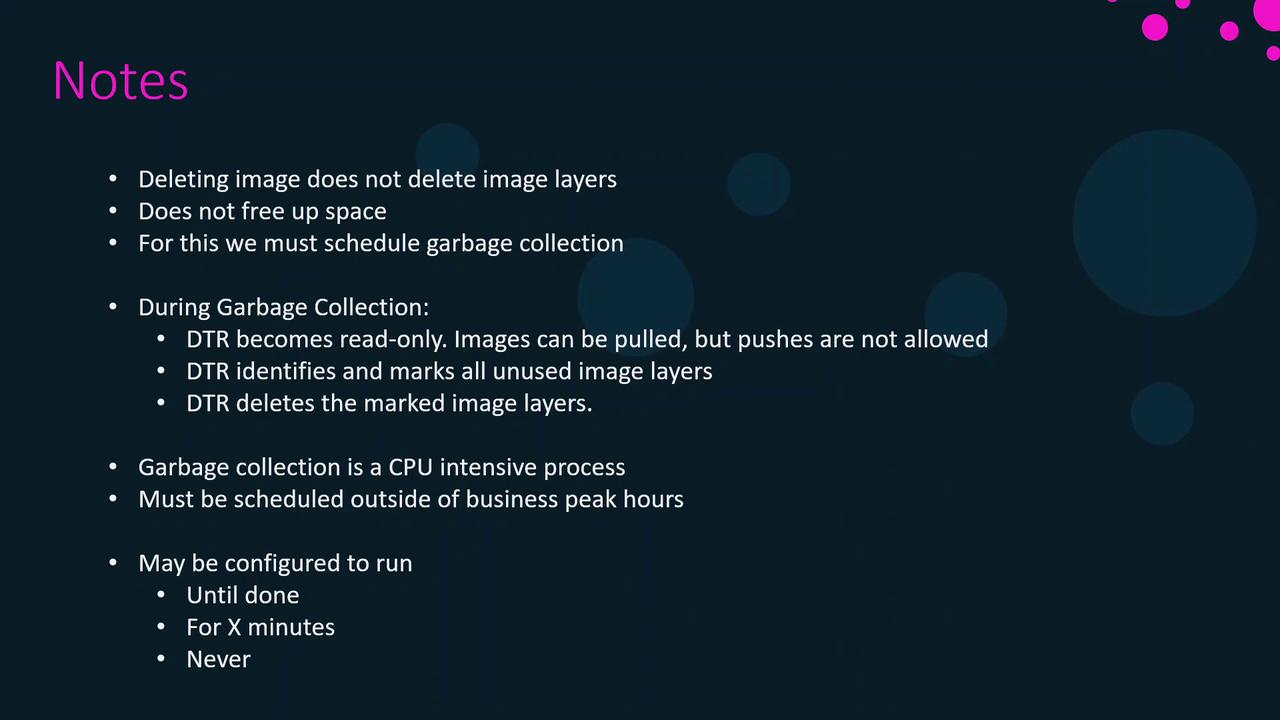
Managing disk space in Docker Trusted Registry (DTR) is essential for stable registry performance. DTR stores images as layers, and when you delete an image tag via the UI, only the tag is removed—the underlying layers remain on disk. To reclaim storage, you must run garbage collection (GC), which identifies and deletes unreferenced layers.
## Why Garbage Collection Matters
* Layers are shared across multiple images and tags.
* Deleting a tag does **not** free disk space immediately.
* Premature removal of shared layers can break other images.
Only image tags are removed when you delete an image in the UI. Layers stay on disk until garbage collection runs.
## Configuring Garbage Collection
In the DTR UI, navigate to **System** → **Garbage Collection**. Choose one of the following schedule options:
| Schedule Option | Description |
| --------------- | ------------------------------------------------------- |
| Interval | Run GC at a recurring interval (e.g., daily). |
| Until done | Perform a full scan and delete all unreferenced layers. |
| Fixed duration | Run GC for a specified number of minutes. |
| Never | Disable GC; disk usage will continue to grow. |
Garbage collection is CPU- and I/O-intensive. Schedule it during off-peak hours to minimize performance impact.
## Garbage Collection Workflow
1. **Read-only mode**\
DTR blocks image pushes and modifications; pulls remain allowed.
2. **Marking**\
DTR scans for unreferenced layers and marks them.
3. **Deletion**\
DTR deletes the marked layers, reclaiming disk space.
Plan a maintenance window, as GC can temporarily impact registry operations.
## Links and References
* [Docker Trusted Registry Garbage Collection](https://docs.docker.com/ee/dtr/gc/)
* [Docker Enterprise Documentation](https://docs.docker.com/ee/)
* [Registry Maintenance Best Practices](https://docs.docker.com/registry/maintenance/)