> ## Documentation Index
> Fetch the complete documentation index at: https://notes.kodekloud.com/llms.txt
> Use this file to discover all available pages before exploring further.
# Course Curriculum
> This curriculum aligns with the Docker Certified Associate exam, covering Docker Engine, Swarm, Kubernetes, and Enterprise topics comprehensively.
This curriculum is designed to align with the Docker Certified Associate (DCA) exam domains, ensuring comprehensive coverage of key Docker Engine, Swarm, Kubernetes, and Enterprise topics.
Below is the full breakdown of modules and their primary focus areas:
| Module | Focus Areas |
| ------------------------------- | ---------------------------------------------------------------------------------------- |
| 1. Installation & Configuration | System requirements, Engine & Swarm install, UCP/DTR, daemon config, CA auth |
| 2. Image Management | Dockerfile optimization, CLI image ops, registry deployment, best practices |
| 3. Storage & Volumes | Storage drivers, layer inspection, volumes, Kubernetes PV/PVC, StorageClass |
| 4. Networking | Network namespaces, bridge/overlay, port publishing, DNS, K8s Services/Ingress, Policies |
| 5. Security | Docker Content Trust, Engine & Swarm hardening, RBAC with UCP, image scanning |
| 6. Orchestration | Swarm services/stacks, Kubernetes Pods/Deployments/Services, scaling, rollouts |
***
## 1. Installation & Configuration
We begin with the foundation:
* **Sizing & System Requirements**: RAM, CPU, and OS compatibility
* **Installing Docker Engine**: Official packages, repository setup
* **Swarm Setup**: Initializing a Swarm cluster, manager/worker roles
* **Docker Enterprise Components**: UCP and DTR overview and deployment
* **User & Team Management**: Role-Based Access Control (RBAC)
* **Daemon Configuration**: JSON configs, `daemon.json` options, TLS certs
* **Namespaces & cgroups**: Resource isolation fundamentals
* **Troubleshooting & DR**: Backup strategies, disaster recovery planning
***
## 2. Image Management
Master image lifecycle and optimization:
* **Writing Efficient Dockerfiles**
* **Multi-Stage Builds & Build Cache** best practices
* **Docker CLI**: `docker push`, `pull`, `rmi`, `inspect`
* **Tagging & Layer Inspection**: `docker history`, layer minimization
* **Registry Operations**: Deploying a private registry, searching, and cleanup
***
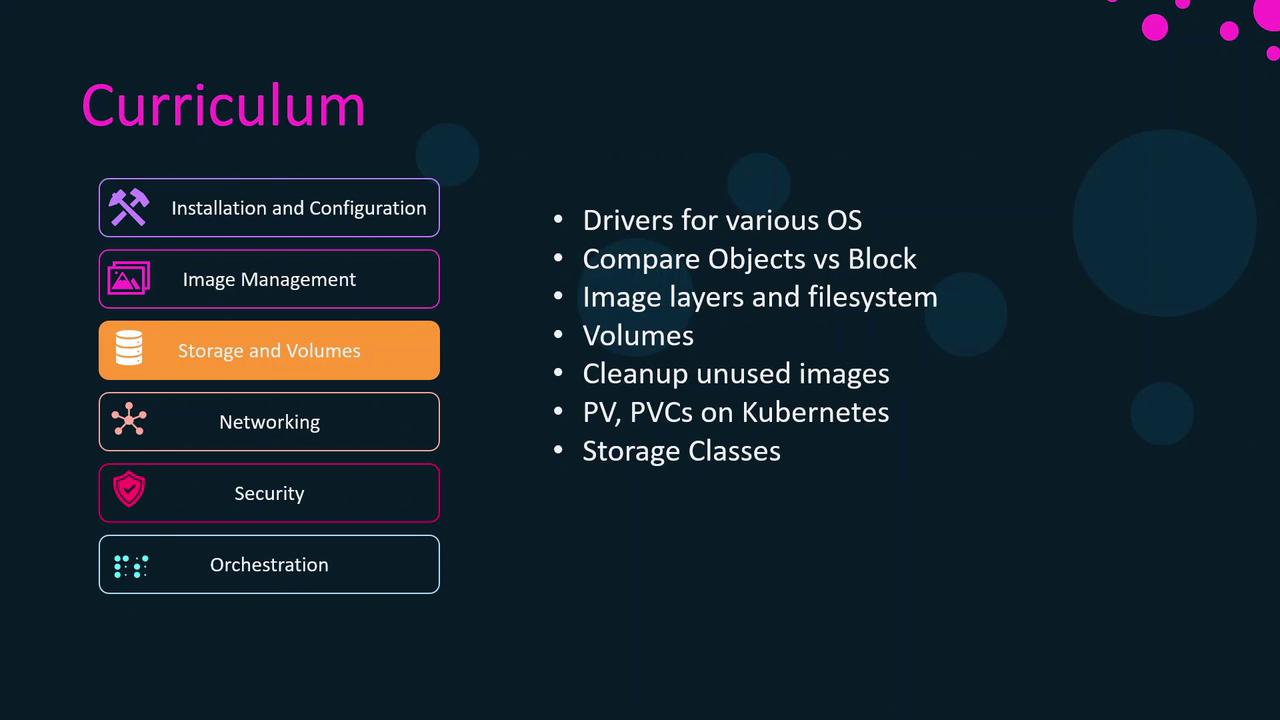
## 3. Storage & Volumes
Understand how containers persist and share data:
* **Storage Drivers**: overlay2, aufs, aufs alternatives per OS
* **Inspecting Image Layers** on the host filesystem
* **Volume Management**: Creating, mounting, pruning unused volumes
* **Kubernetes Storage**: Persistent Volumes (PV), Persistent Volume Claims (PVC), Storage Classes
***
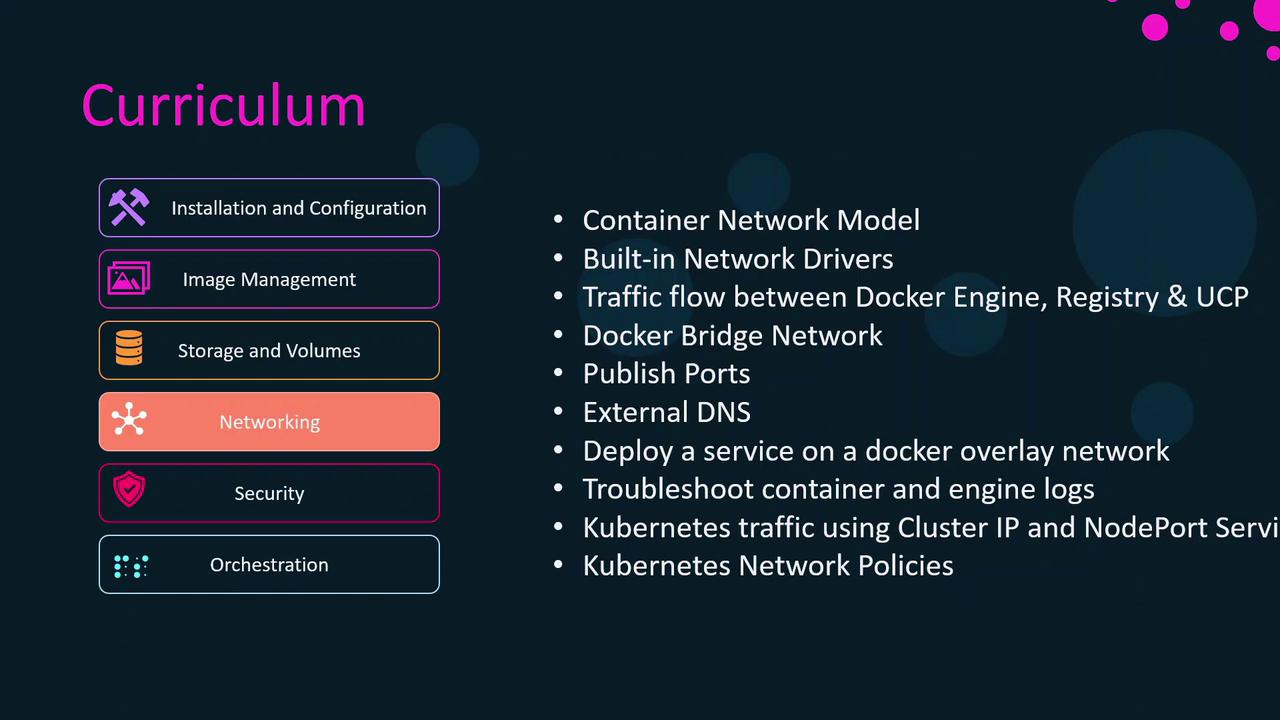
## 4. Networking
Dive into container connectivity and service exposure:
* **Linux Network Namespaces & CNM**
* **Built-in Drivers**: `bridge`, `host`, `overlay`
* **Port Publishing & External DNS** setup
* **Overlay Networks**: Deploying multi-host services
* **Network Troubleshooting**: `docker network inspect`, packet captures
* **Kubernetes Traffic Routing**: Services, Ingress Controllers, Network Policies
***
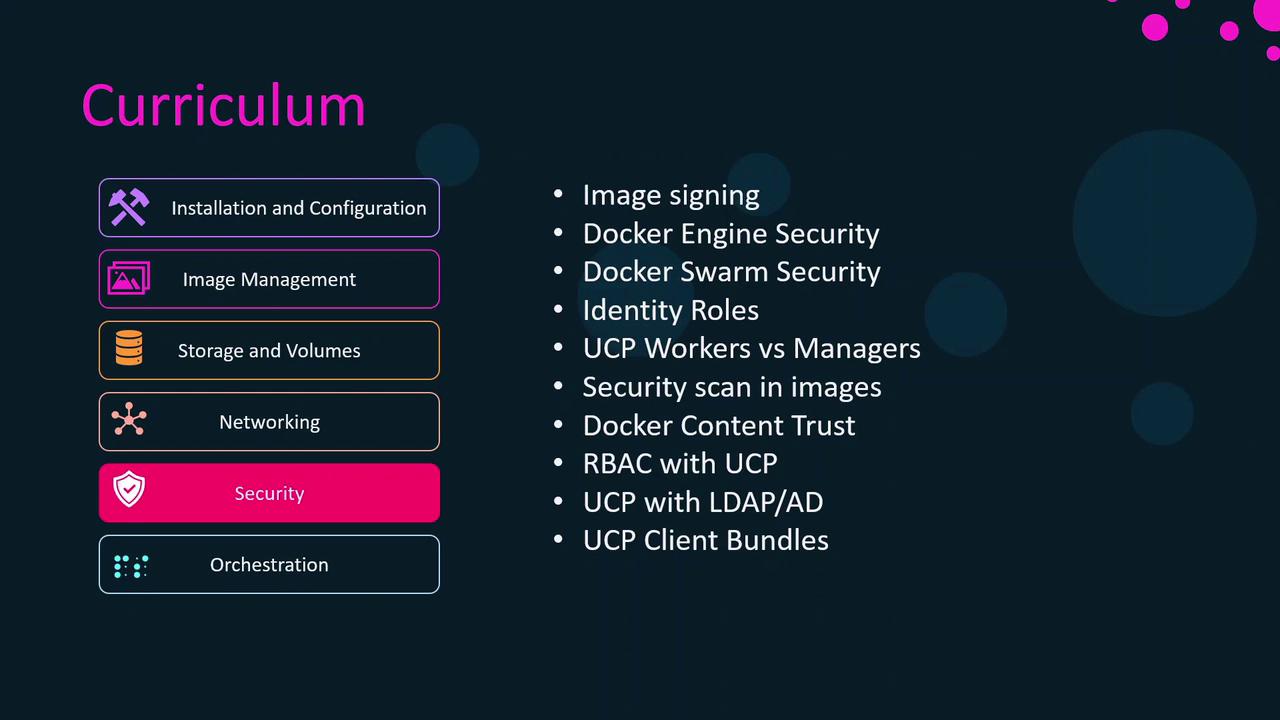
## 5. Security
Implement best practices to harden your container environment:
* **Docker Content Trust & Image Signing**
* **Engine & Swarm Security**: TLS, mutual auth, secret management
* **Identity & RBAC** with UCP managers and workers
* **Image Scanning**: Static analysis tools, vulnerability reports
* **Integrating UCP** with LDAP/AD for centralized auth
***
## 6. Orchestration
Compare and contrast Docker Swarm with Kubernetes:
* **Swarm Architecture**: Managers, workers, Raft consensus
* **Swarm Services & Stacks**: Compose file v3, rolling updates
* **Kubernetes Fundamentals**: Pods, Deployments, ReplicaSets, Services
* **Advanced K8s**: Horizontal Pod Autoscaling, liveness/readiness probes
* **Integration with Docker Enterprise**: UCP scheduling, DTR-based images
***
The curriculum is organized into four progressive sections:
1. **Docker Engine** – Core installation, config, and basic operations
2. **Docker Swarm** – Native orchestration model
3. **Kubernetes** – Industry-standard orchestration
4. **Docker Enterprise** – UCP/DTR integrations and advanced management
Each technology module revisits installation, management, storage, networking, and security in context.
***
To maximize your learning experience, we recommend:
* Completion of **Docker for Beginners**
* Completion of **Kubernetes for Beginners**
If you’re already familiar with:
* **Docker Swarm fundamentals**
* **Certified Kubernetes Application Developer (CKAD)**
you can breeze through the orchestration sections. Otherwise, all core concepts are introduced from the ground up.
***
In the next lesson, we’ll start with **Module 1: Docker Engine Installation & Configuration**.
## Links and References
* [Docker Documentation](https://docs.docker.com/)
* [Kubernetes Documentation](https://kubernetes.io/docs/)
* [Docker Certified Associate Exam Domains](https://success.docker.com/certification)
* [Docker Content Trust Guide](https://docs.docker.com/engine/security/trust/)