> ## Documentation Index
> Fetch the complete documentation index at: https://notes.kodekloud.com/llms.txt
> Use this file to discover all available pages before exploring further.
# Kubernetes Architecture
> This article provides an overview of Kubernetes architecture and core concepts for running and scaling containerized applications.
In this lesson, you’ll get a concise overview of Kubernetes architecture and its core concepts. While Kubernetes is a vast ecosystem—entire courses cover every detail—this guide focuses on the essentials you need to understand how Kubernetes runs and scales containerized applications.
## Docker vs. Kubernetes
Docker and Kubernetes often appear together, but they serve different purposes:
* Docker provides a **container runtime** for packaging and running individual containers.
* Kubernetes is an **orchestration system** that automates deployment, scaling, and management of containerized applications across a cluster.
Kubernetes supports multiple container runtimes. While Docker is the most common, you can also use CRI-O or containerd via the [Container Runtime Interface (CRI)](https://kubernetes.io/docs/concepts/architecture/cri/).
## 1. Nodes and Cluster
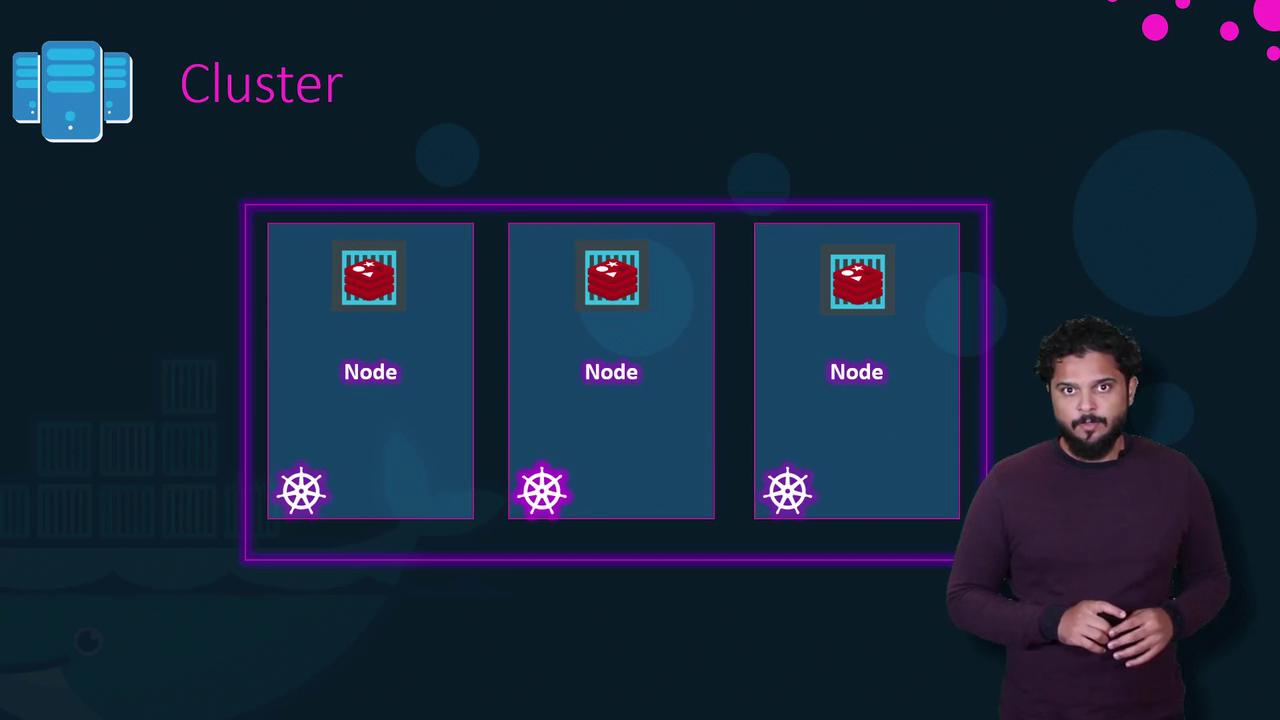
A *node* is a physical or virtual machine that runs containerized workloads. You group multiple nodes into a *cluster* to achieve high availability and fault tolerance. If one node fails, other nodes continue serving your application.
## 2. Control Plane Components
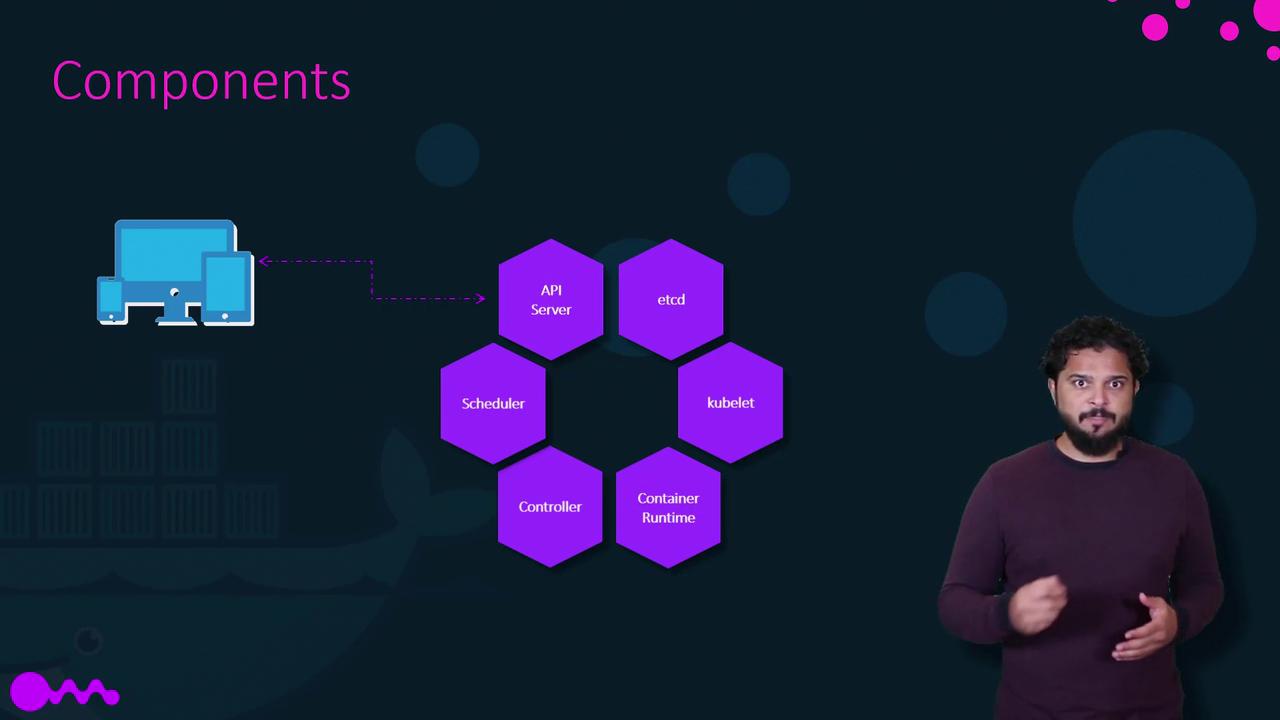
The control plane (formerly called “master”) runs components that maintain the cluster’s desired state:
| Component | Role |
| --------------------- | -------------------------------------------------------------------------------------- |
| **API Server** | The cluster’s front end. All CLI (`kubectl`), UI, and internal requests go through it. |
| **etcd** | A highly available key-value store for all cluster data and configuration. |
| **Scheduler** | Assigns pods to nodes based on resource requirements and policies. |
| **Controller** | Monitors state and takes corrective actions (e.g., launching new pods on failure). |
| **kubelet** | Agent on each node ensuring containers described in PodSpecs are running and healthy. |
| **Container Runtime** | Software that runs containers (e.g., Docker, containerd, CRI-O). |
Data in **etcd** is critical: back it up regularly. Loss of etcd data can render your cluster unusable.
## 3. Kubernetes CLI (`kubectl`)
`kubectl` is the primary command-line tool to interact with the Kubernetes API. Here are common commands:
| Command | Description |
| -------------------------- | --------------------------------------------------- |
| `kubectl run` | Deploy an application (create a Deployment or Pod). |
| `kubectl get nodes` | List all nodes in the cluster. |
| `kubectl get pods` | List all pods in the current namespace. |
| `kubectl cluster-info` | Display addresses of the control plane. |
| `kubectl scale deployment` | Adjust the number of replicas in a Deployment. |
| `kubectl set image` | Update the image of a Deployment. |
| `kubectl rollout undo` | Roll back to a previous Deployment version. |
### Example Workflow
```bash theme={null}
# Deploy a simple BusyBox pod with a single replica
kubectl run hello-minikube --image=busybox --replicas=1
# Verify nodes and cluster
kubectl get nodes
kubectl cluster-info
# Scale up your application
kubectl scale deployment hello-minikube --replicas=3
# Perform a rolling update
kubectl set image deployment/hello-minikube hello-minikube=busybox:1.1 --record
# Roll back if needed
kubectl rollout undo deployment/hello-minikube
```
You can also configure **Horizontal Pod Autoscaler** to automatically adjust replica counts based on CPU or custom metrics. See [Horizontal Pod Autoscaling](https://kubernetes.io/docs/tasks/run-application/horizontal-pod-autoscale/) for details.
***
Ready to dive deeper? Explore our in-depth Kubernetes courses to master topics like Networking, Storage, Security, and become a certified Kubernetes Administrator (CKA).
## Links and References
* [Kubernetes Official Documentation](https://kubernetes.io/docs/)
* [Docker Hub](https://hub.docker.com/)
* [Terraform Registry](https://registry.terraform.io/)