> ## Documentation Index
> Fetch the complete documentation index at: https://notes.kodekloud.com/llms.txt
> Use this file to discover all available pages before exploring further.
# Bonus Lecture Introduction to YAML
> This lesson introduces YAML files and their use in representing structured configuration data in a human-readable format.
Welcome to this lesson on YAML! In this tutorial, you'll learn what YAML files are and how they are used to represent structured configuration data in a human-readable format. If you already have experience with YAML, feel free to skip ahead. However, if you're just starting out, I highly recommend following along since a solid understanding of YAML is essential for the rest of this course. If you've worked with XML or JSON before, you'll find that YAML is relatively straightforward.
Below is an example YAML file that represents server configuration data:
```yaml theme={null}
Servers:
- name: Server1
owner: John
created: 12232012
status: active
```
Even if you haven't worked with similar data formats, you'll be able to pick up YAML quickly through our coding exercises.
Next, let's compare how the same data can be represented in XML, JSON, and YAML. The image below shows a sample list of servers with XML on the left, JSON in the middle, and YAML on the right:
 ## Basic Key-Value Pairs
YAML primarily uses key-value pairs to represent data. Each key is followed by a colon and a space, and then its corresponding value. For example, consider the following simple YAML structure:
```yaml theme={null}
Fruit: Apple
Vegetable: Carrot
Liquid: Water
Meat: Chicken
```
## Representing Arrays
To represent arrays (or lists) in YAML, define a key with a colon. On the next line, list each item with a dash. Below is an example that combines both key-value pairs and arrays:
```yaml theme={null}
# Key Value Pair
Fruit: Apple
Vegetable: Carrot
Liquid: Water
Meat: Chicken
# Array/Lists
Fruits:
- Orange
- Apple
- Banana
Vegetables:
- Carrot
- Cauliflower
- Tomato
```
## Grouping Properties with Dictionaries
Dictionaries (or maps) allow you to group related properties under a single key. For instance, to represent nutritional information, you might structure your YAML file with dictionaries and arrays as shown below:
```yaml theme={null}
KeyValuePair:
Fruit: Apple
Vegetable: Carrot
Liquid: Water
Meat: Chicken
ArrayLists:
Fruits:
- Orange
- Apple
- Banana
Vegetables:
- Carrot
- Cauliflower
- Tomato
DictionaryMap:
Banana:
Calories: 105
Fat: 0.4 g
Carbs: 27 g
Grapes:
Calories: 62
Fat: 0.3 g
Carbs: 16 g
```
Maintaining consistent indentation is crucial with YAML. Each level of nesting must be aligned with the same number of spaces.
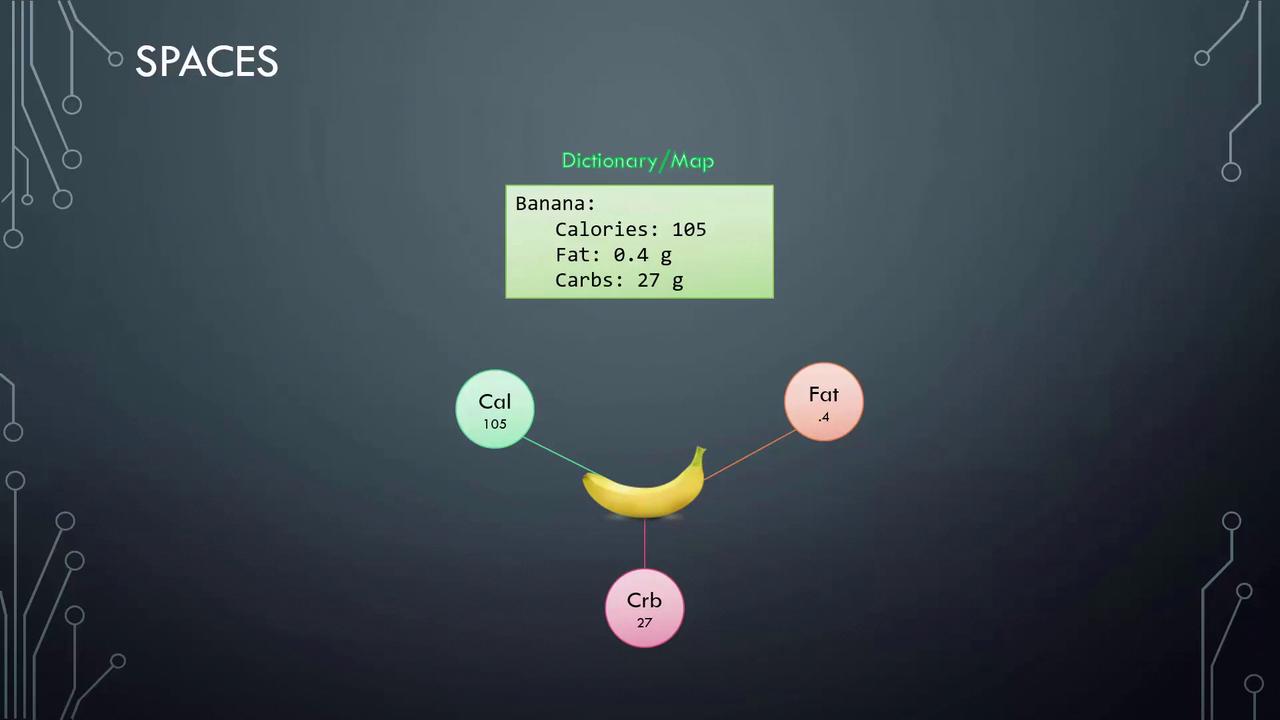
The image below illustrates the nutritional information of a banana using a dictionary/map format:
Ensure you maintain consistent indentation. Extra spaces or incorrect indentation can lead to YAML syntax errors, such as accidentally nesting properties under the wrong key.
## Lists of Dictionaries
YAML also supports lists that contain dictionaries. In the example below, each element in the list is a dictionary that represents the nutritional information of a fruit:
```yaml theme={null}
Fruits:
- Banana:
Calories: 105
Fat: 0.4 g
Carbs: 27 g
- Grape:
Calories: 62
Fat: 0.3 g
Carbs: 16 g
```
## When to Use Dictionaries versus Lists
A common question is when to choose a dictionary over a list. YAML, much like XML and JSON, can describe various types of data—from organizational employee records to detailed information about vehicles.
For example, consider a car object with properties such as color, model, transmission, and price. A dictionary is perfect to represent a single car:
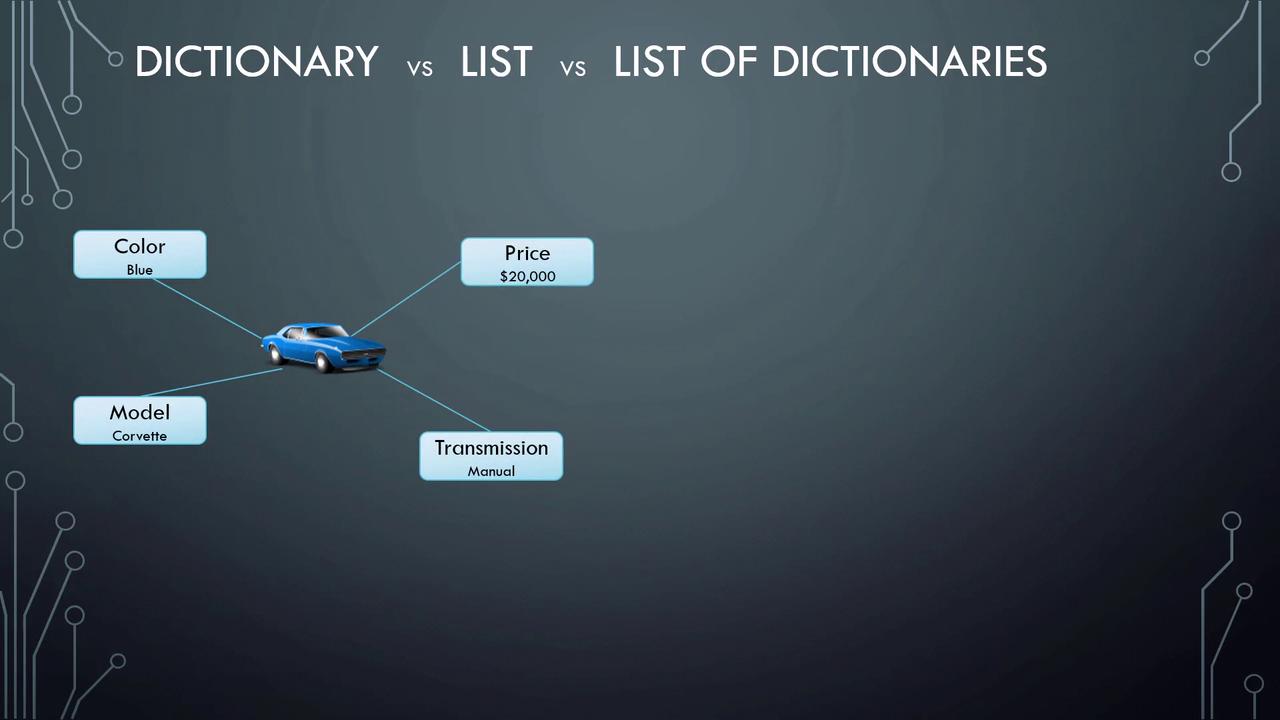
Here's an example of a simple dictionary representing a car:
```yaml theme={null}
Color: Blue
Model:
Name: Corvette
Year: 1995
Transmission: Manual
Price: $20,000
```
If you need to store multiple cars, you can use a list of dictionaries. This approach allows each car to have its own dictionary with full details:
```yaml theme={null}
- Color: Blue
Model:
Name: Corvette
Year: 1995
Transmission: Manual
Price: $20,000
- Color: Grey
Model:
Name: Corvette
Year: 1995
Transmission: Manual
Price: $22,000
- Color: Red
Model:
Name: Corvette
Year: 1995
Transmission: Automatic
Price: $20,000
- Color: Green
Model:
Name: Corvette
Year: 1995
Transmission: Manual
Price: $23,000
- Color: Blue
Model:
Name: Corvette
Year: 1995
Transmission: Manual
Price: $20,000
```
This example highlights the difference between using a single dictionary for one car and a list of dictionaries for multiple cars.
## Key Differences: Dictionaries vs. Lists
It's important to understand the fundamental differences between dictionaries and lists:
* **Dictionaries:**\
Dictionaries are unordered collections of key-value pairs. The order of keys does not matter; what is important is the integrity of the key-value mapping. For example, the following representations of a banana are equivalent:
```yaml theme={null}
Banana:
Calories: 105
Carbs: 27 g
Fat: 0.4 g
```
* **Lists:**\
Lists are ordered collections. The sequence in which items appear is significant. For example:
```yaml theme={null}
Fruits:
- Orange
- Apple
- Banana
```
Changing the order of items in the list will alter the sequence, which might be important depending on your use case.
Additionally, remember that any line beginning with a hash (#) is treated as a comment by the YAML parser and will be ignored:
```yaml theme={null}
# List of Fruits
Fruits:
- Orange
- Apple
- Banana
```
With these concepts, you are now ready to dive into the coding exercises and start applying your YAML knowledge. Enjoy exploring YAML files, and happy coding!
For further reading, consider checking out the following resources:
* [Kubernetes Basics](https://kubernetes.io/docs/concepts/overview/what-is-kubernetes/)
* [Kubernetes Documentation](https://kubernetes.io/docs/)
* [Docker Hub](https://hub.docker.com/)
* [Terraform Registry](https://registry.terraform.io/)
## Basic Key-Value Pairs
YAML primarily uses key-value pairs to represent data. Each key is followed by a colon and a space, and then its corresponding value. For example, consider the following simple YAML structure:
```yaml theme={null}
Fruit: Apple
Vegetable: Carrot
Liquid: Water
Meat: Chicken
```
## Representing Arrays
To represent arrays (or lists) in YAML, define a key with a colon. On the next line, list each item with a dash. Below is an example that combines both key-value pairs and arrays:
```yaml theme={null}
# Key Value Pair
Fruit: Apple
Vegetable: Carrot
Liquid: Water
Meat: Chicken
# Array/Lists
Fruits:
- Orange
- Apple
- Banana
Vegetables:
- Carrot
- Cauliflower
- Tomato
```
## Grouping Properties with Dictionaries
Dictionaries (or maps) allow you to group related properties under a single key. For instance, to represent nutritional information, you might structure your YAML file with dictionaries and arrays as shown below:
```yaml theme={null}
KeyValuePair:
Fruit: Apple
Vegetable: Carrot
Liquid: Water
Meat: Chicken
ArrayLists:
Fruits:
- Orange
- Apple
- Banana
Vegetables:
- Carrot
- Cauliflower
- Tomato
DictionaryMap:
Banana:
Calories: 105
Fat: 0.4 g
Carbs: 27 g
Grapes:
Calories: 62
Fat: 0.3 g
Carbs: 16 g
```
Maintaining consistent indentation is crucial with YAML. Each level of nesting must be aligned with the same number of spaces.
The image below illustrates the nutritional information of a banana using a dictionary/map format:

Ensure you maintain consistent indentation. Extra spaces or incorrect indentation can lead to YAML syntax errors, such as accidentally nesting properties under the wrong key.
## Lists of Dictionaries
YAML also supports lists that contain dictionaries. In the example below, each element in the list is a dictionary that represents the nutritional information of a fruit:
```yaml theme={null}
Fruits:
- Banana:
Calories: 105
Fat: 0.4 g
Carbs: 27 g
- Grape:
Calories: 62
Fat: 0.3 g
Carbs: 16 g
```
## When to Use Dictionaries versus Lists
A common question is when to choose a dictionary over a list. YAML, much like XML and JSON, can describe various types of data—from organizational employee records to detailed information about vehicles.
For example, consider a car object with properties such as color, model, transmission, and price. A dictionary is perfect to represent a single car:

Here's an example of a simple dictionary representing a car:
```yaml theme={null}
Color: Blue
Model:
Name: Corvette
Year: 1995
Transmission: Manual
Price: $20,000
```
If you need to store multiple cars, you can use a list of dictionaries. This approach allows each car to have its own dictionary with full details:
```yaml theme={null}
- Color: Blue
Model:
Name: Corvette
Year: 1995
Transmission: Manual
Price: $20,000
- Color: Grey
Model:
Name: Corvette
Year: 1995
Transmission: Manual
Price: $22,000
- Color: Red
Model:
Name: Corvette
Year: 1995
Transmission: Automatic
Price: $20,000
- Color: Green
Model:
Name: Corvette
Year: 1995
Transmission: Manual
Price: $23,000
- Color: Blue
Model:
Name: Corvette
Year: 1995
Transmission: Manual
Price: $20,000
```
This example highlights the difference between using a single dictionary for one car and a list of dictionaries for multiple cars.
## Key Differences: Dictionaries vs. Lists
It's important to understand the fundamental differences between dictionaries and lists:
* **Dictionaries:**\
Dictionaries are unordered collections of key-value pairs. The order of keys does not matter; what is important is the integrity of the key-value mapping. For example, the following representations of a banana are equivalent:
```yaml theme={null}
Banana:
Calories: 105
Carbs: 27 g
Fat: 0.4 g
```
* **Lists:**\
Lists are ordered collections. The sequence in which items appear is significant. For example:
```yaml theme={null}
Fruits:
- Orange
- Apple
- Banana
```
Changing the order of items in the list will alter the sequence, which might be important depending on your use case.
Additionally, remember that any line beginning with a hash (#) is treated as a comment by the YAML parser and will be ignored:
```yaml theme={null}
# List of Fruits
Fruits:
- Orange
- Apple
- Banana
```
With these concepts, you are now ready to dive into the coding exercises and start applying your YAML knowledge. Enjoy exploring YAML files, and happy coding!
For further reading, consider checking out the following resources:
* [Kubernetes Basics](https://kubernetes.io/docs/concepts/overview/what-is-kubernetes/)
* [Kubernetes Documentation](https://kubernetes.io/docs/)
* [Docker Hub](https://hub.docker.com/)
* [Terraform Registry](https://registry.terraform.io/)