> ## Documentation Index
> Fetch the complete documentation index at: https://notes.kodekloud.com/llms.txt
> Use this file to discover all available pages before exploring further.
# cgroups
> Explains how Docker uses cgroups to limit and manage container CPU and memory resources and common docker run flags for controlling and monitoring resource usage
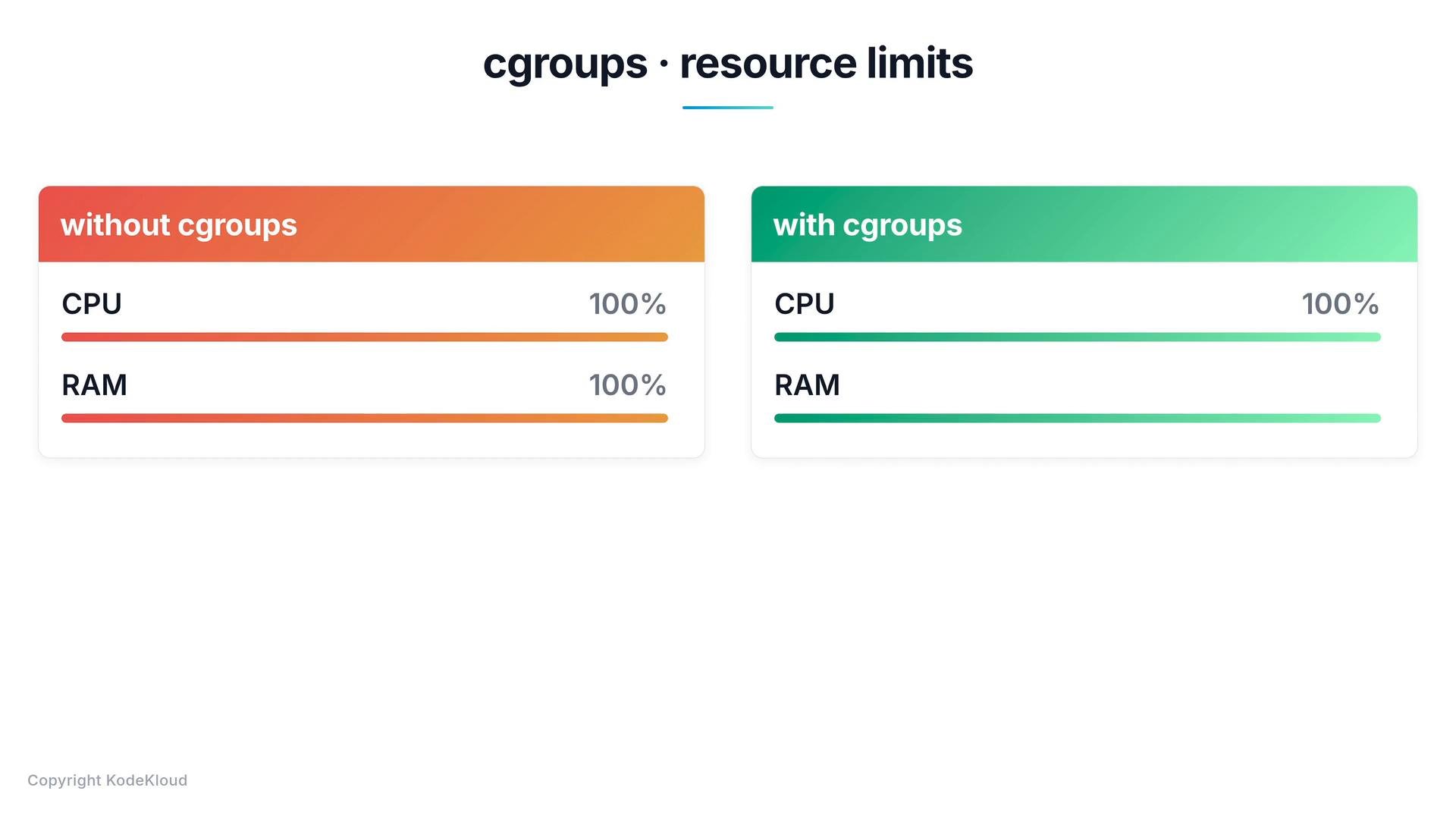
Containers and the Docker host share the same kernel and, by extension, the host's hardware resources such as CPU and memory. Without explicit restrictions, a container can consume as much of those shared resources as the host allows, potentially impacting other containers and the host itself.
Docker relies on cgroups (control groups) to control how much CPU and memory a container may use. cgroups provide mechanisms to limit, account for, and isolate resource usage (CPU, memory, block I/O, etc.) for a set of processes — in this case, the container processes.
 ## Common docker run flags that use cgroups
You set cgroup-backed limits when creating a container with `docker run`. The most common flags control CPU and memory:
| Flag | Purpose | Example |
| - | - | - |
| `--cpus` | Limits CPU time available to the container (fractional CPU cores). Implemented using the kernel's CFS quota/period mechanism. | `--cpus=0.5` |
| `--memory` | Sets the maximum amount of memory the container can use. Supports units: `k`, `m`, `g`. Exceeding this may trigger the kernel OOM killer inside the container. | `--memory=100m` |
| `--cpu-shares` | Relative weight for CPU contention (soft limit). | `--cpu-shares=512` |
| `--cpuset-cpus` | Pin container processes to specific CPU cores. | `--cpuset-cpus="0,1"` |
| `--cpu-quota` / `--cpu-period` | Fine-grained CPU control using quota/period settings. | `--cpu-quota=50000 --cpu-period=100000` |
| `--memory-swap` | Control total memory + swap available to the container. | `--memory=100m --memory-swap=200m` |
Use `--cpus` and `--memory` for most common resource constraints. For advanced tuning (e.g., real-time workloads or strict core pinning), consider `--cpuset-cpus`, `--cpu-quota`/`--cpu-period`, and `--memory-swap`. Monitor usage with `docker stats` to validate limits in production.
## Examples
Limit CPU and memory when starting a container:
```bash theme={null}
# Limit the container to half a CPU core
docker run --cpus=0.5 ubuntu
# Limit the container to 100 megabytes of memory
docker run --memory=100m ubuntu
```
More explicit CPU quota/period example (equivalent to \~0.5 CPUs if period is 100000 microseconds and quota is 50000):
```bash theme={null}
docker run --cpu-quota=50000 --cpu-period=100000 ubuntu
```
Pin a container to specific CPU cores:
```bash theme={null}
docker run --cpuset-cpus="0,1" ubuntu
```
Control memory plus swap:
```bash theme={null}
# Allow 100m of RAM and up to 200m total (ram + swap)
docker run --memory=100m --memory-swap=200m ubuntu
```
If a container exceeds its memory limit, the kernel may kill processes inside the container (OOM). Always set sensible limits for your workload, test them under load, and monitor containers with `docker stats` and your observability tools.
## Quick reference and resources
* Command to view live resource usage: `docker stats`
* Docker run reference: [https://docs.docker.com/engine/reference/commandline/run/](https://docs.docker.com/engine/reference/commandline/run/)
* Kernel cgroups documentation: [https://www.kernel.org/doc/html/latest/admin-guide/cgroup-v2.html](https://www.kernel.org/doc/html/latest/admin-guide/cgroup-v2.html)
For more on Docker resource management and production tuning, consult the Docker documentation and your orchestration platform's resource management guides.
This documentation is built and hosted on [Mintlify](https://mintlify.com), a developer documentation platform.
## Common docker run flags that use cgroups
You set cgroup-backed limits when creating a container with `docker run`. The most common flags control CPU and memory:
| Flag | Purpose | Example |
| - | - | - |
| `--cpus` | Limits CPU time available to the container (fractional CPU cores). Implemented using the kernel's CFS quota/period mechanism. | `--cpus=0.5` |
| `--memory` | Sets the maximum amount of memory the container can use. Supports units: `k`, `m`, `g`. Exceeding this may trigger the kernel OOM killer inside the container. | `--memory=100m` |
| `--cpu-shares` | Relative weight for CPU contention (soft limit). | `--cpu-shares=512` |
| `--cpuset-cpus` | Pin container processes to specific CPU cores. | `--cpuset-cpus="0,1"` |
| `--cpu-quota` / `--cpu-period` | Fine-grained CPU control using quota/period settings. | `--cpu-quota=50000 --cpu-period=100000` |
| `--memory-swap` | Control total memory + swap available to the container. | `--memory=100m --memory-swap=200m` |
Use `--cpus` and `--memory` for most common resource constraints. For advanced tuning (e.g., real-time workloads or strict core pinning), consider `--cpuset-cpus`, `--cpu-quota`/`--cpu-period`, and `--memory-swap`. Monitor usage with `docker stats` to validate limits in production.
## Examples
Limit CPU and memory when starting a container:
```bash theme={null}
# Limit the container to half a CPU core
docker run --cpus=0.5 ubuntu
# Limit the container to 100 megabytes of memory
docker run --memory=100m ubuntu
```
More explicit CPU quota/period example (equivalent to \~0.5 CPUs if period is 100000 microseconds and quota is 50000):
```bash theme={null}
docker run --cpu-quota=50000 --cpu-period=100000 ubuntu
```
Pin a container to specific CPU cores:
```bash theme={null}
docker run --cpuset-cpus="0,1" ubuntu
```
Control memory plus swap:
```bash theme={null}
# Allow 100m of RAM and up to 200m total (ram + swap)
docker run --memory=100m --memory-swap=200m ubuntu
```
If a container exceeds its memory limit, the kernel may kill processes inside the container (OOM). Always set sensible limits for your workload, test them under load, and monitor containers with `docker stats` and your observability tools.
## Quick reference and resources
* Command to view live resource usage: `docker stats`
* Docker run reference: [https://docs.docker.com/engine/reference/commandline/run/](https://docs.docker.com/engine/reference/commandline/run/)
* Kernel cgroups documentation: [https://www.kernel.org/doc/html/latest/admin-guide/cgroup-v2.html](https://www.kernel.org/doc/html/latest/admin-guide/cgroup-v2.html)
For more on Docker resource management and production tuning, consult the Docker documentation and your orchestration platform's resource management guides.
This documentation is built and hosted on [Mintlify](https://mintlify.com), a developer documentation platform.