> ## Documentation Index
> Fetch the complete documentation index at: https://notes.kodekloud.com/llms.txt
> Use this file to discover all available pages before exploring further.
# Docker Init
> Explains Docker Init, a CLI scaffolder that generates starter Dockerfiles and companion files to quickly bootstrap and customize containerized project setups
Writing a Dockerfile from scratch is a useful skill, but when you want a working starter for a brand‑new project, Docker includes a built-in scaffolder that removes much of the boilerplate for you.
This guide explains Docker Init: what it does, what it generates, and when to use it. It also shows the exact files and examples Docker Init produces so you can get started quickly and safely customize the output for your project.
## What docker init does
* Run `docker init` in your project directory (for example, after `cd my-project`).
* The command runs a short interactive prompt, inspects files in the directory, and infers the language (for example, `package.json` → Node, `go.mod` → Go, `requirements.txt` → Python).
* It asks a few language-specific follow-up questions: runtime version, package manager, entrypoint file, port to expose, etc.
* With a few quick answers, Docker Init generates a minimal, sensible set of Docker assets to get you started.
Example:
```bash theme={null}
$ cd my-project
$ docker init
```
## What files docker init generates
Docker Init produces four files by default:
| File | Purpose | Notes / Example |
| - | - | - |
| `Dockerfile` | Multi-stage, production-ready starter | Includes version ARG, slim base image, dependency caching, non-root user, and `EXPOSE` |
| `.dockerignore` | Keeps build context small | Pre-populated with common language ignores (e.g., `node_modules`, `__pycache__`) |
| `compose.yaml` | Local runtime with port mapping | Minimal `docker compose up` support |
| `README.Docker.md` | Quick start instructions | How to build and run the generated setup |
Below are the exact examples Docker Init typically generates.
### 1) Dockerfile (multi-stage, production-ready starter)
This Dockerfile demonstrates recommended patterns: `ARG` for version, a slim base image, multi-stage builds, dependency caching, `NODE_ENV`, non-root user, `EXPOSE`, and a simple `CMD`.
```dockerfile theme={null}
# syntax=docker/dockerfile:1
ARG NODE_VERSION=20
FROM node:${NODE_VERSION}-alpine AS base
WORKDIR /usr/src/app
# copy package files first to enable dependency caching
COPY package*.json ./
FROM base AS deps
RUN --mount=type=cache,target=/root/.npm \
npm ci --omit=dev
FROM deps AS final
ENV NODE_ENV=production
# copy application files (do this before switching to a non-root user)
COPY . .
USER node
EXPOSE 3000
CMD ["node", "src/index.js"]
```
### 2) .dockerignore (examples for common languages)
Docker Init populates `.dockerignore` with reasonable entries for the detected language so your build context stays small and builds are faster.
```text theme={null}
# Node
**/node_modules
**/npm-debug.log
# Python
__pycache__/
*.pyc
# Rust
target/
# Common
**/.git
**/.env
LICENSE
README.md
```
### 3) compose.yaml (starter Compose file)
A minimal Compose file is generated to run the service locally with the port mapped.
```yaml theme={null}
services:
server:
build:
context: .
environment:
NODE_ENV: production
ports:
- "3000:3000"
```
### 4) README.Docker.md (quick start)
A short README explains how to build and run the generated setup.
```markdown theme={null}
### Building and running your application
When you're ready, start your application by running:
`docker compose up --build`.
Your application will be available at
http://localhost:3000.
```
## How Docker Init works (and what it doesn't do)
Docker Init is a template-based scaffolder, not an AI tool. The CLI ships with a small set of static templates (usually one per supported language) and fills in the blanks based on your answers. It does not analyze your source code, so it won't automatically detect custom build steps, system packages, or libraries that require special handling.
Docker Init gives a sensible starting point for typical apps in each language. Expect to make hand edits afterward to add project-specific build steps, system dependencies, environment variables, or custom entrypoints.
## Supported languages
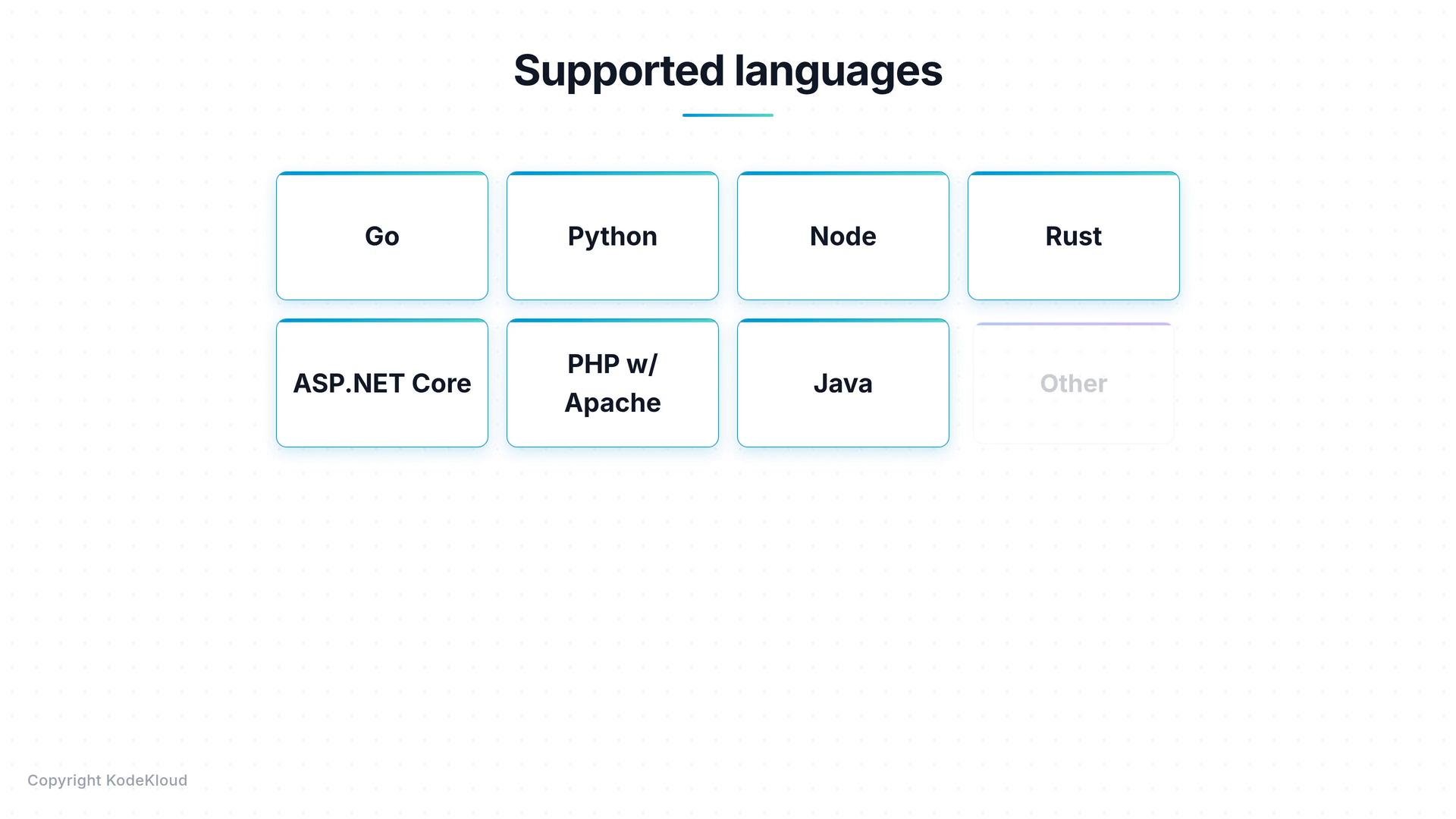
Docker Init includes templates for common platforms: Go, Python, Node, Rust, ASP.NET Core, PHP with Apache, and Java. If your project is not recognized, choose the "Other" option and Docker Init will drop a minimal, generic Dockerfile for you to customize.
 ## Existing files: docker init asks before overwriting
If a `Dockerfile`, `.dockerignore`, or `compose.yaml` already exists, `docker init` prompts before overwriting them so it's safe to run in projects that already contain Docker assets.
Example session:
```bash theme={null}
$ ls
Dockerfile .dockerignore compose.yaml src/
$ docker init
! Dockerfile already exists.
! .dockerignore already exists.
! compose.yaml already exists.
? Overwrite Dockerfile? [y/N]
? Overwrite .dockerignore? [y/N]
? Overwrite compose.yaml? [y/N]
```
When prompted about overwriting existing files, choose carefully. If you decline, Docker Init will not overwrite your current files.
## When to use docker init
* Starting a new project and you want a quick, recommended Dockerfile and companion files.
* You want a time-saving scaffold that follows best practices: multi-stage builds, slim base images, and non-root users.
* You need a reproducible starting point to iterate from.
## When not to use docker init
* You already have a working `Dockerfile` that fits your needs — no need to replace it.
* Your project has unusual requirements (native dependencies, custom build tooling, or special runtime constraints) that the templates don't cover. In those cases, write or customize the Dockerfile by hand.
Treat Docker Init outputs as a starter (similar to `create-react-app` or `cargo new`): a solid starting line, not the finished product.
## Links and references
* Docker CLI reference: [https://docs.docker.com/engine/reference/commandline/cli/](https://docs.docker.com/engine/reference/commandline/cli/)
* docker compose: [https://docs.docker.com/compose/](https://docs.docker.com/compose/)
* create-react-app: [https://create-react-app.dev/](https://create-react-app.dev/)
* cargo new: [https://doc.rust-lang.org/cargo/commands/cargo-new.html](https://doc.rust-lang.org/cargo/commands/cargo-new.html)
If you want a reproducible workflow for building and iterating, start with `docker init`, then customize the generated files for your project's specific needs.
This documentation is built and hosted on [Mintlify](https://mintlify.com), a developer documentation platform.
## Existing files: docker init asks before overwriting
If a `Dockerfile`, `.dockerignore`, or `compose.yaml` already exists, `docker init` prompts before overwriting them so it's safe to run in projects that already contain Docker assets.
Example session:
```bash theme={null}
$ ls
Dockerfile .dockerignore compose.yaml src/
$ docker init
! Dockerfile already exists.
! .dockerignore already exists.
! compose.yaml already exists.
? Overwrite Dockerfile? [y/N]
? Overwrite .dockerignore? [y/N]
? Overwrite compose.yaml? [y/N]
```
When prompted about overwriting existing files, choose carefully. If you decline, Docker Init will not overwrite your current files.
## When to use docker init
* Starting a new project and you want a quick, recommended Dockerfile and companion files.
* You want a time-saving scaffold that follows best practices: multi-stage builds, slim base images, and non-root users.
* You need a reproducible starting point to iterate from.
## When not to use docker init
* You already have a working `Dockerfile` that fits your needs — no need to replace it.
* Your project has unusual requirements (native dependencies, custom build tooling, or special runtime constraints) that the templates don't cover. In those cases, write or customize the Dockerfile by hand.
Treat Docker Init outputs as a starter (similar to `create-react-app` or `cargo new`): a solid starting line, not the finished product.
## Links and references
* Docker CLI reference: [https://docs.docker.com/engine/reference/commandline/cli/](https://docs.docker.com/engine/reference/commandline/cli/)
* docker compose: [https://docs.docker.com/compose/](https://docs.docker.com/compose/)
* create-react-app: [https://create-react-app.dev/](https://create-react-app.dev/)
* cargo new: [https://doc.rust-lang.org/cargo/commands/cargo-new.html](https://doc.rust-lang.org/cargo/commands/cargo-new.html)
If you want a reproducible workflow for building and iterating, start with `docker init`, then customize the generated files for your project's specific needs.
This documentation is built and hosted on [Mintlify](https://mintlify.com), a developer documentation platform.