> ## Documentation Index
> Fetch the complete documentation index at: https://notes.kodekloud.com/llms.txt
> Use this file to discover all available pages before exploring further.
# Documents in Elasticsearch
> This article explains how logs are stored as documents in Elasticsearch, highlighting key features and the transformation process for efficient data search and analysis.
Welcome to this comprehensive lesson on how logs are stored in Elasticsearch. In this guide, we will explain how a log file is transformed into a document within Elasticsearch and highlight the essential features that make Elasticsearch a powerful tool for real-time data search and analysis.
Elasticsearch stores all information in the form of documents. These documents are the fundamental data unit, structured in JSON format and optimized for rapid, full-text search.

## Key Features of Elasticsearch Documents
Documents in Elasticsearch are characterized by several key features:
1. **JSON Format**\
Documents are stored in a lightweight JSON format that is both human-readable and easy for machines to parse and generate. With support for complex nested structures, JSON is ideal for representing rich data objects and diverse data types such as numbers, strings, dates, arrays, and embedded objects.
2. **Indexing**\
Indexing is the process of storing documents in a manner that facilitates quick search operations. When a document is indexed, Elasticsearch converts the JSON data into an inverted index—a data structure that is optimized for fast full-text searches. In upcoming lessons, we will delve deeper into how indexing works and its role in improving search performance.
3. **Nodes and Clusters**\
A single instance of Elasticsearch is called a node, which stores data and participates in indexing and search operations. Multiple nodes work together to form a cluster that distributes data and search operations efficiently. Each node may serve various roles, such as master or client, contributing to the overall health and performance of the cluster.
4. **Sharding and Replicas**\
To manage large volumes of data, Elasticsearch splits an index into smaller, manageable pieces known as shards. Each shard is a self-contained index that can be distributed across nodes, enabling parallel processing of queries and enhancing overall performance. Additionally, replicas of shards offer redundancy to ensure data availability and faster search response times.
5. **Schema-Less Flexibility**\
Although Elasticsearch can use a predefined schema to control data structure, it is highly dynamic. You can start indexing documents without a defined schema, as Elasticsearch automatically detects and adds new fields as they appear. This schema-less approach is particularly useful in agile development environments where data structures quickly evolve.
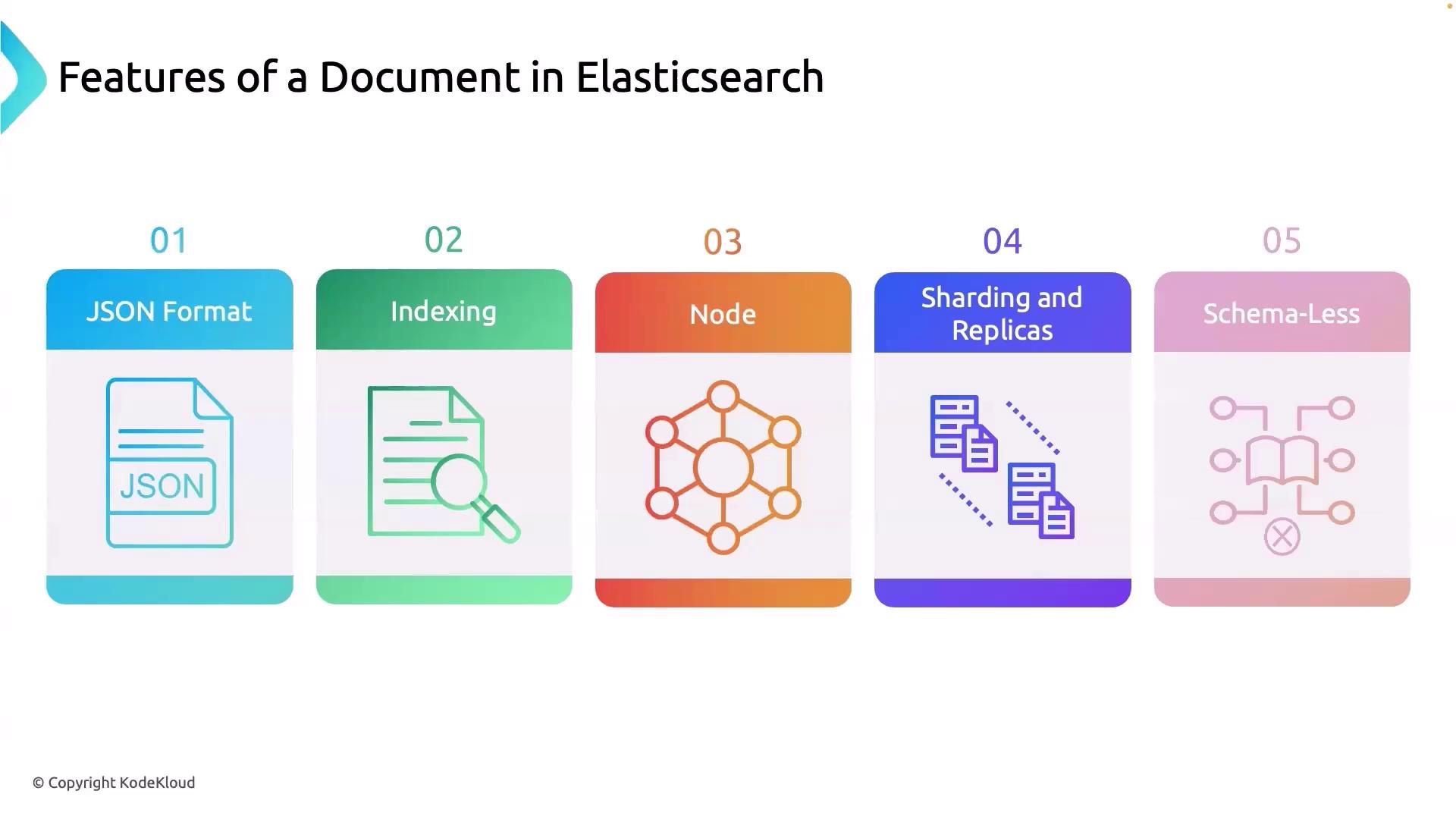
Together, these features—JSON formatting, advanced indexing, robust clusters, efficient sharding with replicas, and flexible schema management—form the backbone of Elasticsearch's ability to perform large-scale, complex data analysis in real time.
## How a Log File is Stored as a Document
When a log file is ingested, Elasticsearch transforms it into a document enriched with additional metadata, ensuring efficient search and retrieval. This metadata usually includes:
* A designated index name that groups related logs.
* A type identifier (commonly `_doc`).
* A unique document ID.
* A score representing the relevance of the document in search queries.
* The actual log data within the `_source` field.
Consider the following example of a transformed log file:
```json theme={null}
{
"_index": "webserver_logs",
"_type": "_doc",
"_id": "DD46948BFqy1faFsINf8",
"_score": 0.2876821,
"_source": {
"timestamp": "2024-02-28T10:35:12+0000",
"ip": "192.168.1.100",
"method": "GET",
"url": "/images/logo.png",
"status": 200,
"bytes": 2326,
"referer": "https://www.example.com/",
"user_agent": "Mozilla/5.0 (Windows NT 10.0; Win64; x64) ..."
}
}
```
In this example:
* The "\_index" field groups related log entries.
* The "\_type" (typically `_doc`) identifies the document type.
* The "\_id" ensures each document is uniquely identifiable.
* The "\_score" plays a role during search queries to indicate document relevance.
* The "\_source" field contains the actual log data.
This structure is fundamental for harnessing Elasticsearch's powerful real-time search capabilities.
In our next lesson, we will explore how these documents are indexed and the mechanics behind the fast searching capabilities of Elasticsearch. Stay tuned for more in-depth insights!