> ## Documentation Index
> Fetch the complete documentation index at: https://notes.kodekloud.com/llms.txt
> Use this file to discover all available pages before exploring further.
# Demo Debugging WebAssembly
> This hands-on tutorial explores WebAssembly debugging workflows using Emscripten and Chrome DevTools for C/C++ projects.
In this hands-on tutorial, we’ll explore WebAssembly (WASM) debugging workflows using Emscripten and Chrome DevTools. You’ll learn how to compile a simple C function to WASM, step through raw instructions in the browser, and then enable source-level debugging with DWARF symbols for C/C++ projects.
## Basic Debugging Experience
We start with a minimal C library that calculates the factorial of a non-negative integer:
```c theme={null}
#include
EMSCRIPTEN_KEEPALIVE
int factorial(int n) {
if (n < 0) return -1; // Undefined for negatives
if (n <= 1) return 1; // 0! and 1! are 1
int result = 1;
for (int i = 2; i <= n; ++i) {
result *= i;
}
return result;
}
```
Add an HTML page with JS glue to invoke the WASM module:
```html theme={null}
```
Compile using Emscripten:
```bash theme={null}
emcc debug_wasm_basic.c \
-s MODULARIZE \
-s EXPORT_ES6 \
-o debug_wasm_basic.js
```
When you open the HTML in Chrome and inspect DevTools > **Sources**, you’ll find both the generated JavaScript and the raw WebAssembly (`.wasm`):
```wasm theme={null}
(module
(table $t_indirect_function_table (export "_indirect_f") (elem (i32.const 0) $factorial))
(memory $mory 256 256)
(global $gglobal (export "global") i32 (i32.const 66576))
(func $factorial (export "factorial") (param $var0 i32) (result i32)
(local $var1 i32) (local $var2 i32) (local $var3 i32)
;; function body omitted
)
)
```
You can set breakpoints in JS, step into the WASM module, and inspect raw locals like `var0`. However, mapping these low-level variables back to your C source can be tedious.
Low-level WASM debugging displays raw opcodes (`local.get`, `i32.mul`, etc.) and generic local names. To see your original C/C++ code directly, you need DWARF debug symbols.
## Source-Level Debugging with DWARF
For larger C++ projects—such as rendering a Julia set fractal with SDL2—inspecting raw assembly is cumbersome. A Julia set is generated by iterating a simple complex-numbers formula for each pixel. Here’s a concise renderer:
```cpp theme={null}
#include
#include
#include
#include
int main() {
const int width = 600, height = 600;
SDL_Init(SDL_INIT_VIDEO);
SDL_Window* window;
SDL_Renderer* renderer;
SDL_CreateWindowAndRenderer(width, height, SDL_WINDOW_OPENGL, &window, &renderer);
const int MAX_ITER = 256;
SDL_Color palette[MAX_ITER];
std::srand(static_cast(std::time(nullptr)));
for (int i = 0; i < MAX_ITER; ++i) {
palette[i] = {
static_cast(std::rand()),
static_cast(std::rand()),
static_cast(std::rand()),
255
};
}
std::complex c(-0.7, 0.27015);
double zoom = 1.0;
for (int y = 0; y < height; ++y) {
for (int x = 0; x < width; ++x) {
double zx = 1.5 * (x - width / 2.0) / (0.5 * zoom * width);
double zy = (y - height / 2.0) / (0.5 * zoom * height);
std::complex z(zx, zy);
int iter = MAX_ITER;
while (std::abs(z) < 2.0 && iter > 0) {
z = z * z + c;
--iter;
}
SDL_Color color = palette[iter];
SDL_SetRenderDrawColor(renderer, color.r, color.g, color.b, color.a);
SDL_RenderDrawPoint(renderer, x, y);
}
}
SDL_RenderPresent(renderer);
SDL_Quit();
return 0;
}
```
### Compiling with Debug Info
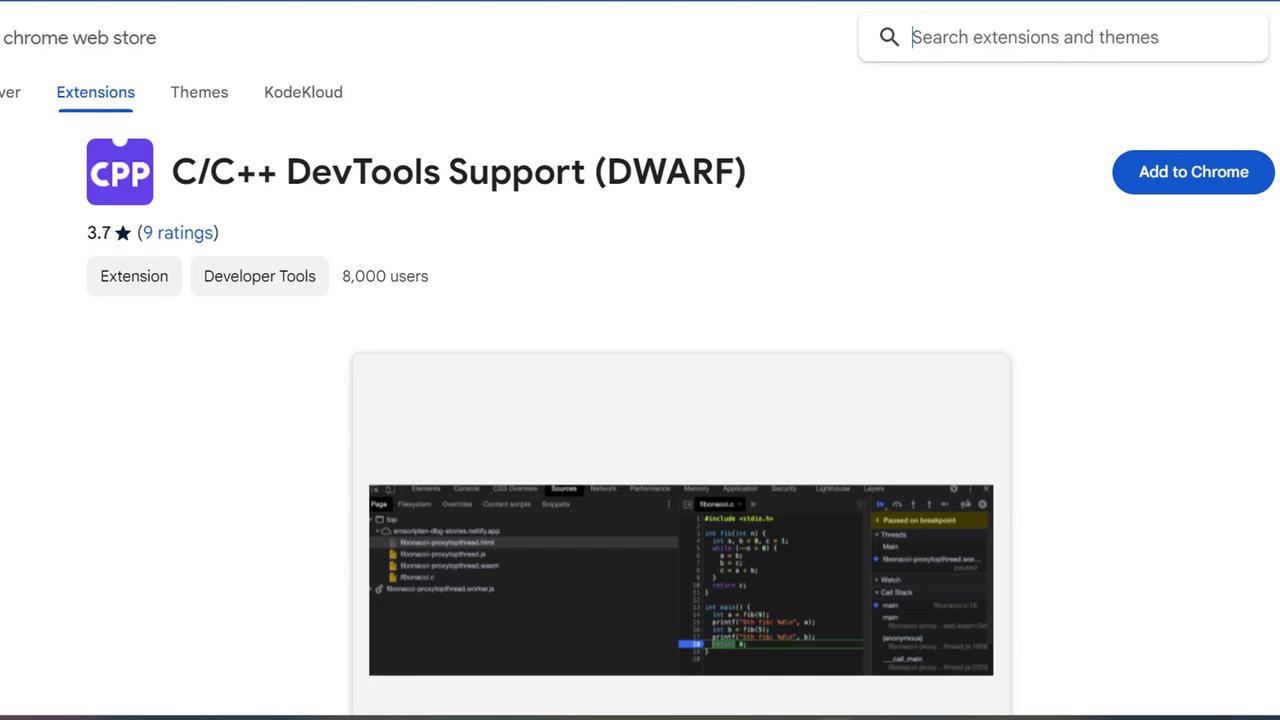
1. Install the **C/C++ DevTools Support (DWARF)** extension from the Chrome Web Store.
2. Compile with SDL2 support and DWARF symbols:
```bash theme={null}
emcc debug_wasm_advanced.cc \
-s ALLOW_MEMORY_GROWTH \
-s USE_SDL=2 \
-g \
-o debug_wasm_advanced.html
```
| Flag | Description |
| ------------------------ | -------------------------------- |
| `-g` | Embed DWARF debug symbols |
| `-s ALLOW_MEMORY_GROWTH` | Enable dynamic memory expansion |
| `-s USE_SDL=2` | Link SDL2 for graphics and input |
Open the resulting HTML in Chrome (with the DWARF extension enabled). In DevTools > **Sources**, you’ll find a **C/C++** tab where you can:
* Set breakpoints in your original `.cpp` files
* Step through high-level C++ code, not raw WASM opcodes
* Inspect variables by name and type
This workflow turns WebAssembly debugging into a familiar, source-level experience.
## Links and References
* [WebAssembly (MDN)](https://developer.mozilla.org/en-US/docs/WebAssembly)
* [Emscripten Documentation](https://emscripten.org)
* [Chrome DevTools for WebAssembly](https://developer.chrome.com/docs/devtools/)
* [C/C++ DevTools Support (DWARF) extension](https://chrome.google.com/webstore/detail/c-c-devtools-support-dwarf/phighkgjnflohpmkbanhpjbfbnnphhpp)
* [Julia Set (Wikipedia)](https://en.wikipedia.org/wiki/Julia_set)